



Brave just pushed out version 1.99.55 for desktop users, and it walks back a pretty annoying change by restoring split-view drag-and-drop. It comes just a couple of weeks after version 1.98.60 added automatic EXIF metadata scrubbing for uploaded and downloaded photos.
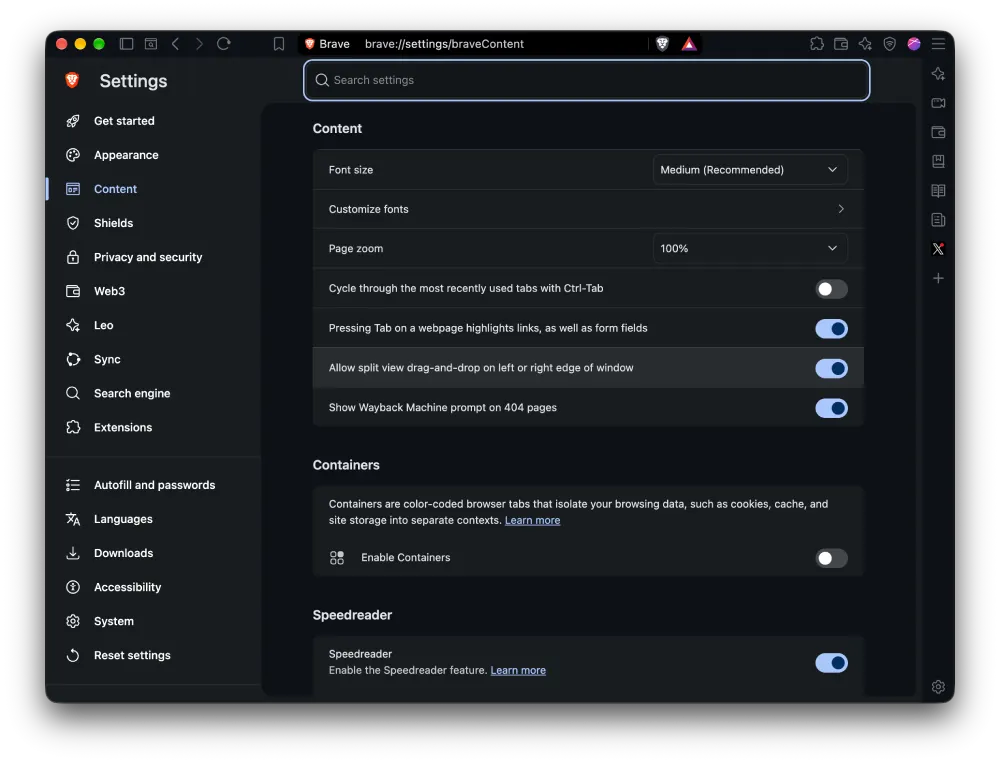
According to the official changelog, the team re-enabled the “Allow split view drag-and-drop on left or right edge of window” setting inside the browser content menu. If you regularly drag tabs to the side of your monitor to compare two pages side by side, having that toggle back saves a ton of extra clicks.
Most of the other tweaks in this build focus on the Leo AI assistant. Whenever you give the chatbot a vague prompt, it will now present a list of choices to clarify what you actually want instead of just guessing and getting it wrong.
The developers also improved suggested follow-up prompts and refreshed the underlying AI chat models, though they did not specify which models were updated this time. Nevertheless, I dug into the browser and found the following models available:
- Qwen 3.6 35B
Fast • Search • Vision- GLM 4.7 Flash
Fast • Search- Nemotron Nano 3 30B
Fast • Search • Tools- GPT Luna
Fast • Search • Vision- GLM 5.3 Flash
Beta- Claude Sonnet
Premium
Search • Vision • Tools- GPT 5.6 Terra
Premium
Search • Vision- Grok 4.7
Premium
Search • Vision • Tools- Mistral Large 3
Premium
Search- Kimi K2.5
Premium
Search- Qwen 3.8 Flash Next
Premium
Search • Vision- Deepseek V3.2
Premium
Search • Tools- Claude Opus
Premium
Search • Vision
More importantly, they patched a serious security bug in which a compromised Leo conversation frame could approve tool-use requests on its own without you clicking anything.
All this AI polish comes at a weird moment for the company, considering a major newspaper group recently sued Brave over allegations of scraping news data to feed AI companies.
To wrap up the smaller desktop updates, the URL bar now displays a magnifying glass icon when you use Brave Search, and the underlying engine has been updated to Chromium 157.0.8103.39. These same visual and engine updates are now available in the streamlined Brave Origin build too.
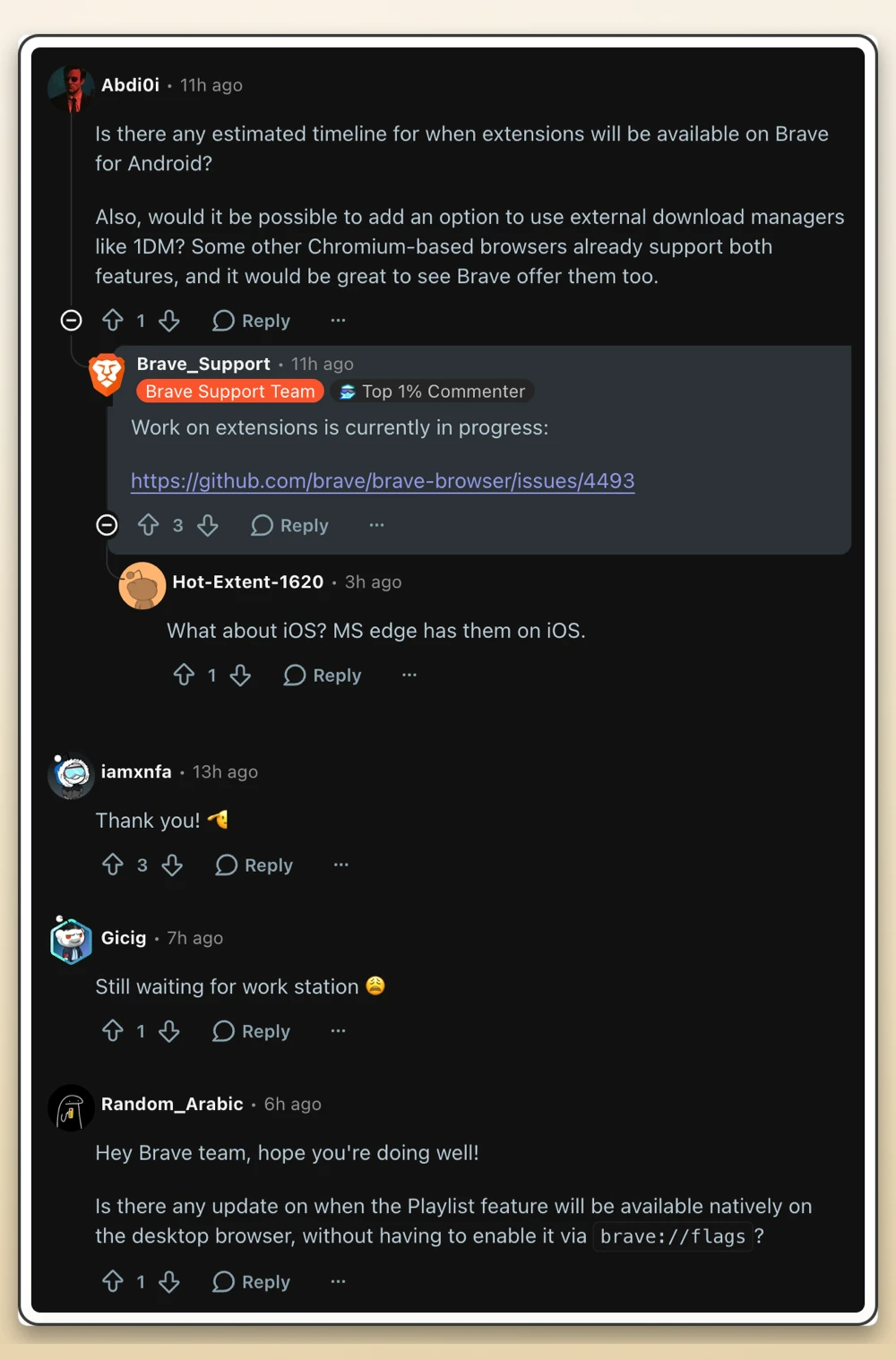
Even with these quality-of-life fixes landing right after the browser crossed 130 million monthly active users, people in the release thread on Reddit are still bugging the team about missing features.
One user asked when the native Playlist tool will finally leave experimental flags, while another asked for a timeline on mobile add-ons, prompting support staff to confirm that “Work on extensions is currently in progress” as the team builds out Android extension support.


Dwayne Cubbins
3185 Posts
I cover fast-moving stories across apps, online platforms, and everyday tech — phones, wearables, consoles, and whatever else people are fighting with this week. Bugs, rollouts, scams, policy enforcement, and the occasional internet-culture rabbit hole are all fair game. My goal is simple — make confusing tech news readable. When I'm not working, I'm working out or chilling with my dog. Got a tip? You can find me on X @dcubbins.