






Roughly a week after version 1.98 started rolling out and added GPT 5.6 and Grok 4.6 models to the Leo AI assistant, Brave has finally posted the full release notes for desktop version 1.98.60.
We promised to share additional details once the official changelog dropped, and it turns out the biggest unannounced addition is a built-in tool that automatically strips hidden metadata from images whenever you upload or download them.
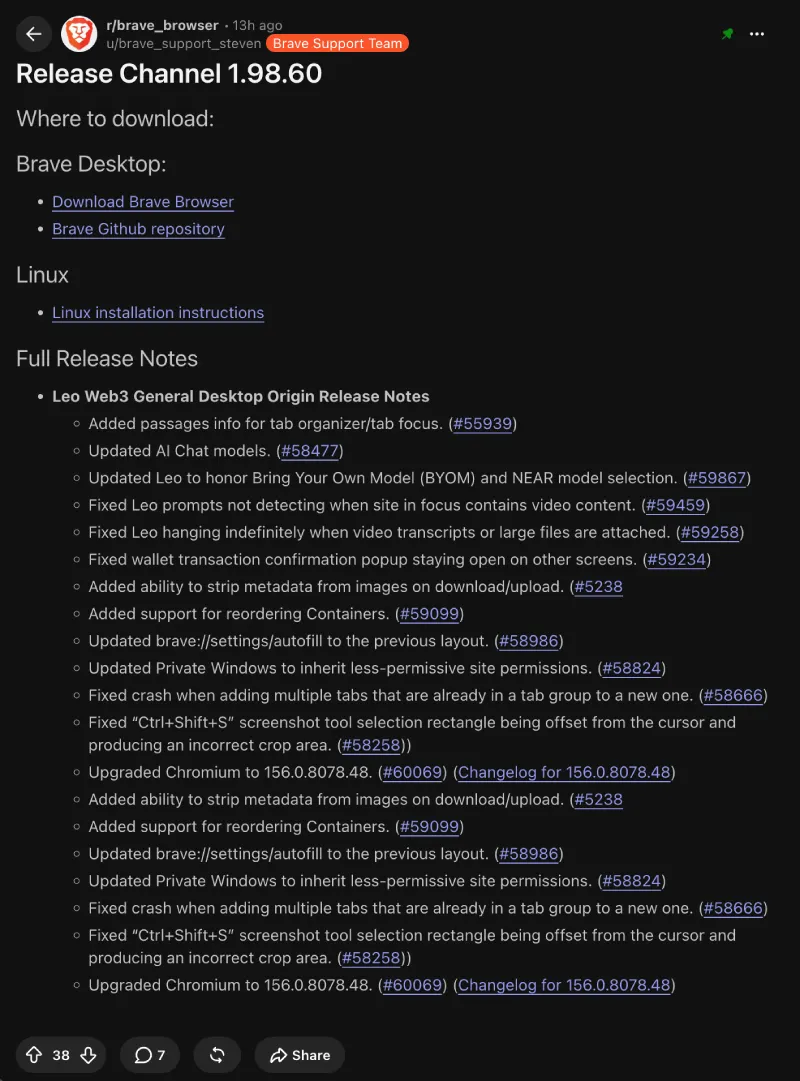
Normally, photos taken on your phone or camera carry invisible EXIF details like your exact GPS location, the date, and what device you used. Having the browser scrub that information automatically before you post an image online is a massive win, and it shows why Brave easily took the top spot in Proton’s recent privacy browser testing.
Alongside the photo scrubber, Private Windows have been updated so they inherit less-permissive site permissions by default. That means permissions you allowed in a normal tab will not quietly carry over when you switch to private browsing.
You can now also reorder Containers if you use them to keep multiple logins separated in the same window. It is a neat upgrade while we wait for the team to finish testing automatic site containers and privacy tuning tools in Brave Nightly.
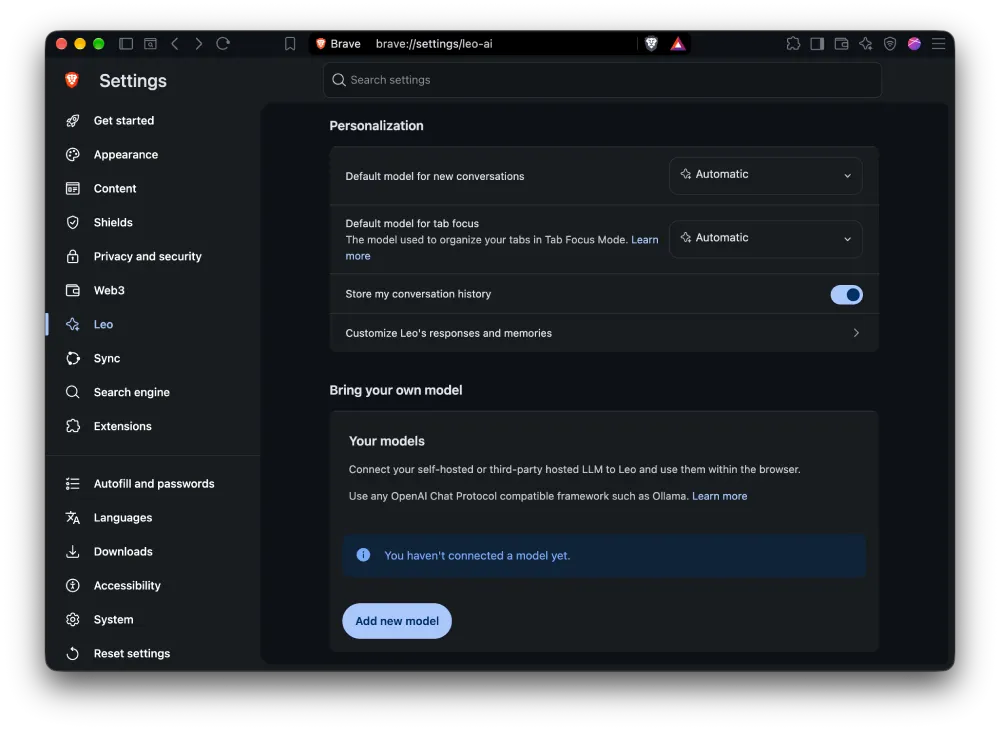
Apart from the new models that we covered last week, the update also cleans up a few annoying bugs with the Leo chatbot. Leo will now properly honor your Bring Your Own Model and NEAR model selections, detect when a page has video content, and stop freezing indefinitely when you attach large files or video transcripts.
Coming to the boring (but still important) stuff, the developers bumped the underlying engine to Chromium 156 and reverted the autofill settings menu back to its previous layout. They also fixed a browser crash that happened when moving multiple grouped tabs into a new tab group.
One other notable fix resolves a frustrating glitch with the Ctrl+Shift+S screenshot shortcut where the selection box was offset from the cursor and produced a messed-up crop. Even with that patched, some users in the Reddit thread are already complaining about the tool itself, with one person asking, “Can we please return to the old screenshot tool? It was really just so much better than the new one, where I have to click like 3 times to get what I used to get automatically.”


Dwayne Cubbins
3156 Posts
I cover fast-moving stories across apps, online platforms, and everyday tech — phones, wearables, consoles, and whatever else people are fighting with this week. Bugs, rollouts, scams, policy enforcement, and the occasional internet-culture rabbit hole are all fair game. My goal is simple — make confusing tech news readable. When I'm not working, I'm working out or chilling with my dog. Got a tip? You can find me on X @dcubbins.