





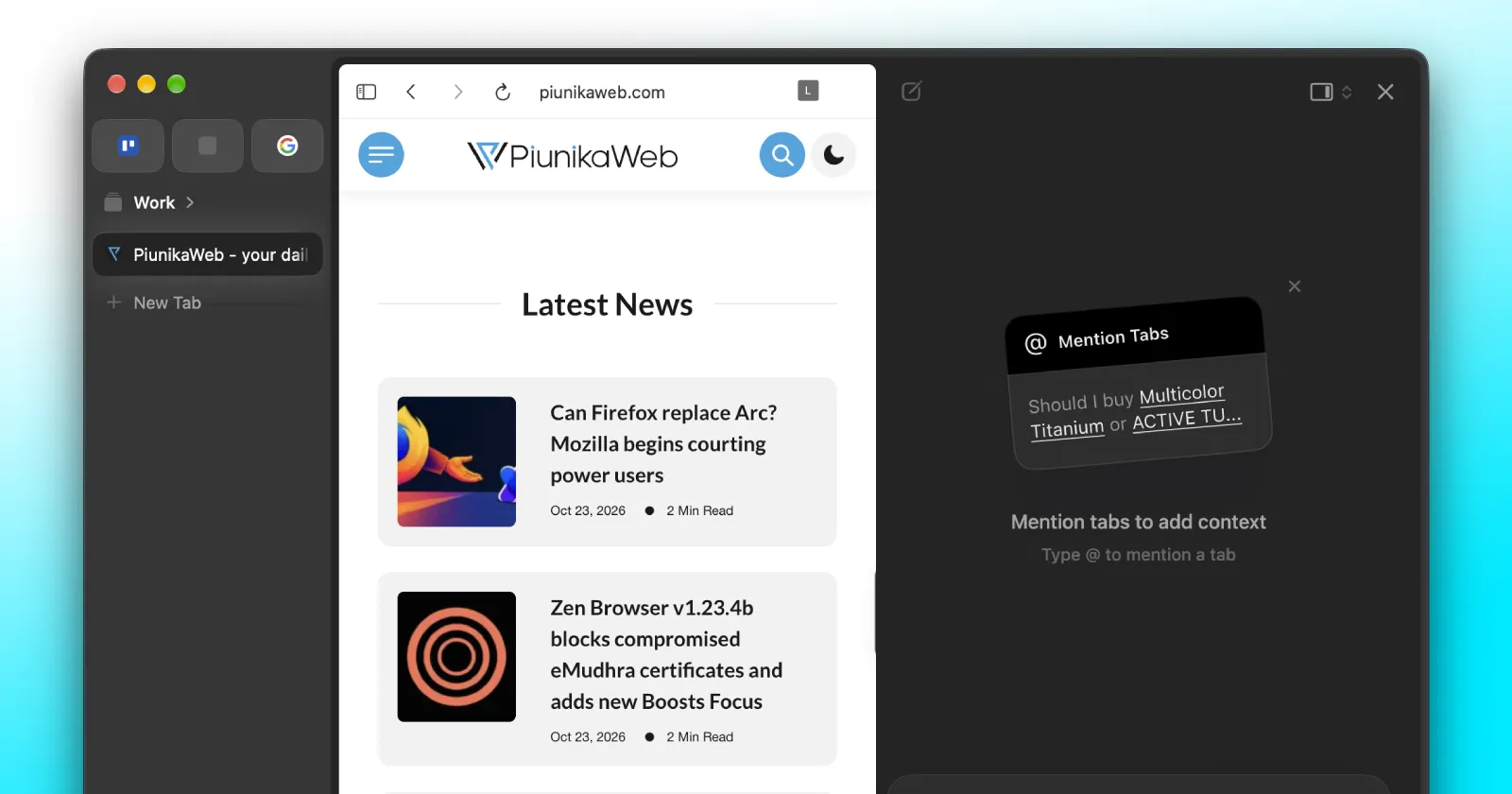
Dia has picked up its weekly updates, bumping the browser to version 1.54.0 on Mac and version 1.3.0 on Windows. According to the changelog, these builds mostly focus on connecting your computers, cleaning up the interface, and shaving off a bit more wait time when using the AI chat.
If you jump between a Windows PC and a Mac, the biggest news in version 1.3.0 is that Dia Sync has arrived on Windows. It merges matching profiles and keeps your setup connected across both machines, which is a huge relief if you joined right after Dia launched on Windows earlier this month and hated managing two separate setups.
Windows users also get Focus Mode in this build. It hides the sidebar or top tabs to give web pages more breathing room while still working alongside split view. Plus, you can drag these clean windows around by grabbing any empty space in the address bar.
The Windows app also picked up a visual refresh with updated new-tab artwork and a new app icon. This brings it in line with the changes that hit the Mac app a few weeks ago.

Additionally, there is a new toggle to open fresh sidebar tabs at the top to match “Arc’s familiar tab order,” which pairs nicely with the Arc-style pinned tabs that rolled out a couple of weeks ago.
There are a few other small changes for Windows, such as F11 now toggling fullscreen properly, and tweaked keyboard shortcuts that stop messing with AltGr typing on international keyboards.
Both platforms share a few notable upgrades this week too, starting with a bump to the Chromium M156 engine that “adopts Chrome’s Perplexity search integration.”
That said, the notes also mention the faster AI chat experience; however, we’ve seen the same notes in the past couple of builds. Even so, in our tests, the chat still isn’t as fast as you’d expect, even though the team has mentioned the speed improvements multiple times now. So we’d take this with a grain of salt.
Moving on from that, external app popups support keyboard shortcuts on both Mac and Windows now, so you do not have to reach for your mouse every time a dialog box appears on screen. Mac users have a pretty short list of exclusive changes this time around, though you can now hit Cmd+Shift+D to pin tabs straight to your Favorites.


Dwayne Cubbins
3143 Posts
I cover fast-moving stories across apps, online platforms, and everyday tech — phones, wearables, consoles, and whatever else people are fighting with this week. Bugs, rollouts, scams, policy enforcement, and the occasional internet-culture rabbit hole are all fair game. My goal is simple — make confusing tech news readable. When I'm not working, I'm working out or chilling with my dog. Got a tip? You can find me on X @dcubbins.