





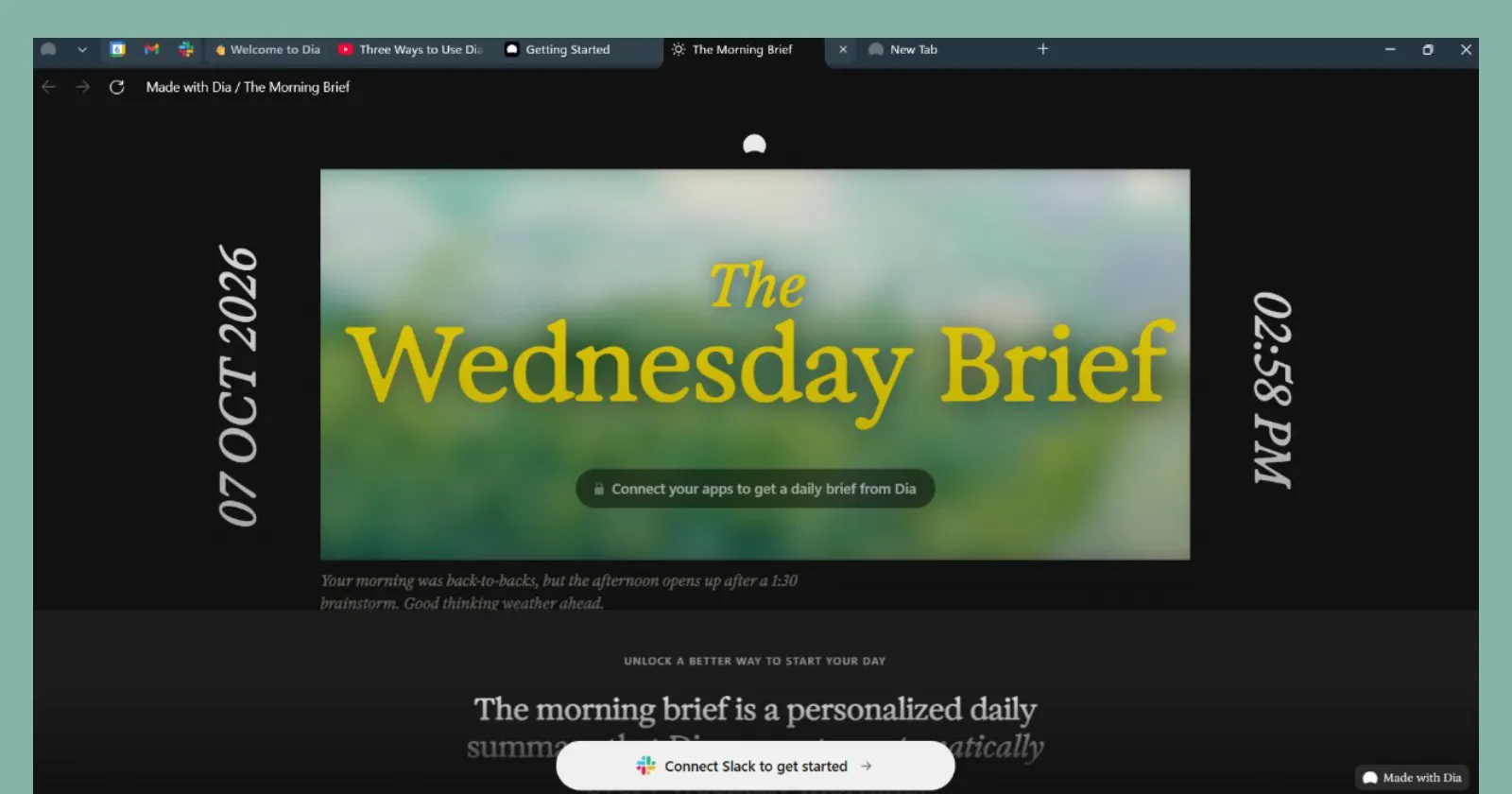
It’s finally here. After making Windows users for over a year, Atlassian has finally released its AI-powered Dia browser for the platform. You can download the app from the official website right now.
This follows several weeks of testing with a relatively small group of users who signed up for the beta program. The company first announced in July that the browser was slated for a fall launch this year. Then we got our first signs of the company taking things up a notch when they hired a Slack Windows app veteran to make sure the desktop app felt fast and native.
We downloaded the browser on our Windows machine to see how it feels. Once we ran the installer, the setup screen asked for a work email address. There’s also a disclaimer at the bottom that warns it’s “an early, untested build” and that the app is “not yet security-tested and isn’t recommended for daily web use.”
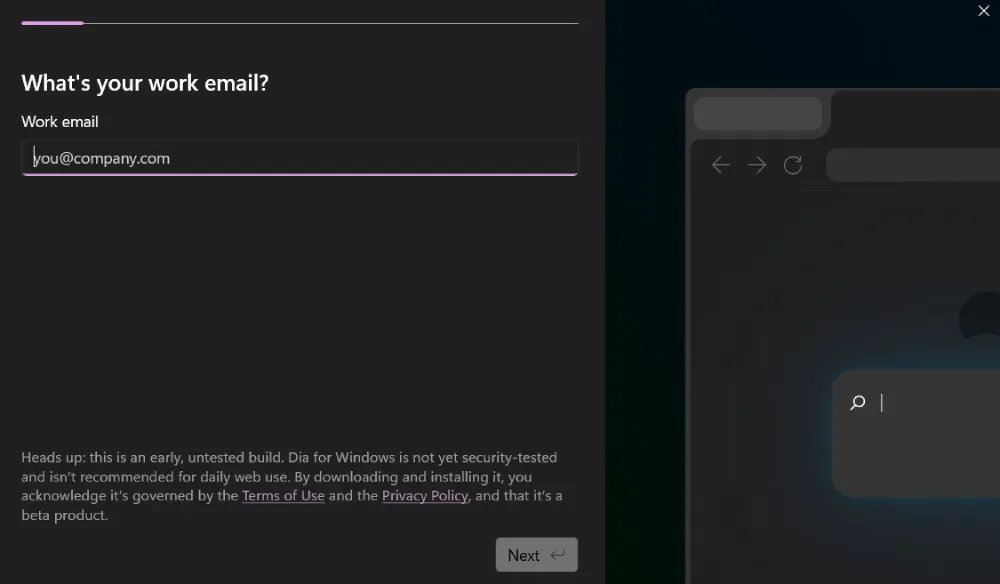
This is pretty odd, since we downloaded the build from the official website. The page doesn’t mention that the build is a test build right now. So either Atlassian made the page live before linking the stable build, or the company rushed the release. Either way, that’s not exactly a good first impression. But it’s not the end of the world.
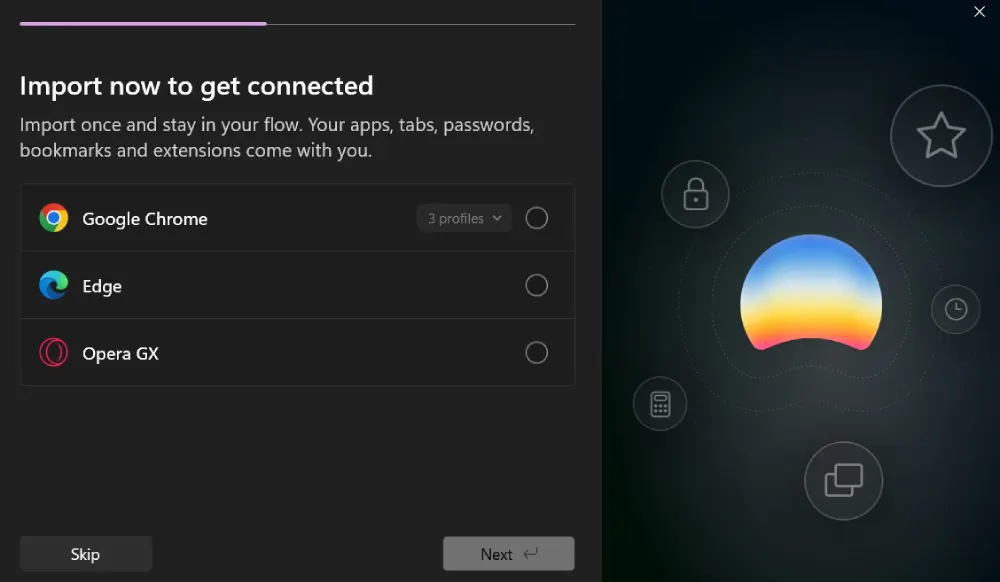
If you move past the warning, the onboarding shifts toward convenience. The migration tool lets you bring over open tabs, passwords, bookmarks, and extensions in one go from existing browsers on your device like Google Chrome or Edge, so you do not have to rebuild your browsing setup from scratch.
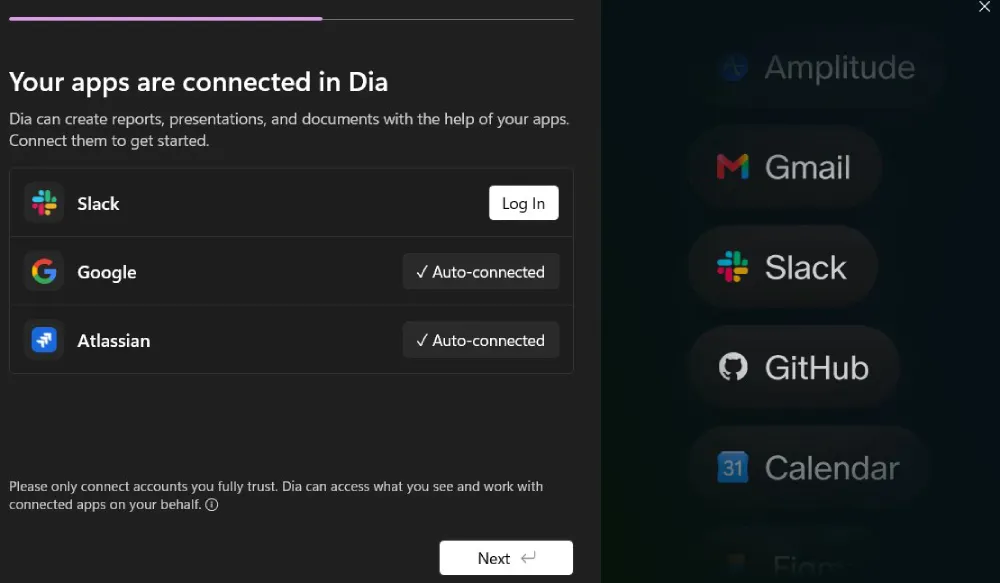
The next step makes it obvious where the software actually wants to spend its energy. Dia asks you to link workplace accounts like Slack, Google Workspace, and Atlassian right away. The main pitch is that connecting these tools allows the browser to assemble presentations, pull bug summaries, and generate formatted reports directly from your ongoing work.
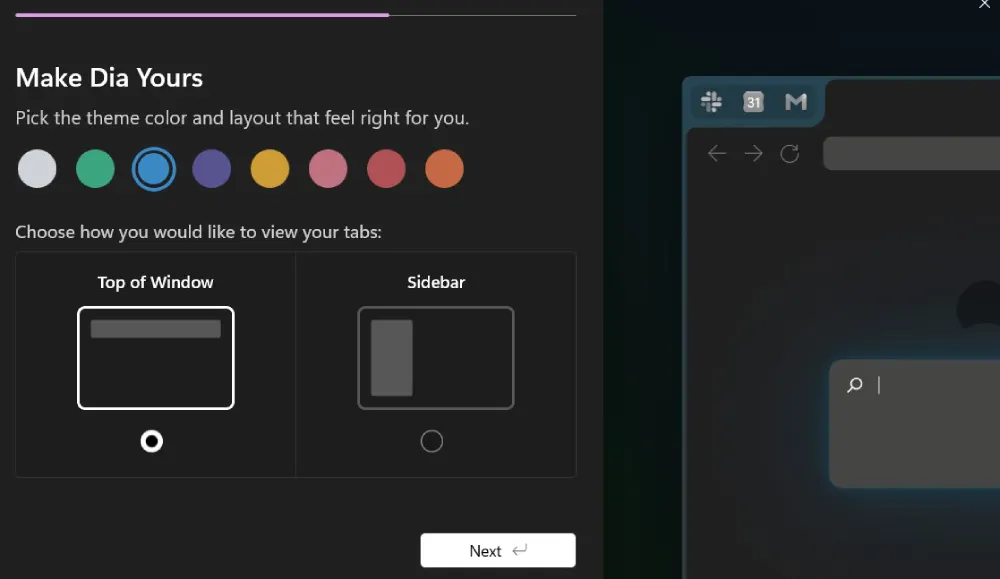
Before landing on your first page, you get to tweak the interface. Dia lets you pick an accent color and choose whether you want traditional horizontal tabs across the top or a vertical sidebar layout that should feel immediately comfortable to anyone who loved Arc.
All this fits in with the company’s vision of making Dia a “doer,” not a regular browser for folks who spend their entire day working inside web apps.
That workplace focus also explains why the software has drifted away from casual browsing. The company sparked plenty of pushback over the summer when it announced expensive monthly AI plans reaching up to one hundred dollars, clearly targeting corporate expense accounts rather than individual users.


Dwayne Cubbins
3092 Posts
I cover fast-moving stories across apps, online platforms, and everyday tech — phones, wearables, consoles, and whatever else people are fighting with this week. Bugs, rollouts, scams, policy enforcement, and the occasional internet-culture rabbit hole are all fair game. My goal is simple — make confusing tech news readable. When I'm not working, I'm working out or chilling with my dog. Got a tip? You can find me on X @dcubbins.