






Just a couple of days after Dia was released on Windows, The Browser Company is already pushing out its first batch of fixes for the platform while rolling out a beefy update for Mac users at the same time.
The fresh releases bump Dia to version 1.52.0 on macOS and version 1.1.0 on Windows. Both builds share a good chunk of common ground, but the biggest highlight for old Arc fans is easily the return of Arc-style pinned tabs.
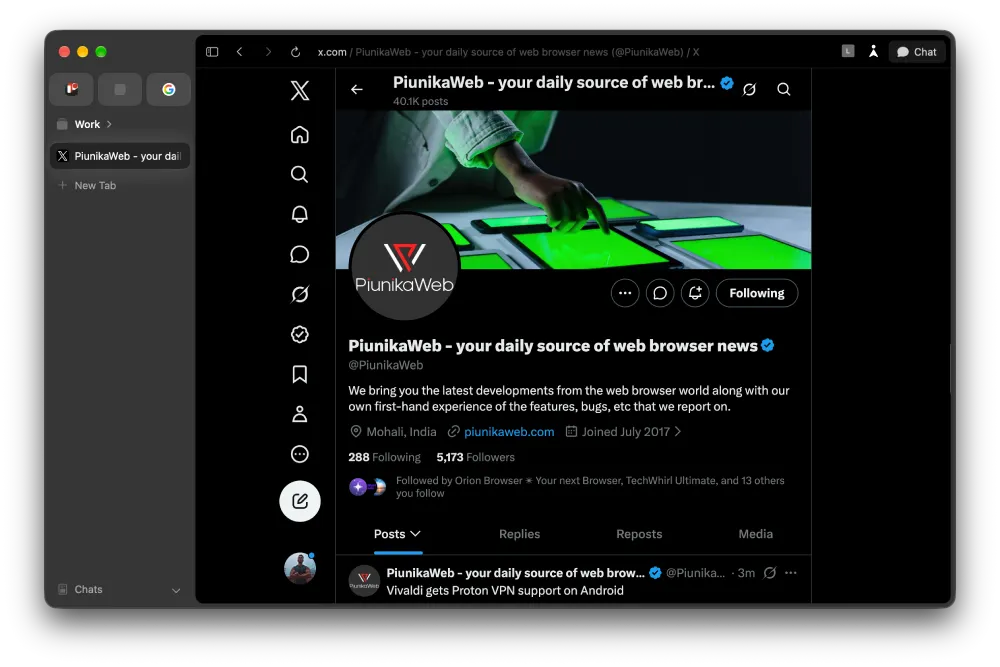
If you’re used to organizing your workspace in Arc, Dia may have felt a little rigid until now. You can pin tabs outside Favorites and designated tab groups without them getting absorbed into either. The release notes say this lets you keep the layout you’re familiar with, and your pinned tabs will even carry over when you import your setup from Arc.
With this, it now feels like the team is finally listening to Arc-browser fans who missed having a neat middle ground between temporary clutter and permanent favorites.
The other big shared upgrade focuses on AI speed. Anyone who uses Dia chat knows the slight delay between sending a prompt and watching the browser think can get annoying. With these new builds, Dia starts streaming the first block of text and thinking deltas immediately so you aren’t stuck staring at a blank sidebar waiting for a response to begin.
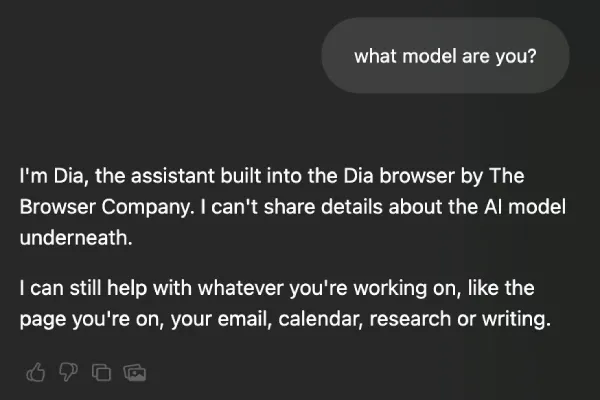
In my testing, I did notice quicker response times. However, I also bumped into something interesting. The AI chatbot no longer tells me what model it is. Earlier, Dia’s AI chatbot was powered by Opus 4.8, but it no longer discloses the model.
This builds on the steerable chat tools that rolled out in the previous macOS 1.51.0 update, making the whole back and forth feel a lot snappier.
Over on Windows, version 1.1.0 tackles some of the rough edges that showed up during the initial rollout. The update speeds up tab closing and switching by stripping out unnecessary title-bar and layout work, while also fixing awkward dialog focus and command bar alignment.
Another feature worth pointing out is swipeable profiles that are now available in the Windows version.
Swipeable profiles is on Windows too!! In episode 11, Sherry walks us through the fan favorite feature on Dia for Windows. https://t.co/VfGNpxeRE5
— Dia (@diabrowser) October 7, 2026
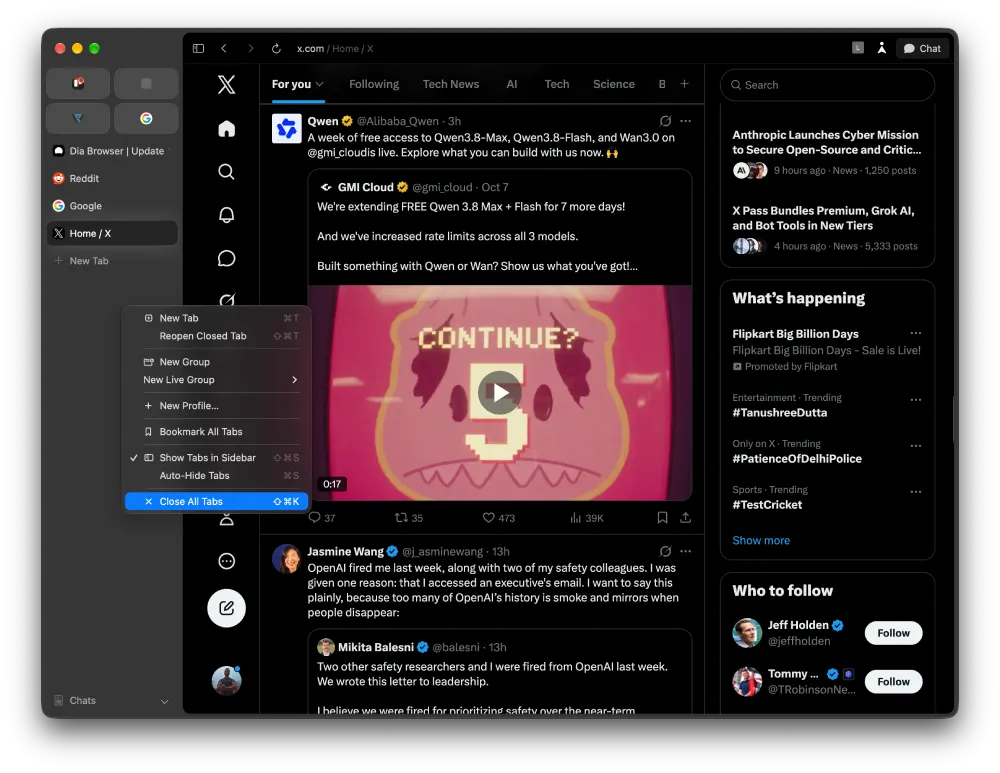
Mac users get a few exclusive perks too. There is a handy new button in the sidebar to kill unpinned tabs with one click, and an active tab indicator that keeps the favicon pinned into view if your current tab scrolls off the screen.
Signing in to Atlassian automatically connects your workspace tools, with no manual setup required. It’s part of Atlassian’s broader vision for Dia: a tool that helps get work done, not just another window for reading articles.


Dwayne Cubbins
3099 Posts
I cover fast-moving stories across apps, online platforms, and everyday tech — phones, wearables, consoles, and whatever else people are fighting with this week. Bugs, rollouts, scams, policy enforcement, and the occasional internet-culture rabbit hole are all fair game. My goal is simple — make confusing tech news readable. When I'm not working, I'm working out or chilling with my dog. Got a tip? You can find me on X @dcubbins.