






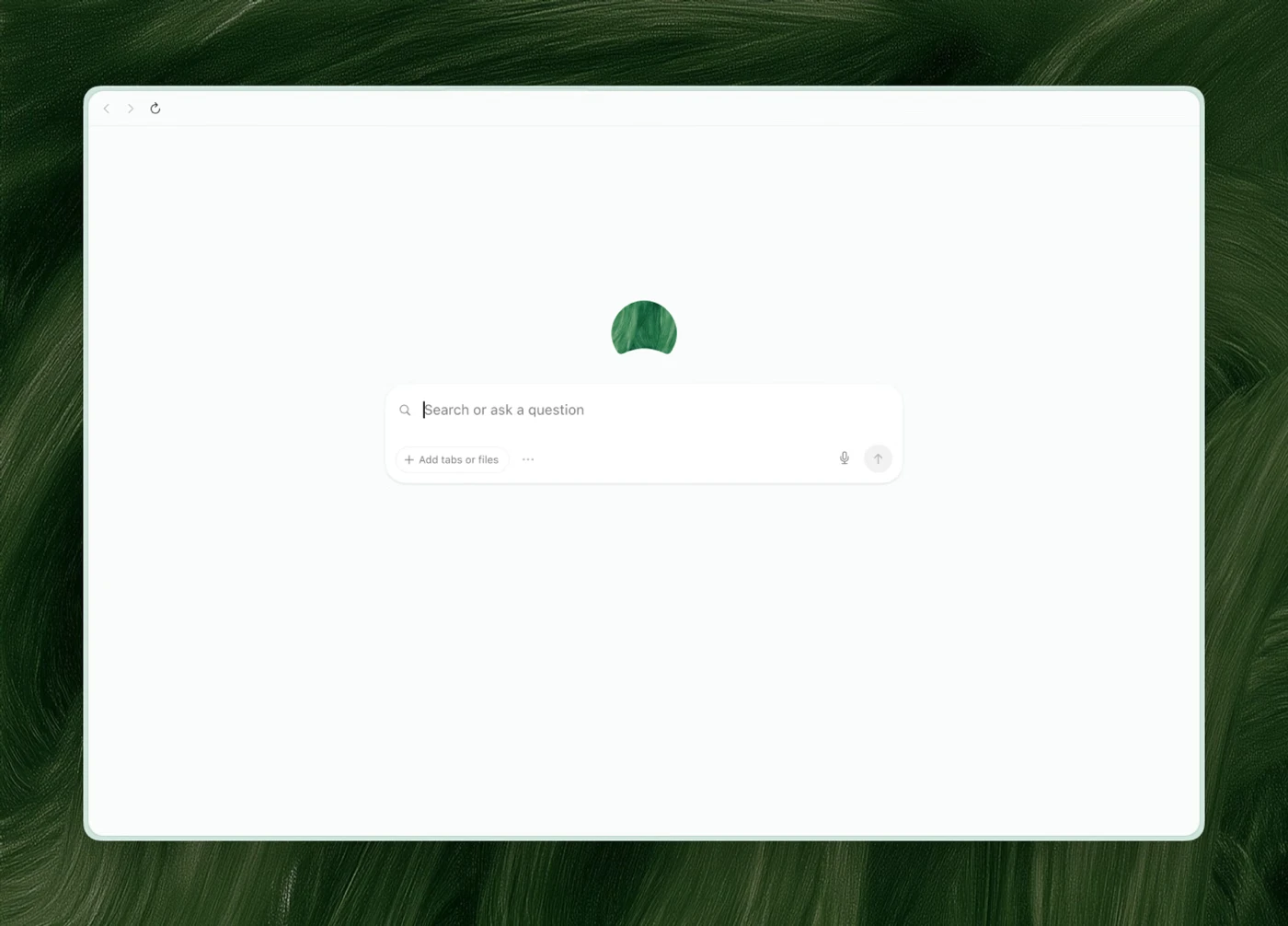
The Browser Company just gave Dia a new splash of paint. Literally! The new v1.50.0 update brings a refreshed look to the browser, and a team member named An did the artwork by hand, painting with oil on canvas on the side.
Today, the beginning of a refreshed brand lands in Dia, painted by hand, to give you warmer, brighter, better days. pic.twitter.com/oyCpN2K7tR
— Dia (@diabrowser) September 24, 2026
The logo’s shape itself hasn’t changed, but it now uses a bright new color called Sunglow Yellow. Here’s the new Dia icon for reference:

But that’s not all. Each Profile color also gets its own custom, hand-painted Dia icon on the New Tab Page. The team wants Dia to feel “warmer, brighter, and made with care,” and describes the update as “a little art in your work day, a little sunlight on your LED screen, a little joy in the mundane.”
On the feature front, the browser now supports Figma tools, so you can easily tell which frame is final by asking Dia, instead of scrolling through many versions.
Another useful new feature is the ability to search past chats by date, title, or keywords. Browsing history works the same way, letting you find sites by date, page title, or web address. Dia can also find and reopen files you created earlier, so you can access your old work even after closing the tab.
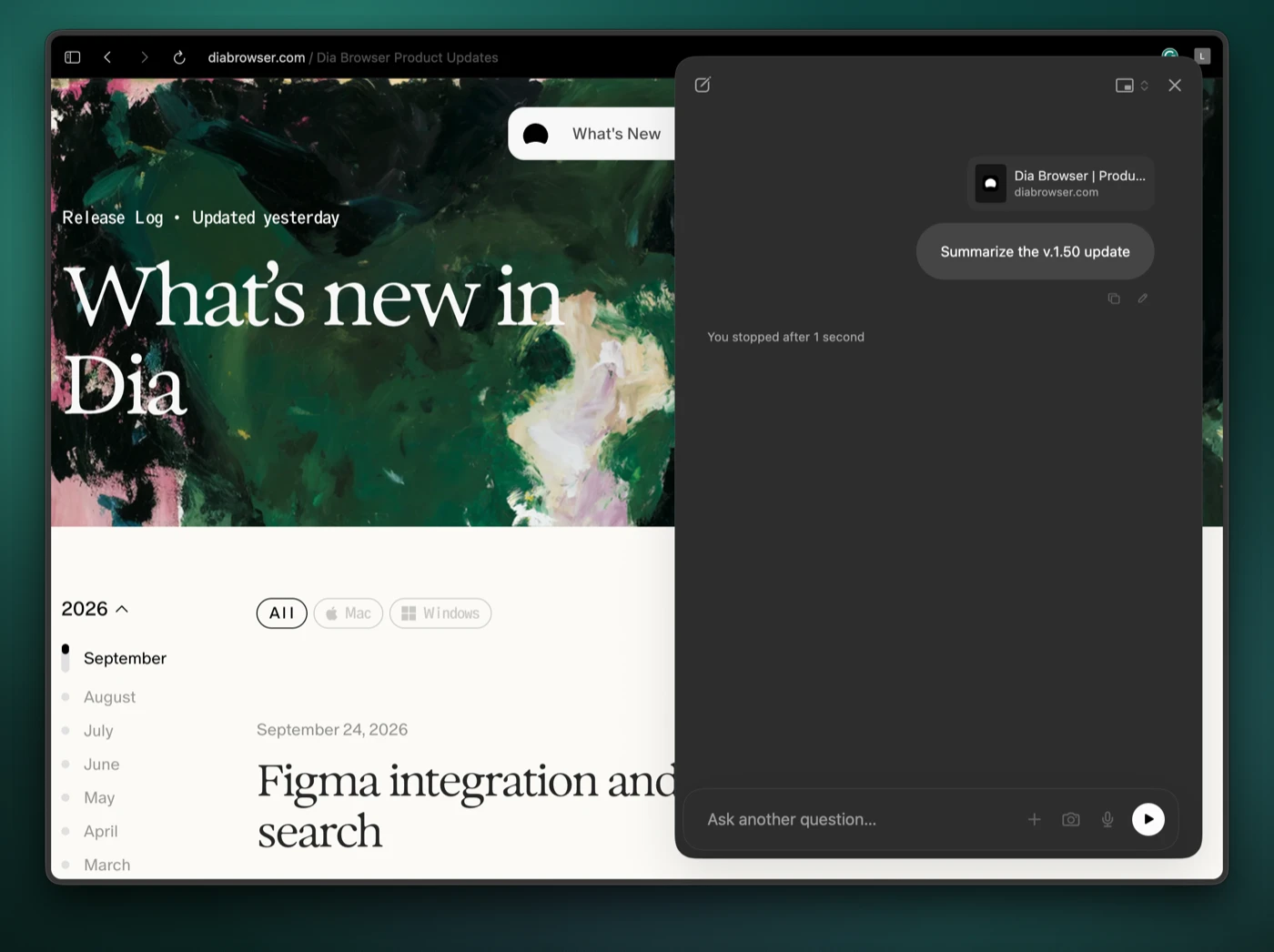
And on the subject of chatting with AI, the browser now lets you stop a response mid-stream and resume it later. You can also edit your prompt to redirect the conversation.
If you use dictation, the latest update will make life easier: it now keeps your Mac awake while you speak and stays running when you switch tabs. The browser will show an indicator so you know it’s still listening.
Developers can also collapse and expand PR stacks in GitHub Live Folders. The browser will even remember the state after a restart.
Beyond these new features, a smaller on-device model now decides whether your command bar text should go to chat or Google. The company also fixed a memory leak that happened during tab cleanup.
That said, Dia is removing the Memory feature. The company says newer models “no longer need it to understand your context.” If you had Memory turned on, you do not need to do anything. Dia “works the same, just pulling context from richer on-demand tools instead.”
This release follows the previous v1.49 update, which added minor improvements to the browser’s AI features. So it’s good to see a slew of new features and improvements after weeks of minor updates.
Plus, as we mentioned in our previous update post, Dia is now finally logging new changes and improvements on its dedicated changelog page, something it stopped doing for a while.


Dwayne Cubbins
3053 Posts
I cover fast-moving stories across apps, online platforms, and everyday tech — phones, wearables, consoles, and whatever else people are fighting with this week. Bugs, rollouts, scams, policy enforcement, and the occasional internet-culture rabbit hole are all fair game. My goal is simple — make confusing tech news readable. When I'm not working, I'm working out or chilling with my dog. Got a tip? You can find me on X @dcubbins.