The latest update to Dia brings refinement to existing AI features and some overall performance improvements. It isn’t big on user-facing features, and this version is mostly about improving the experience.
However, there’s one major “change” this time in how the company presented the changelog. For months, we relied on personal testing and third-party changelogs for information. The official Release Notes provided little detail, sometimes none at all.
The postcards were filled with irrelevant details, such as an employee’s coffee preference or afternoon browser schedule. We’ve been asking Dia to bring back the direct changelogs for a while now, as they’re more useful to consumers. They’ll actually find out what’s new in a browser update, and that even incentivizes more people to update to the latest version.
Thankfully, the latest version for Dia doesn’t include these “postcards.” Instead, we have proper Release Notes, which The Browser Company officially posted on the changelog page. I’ve attached a screenshot of the changelog below.
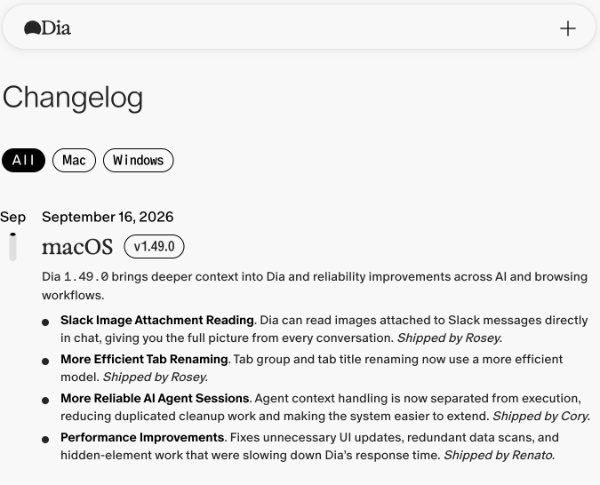
As you can see, we didn’t get new features this time around.
Here’s a summary:
- Slack images now show up in chat: If someone sends a screenshot or photo in Slack, Dia can now look at that image when you chat. You don’t have to specifically describe aspects of that photo. In Dia chat, you can just ask about the screenshot/photo or ask it to summarize. Dia should read the attached image as well, and not just the text.
- Tab and tab-group renaming now happens through a lighter model, so it will feel quicker to use.
- AI agent sessions should be less “flaky.” Dia has now split the memory from the activity of the agent, so you may notice fewer half-finished steps or repeated steps. This is more of a stability/refinement tweak.
- Performance improvements: Dia used to perform extra UI refreshes (before this update) for no reason, or scan data unnecessarily. This slowed down the browser.
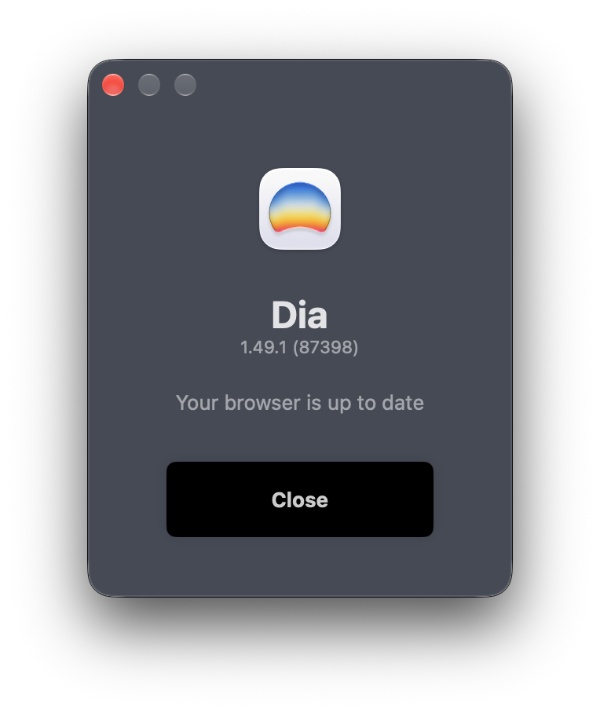
Note: The latest version at the time of writing is v1.49.1, but that doesn’t bring anything significant.
The Dia Weekly page is still live, for those who want the more casual way of delivering update information.
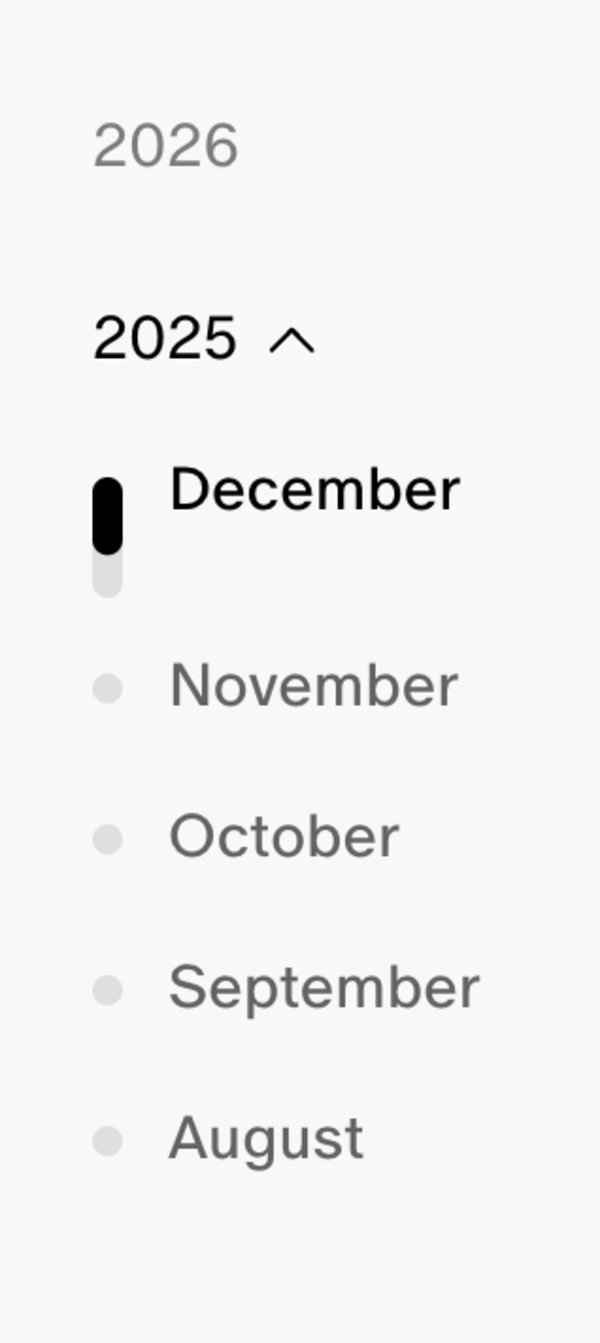
You can view the entire changelog here. As a bonus, you also get to see every single changelog of all updates to Dia, neatly documented. They go as far back as August 2025.
While Dia is continuing to refine the AI features, they won’t remain free to use for much longer. Soon, the company will lock them behind paywalls.
In other Dia news, the Windows version is scheduled for release in the fall of 2026. More on that here.


Sudhanshu K
332 Posts
I have been a consumer technology enthusiast for over 5 years. Thanks to my experience in software beta testing and product reviews, I've understood and learnt a lot about what bugs and issues bother people, and I spend time trying to simplify their solutions. I cover smartphones, software, social media, apps, AI, and most consumer tech gadgets. Actively pursuing a Computer Science bachelor’s degree. I'm mostly active on Twitter/X (@TechWhirlUlt), drop a DM or tag me if you want to share info or connect!
Next article View Article