





Ever wanted to try out Claude Opus 4.8?
— PiunikaWeb - your daily source of web browser news (@PiunikaWeb) August 6, 2026
Anthropic's free version defaults to smaller models like Sonnet rather than Opus, which requires a paid subscription.
But did you know: The AI on Dia's browser is *currently* powered by Claude Opus 4.8 and is *free* to use. pic.twitter.com/798dAxBzls
Atlas is officially done and dusted. OpenAI started winding it down back in July, and the browser will soon stop functioning properly since official support for it has ended.
Honestly, Atlas never had many users to begin with, which is probably why OpenAI felt fine axing it. But if you were one of the few who liked it and now need somewhere to go, I’ve got you. And even if you never touched Atlas, but you’re curious about AI browsers in general, stick around.
Quick note before I get into it. I picked exactly two browsers on purpose. Choosing a browser is confusing enough already, and rattling off every app with “AI” slapped on it doesn’t help anyone. Trust me, I’ve tried just about all of them, including newer names like Tabbit and Polar. After living with these things for a while, two stand out that I’d actually tell a friend to install. Dia and Aside.
I’ve been using Dia on and off since it was announced, and after testing a pile of browsers, it’s the one that feels like home. It’s simple, quick, and you don’t have to think about it. It also just picked up one of the most requested features from Arc, called Spaces, aka Profiles, and that landed properly in the v1.43.1 update that also trimmed the macOS app by around 265MB. Arc had a serious cult following, so this brings Dia a step closer to that.
But beyond Spaces, if we look at what Dia offers in terms of AI, you get the usual summaries, asking about open tabs, and also the option to upload files for analysis. Dia can dig through the web and several research tools for you, then hand back a clean, formatted answer with the most useful bits up top.
Then there’s Aside, which is AI-first in a way the others aren’t. You can bring in your existing ChatGPT or Claude subscriptions, or drop in your own API key. There’s some free usage too, but heads up, you’ll burn through it fast if you lean on frontier models, which Aside does support.
It also ranks #1 on a few browser agent benchmarks and handles agentic tasks like signing in and filling out forms while keeping your passwords away from the AI itself.
Instead of leaning on integrations, it just uses your logged-in sites the same way you do, so you can point it at a real task and let it run. It’ll sign into your email, dashboards, and internal tools, handle replies and follow-ups, and even work with docs and spreadsheets directly on your machine.
The team also just confirmed a big speed jump. Co-founder Dora Lee said, “I think I finally made @AsideAI as fast as Chrome,” and called the new build “nearly 2x faster, even with Liquid Glass.”
That was my one real gripe with it. In my experience, Aside already beats Comet on features and stays on top of Chromium patches, and it’s apparently going to beat Dia to Windows this August too. When I first tried it, I literally called it what Comet and Dia should have been.
So who’s it for? If you don’t want every AI bell and whistle, Dia is the sweet spot, with generous free limits and Claude Opus running its chatbot. If you want the full AI browser experience, Aside is tough to beat, with Dia’s own Windows version not due until fall.
But keep in mind that all this can flip on its head at any time. The AI space moves fast, and with Google and Microsoft throwing their weight around, who knows, maybe Chrome quietly becomes the default pick again like it used to be. But if you were on Atlas, odds are you wanted away from Chrome and Edge anyway. So my pick is Dia for pretty much everyone, even the AI-skeptics. And if you want the real deal, go Aside.
One personal bonus. Brave. It’s my daily driver on my phones and my Linux desktop, and it has its own AI features. The multi-platform availability is a big plus too in case you want to sync your data across devices.

We stand out from the tech-media crowd because we break news stories; we mainly bring you stuff that you won’t find anywhere in the mainstream tech media. Our stories have been picked up by some of the world’s most popular websites and media outlets—more info is available here.

Dwayne Cubbins
3101 Posts
I cover fast-moving stories across apps, online platforms, and everyday tech — phones, wearables, consoles, and whatever else people are fighting with this week. Bugs, rollouts, scams, policy enforcement, and the occasional internet-culture rabbit hole are all fair game. My goal is simple — make confusing tech news readable. When I'm not working, I'm working out or chilling with my dog. Got a tip? You can find me on X @dcubbins.
Next article View Article
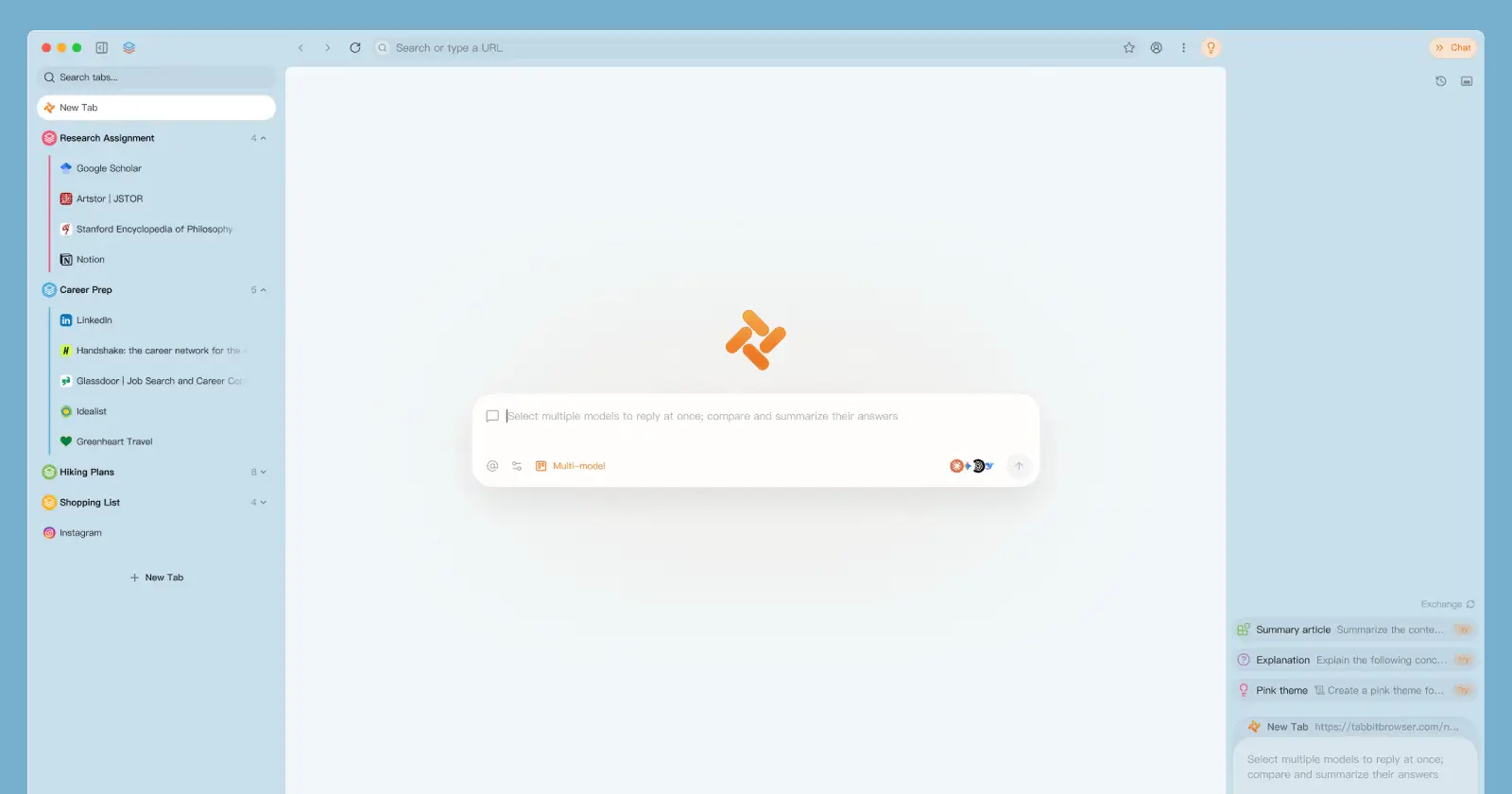
Tabbit can now read your code, logs, and messy scanned PDFs
It’s only been a few days since we highlighted the previous Tabbit update, and now we’re already getting another one, though this time the change most people will...
Aug 10, 2026 2 Min Read