Chrome 150 is beginning to reach users, although whether you can install it today depends on the device you’re using.
Google has started rolling out versions 150.0.7871.46 and 150.0.7871.47 for Chrome on desktop and Android. At the moment, it’s an early stable release, so only a small percentage of users are getting it. That’s standard practice for Google. The company typically expands the rollout over several days after checking for major bugs or crashes.
If the update hasn’t shown up yet, there’s nothing unusual about that. It’ll gradually become available to more devices over the next few days.
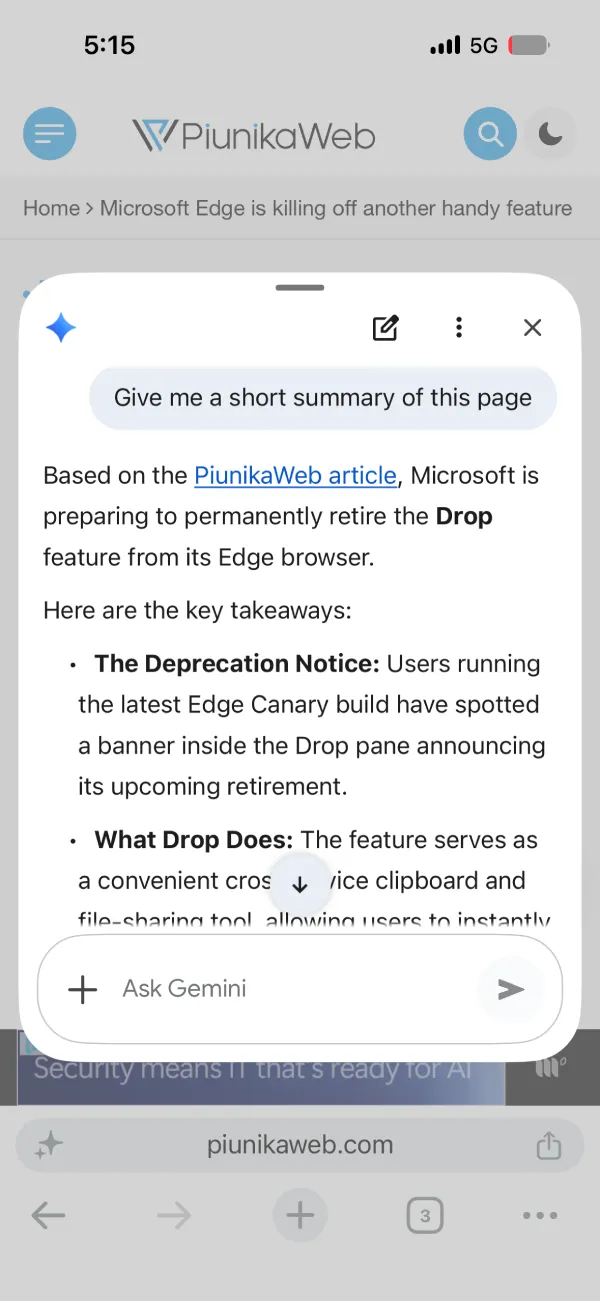
That said, the rollout is moving faster on iOS. Chrome 150.0.7871.51 is already live on the App Store for iPhone and iPad users, following the rollout that began earlier this week with version 150.0.781.34, which notably introduced a handy minimize option for Gemini users.
Google had also moved ChromeOS onto the Chrome 150 beta channel last week, bringing Chromebooks in line with the rest of the Chrome release schedule.
As for what’s actually new, Google hasn’t published detailed release notes yet. The official announcements stick to the usual “security, stability, and performance” summary, so most of the interesting changes are buried in Chromium’s development commits.
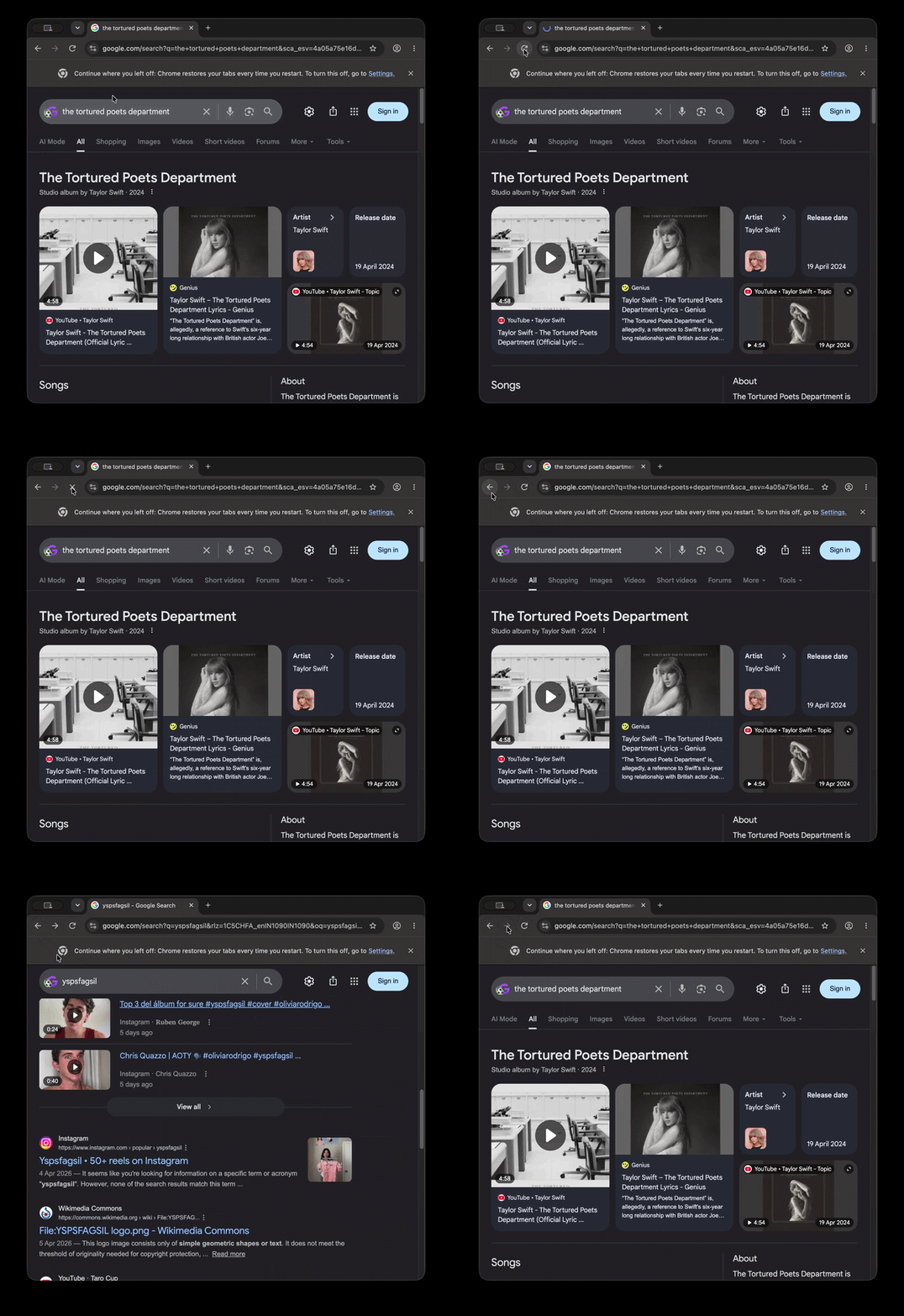
We dug through some of it and found a few interesting developments. One fixes an issue where the voice search interface could make the address bar resize while recording. Android is also getting support for an update badge in the app menu, making it easier to spot when a newer version of Chrome is available. Elsewhere, Google continues to tweak the browser’s refreshed interface, including a small animation for the reload button, which is likely referring to what we had shown off earlier this week.
For many users, though, Chrome 150 won’t be remembered for any of those changes.
This release marks another step in Google’s removal of Manifest V2 support. Older extensions built on the previous extension platform are now running out of road. Several command-line switches that people used to keep Manifest V2 extensions working are being removed in Chrome 150, closing one of the last remaining workarounds.
That means extensions such as older versions of uBlock Origin may stop working unless you’re using an enterprise-managed build or resorting to unsupported debugging methods. In most cases, Chrome will simply disable those extensions.
If you’re using Chrome on Windows, macOS, or Linux and don’t want to wait for the staged rollout, you can check manually by opening Help > About Google Chrome. Sometimes that prompts Chrome to download the latest build immediately. However, it didn’t work for us just yet. A few of our machines are stuck on version 149.0.7827.197.
So you might want to be patient, and the browser will probably update itself quietly in the background within the next few days.


Dwayne Cubbins
3058 Posts
I cover fast-moving stories across apps, online platforms, and everyday tech — phones, wearables, consoles, and whatever else people are fighting with this week. Bugs, rollouts, scams, policy enforcement, and the occasional internet-culture rabbit hole are all fair game. My goal is simple — make confusing tech news readable. When I'm not working, I'm working out or chilling with my dog. Got a tip? You can find me on X @dcubbins.
Next article View Article