





In addition to dynamic colors for internal pages, a modernized tab strip menu, icons for some menus, and possibly a glass effect, Chrome's WebUI refresh 2026 will also bring animations for some buttons when clicked; these are the ones I've noticed so far:https://t.co/jQporPNbKB pic.twitter.com/Zvll1AFTSb
— Leopeva64 (@Leopeva64) June 8, 2026
Google is adding new animations for Chrome’s core navigation buttons: Refresh, Back, and Forward. It makes the clicks feel more responsive, and the buttons animate once the action is complete. This is part of Chrome’s WebUI 2026 refresh.
This was initially highlighted by @Leopava on X.
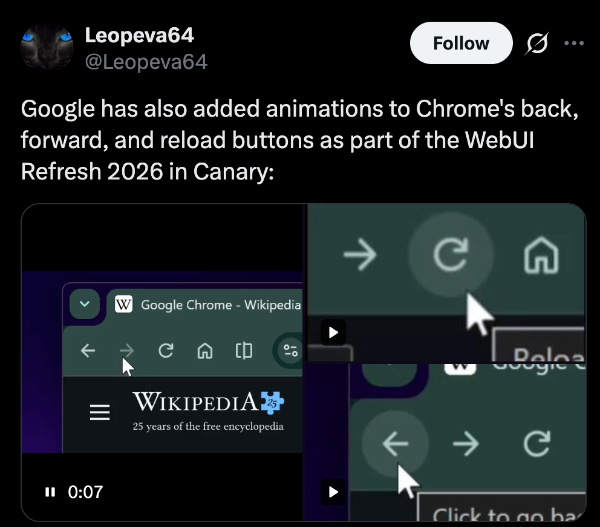
I’ve checked for these changes myself on Chrome Canary, and sure enough, all three buttons have animations when you click them. You can observe the animations in action at the toolbar in the GIF below.
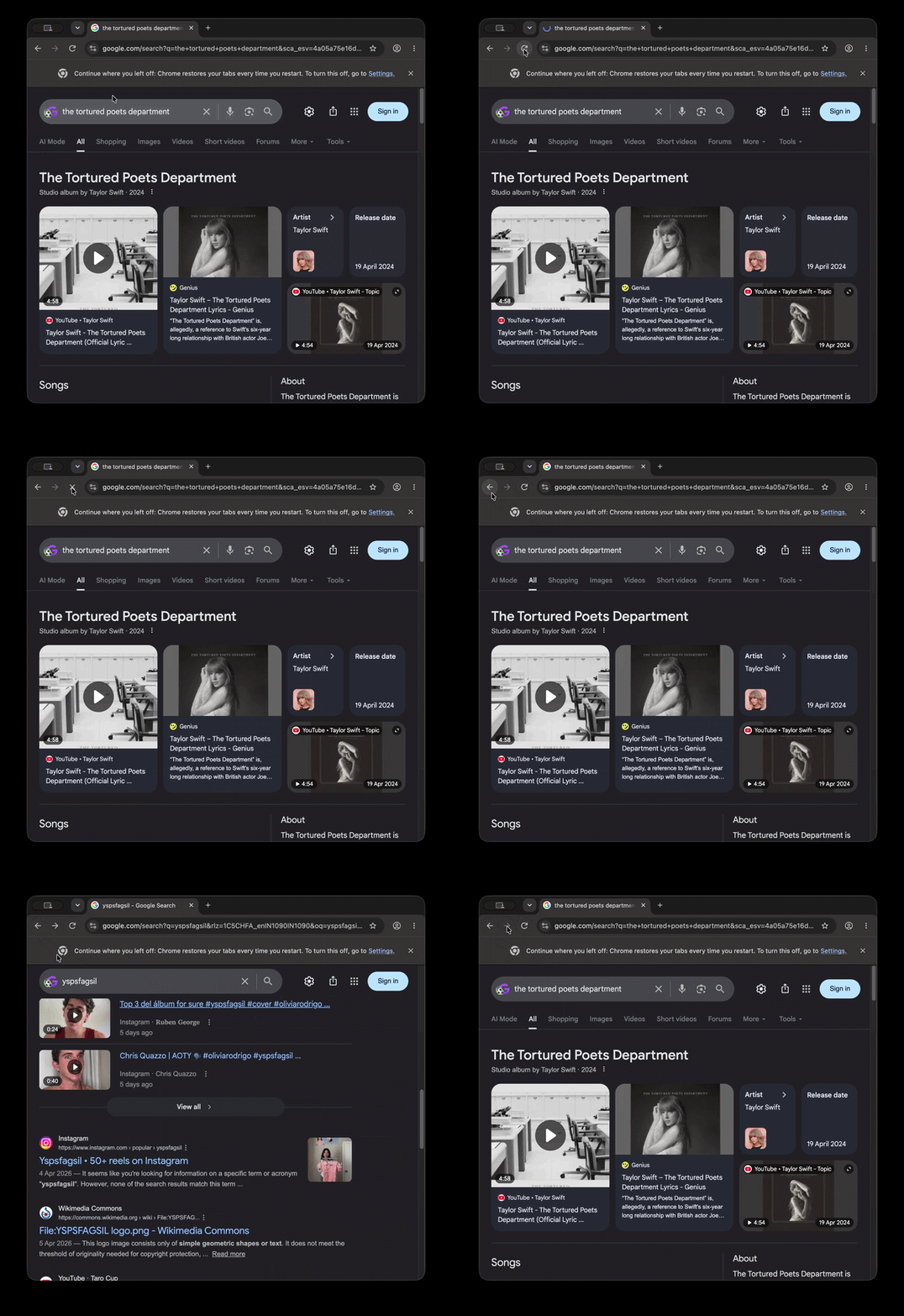
Clicking the Refresh button fluidly transitions between its circular arrow and a stop (X) icon while the action is being performed. The Forward and Back buttons have a slick movement as well. It adds much-needed visual cues to these otherwise static and mundane buttons.
Since these changes are only present in Chrome Canary at the moment, we can expect them to roll out to the stable version in the following weeks.
The animation upgrades are part of a larger “GlowUp” initiative at Chrome, aimed at modernizing the WebUI components. Other elements of this refresh include dynamic theming on pages, rounded corners, some potential glass effects, and improvements to accent colors.
Various other buttons are also getting upgraded visuals. For example, the Bookmarks button, the three-dot menu, site settings, and more. You can view a demonstration below, as posted by @Leopava on X.
Alongside these visual refreshes, there’s also a functional improvement that we reported on: The right-click menu is getting an improvement. Soon, Chrome will also let you remove the Bookmarks bar from the New Tab page.
In other Chrome news, we’d highly recommend updating your browser immediately. The update addresses several critical security flaws in the browser, and you can read more about that here.

We stand out from the tech-media crowd because we break news stories; we mainly bring you stuff that you won’t find anywhere in the mainstream tech media. Our stories have been picked up by some of the world’s most popular websites and media outlets—more info is available here.

Sudhanshu K
321 Posts
I have been a consumer technology enthusiast for over 5 years. Thanks to my experience in software beta testing and product reviews, I've understood and learnt a lot about what bugs and issues bother people, and I spend time trying to simplify their solutions. I cover smartphones, software, social media, apps, AI, and most consumer tech gadgets. Actively pursuing a Computer Science bachelor’s degree. I'm mostly active on Twitter/X (@TechWhirlUlt), drop a DM or tag me if you want to share info or connect!
Next article View Article
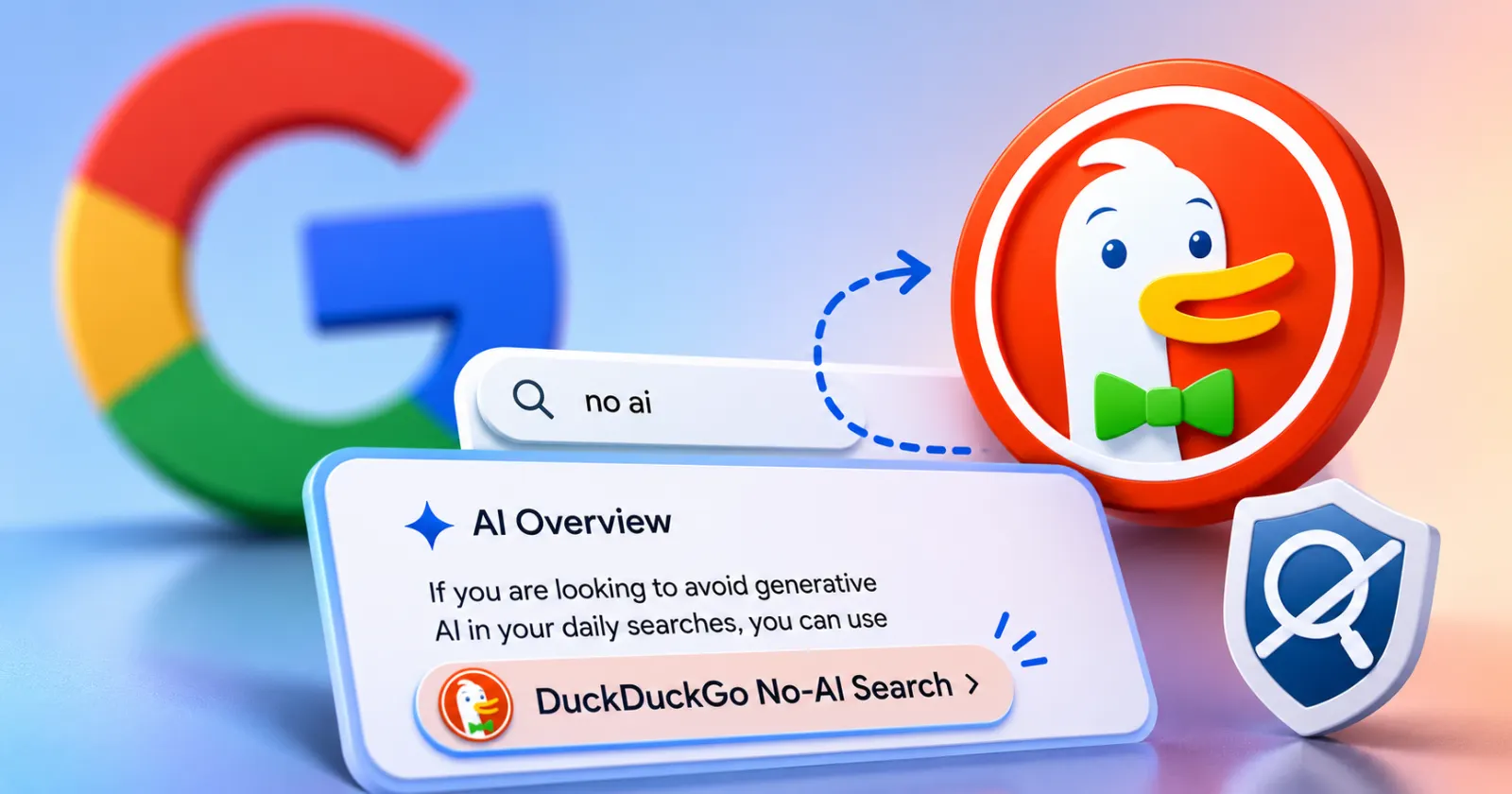
Even Google’s AI thinks you should probably just use DuckDuckGo
Google's AI just handed its main privacy rival a massive free endorsement. DuckDuckGo shared a screenshot on X showing Google's own AI Overviews instructing users to abandon Google...
Jun 19, 2026 2 Min Read