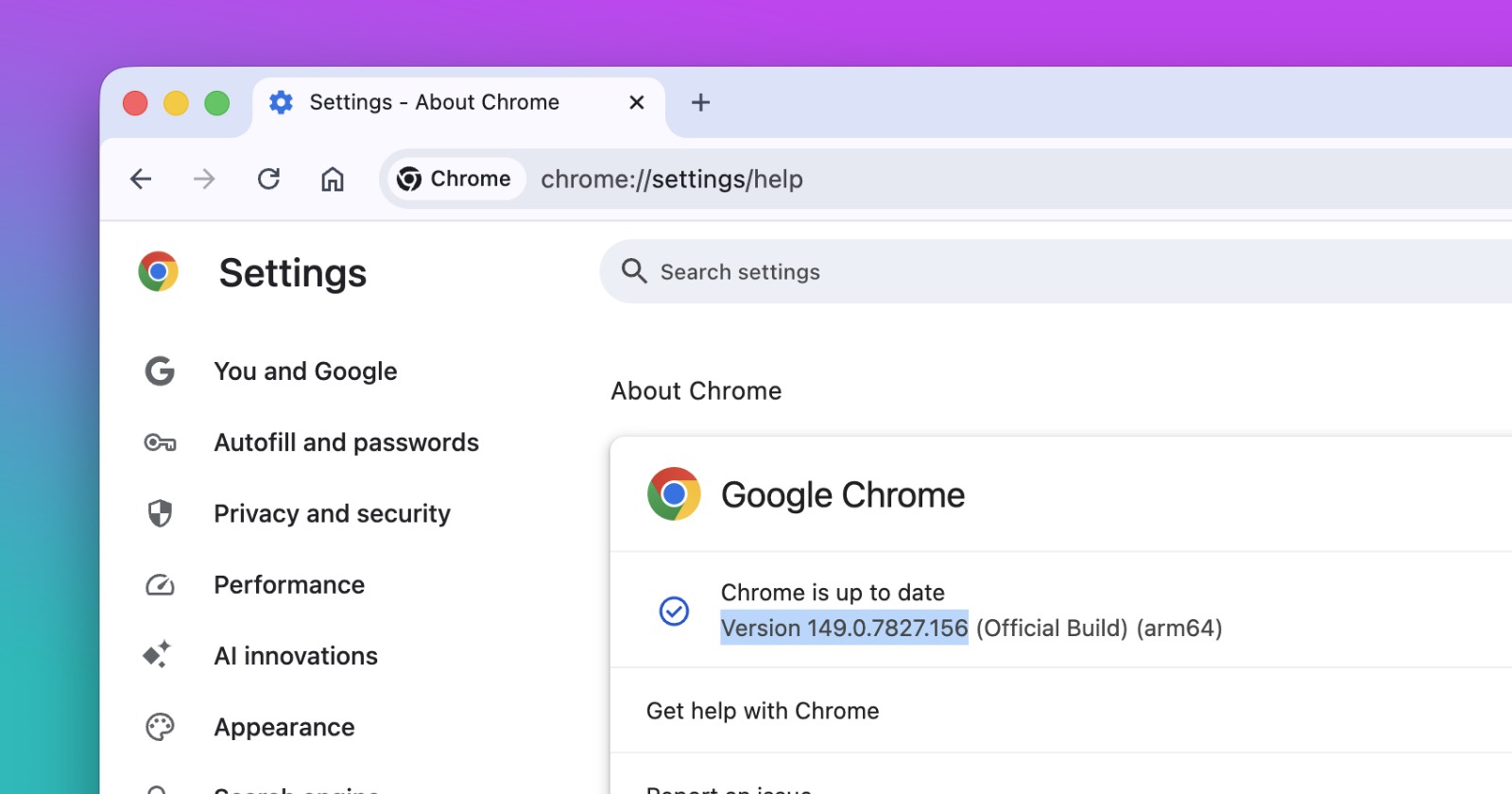
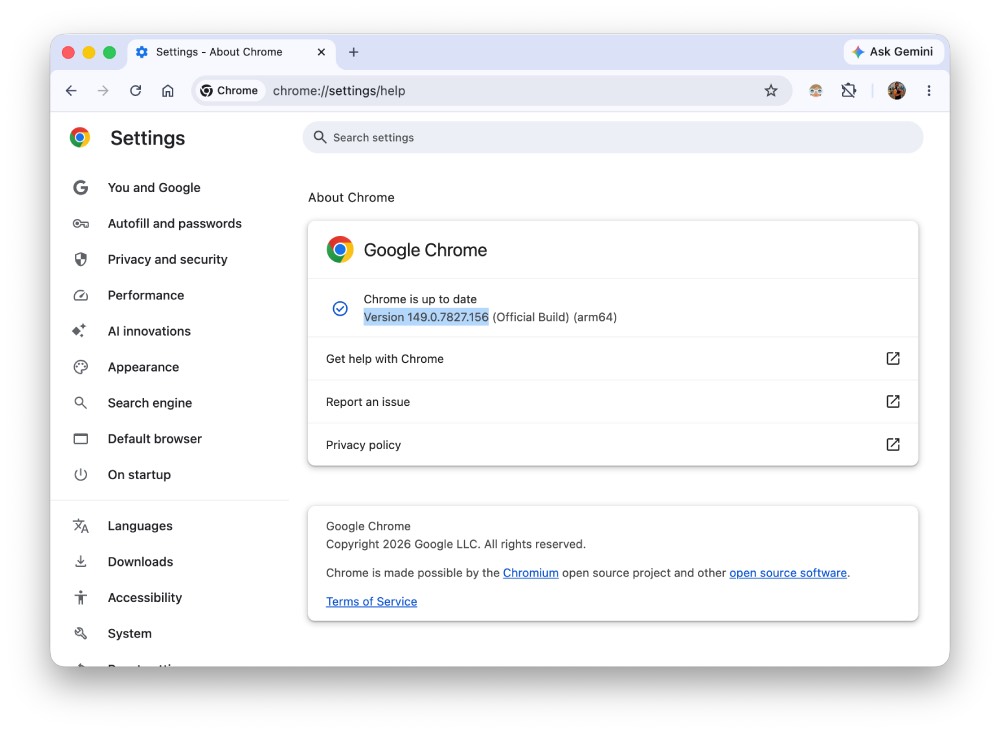
Google pushed out a new Chrome update on June 16 that patches 33 security bugs, and seven of them are rated critical. The fixes land in version 149.0.7827.155 and .156 for Windows and Mac, and 149.0.7827.155 for Linux, rolling out over the coming days and weeks.
The critical bugs are mostly a type of memory flaw called “use after free.” That happens when a program keeps using a piece of memory after it’s already been cleared out, and attackers can sometimes slip in their own code through that gap and run it on your machine.

Six of the seven critical fixes fall into this category, hitting parts of Chrome like WebShare, Digital Credentials, File Input, the password manager, and Web Authentication. The seventh critical bug is in WebView and comes from a flawed implementation rather than a memory issue.
Here are the seven critical CVEs from this update that we spotted in the release notes.
- CVE-2026-12437, use after free in WebShare
- CVE-2026-12438, inappropriate implementation in WebView
- CVE-2026-12439, use after free in Digital Credentials
- CVE-2026-12440, use after free in Digital Credentials
- CVE-2026-12441, use after free in File Input
- CVE-2026-12442, use after free in Passwords
- CVE-2026-12443, use after free in Web Authentication
If any of these had been caught and used by attackers before the patch, it could have meant a hacker taking over parts of your browser session, stealing saved passwords, or messing with how websites verify your identity. Google hasn’t said any of these were exploited in the wild, so this looks like a standard patch cycle rather than an emergency fix.
The update also covers 26 high severity bugs. These touch a long list of Chrome components, including Extensions, WebRTC, Downloads, Safe Browsing, the Tab Strip, Serial, File System Access, and the GPU process. Most of these were found internally by Google’s own security team. One exception is a bug in Media, flagged by outside researcher Zhixin Tu.
- CVE-2026-12444, out of bounds read in Chromoting
- CVE-2026-12445, use after free in Extensions
- CVE-2026-12446, insufficient data validation in Passwords
- CVE-2026-12447, heap buffer overflow in WebRTC
- CVE-2026-12448, inappropriate implementation in WebView
- CVE-2026-12449, use after free in Chromoting
- CVE-2026-12450, inappropriate implementation in Media
- CVE-2026-12451, use after free in Digital Credentials
- CVE-2026-12452, use after free in Downloads
- CVE-2026-12453, insufficient validation of untrusted input in Input
- CVE-2026-12454, race in Safe Browsing
- CVE-2026-12455, use after free in Tab Strip
- CVE-2026-12456, insufficient validation of untrusted input in Extensions
- CVE-2026-12457, insufficient data validation in Extensions
- CVE-2026-12458, incorrect security UI in Passwords
- CVE-2026-12459, inappropriate implementation in Serial
- CVE-2026-12460, insufficient policy enforcement in File System Access
- CVE-2026-12461, out of bounds read in WebRTC
- CVE-2026-12462, use after free in Media
- CVE-2026-12463, inappropriate implementation in Views
- CVE-2026-12464, use after free in Browser
- CVE-2026-12465, insufficient validation of untrusted input in Metrics
- CVE-2026-12466, heap buffer overflow in WebRTC
- CVE-2026-12467, use after free in Extensions
- CVE-2026-12468, inappropriate implementation in Updater
- CVE-2026-12469, uninitialized use in GPU
For now, you can either let Chrome update itself or check manually through the menu under Help and About Google Chrome. The rollout happens gradually, so you might not see the new version right away even after checking.
While Google works through patches like these in the background, it’s also testing new features on the other end of Chrome. The company recently started trying out a persistent AI toolbar button in Chrome Canary that opens a side panel for page summaries and quick questions, and users can toggle it on or off through hidden settings. Chrome is also preparing a more fine-tuned text selection menu that we reported on earlier.


Dwayne Cubbins
3060 Posts
I cover fast-moving stories across apps, online platforms, and everyday tech — phones, wearables, consoles, and whatever else people are fighting with this week. Bugs, rollouts, scams, policy enforcement, and the occasional internet-culture rabbit hole are all fair game. My goal is simple — make confusing tech news readable. When I'm not working, I'm working out or chilling with my dog. Got a tip? You can find me on X @dcubbins.
Next article View Article