


I think the most reported bug in Ladybird so far is being unable to reach the volume controls on Twitch streams and it's really opening my eyes to how many people watch Twitch streams!
— Andreas Kling (@awesomekling) November 26, 2026
(we're fixing that in the next update ofc 🤓)
Ladybird browser has just received the v2026.48.0 update with several improvements to memory management, website compatibility, media playback, and overall performance. The latest version also introduces Linux AppImage packages and new controls for the resource usage of browser tabs.
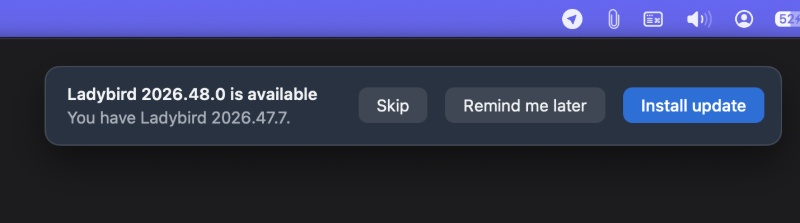
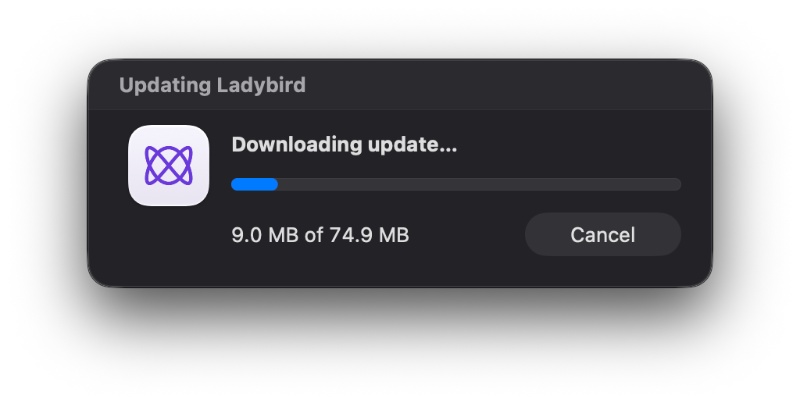
After opening the Ladybird browser, I was greeted with a banner-style notification at the top. Once the update installed, the browser restarted on its own without me needing to manually do that. I was unable to find an option to turn off automatic restarts after updates, though.
The changelog from GitHub is extremely long, consisting of over 60 entries. For your reference, a partial screenshot of the Release Notes has been attached below.
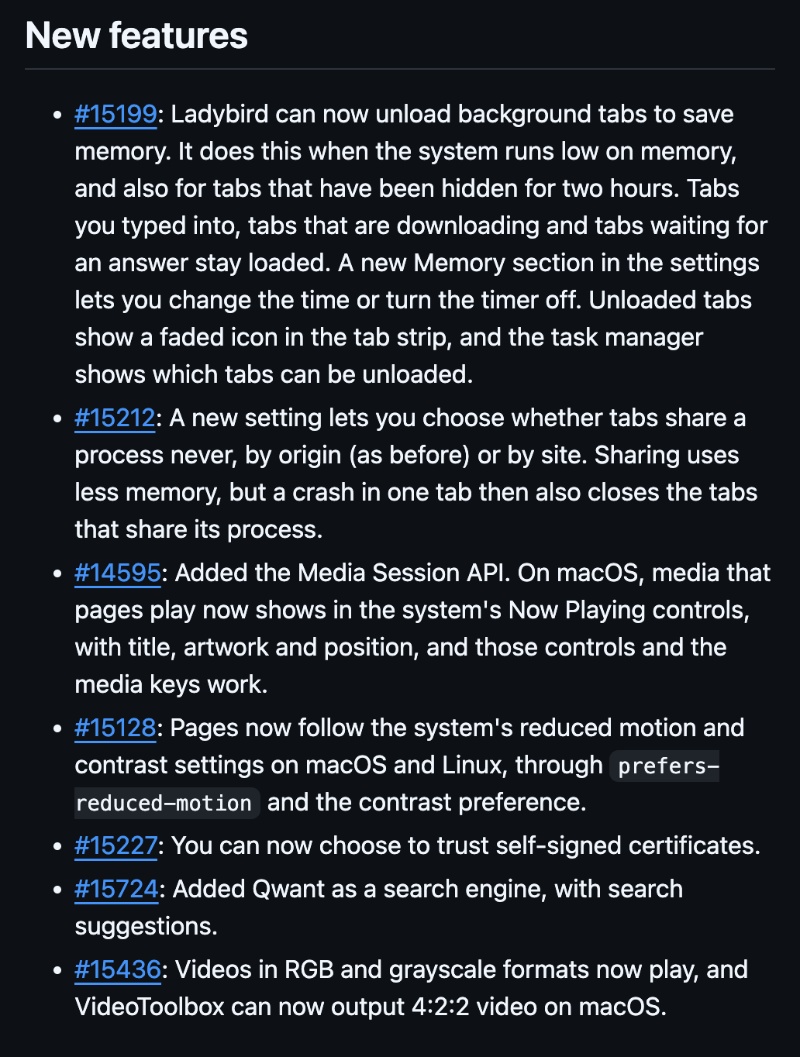
Here are the major new features and improvements with this release:
- Automatic background tab unloading: Ladybird can now unload background tabs when the system is running low on memory, or when the tabs are inactive for two hours. If tabs contain typed input, active downloads, or some pending responses, they’ll remain active and loaded in memory. To indicate an unloaded tab, a faded icon is displayed. Furthermore, a “Memory” section has been added to Settings (Preferences) to adjust or disable the automatic tab unloading, and also set a timer for it.
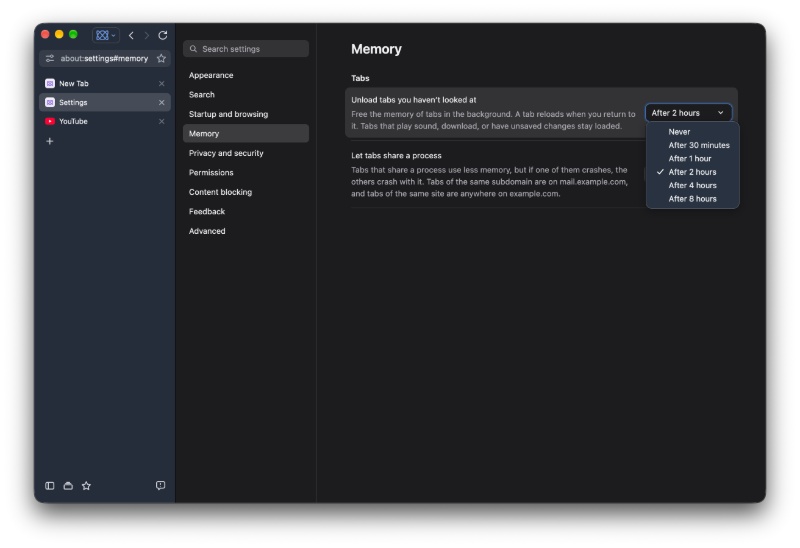 Note: At the time of writing, I was unable to find an option to manually mark a tab for unloading.
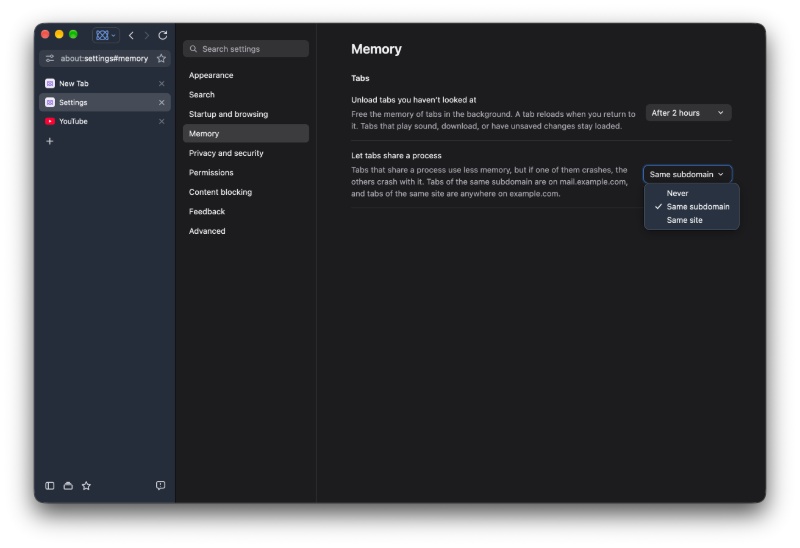
- New tab process controls: Sharing processes can reduce memory consumption, but a crash will affect every tab using the same process. Users can now pick between three options for tab process controls, which are located in the “Memory” section.
- Faster browsing and scrolling overall: Ladbird now uses tiled page rendering, so it puts out only the portions of the page that are entering the visible screen. Since it isn’t continuously rendering everything, the overall performance is better. The new XML parser is reportedly much faster for documents now as well. Also, documents that are over 10MB will now load properly. In case you missed it, Ladybird already supports really smooth scrolling and text selection.
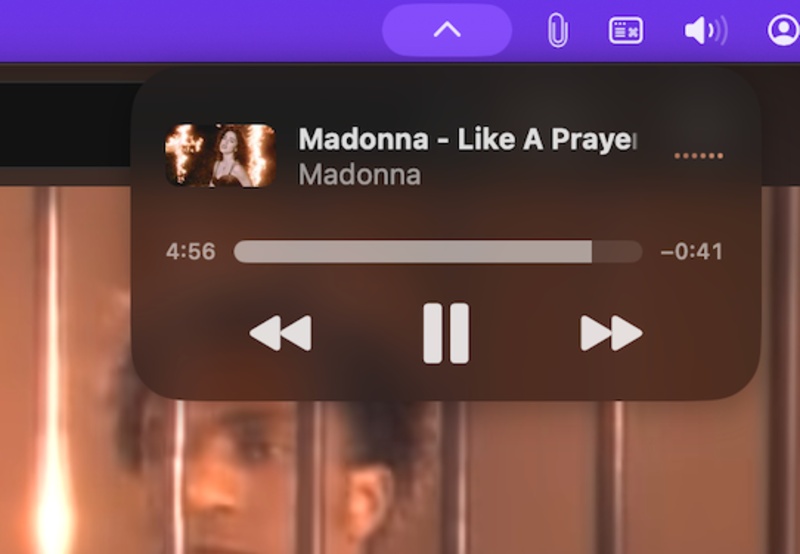
- Media compatibility: Videos using RGB and grayscale formats can now play. On macOS, supported websites also integrate with Apple’s native Now Playing controls. So, the artwork, media titles, etc. will be displayed properly.
- Stability: The garbage collector can now work across multiple threads. The update also fixes many browser and tab crashes to improve the overall stability.
Note: This article covers the major new features and improvements. If you want to read the entire list of 62 changes, you can find the GitHub link here. You’ll also find many security and UI-based improvements.
If you have any system-specific reduce motion or contrast settings enabled, pages opened in the Ladybird browser will now respect those settings instead of overriding them.
Beyond these improvements, this update adds Qwant as a search engine option (with search suggestions), the ability to trust self-signed certificates, and more. There are numerous HTML, CSS, SVG, JavaScript, and form-control compatibility fixes. Also, voice messages can now play on Telegram Web.
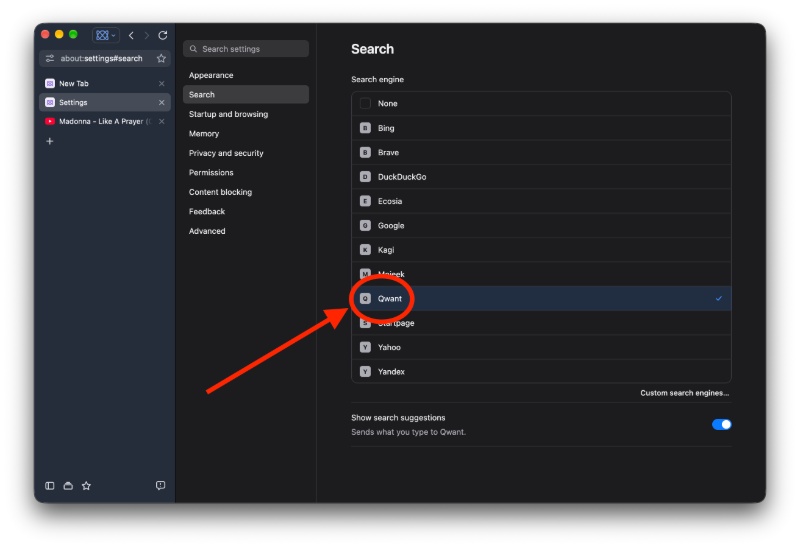
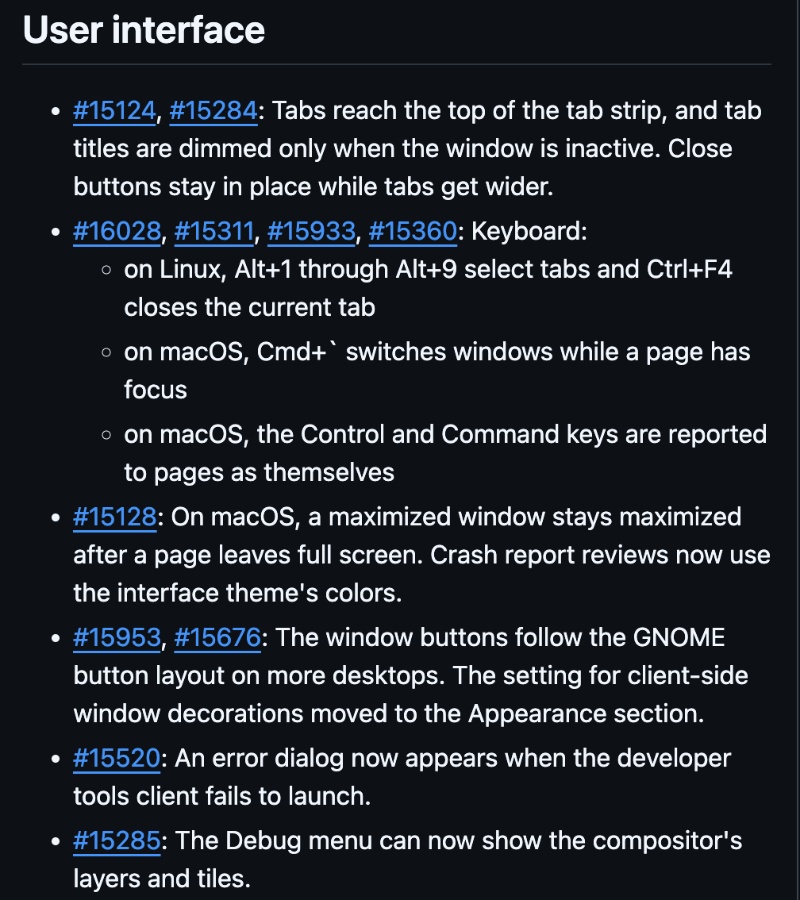
As for Linux users, they get AppImage packages, Vulkan Video decoding improvements, and more. A screenshot of the UI changes has also been attached.
If you’re a Twitch user and you’re wondering whether the volume control bug has been fixed, that’s apparently scheduled for the next update. Andreas Kling highlighted this in a post on X, and we’ve attached it below.

We stand out from the tech-media crowd because we break news stories; we mainly bring you stuff that you won’t find anywhere in the mainstream tech media. Our stories have been picked up by some of the world’s most popular websites and media outlets—more info is available here.

Sudhanshu K
412 Posts
I have been a consumer technology enthusiast for over 5 years. Thanks to my experience in software beta testing and product reviews, I've understood and learnt a lot about what bugs and issues bother people, and I spend time trying to simplify their solutions. I cover smartphones, software, social media, apps, AI, and most consumer tech gadgets. Actively pursuing a Computer Science bachelor’s degree. I'm mostly active on Twitter/X (@TechWhirlUlt), drop a DM or tag me if you want to share info or connect!