



Tomorrow seems like it could be a nice day!
— Andreas Kling (@awesomekling) November 22, 2026
For a while now, the only way to actually use the Ladybird browser was by building it from the source. That was rather complicated to do and took a lot of time. Now, the Ladybird browser is finally available through a direct download link, and it has left the pre-alpha stage.
The developer of Project Ladybird, Andreas Kling, posted a cryptic message on X yesterday, saying, “Tomorrow seems like it could be a nice day!”
Today, the official @ladybirdbrowser account on X posted that the browser is finally in the “alpha” stage. There’s a direct, one-click download link now, so you can directly grab the file. There’s no need to build everything from the source, which removes the biggest access barrier to the browser.
Ladybird is now in alpha 🐞
— Ladybird (@ladybirdbrowser) November 23, 2026
Downloads for macOS and Linux available on our website.https://t.co/CtGNTPTtig
The progress is fairly on schedule, since the alpha version (with a direct, public download link) was supposed to go live “before 2027.” As expected, it’s now available for both macOS and Linux.
For those unaware, Ladybird is an independent and open-source browser. The major selling point is that the entire browser engine is built completely from scratch. It doesn’t run Chromium, Gecko, or WebKit underneath. It’s something completely different from rivals, and doesn’t even borrow any code from those engines.
The key selling points are custom-built rendering components, which massively assist with the speed of scrolling and text selection. It’s also a non-profit project and completely ad-free. The browser doesn’t ship with any monetization clutter and is built for privacy.
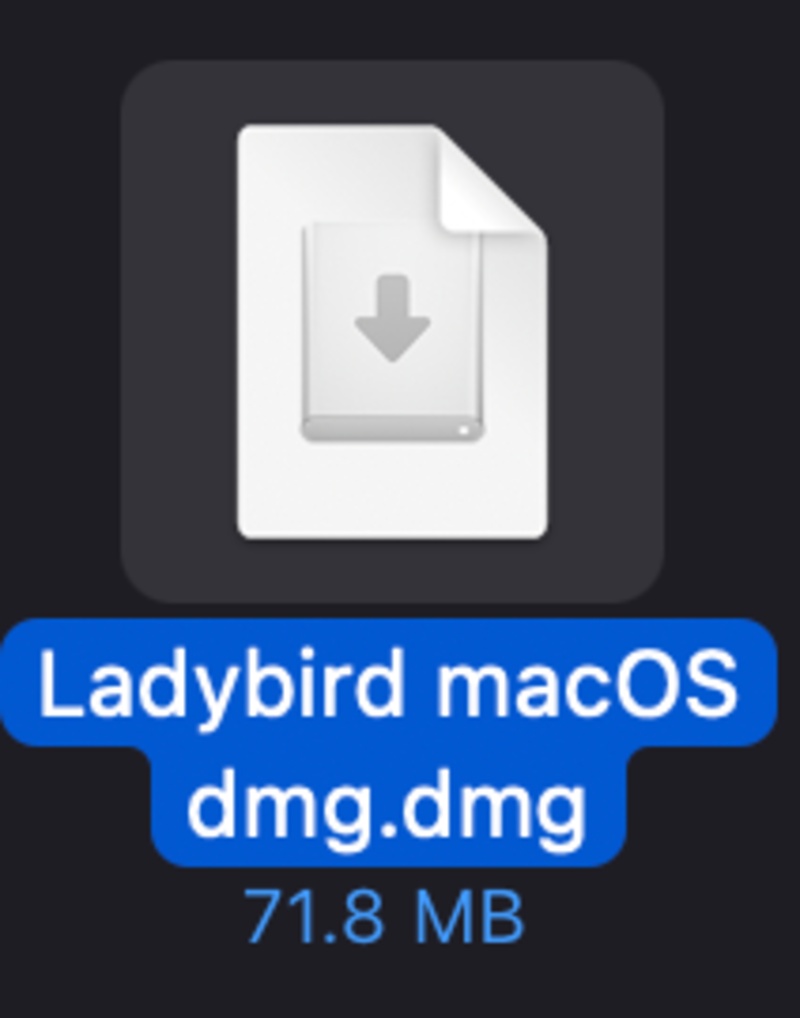
So, I gave the browser a go, and the size of the .dmg file is what instantly stood out. While other browsers are over 200MB, the Ladybird browser was around 70MB.
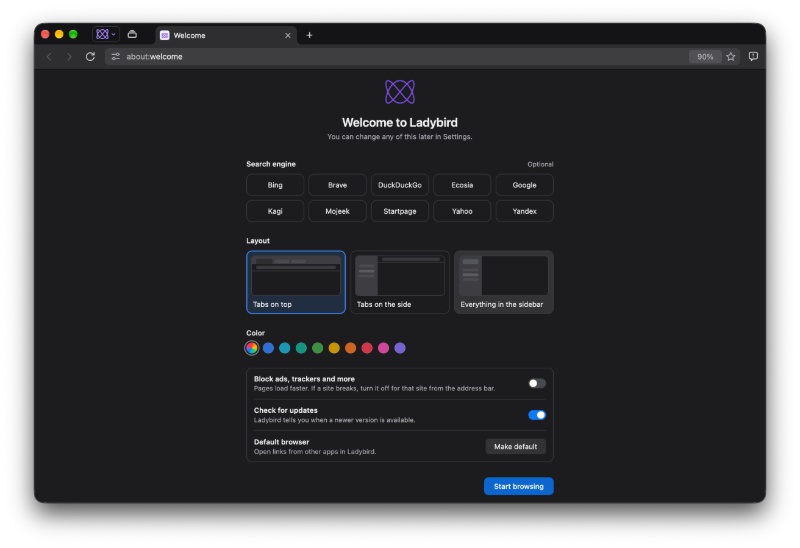
The onboarding page is quite simple and neat. You pick your search engine, select your preferred tab layout, pick your color theme, and then you run into some toggles that are self-explanatory. You hit “Start browsing,” and you’re good to go.
I was in for another surprise after that. The New Tab page has… absolutely nothing. Most browsers come with a built-in search bar, some pre-added pinned sites, and in the worst case, a bunch of ads. The New Tab page on Ladybird is just completely blank.
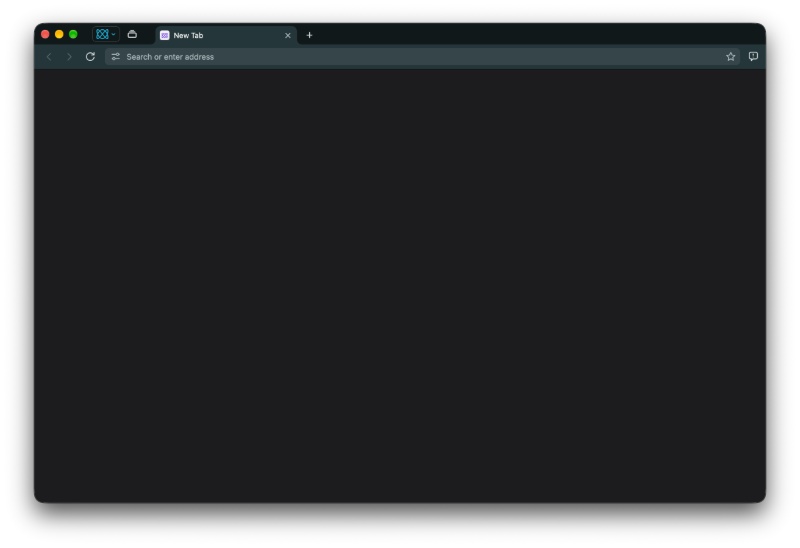
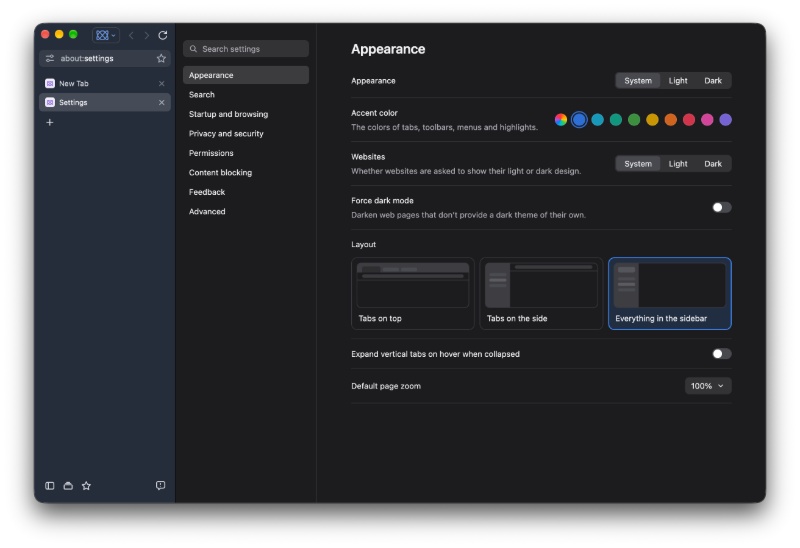
Soon after, I realized that Ladybird doesn’t really have the concept of a New Tab page. You just get into websites right away, and for quick access, there’s the Bookmarks bar and pinned tabs. The concept is pretty similar to Arc.
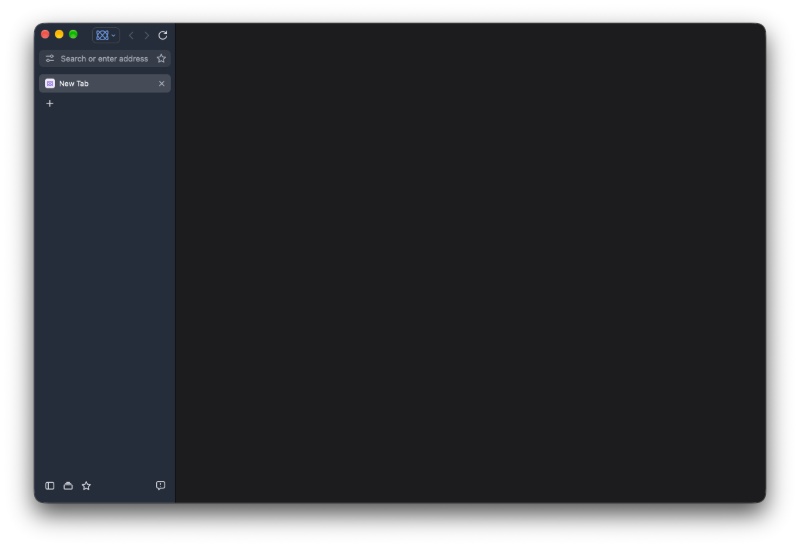
Thankfully, it supports the Vertical Tab layout, and you can also move the address bar to the sidebar.
Under “Preferences,” I found a fairly basic settings page that’s refreshingly minimal.
For an alpha release, Ladybird is fairly snappy and just flies. I didn’t observe any performance hiccups even on my 8GB RAM MacBook, and the memory consumption also stayed within reasonable limits. Considering that this isn’t even the beta version — this is an “alpha” release, it’s only up from here.

We stand out from the tech-media crowd because we break news stories; we mainly bring you stuff that you won’t find anywhere in the mainstream tech media. Our stories have been picked up by some of the world’s most popular websites and media outlets—more info is available here.

Sudhanshu K
403 Posts
I have been a consumer technology enthusiast for over 5 years. Thanks to my experience in software beta testing and product reviews, I've understood and learnt a lot about what bugs and issues bother people, and I spend time trying to simplify their solutions. I cover smartphones, software, social media, apps, AI, and most consumer tech gadgets. Actively pursuing a Computer Science bachelor’s degree. I'm mostly active on Twitter/X (@TechWhirlUlt), drop a DM or tag me if you want to share info or connect!