


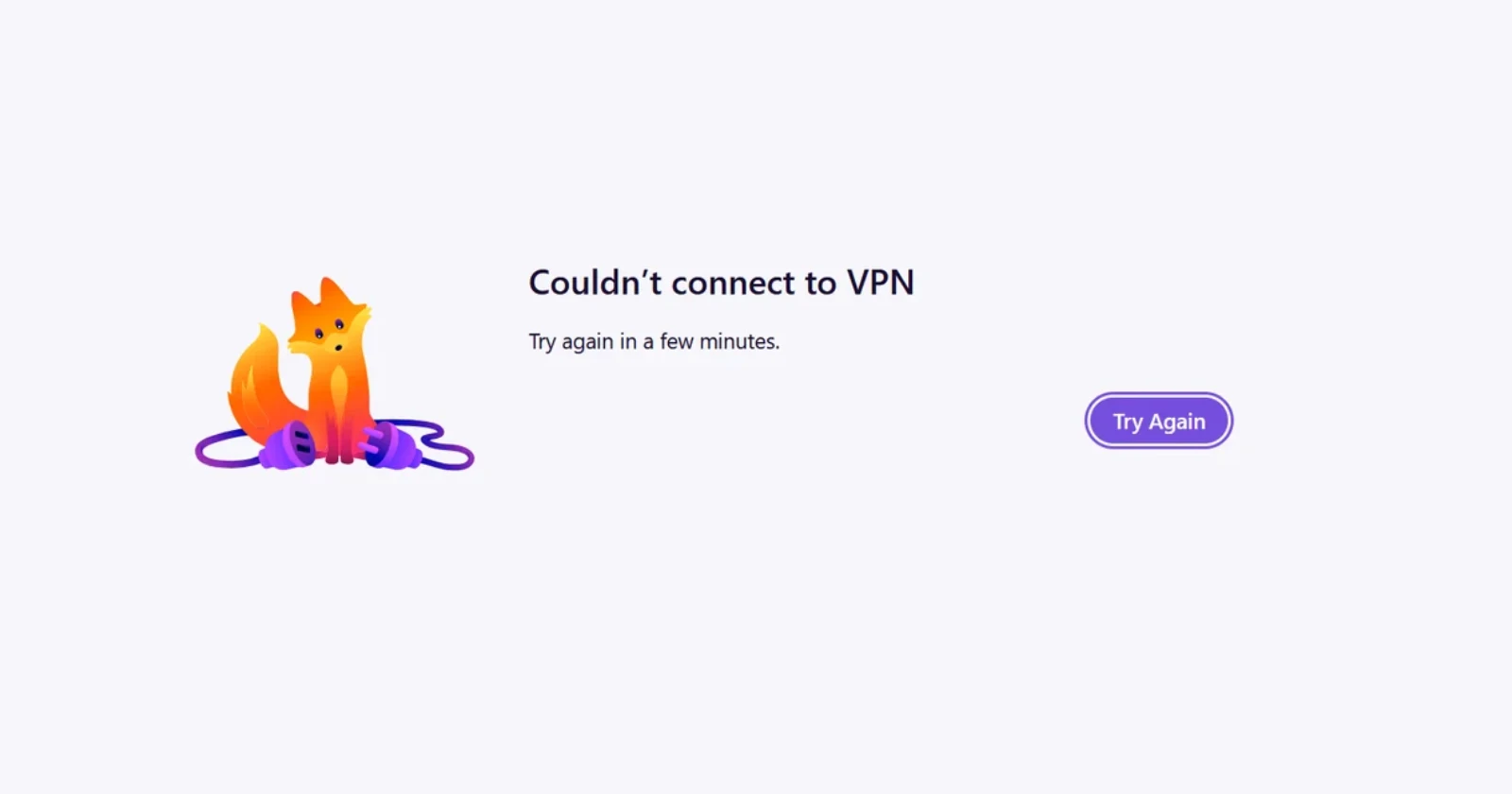
People who installed the recent Firefox 160 update have been running into a weird “Couldn’t connect to VPN” screen lately, even when they have never touched Mozilla’s built-in VPN.
YouTube creator BrenTech was the first to put the spotlight on these complaints after picking up on a Reddit thread from a Windows 11 user on version 160.0.
The user noted that Steam and other browsers worked fine, while Firefox kept flashing the VPN error with the toolbar toggle completely off. Others chimed in saying a quick restart or waiting a few seconds usually clears it up.
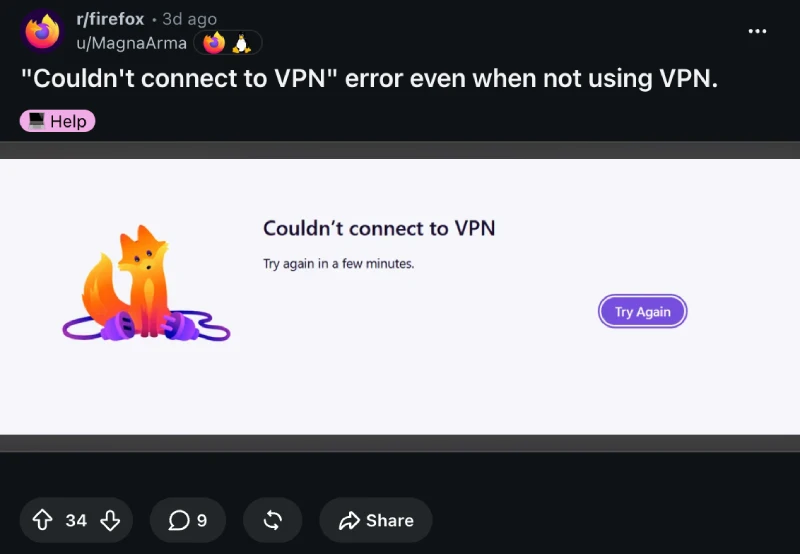
When we checked back on that thread, we noticed a new reply from a Mozilla employee who works as the product manager for the built-in VPN.
According to them, the browser is basically flagging the wrong thing during normal network hiccups, noting that “our engineers think the error page may be blaming the VPN for connection problems that aren’t coming from it, which fits what you’re describing.”
Mozilla already has a fix lined up, though you will be waiting a bit since the team plans on “shipping a change in Firefox 162 that we think will fix it.”
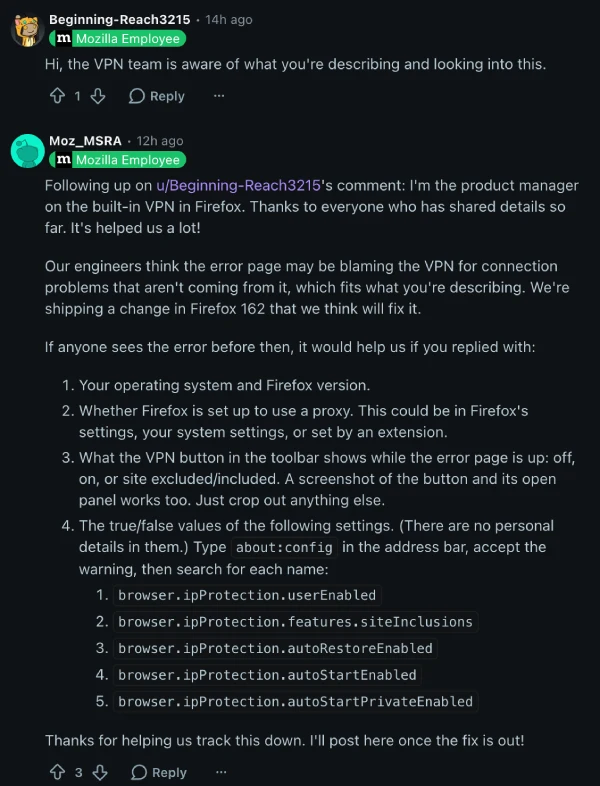
Until that rolls out, the product manager asked affected users to share their operating system, any proxy setups, what the toolbar icon shows, and a few hidden settings so engineers can narrow things down.
Overall, this rollout has been quite rocky, especially after the same update caused Google Docs and Sheets to display blank white screens for some older Mac users. Let’s hope a quick fix is on the way.


Dwayne Cubbins
3221 Posts
I cover fast-moving stories across apps, online platforms, and everyday tech — phones, wearables, consoles, and whatever else people are fighting with this week. Bugs, rollouts, scams, policy enforcement, and the occasional internet-culture rabbit hole are all fair game. My goal is simple — make confusing tech news readable. When I'm not working, I'm working out or chilling with my dog. Got a tip? You can find me on X @dcubbins.