


The first beta for Firefox v161.0 just arrived with a useful set of new features. While the feature set is notably lower than v160, it’s still a neat update that refines the experience further.
This beta introduces classic browser themes, gives you custom keyboard shortcuts for copying URLs, and improves extension permission notifications on Android.
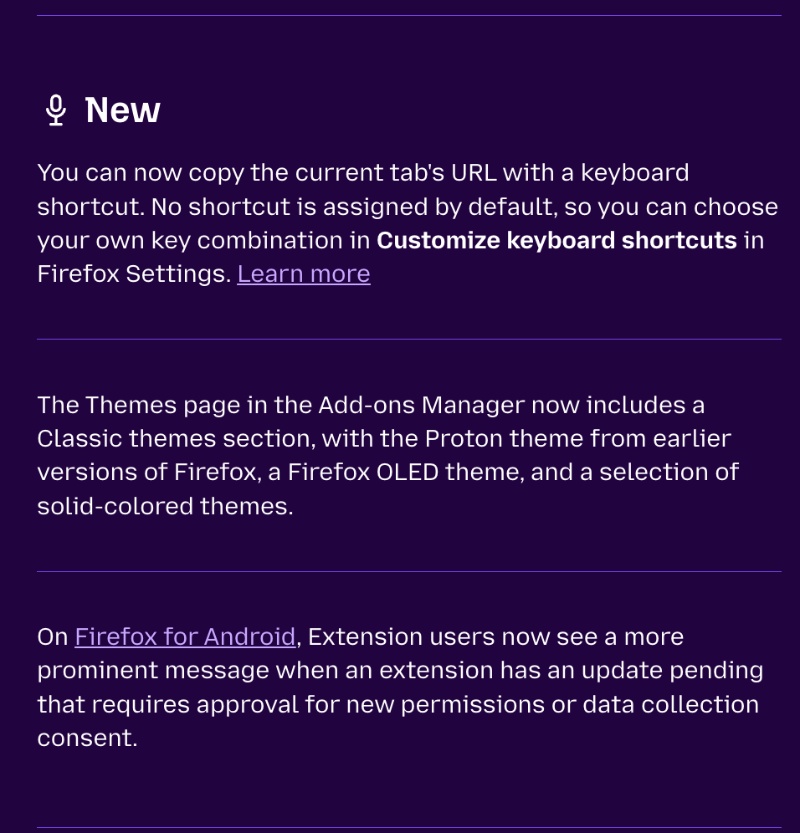
Since the list of changes is a bit long, a partial screenshot from the official Release Notes has been attached below for your reference.
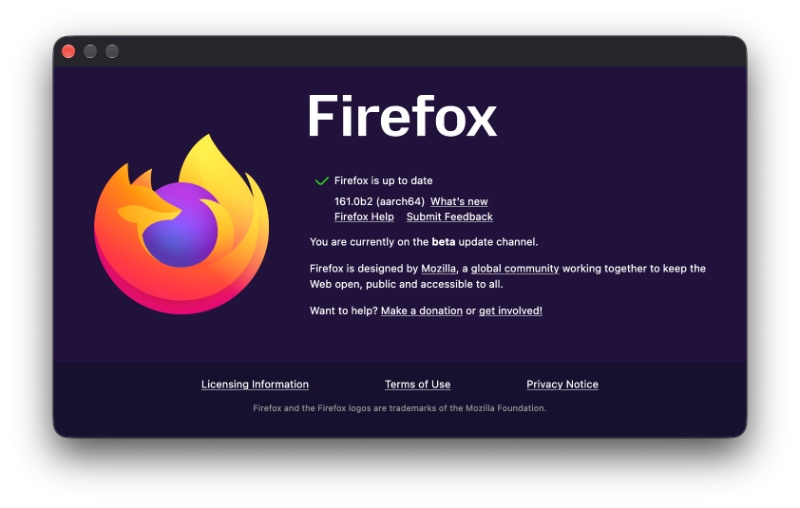
This Beta update was immediately available after I headed over to About Firefox from the menu bar on macOS.
These are the major new additions with this release:
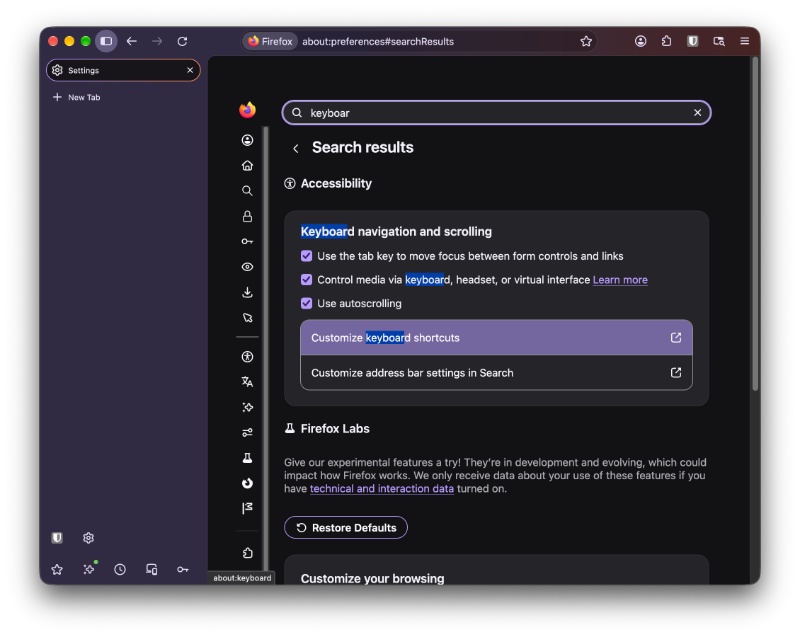
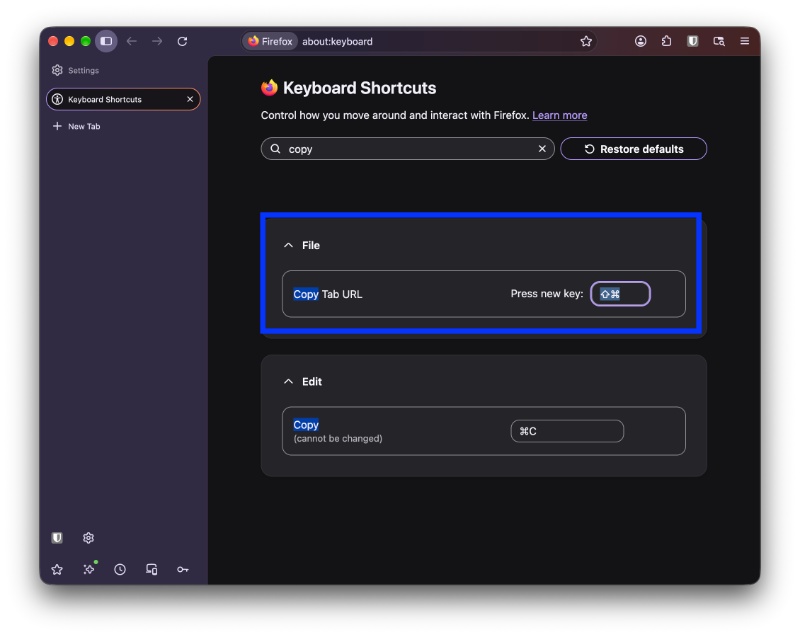
- Custom keyboard shortcuts for copying URLs: Firefox now allows users to assign their own keyboard shortcut to copy the current tab’s URL. There’s no shortcut assigned by default, but users can configure it through the “Customize keyboard shortcuts” option in Settings.
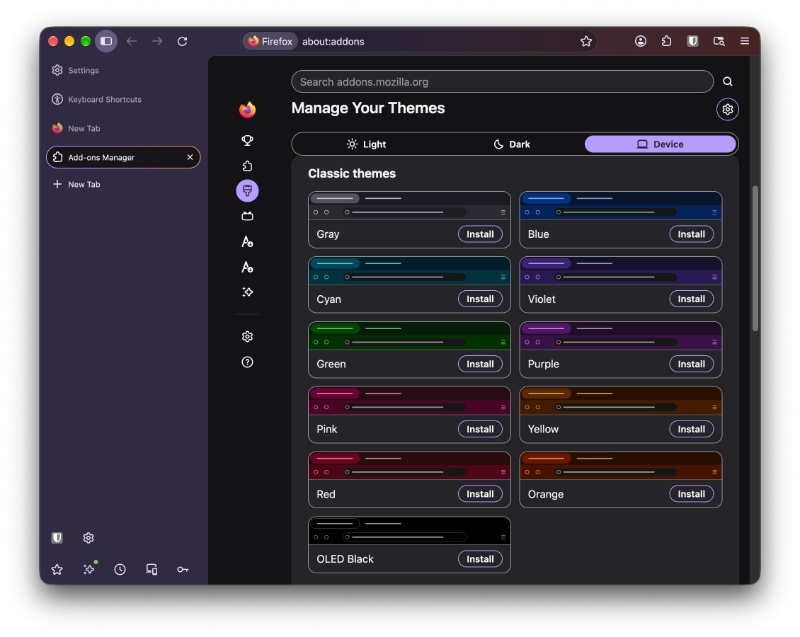
- Classic themes are back: The Themes section now includes a dedicated Classic themes collection. It features the older Proton theme, an OLED theme, and several solid-colored themes.
- Android extension permission: When an extension update requires approval for additional permissions, it now sends a notification.
Beyond these new features, Mozilla has also addressed some bugs/issues on both desktop and mobile. On Android, landscape websites will no longer be saved as weirdly shrunk portrait-oriented PDFs. On Windows, there are fixes to full-screen mode, while macOS gets overall stability improvements. Furthermore, there are fixes to WebRTC, session restoration, Canva docs input, and rendering on Android.
Also new with this beta: macOS keyboard shortcuts that are assigned through System Settings will now override the built-in shortcuts on Firefox. The entire changelog is available here.


Sudhanshu K
376 Posts
I have been a consumer technology enthusiast for over 5 years. Thanks to my experience in software beta testing and product reviews, I've understood and learnt a lot about what bugs and issues bother people, and I spend time trying to simplify their solutions. I cover smartphones, software, social media, apps, AI, and most consumer tech gadgets. Actively pursuing a Computer Science bachelor’s degree. I'm mostly active on Twitter/X (@TechWhirlUlt), drop a DM or tag me if you want to share info or connect!