


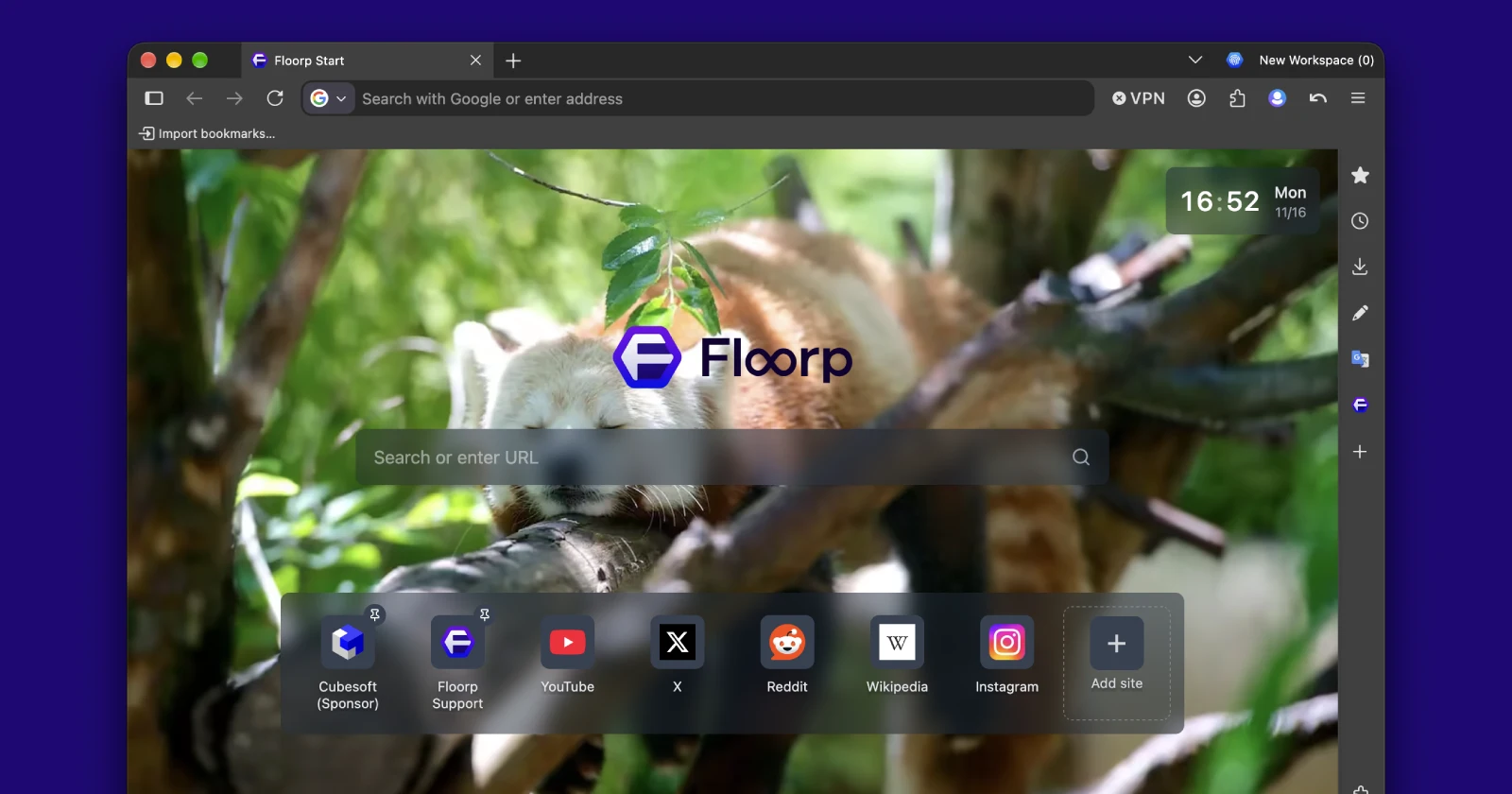
The developers behind the Floorp browser have decided to pause all new feature rollouts for the next few months so they can focus entirely on fixing bugs and making the browser more stable.
They announced the change alongside the v12.21.2 release notes, admitting that recent updates have caused a fair share of problems and conflicts with existing tools.
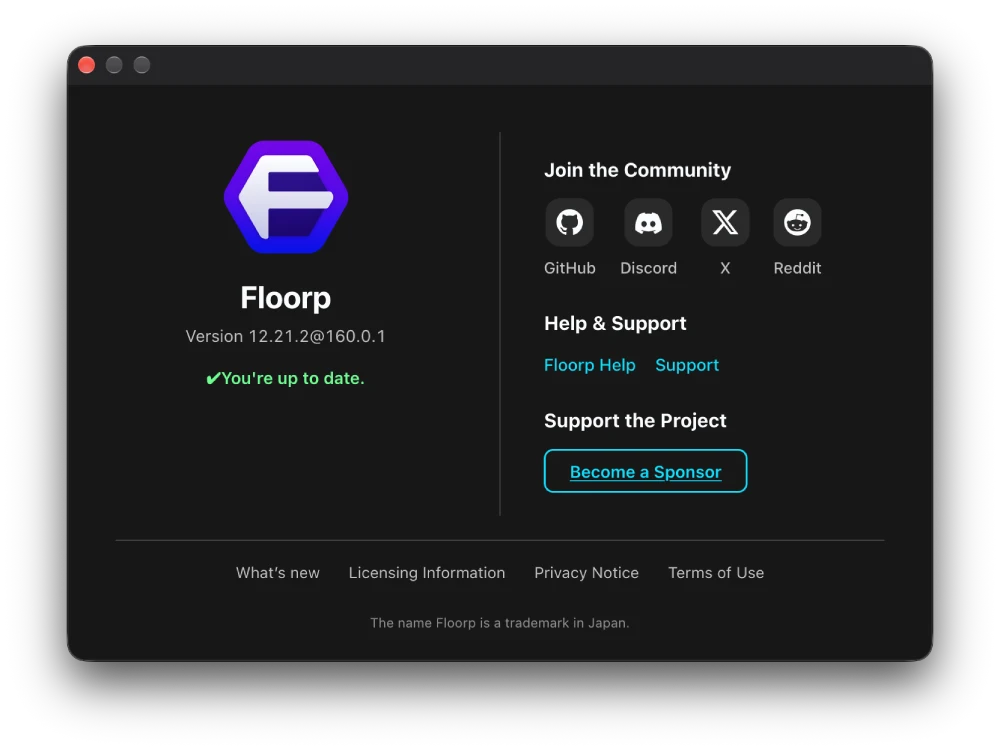
A big reason for this sudden shift is Mozilla’s decision to move Firefox to a standard two-week release cycle, which forces smaller teams built on top of Firefox to play a constant game of catch-up. Because Floorp packs in so many custom tweaks over the base browser, every rapid update from Mozilla runs the risk of breaking something unexpectedly
For the next few months, we’ll generally pause development and rollout of new Floorp features and focus on fixing and improving the stability of existing features.
If you have been keeping up with the browser lately, this slowdown probably does not come as a huge surprise. Just a couple of weeks ago, the team added cross-device workspace sync alongside a massive list of bug fixes, and even then, workspaces were still acting a bit finicky for a lot of users.
Instead of piling on more experimental stuff that might break two weeks later, the devs are going to spend their time squashing crashes and fixing core features like tabs, workspaces, and the sidebar. They also mentioned looking into ways to safely disable troublesome features when things go sideways, while still pushing out regular security patches.
That includes the v12.21.2 update out right now, which moves the base browser up to Firefox 160. This patch follows a quick update from earlier this month that disabled Mozilla’s sponsored shortcuts by default and ironed out a few lingering workspace sync issues.
The latest build smooths out a few visual glitches and everyday frustrations. For example, it fixes an issue that left a blank tab after you exited Split View, and restored tabs now retain your recent browsing history after a crash. It also refreshes the Lepton design and adjusts some Linux toolbar colors so everything feels more cohesive.
If you’ve been looking forward to new features, thank you for your patience while we focus on making the features you already use work reliably.


Dwayne Cubbins
3208 Posts
I cover fast-moving stories across apps, online platforms, and everyday tech — phones, wearables, consoles, and whatever else people are fighting with this week. Bugs, rollouts, scams, policy enforcement, and the occasional internet-culture rabbit hole are all fair game. My goal is simple — make confusing tech news readable. When I'm not working, I'm working out or chilling with my dog. Got a tip? You can find me on X @dcubbins.