


The latest update to the Floorp browser is primarily a security patch. It brings a privacy-oriented New Tab change, since it disables sponsored titles by default. There are also several fixes to Workspace Sync and web apps.
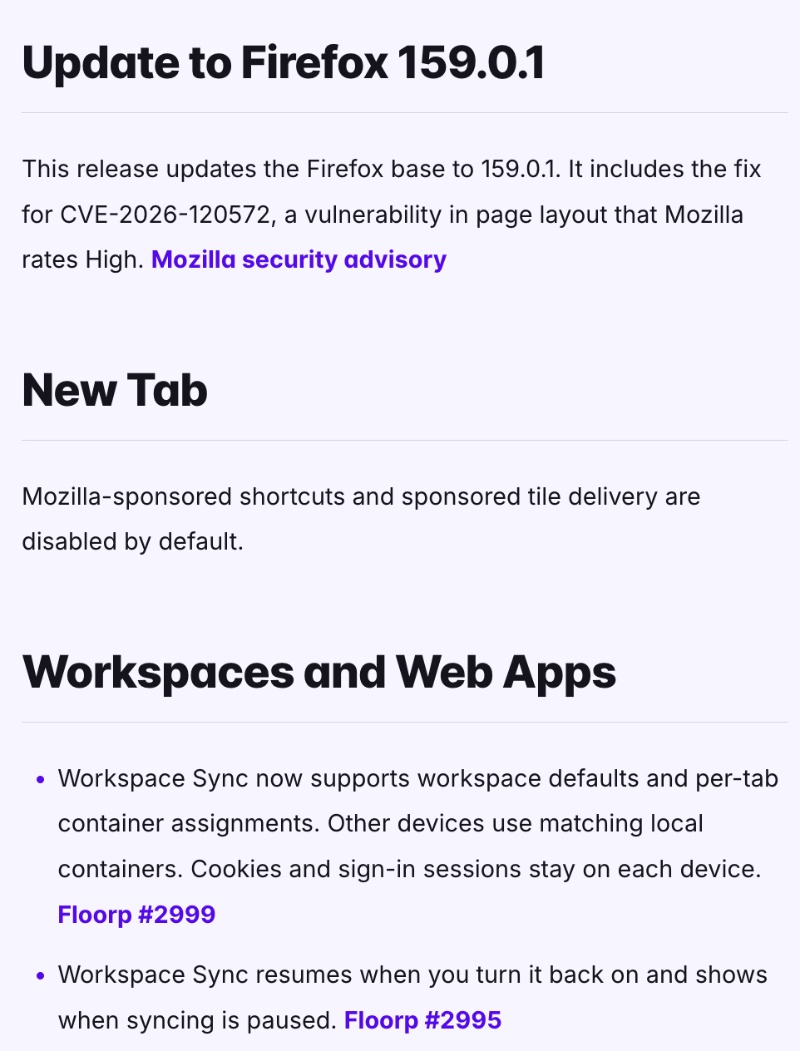
Floorp officially posted this information in a blog post, which elaborates on the Release Notes. A screenshot of the changelog has been attached below for your reference.
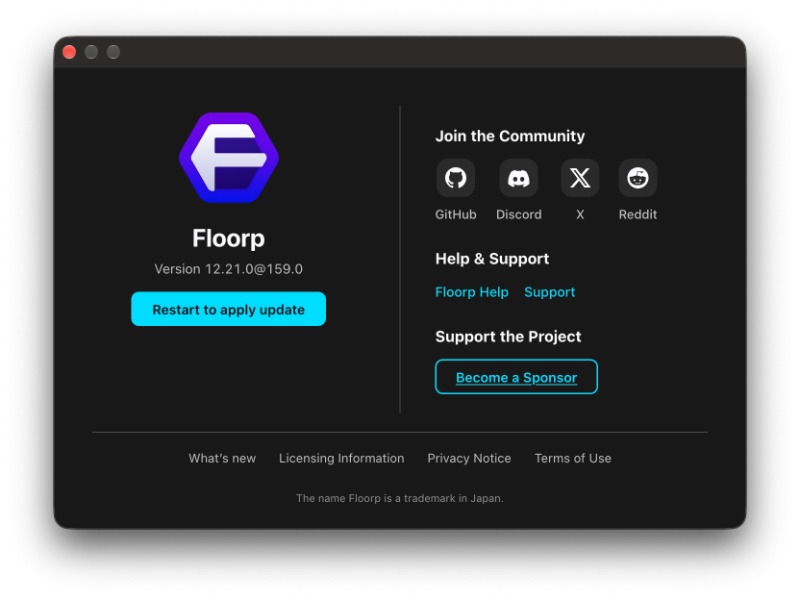
As soon as I opened Floorp, the update was already installed. All I had to do was restart the browser to apply the update. If you haven’t updated yet, you can find this update in Floorp -> About Floorp, where it’ll check for available updates.
Here’s a list of the important changes I found in this update:
- Firefox v159.0.1 security update: This is an important security fix. It updates the underlying Firefox code to the latest version, which fixes a high-severity security issue. The vulnerability affects page layouts. The Release Notes don’t detail the vulnerability further.
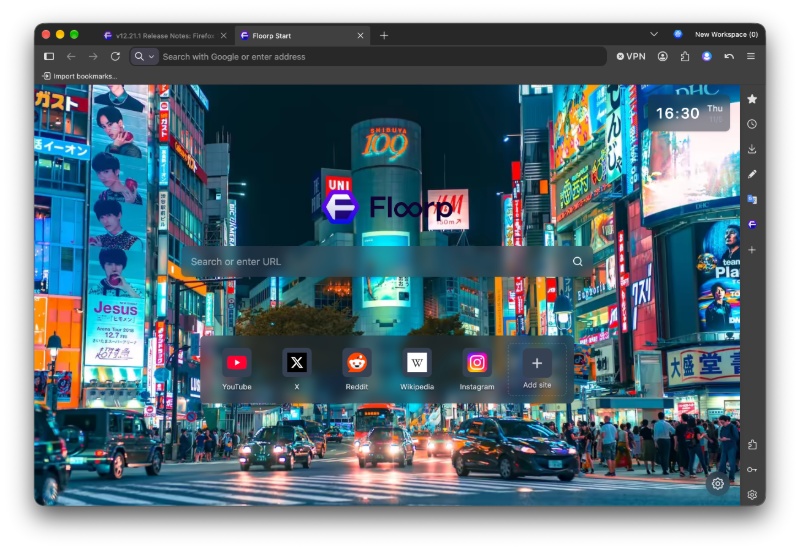
- Floorp now disables sponsored shortcuts and tiles by default: This update completely disables Mozilla’s sponsored shortcuts and sponsored tiles by default. This is a welcome change for users who prefer a clean New Tab page without promotional content appearing alongside regularly visited websites. In the screenshot attached below, you can view the New Tab page. Earlier, there used to be some shortcuts marked as “Sponsored,” and I don’t see them now.
- Improvements to Workspace Sync: Floorp’s Workspace Sync is now better. It supports workspace defaults and individual tab container assignments. This is useful for people who organize browsing into separate workspaces. Floorp can sync how your workspaces and tabs are organized, in simpler terms. It doesn’t copy your actual signed-in browsing sessions between computers. It goes without saying, but you also need to create an account to use sync on Floorp.
- Floorp has fixed an issue affecting Workspace sync when users disable and re-enable it. Previously, turning sync back on had some bugs. It also displays when sync has been paused.
- Web apps now receive the container label, and Japanese text input issues have been addressed.
- This update also updates translations.
You can view the entire list of Release Notes here.


Sudhanshu K
365 Posts
I have been a consumer technology enthusiast for over 5 years. Thanks to my experience in software beta testing and product reviews, I've understood and learnt a lot about what bugs and issues bother people, and I spend time trying to simplify their solutions. I cover smartphones, software, social media, apps, AI, and most consumer tech gadgets. Actively pursuing a Computer Science bachelor’s degree. I'm mostly active on Twitter/X (@TechWhirlUlt), drop a DM or tag me if you want to share info or connect!