





The latest Floorp update adds sync for workspaces and tabs, fixes a long list of bugs, and moves the Firefox base to v159.
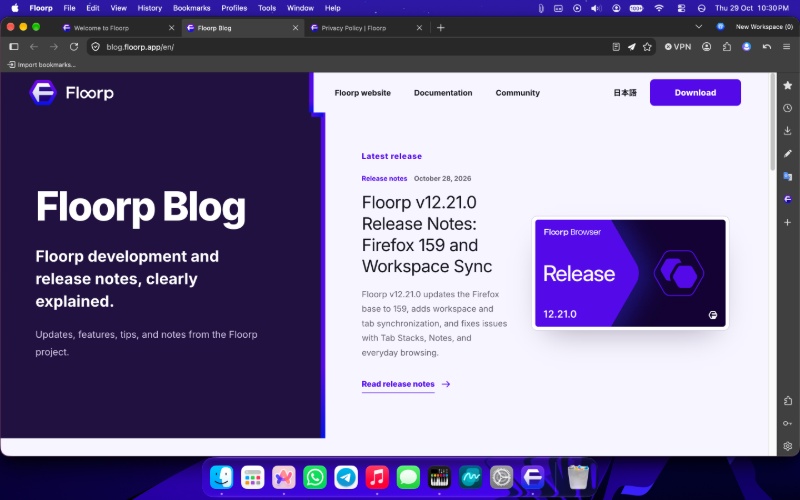
As usual, the company published a full blog about the changes, complete with images describing them. Floorp presents the update changelogs very well; far better than most browser companies do. A screenshot of the major new feature has been attached below.
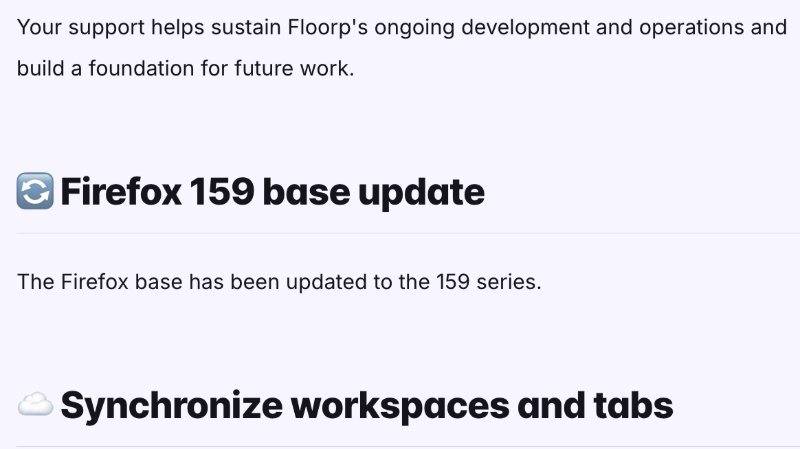
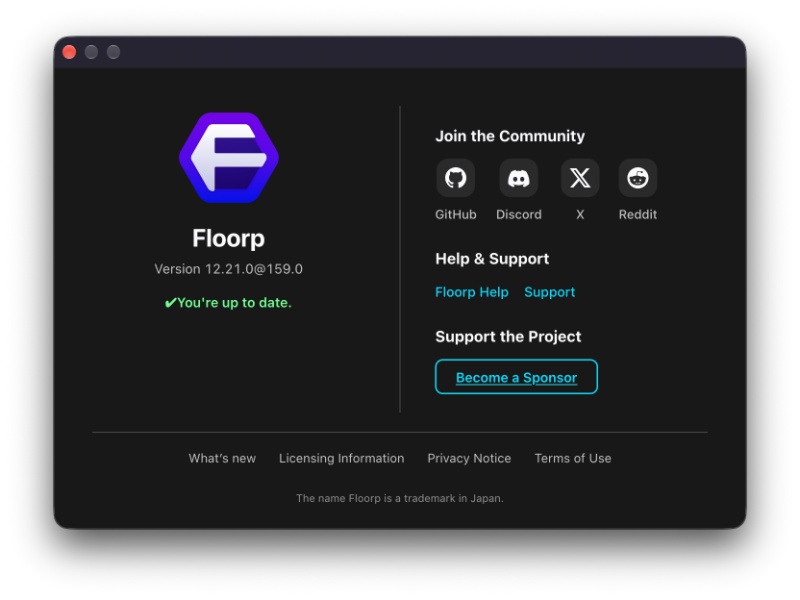
Apart from updating the Firefox base to v159, there’s one new feature that contributes to the user experience. It’s nothing major, but, if you have a Mozilla account, then you can bring selected workspace icons, including their names, icons, and tabs to other Floorp installations. They will now be in sync.
All you have to do is click the workspace name in the upper-right, and then right-click the workspace you want to sync. Whatever workspaces you don’t select won’t be added to the sync list. Note: Private windows, local files, and internal pages won’t be synced and are excluded from this. Considering the browser’s privacy-centric approach, cookies are also not synced.
As for the bug fixes, the list is quite long. Here are some important ones:
- Tab Stacks initialization problem has been fixed.
- A bug related to tab switching and containers has been addressed.
- The command palette choices used to disappear just after selecting a command and entering its input step before this update.
- Various fixes for the Containers feature.
- Immediately after the update, I was greeted with the Release Notes and the blog’s home page. If you don’t like this, you can disable it, and it’ll honor that choice now.
- New Tab initialization errors when Floorp Start is enabled.
- Notes sync: Old sync data used to overwrite unsynced edits, and various other issues related to deletion.
- Better reliability for workspace sync.
Note: The entire list of bug fixes is available here. We’ve only picked out some important ones from the list.


Sudhanshu K
353 Posts
I have been a consumer technology enthusiast for over 5 years. Thanks to my experience in software beta testing and product reviews, I've understood and learnt a lot about what bugs and issues bother people, and I spend time trying to simplify their solutions. I cover smartphones, software, social media, apps, AI, and most consumer tech gadgets. Actively pursuing a Computer Science bachelor’s degree. I'm mostly active on Twitter/X (@TechWhirlUlt), drop a DM or tag me if you want to share info or connect!