


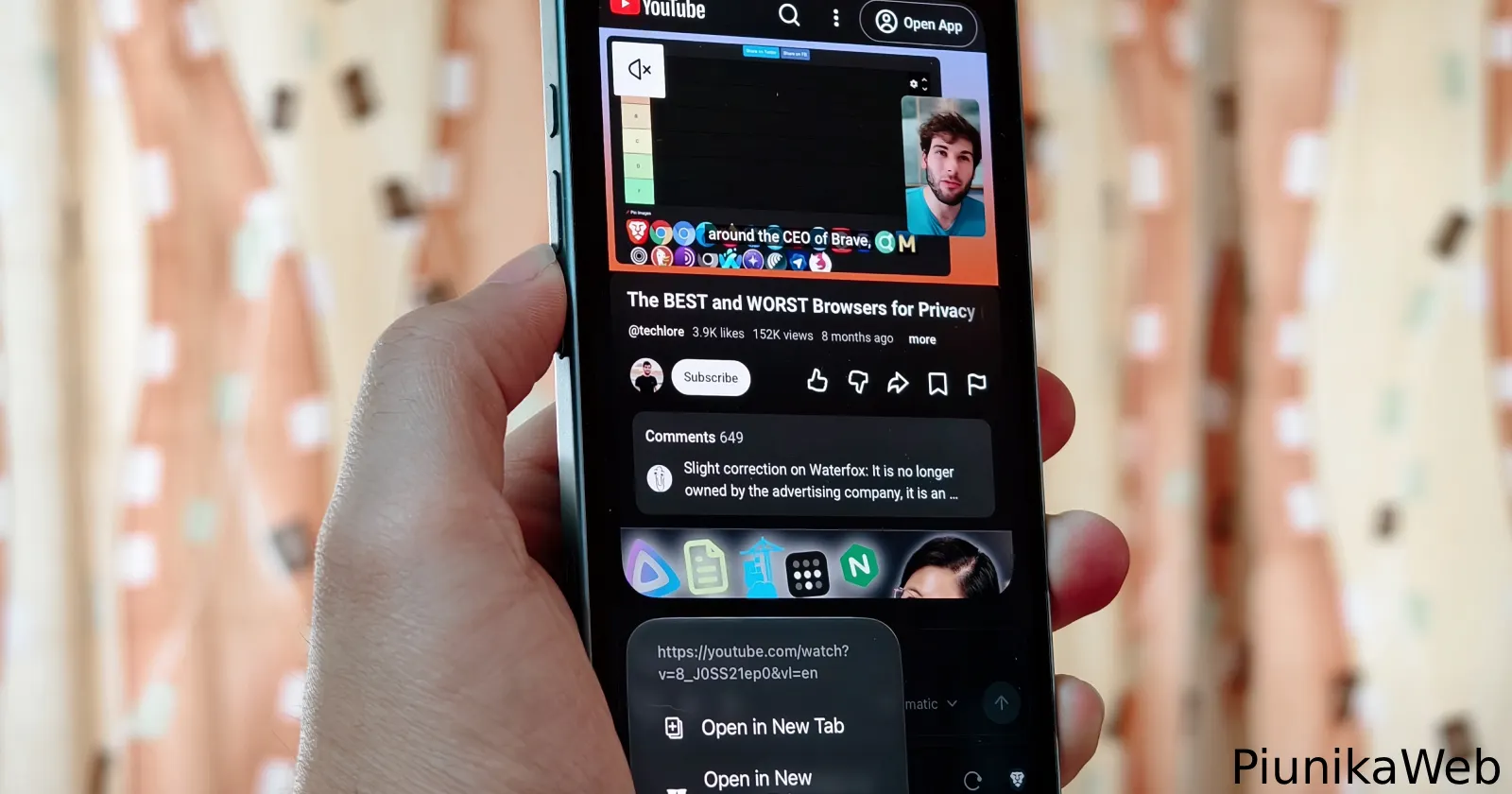
Brave recently rolled out a handy tweak for iPhone users that lets you preview links and videos right inside its AI answers without leaving your chat.
As the company pointed out in a recent post on X, when you are using Ask Brave or Leo, “you can now long-press on embedded links or videos in the answers to preview them” and then “tap this quickview window to see it in a full tab.”
A new change in Brave for iOS you may have missed:
When you’re using Ask Brave or Leo, you can now long-press on embedded links or videos in the answers to preview them. 🔎
You can then tap this quickview window to see it in a full tab. https://t.co/fhFvUQKfxX
— Brave (@brave) November 6, 2026
This behaves the exact same way link previews already work while browsing the web in general on Brave for iOS. It follows a busy couple of weeks for the iPhone app after the browser received a revamped Shields panel in version 1.98 to clean up the clutter around site controls.
I tested the new gesture out with both Brave Search and Leo AI, and it worked as expected right out of the gate. In the demo clip shared by the team, holding down on a YouTube video inside a gaming query brings up an inline player that starts running with a quick mute toggle, alongside standard shortcuts to open the link in a new or private tab.
These little pop-ups remind me a lot of Arc’s Peek feature, and they are super useful when you just want to verify a source or check a video without cluttering up your browser with ten different tabs.
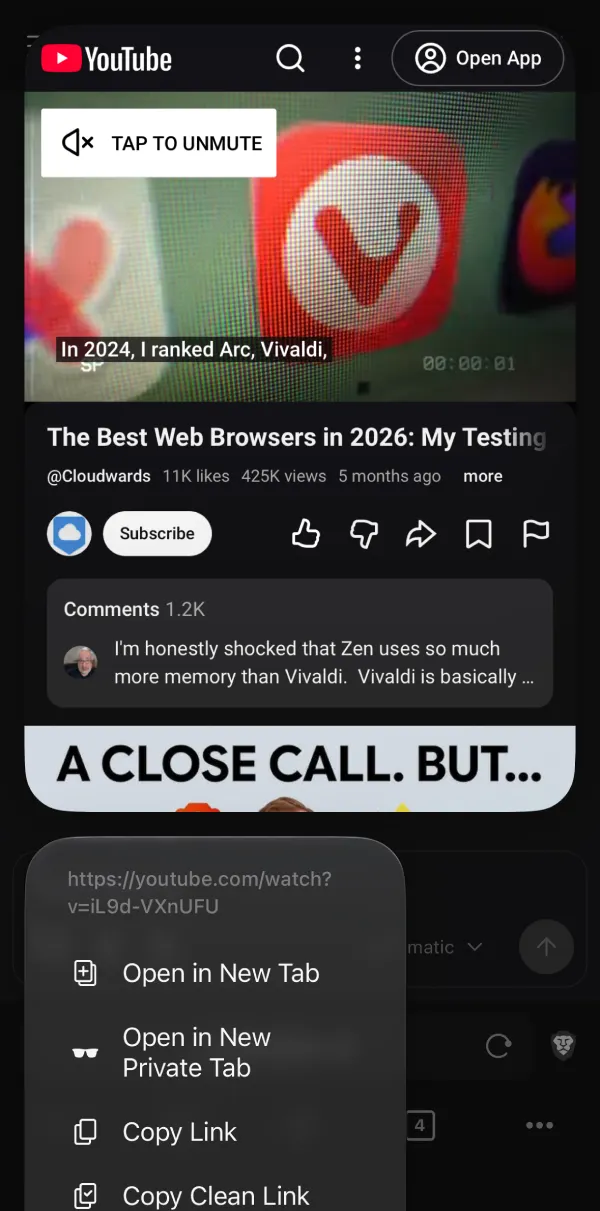
Still, there’s one small frustration with how these pop-ups work right now. It would be great if I could scroll within the preview windows to read more of an article. At the moment, they simply load the webpage and show whatever happens to fit on screen.
There is no scrolling at all, and swiping on the card simply dismisses the preview window back to your chat, though maybe I am asking for too much from a quick peek tool.
Either way, it’s good to see the team working on enhancing the user experience on iOS. It comes just days after the company pledged to fix deeper Apple integration issues and work on proper iPhone Duo optimization.
Hopefully, this same preview trick makes its way over to the Android app soon, especially since commenters on X are already begging for feature parity while the developers are busy building out Android extension support behind the scenes.


Dwayne Cubbins
3189 Posts
I cover fast-moving stories across apps, online platforms, and everyday tech — phones, wearables, consoles, and whatever else people are fighting with this week. Bugs, rollouts, scams, policy enforcement, and the occasional internet-culture rabbit hole are all fair game. My goal is simple — make confusing tech news readable. When I'm not working, I'm working out or chilling with my dog. Got a tip? You can find me on X @dcubbins.