





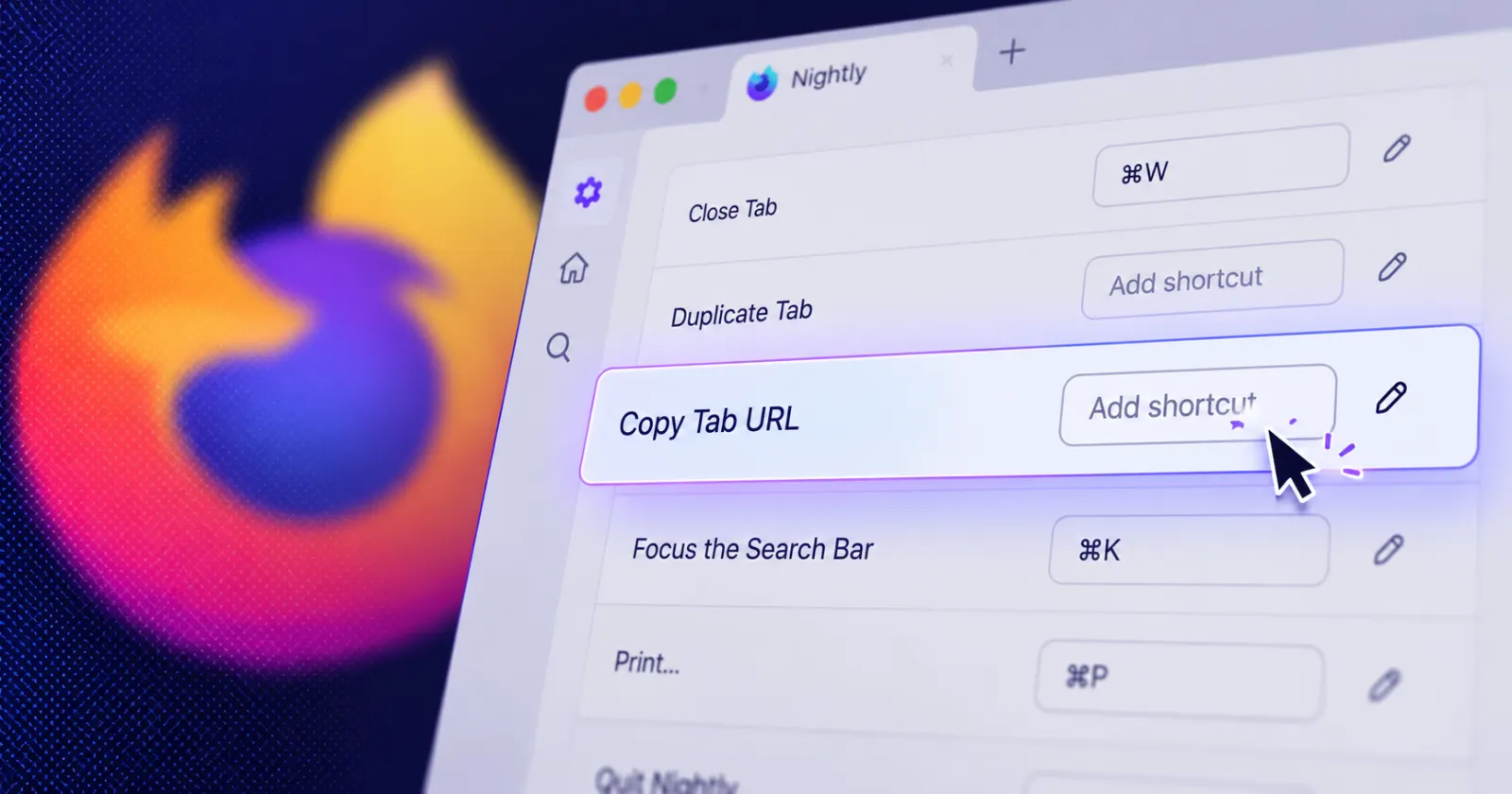
Mozilla just added a couple of handy quality-of-life updates to Firefox Nightly that let you copy your active web link with a single shortcut and fix an annoying fullscreen taskbar glitch on Windows.
If you want to grab a link quickly without touching your mouse, the Firefox Nightly team shared on X that you can now set up a dedicated hotkey to copy the current tab URL straight to your clipboard.
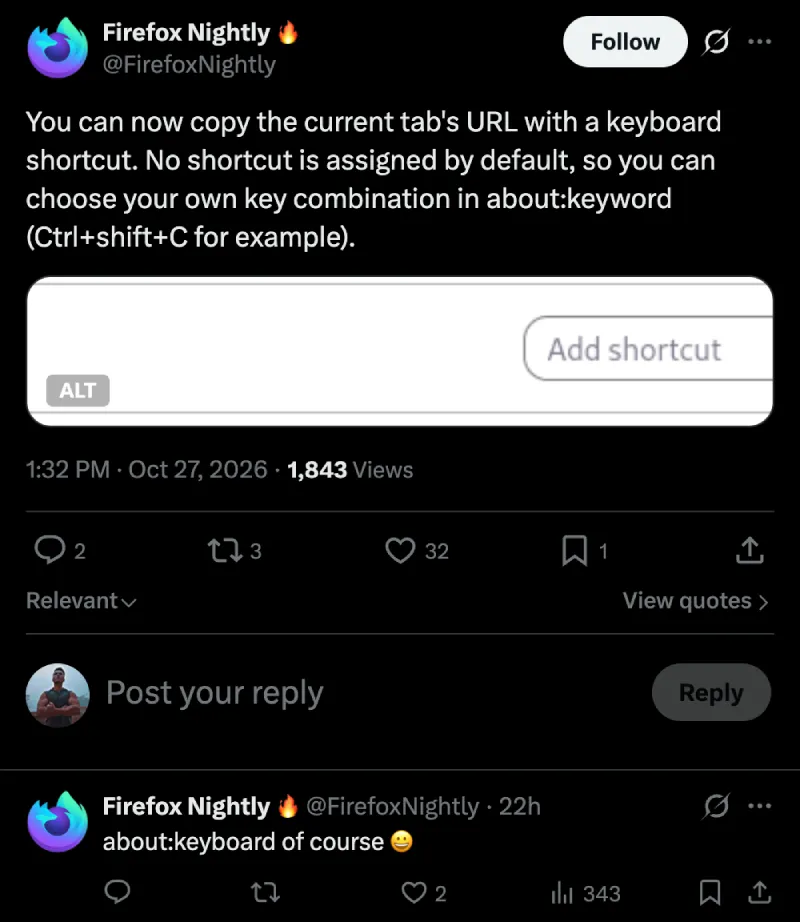
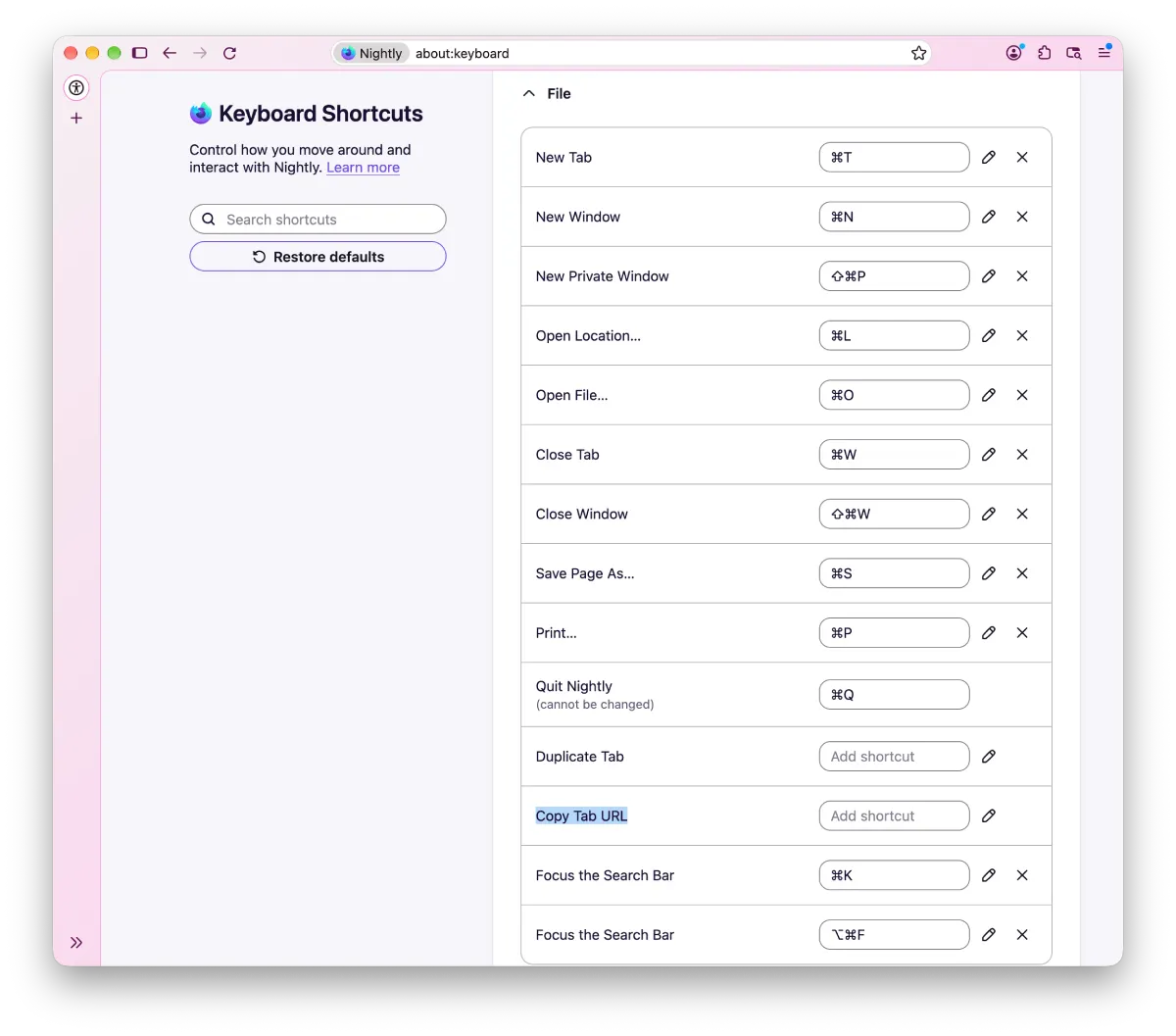
There is no default key combination assigned out of the box, so you have to head into the keyboard settings page to pick whatever works best for your muscle memory.
In case you want to check it out for yourself, you’ll have to head to about:keyboard and check the “File” section.
It builds right on top of the recent Firefox v159 release that brought a new tab search shortcut and moved passwords to the sidebar.
When someone pointed out in the replies that you can already just press Ctrl+L followed by Ctrl+C to grab a link, the team explained that “this is a frequent request from people coming from other browsers that do have this feature.” They also noted that “the other point of the new shortcut is to not impact the pointer focus at all,” which means you will not get pulled out of whatever text box or page element you are actively typing in.
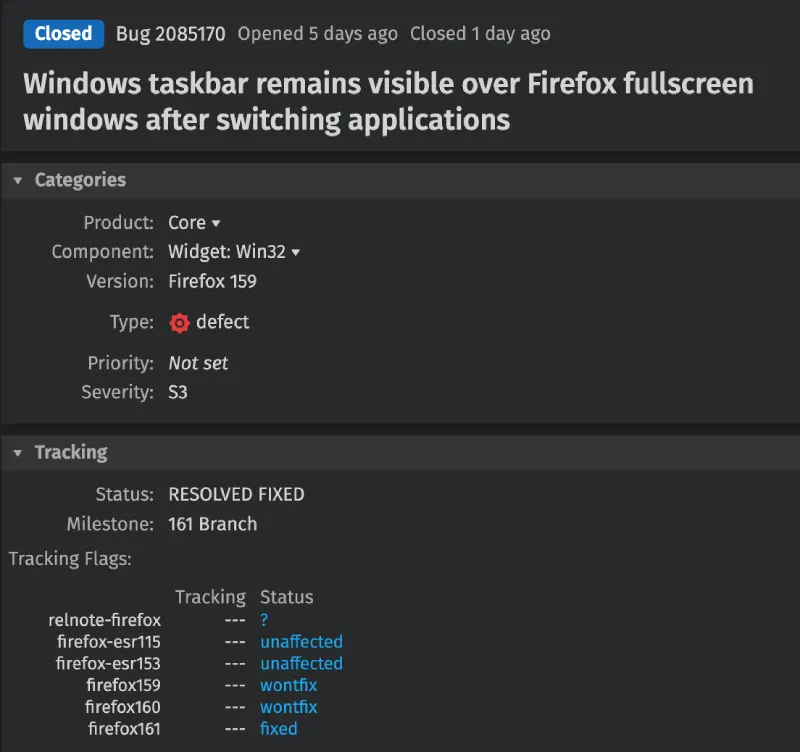
Alongside the shortcut update, developers also squashed a frustrating Windows display bug where the taskbar would stay stuck on top of fullscreen Firefox windows after using Alt+Tab to switch back from another app.
According to the official Bugzilla report, this headache happened whether you were watching a video in fullscreen or using the F11 browser fullscreen mode, and it is officially marked as fixed in Firefox 161.
With Firefox 160 beta already testing a floating Mini Window for easier multitasking, it is great to see Mozilla cleaning up the basics of window management on desktop at the same time. These smaller tweaks arrive right as the company detailed its broader Firefox roadmap featuring offline reading and built-in voice transcription.


Dwayne Cubbins
3158 Posts
I cover fast-moving stories across apps, online platforms, and everyday tech — phones, wearables, consoles, and whatever else people are fighting with this week. Bugs, rollouts, scams, policy enforcement, and the occasional internet-culture rabbit hole are all fair game. My goal is simple — make confusing tech news readable. When I'm not working, I'm working out or chilling with my dog. Got a tip? You can find me on X @dcubbins.