






Firefox v159 is a relatively “quiet” release, since it appears that Mozilla has got a storm brewing for upcoming versions. This is mostly a bug-patch release focused on polish, Linux and macOS-specific fixes, and more.
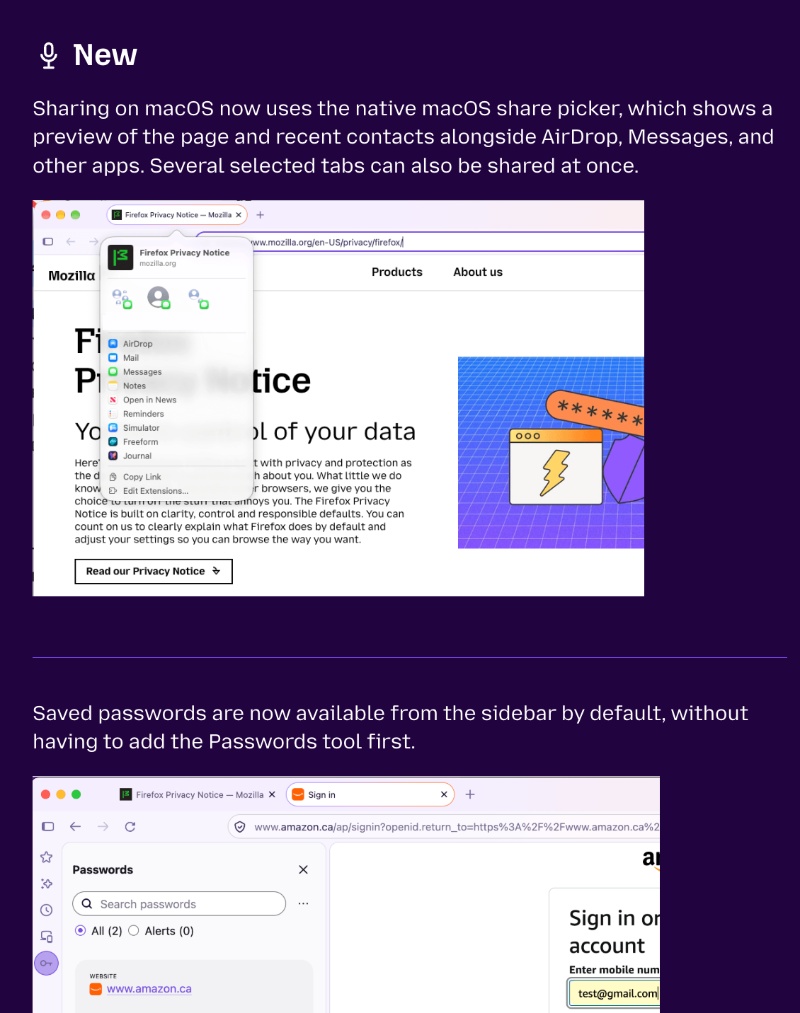
What’s telling is that the “Fixes” section is extremely long, and the “New” section is limited to three basic improvements. The entire Release Notes have been published on Mozilla’s official blog, and a partial screenshot has been attached below.
Moreover, the update showed up immediately; you can head over to “About Firefox” if you haven’t installed the update already. So, what’s new?
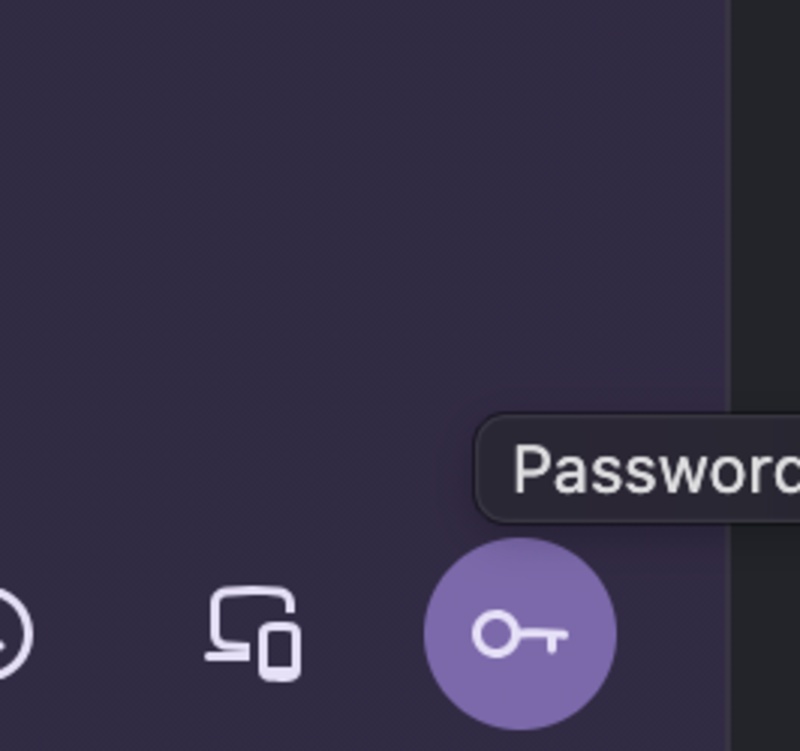
- Passwords are now available in the sidebar by default. Saved passwords will appear in the sidebar without you needing to add the Passwords tool first.
- Smart Window can actually watch pages for any changes. All you have to do is type “/watch.” It can monitor price drops, restocks, and other changes. It notifies you when it finds something. However, this is part of a progressive rollout, and I have not received it yet.
- New keyboard shortcut to search open tabs: Control + Shift + A for Windows/Linux. Command + Shift + A for macOS. Some old shortcuts have been moved around as well. You can set your configurations in about:keyboard.
- AI chatbot “Summarize” page now sends the URL instead of the text of the pages to the chatbot provider. This should lead to better AI summaries.
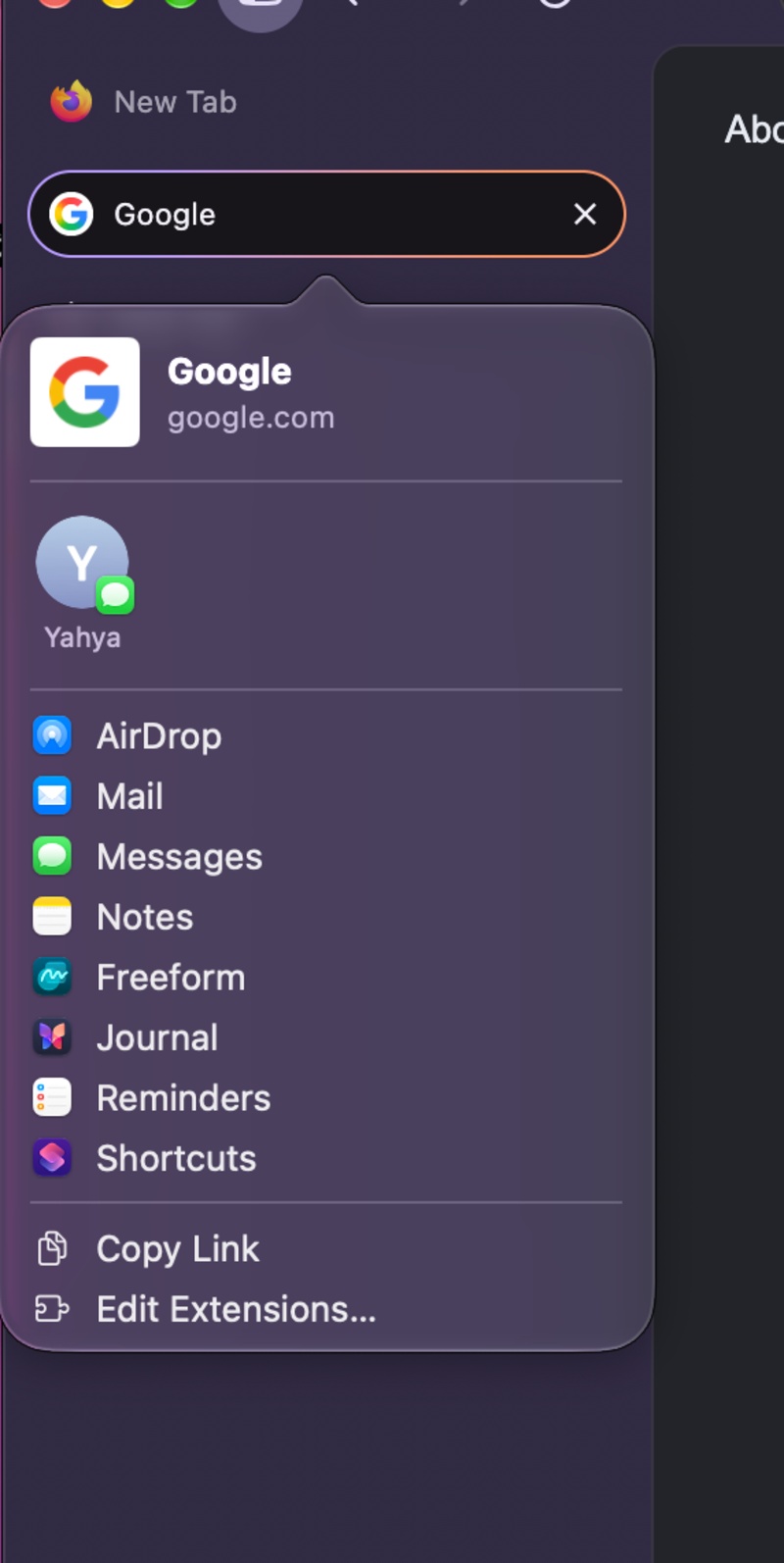
- Native macOS share picker on macOS.
- Apps that sign in through the default browser now open their login page within Firefox instead of Safari when Firefox is set as the default browser.
- Clicking a tab no longer accidentally opens it in a new window on Wayland on Linux. Memory use is also reduced on Linux systems with AMD graphics when viewing map or place results.
- International domain names display correctly.
- Fixed rapid memory growth on minimized windows.
- There are also various security fixes, fixed spacing issues, animation improvements, and more. Firefox is also no longer supported on Windows 8.1 and earlier, or macOS 10.14 and earlier.
Note: The list only includes major user-facing changes that I found important. You can find the entire list here. There are also several changes for developers, the enterprise version, and Web Platform.


Sudhanshu K
351 Posts
I have been a consumer technology enthusiast for over 5 years. Thanks to my experience in software beta testing and product reviews, I've understood and learnt a lot about what bugs and issues bother people, and I spend time trying to simplify their solutions. I cover smartphones, software, social media, apps, AI, and most consumer tech gadgets. Actively pursuing a Computer Science bachelor’s degree. I'm mostly active on Twitter/X (@TechWhirlUlt), drop a DM or tag me if you want to share info or connect!