






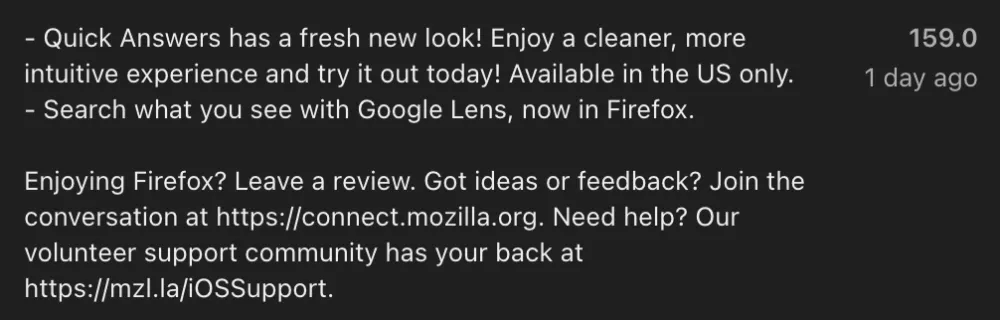
Mozilla just pushed out version 159.0 of Firefox on the App Store, with the changelog noting you can now “Search what you see with Google Lens, now in Firefox” alongside a “fresh new look” for its US-only Quick Answers tool.
While the iPhone update makes it sound brand new, this visual search tool actually started rolling out in stages recently and also landed on desktop.
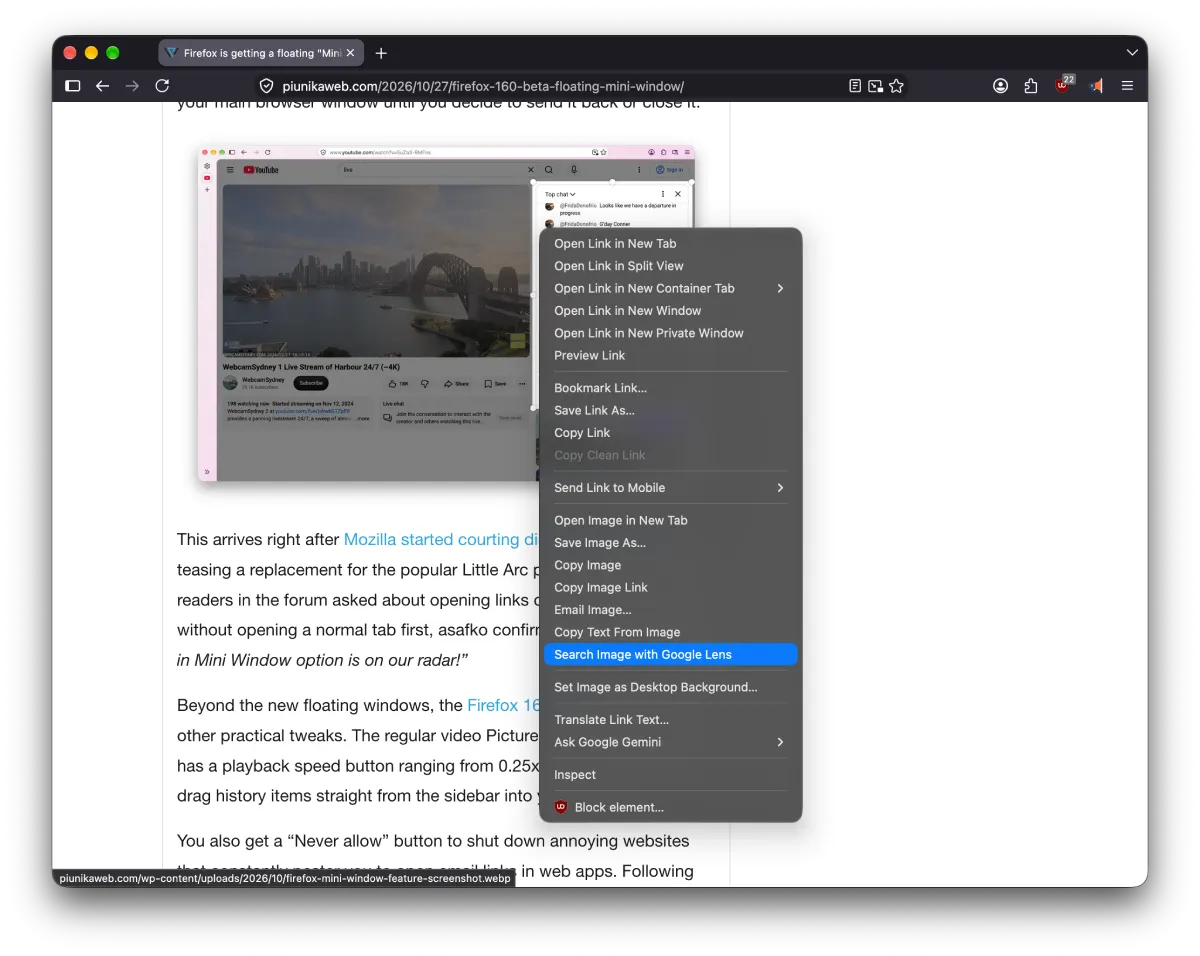
According to a Mozilla support page, the desktop version lets you right-click any picture and send it to Google Lens in a new tab. From there, you can copy or translate text inside images or identify objects without saving the file first.
It joins a string of practical search upgrades the team has been testing lately, including an address bar tweak that shows when you last visited a website. I already see the Google Lens right-click option on Firefox on my Mac, and it works just like Chrome.
That said, I still don’t see the Google Lens option in the Firefox iOS app, despite enabling Google as my default search engine. It is possible that the feature is rolling out gradually or is restricted to certain regions, much like the Quick Answers tool from Firefox v154.
Since I wasn’t even able to get the feature to work after using a VPN connected to a US server, unfortunately, I couldn’t catch a glimpse of the new UI.
Even if it has reached your device, there is a catch that has people complaining in a Firefox Reddit thread. The option stays hidden unless Google is your default search engine, though a Mozilla desktop developer jumped into the comments to say, “I’d like us to change that if we can. I agree you shouldn’t need to have Google as your default search engine to be able to search with Lens.”


Dwayne Cubbins
3154 Posts
I cover fast-moving stories across apps, online platforms, and everyday tech — phones, wearables, consoles, and whatever else people are fighting with this week. Bugs, rollouts, scams, policy enforcement, and the occasional internet-culture rabbit hole are all fair game. My goal is simple — make confusing tech news readable. When I'm not working, I'm working out or chilling with my dog. Got a tip? You can find me on X @dcubbins.