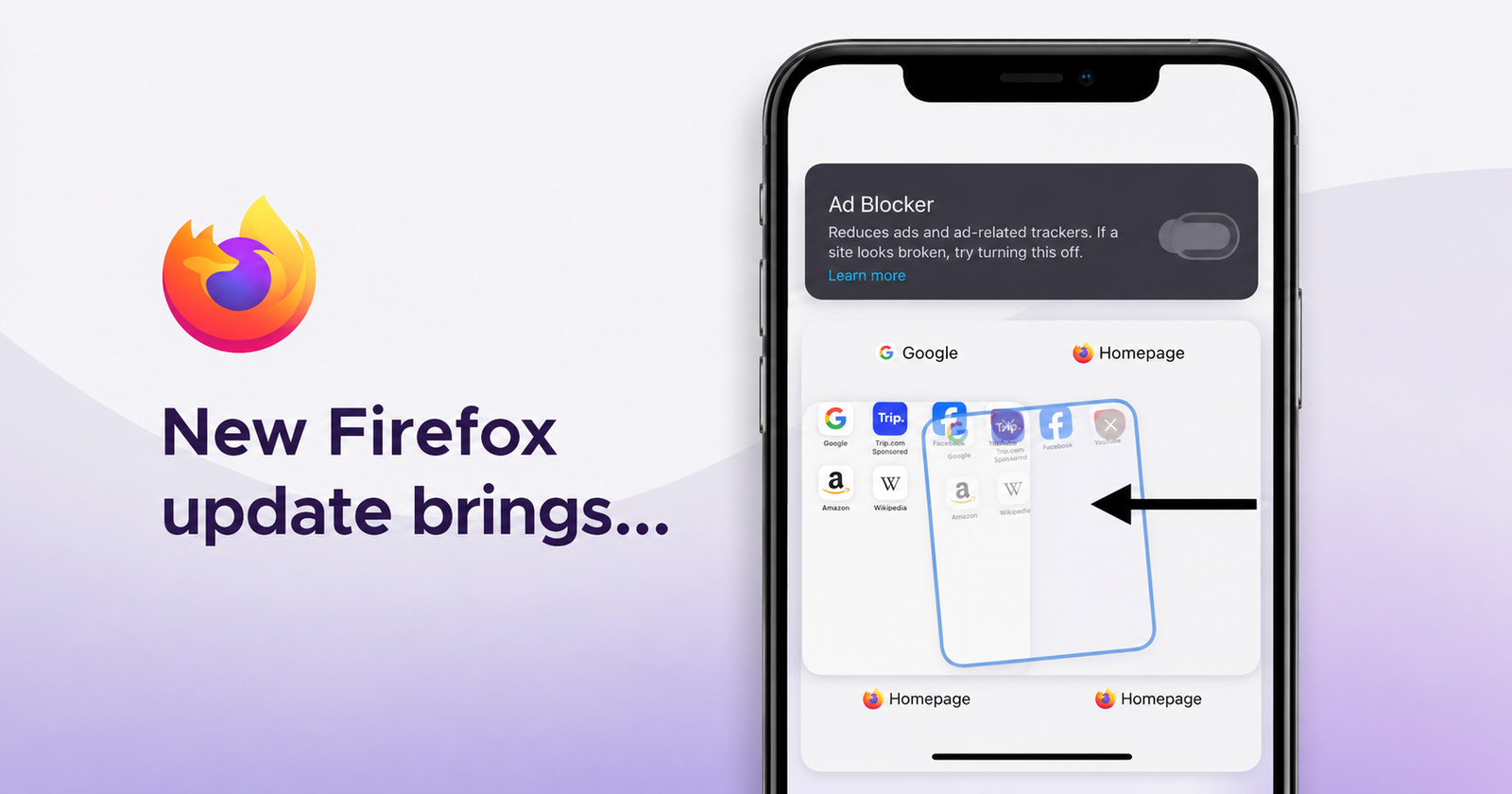
Firefox has rolled out a new update for the iOS app, and it does bring a couple of interesting changes this time. They’ve made closing tabs much easier and more intuitive; there are new icons to choose from, and a new AI feature called “Quick answers.” However, the biggest addition has not even been mentioned in the official changelog.
You can find a screenshot of the changelog below. It’s available in the Firefox Version History on the App Store.
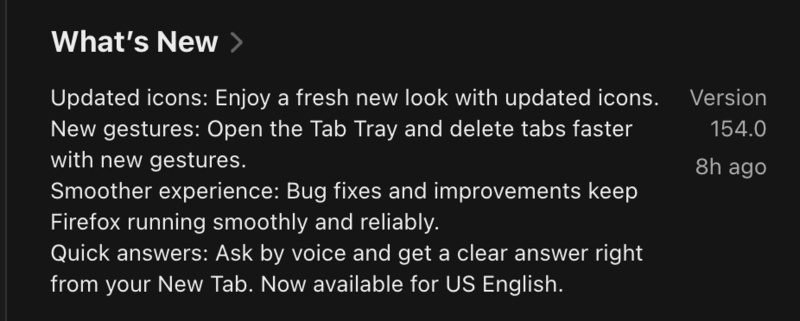
I’ve installed this update myself and looked through the new features, and actually found something they haven’t mentioned: the built-in ad blocker is now live and functional.
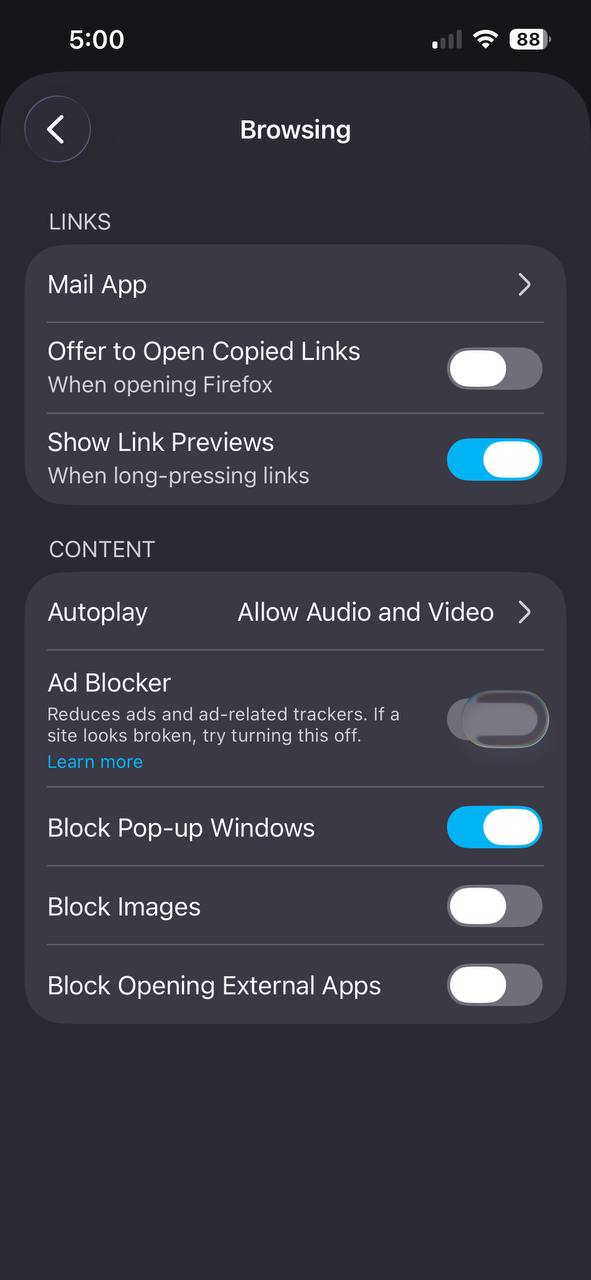
To enable it, just head into Firefox Settings -> Browsing.
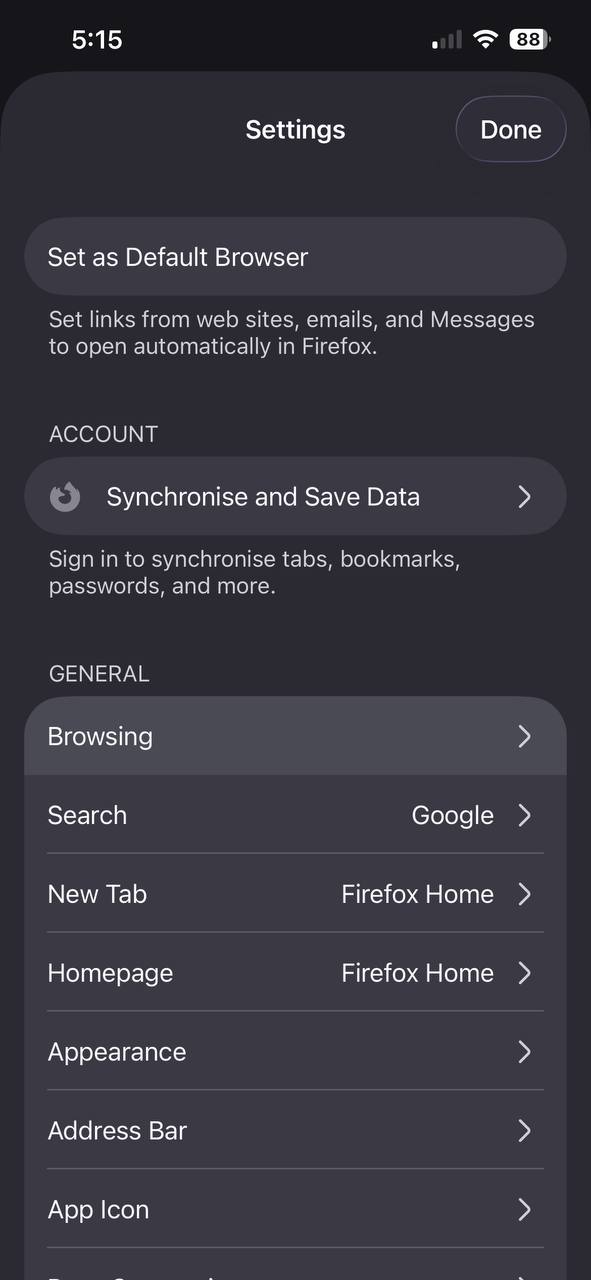
From here, you’ll find the “Ad Blocker” option. For me, it wasn’t turned on by default.
Interestingly, the functionality remains a bit flaky at the time of writing. Despite refreshing the page, restarting the browser, and retoggling the setting, this specific ad (shown below) doesn’t go away.
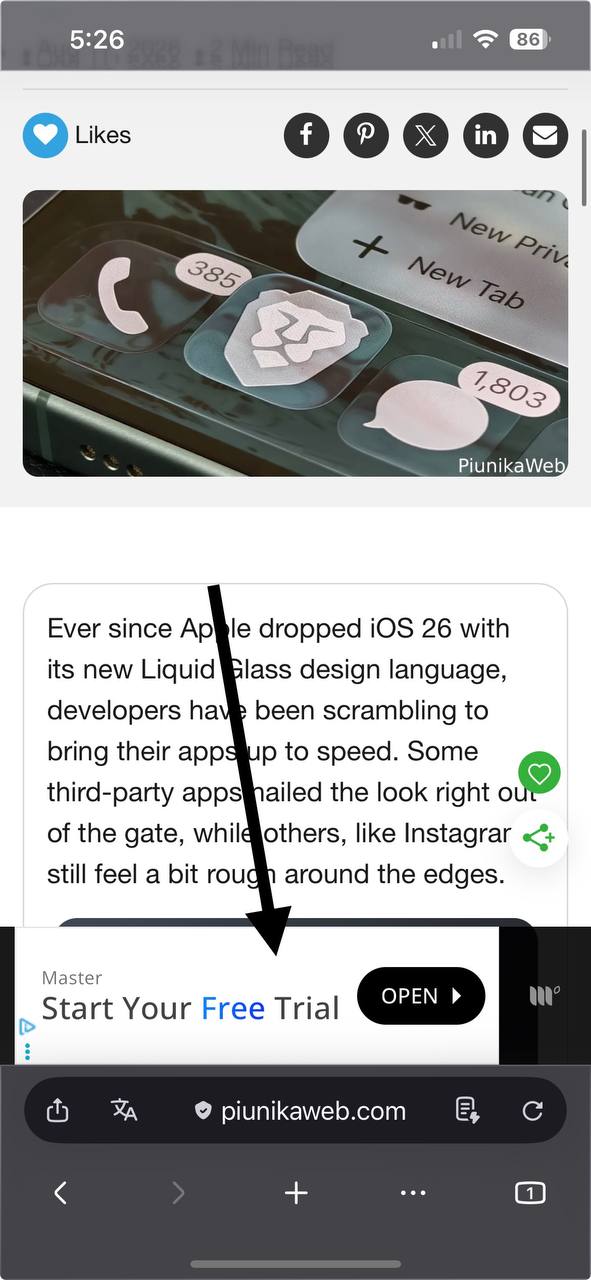
By contrast, the latest Firefox Beta on iOS does successfully block this ad, so the stable version probably needs more work. Firefox has a long way to go if they want to catch up with Brave Shields in our testing.
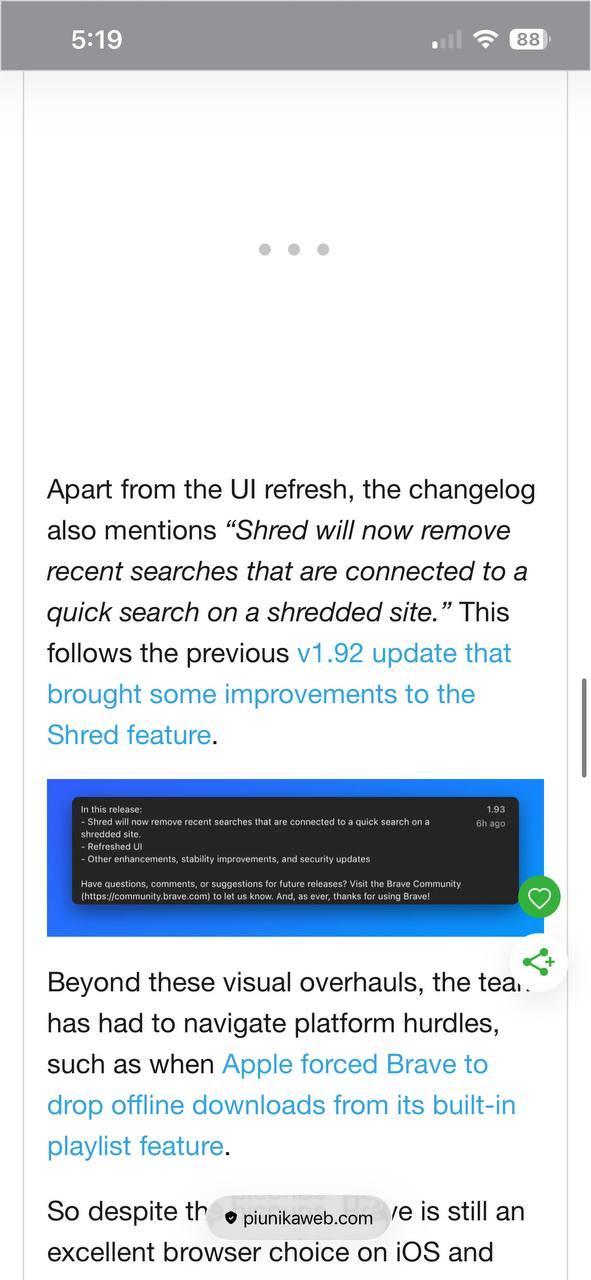
As expected, the stable version also doesn’t block video ads, which was the same behavior we found earlier on the Firefox beta.
In fact, we recently reported that it’s nearing stable release, since the official support page has also started working. The developers responsible for typing the changelog seem to have conveniently forgotten to mention this ‘little’ addition to the browser.
The new ad blocker aside, mentioned below is an elaborated explanation of the changes:
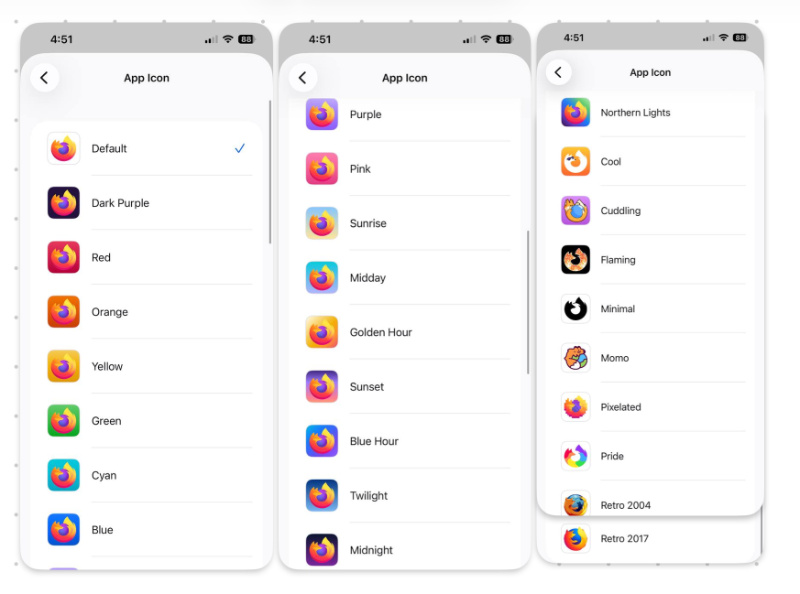
- Icons: The changelog mentions a “fresh new look,” and since it doesn’t specify which exact icons are new, you can view the image below to take a look at the entire list of available icons on offer right now.
- New gestures: You can now delete tabs faster. Instead of specifically locating the “X” button for closing, a simple swipe left or swipe right on the tabs will now delete them. This doesn’t affect tab reordering, which still works with a long press.
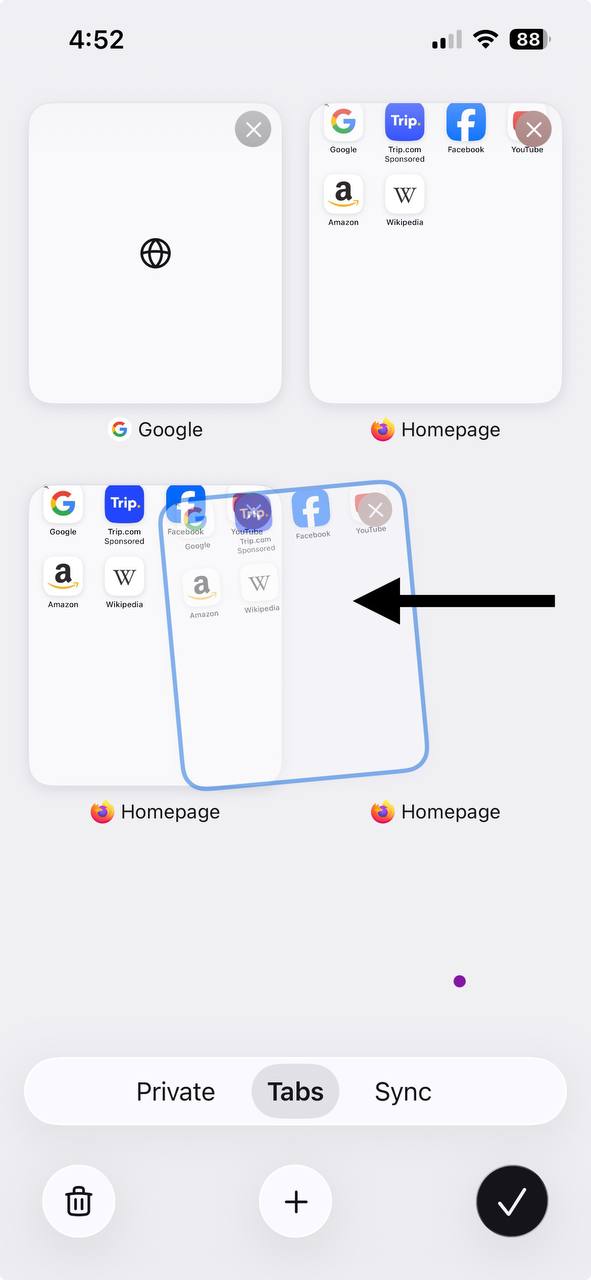
- Smoother experience as a result of bug fixes and other improvements.
- Quick Answers feature: There’s a new feature called “Ask by voice.” You can ask questions right from your New Tab, and then get answers for that question. At the time of writing, this feature is restricted to the US only.
If you haven’t updated yet, you can grab the latest update from here on the App Store.
It’s not just iOS getting the visual refreshes. In other Firefox news, Mozilla is working on an OLED dark theme for Firefox on Android. More on that here.
Featured image: AI


Sudhanshu K
330 Posts
I have been a consumer technology enthusiast for over 5 years. Thanks to my experience in software beta testing and product reviews, I've understood and learnt a lot about what bugs and issues bother people, and I spend time trying to simplify their solutions. I cover smartphones, software, social media, apps, AI, and most consumer tech gadgets. Actively pursuing a Computer Science bachelor’s degree. I'm mostly active on Twitter/X (@TechWhirlUlt), drop a DM or tag me if you want to share info or connect!
Next article View Article