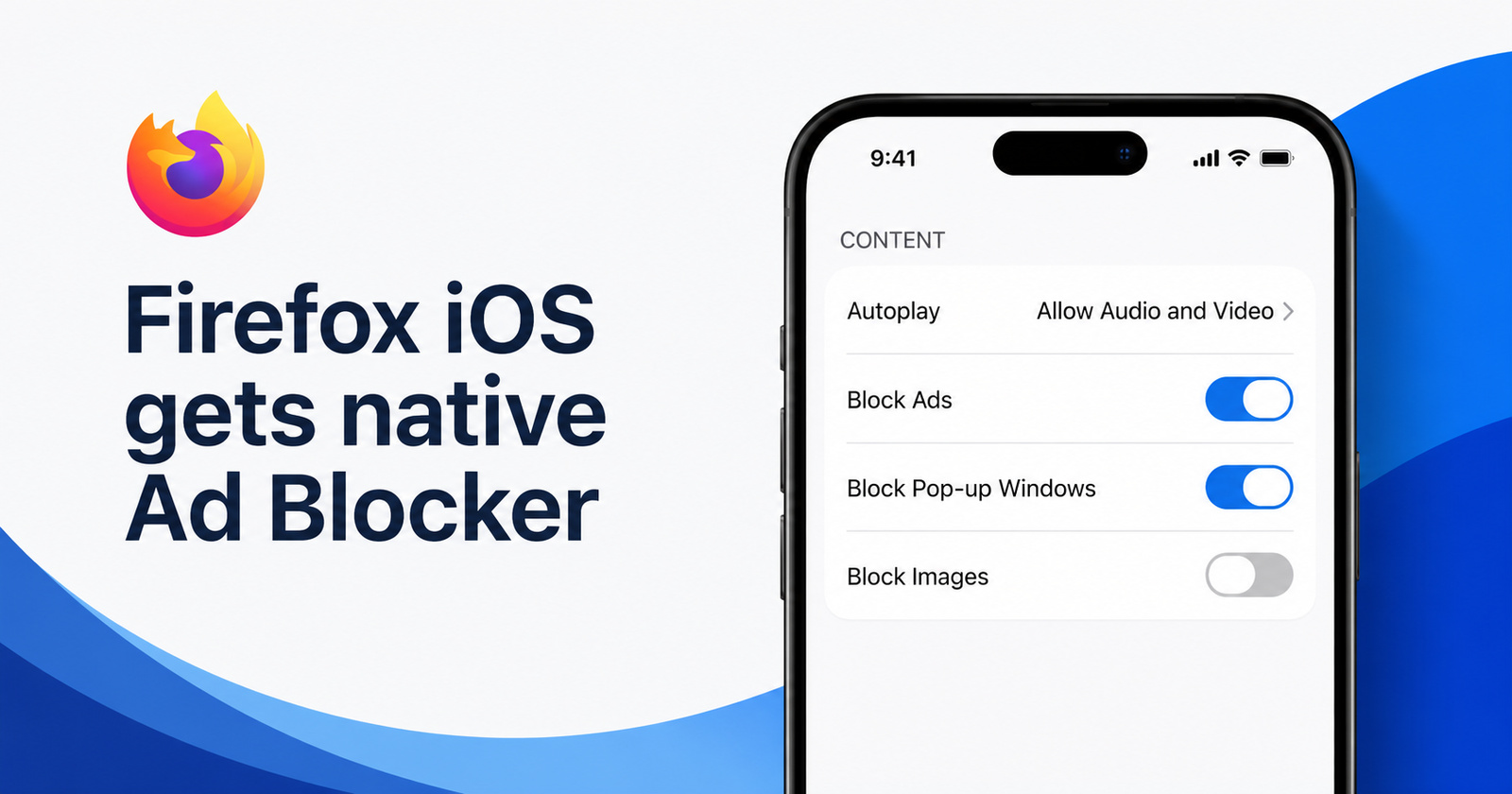
On the beta iOS Firefox app (v153.2), the built-in ad blocker has finally started working. At the moment, it’s disabled by default. Things seem to be progressing according to Mozilla’s roadmap for Firefox.
If you’re interested in trying this out, you’ll need to grab the beta version of Firefox from this TestFlight link. It’s worth noting that betas might be a bit more unstable/buggy than the regular version, so it may not suit daily use.
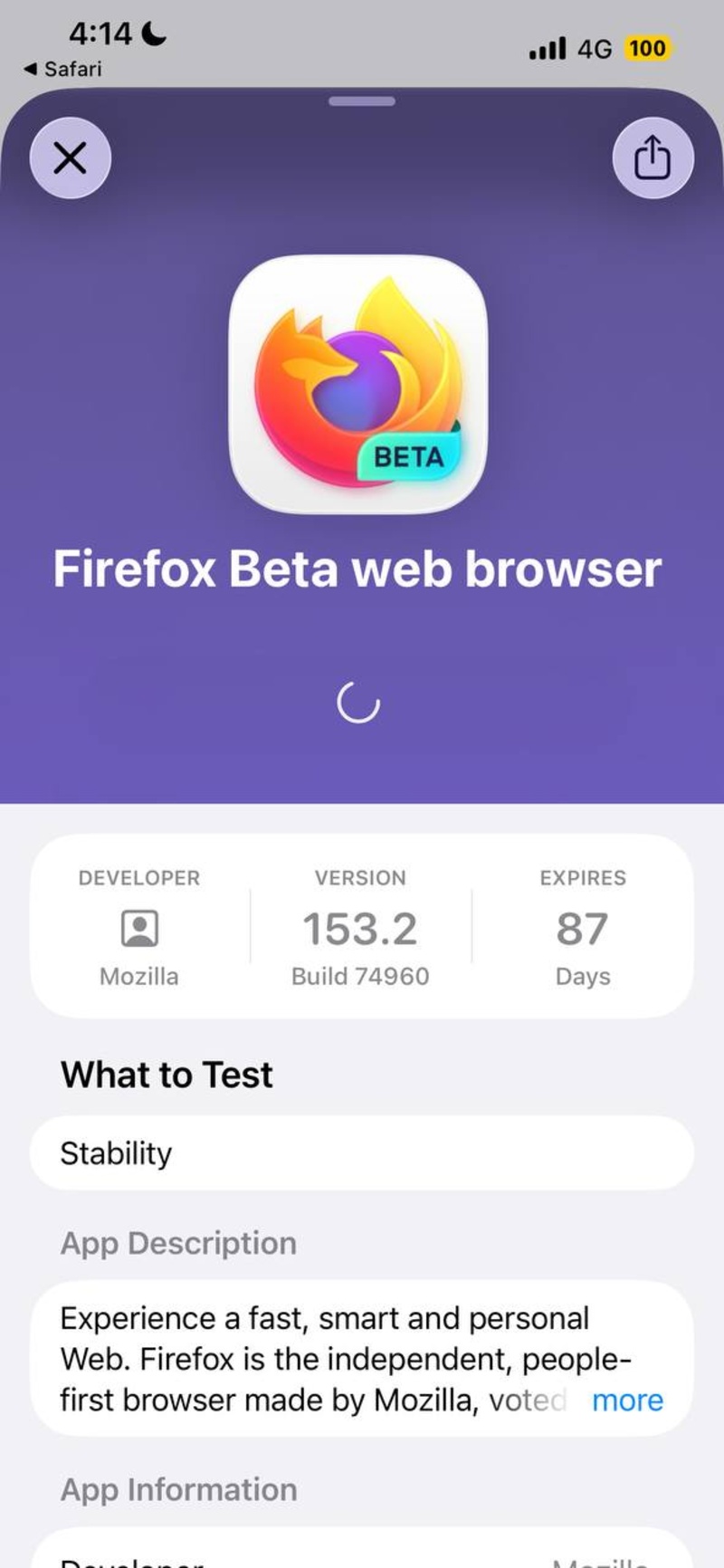
Once you’ve installed the beta:
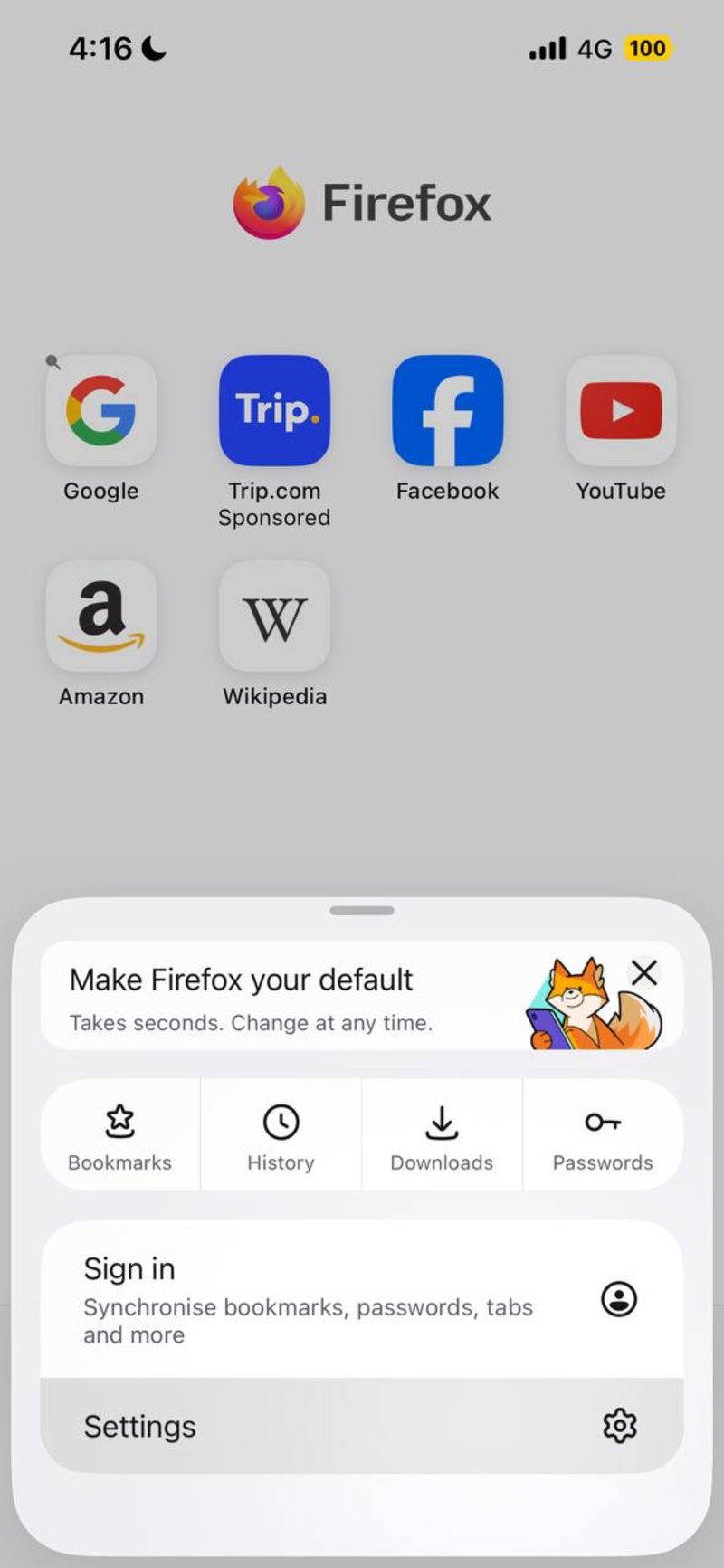
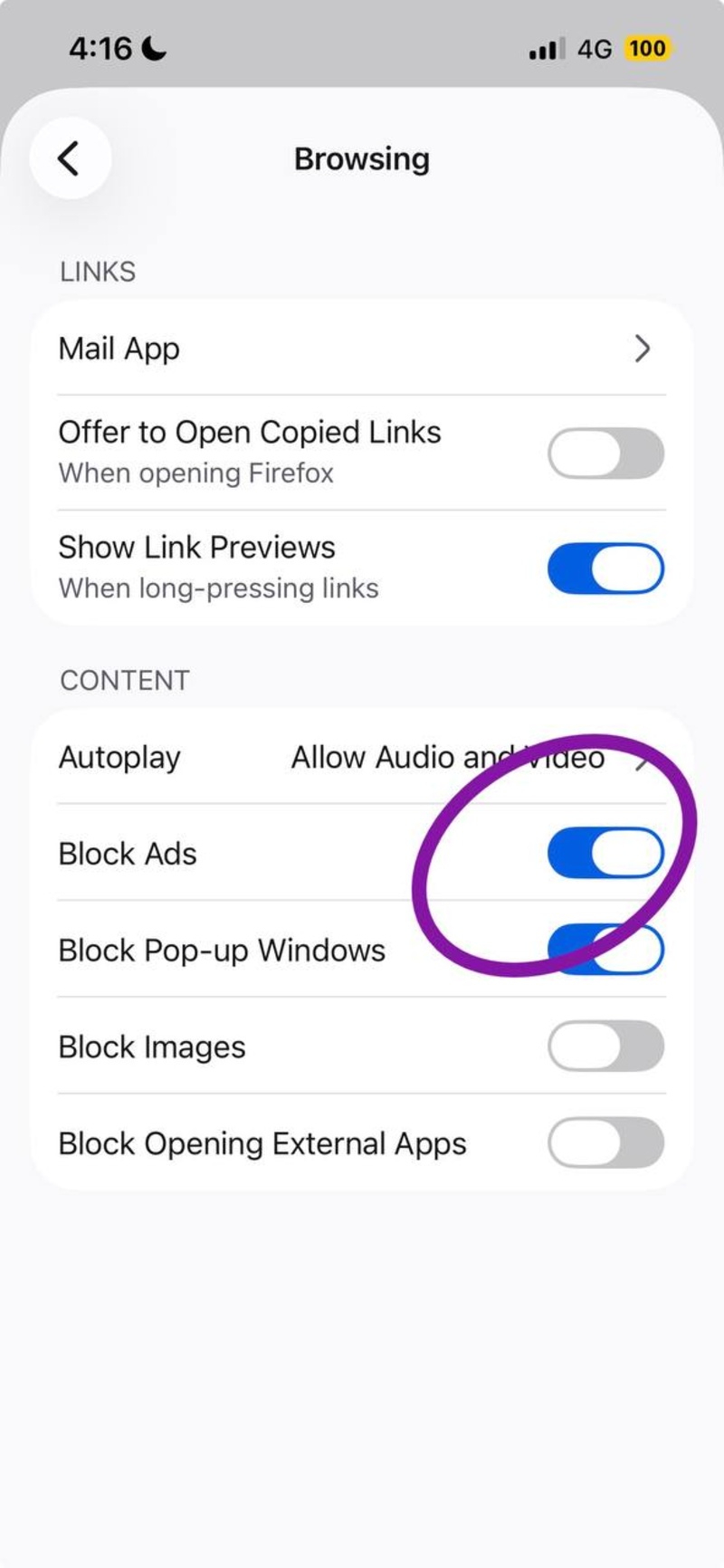
- Open Firefox Settings.
- Tap on the “Browsing” option from the menu.
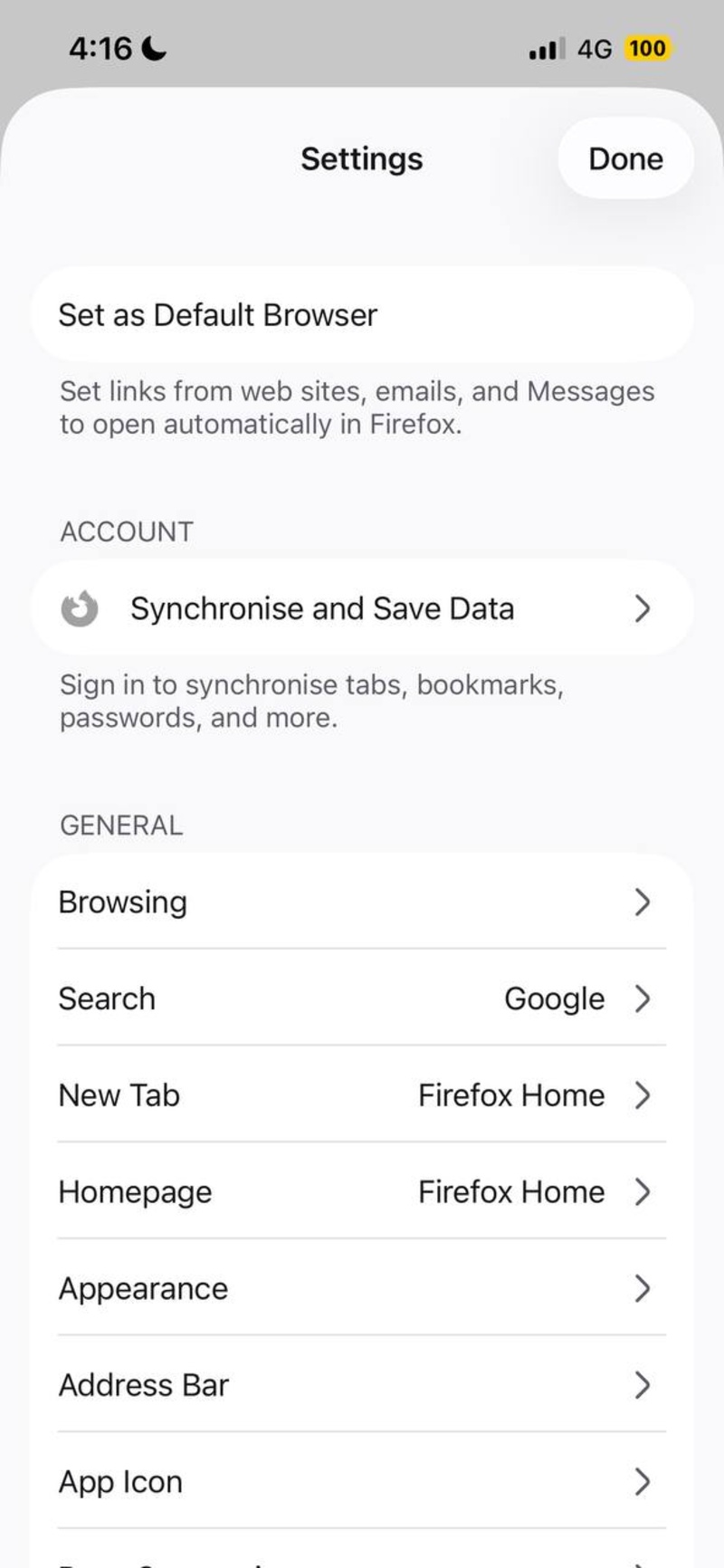
- Toggle on the “Block Ads” option. (It wasn’t enabled by default for me). If it still doesn’t show up, you’ll need to specifically enable it from Feature Flags.
I can also confirm that the ad blocker is functional. I’ve visited a bunch of websites, and the usual banner ads, pop-up ads, or ads placed in-between pages do not show up.
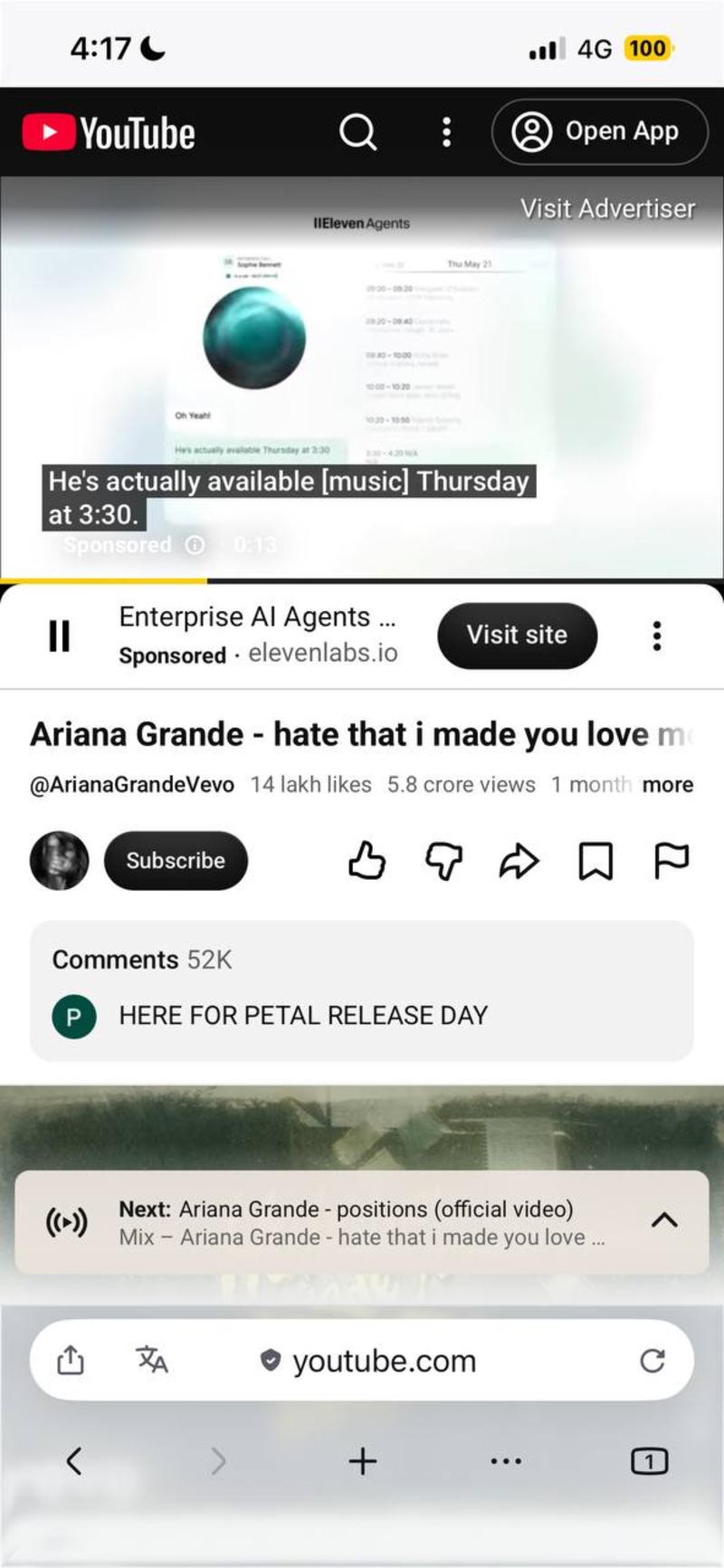
However, the ad blocker currently does not block video ads. It doesn’t block the ads that play before videos on YouTube, as you can view in the image below.
I was unable to find a specific setting within the address bar that enables/disables the ad blocker at the time of writing. It’s also unclear whether Mozilla has plans of blocking video ads with this feature. Moreover, the ad blocker would be a lot more useful if we got the option to filter specific sites.
Last month, we covered a story about Firefox getting a native ad blocker very soon, and it’s here now on the beta. I’d expect a few more weeks before it launches on the stable version.
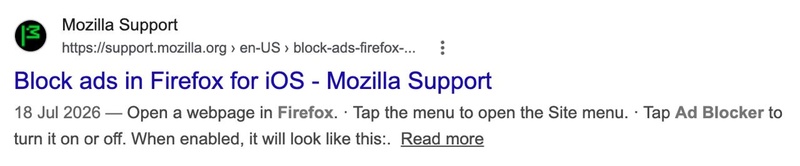
In fact, Mozilla seems to have indexed a support page earlier this month. If you look up “Firefox iOS ad blocker,” you’ll find this link in the results. However, opening the link results in a “Page not found” error, so it isn’t live yet. I’d expect the link to begin working after the feature actually makes it to the stable version.
The official 2026 roadmap that Mozilla published is progressing well so far, and the company has increased the pace of new features and updates this year.
Featured image: AI


Sudhanshu K
301 Posts
I have been a consumer technology enthusiast for over 5 years. Thanks to my experience in software beta testing and product reviews, I've understood and learnt a lot about what bugs and issues bother people, and I spend time trying to simplify their solutions. I cover smartphones, software, social media, apps, AI, and most consumer tech gadgets. Actively pursuing a Computer Science bachelor’s degree. I'm mostly active on Twitter/X (@TechWhirlUlt), drop a DM or tag me if you want to share info or connect!
Next article View Article