





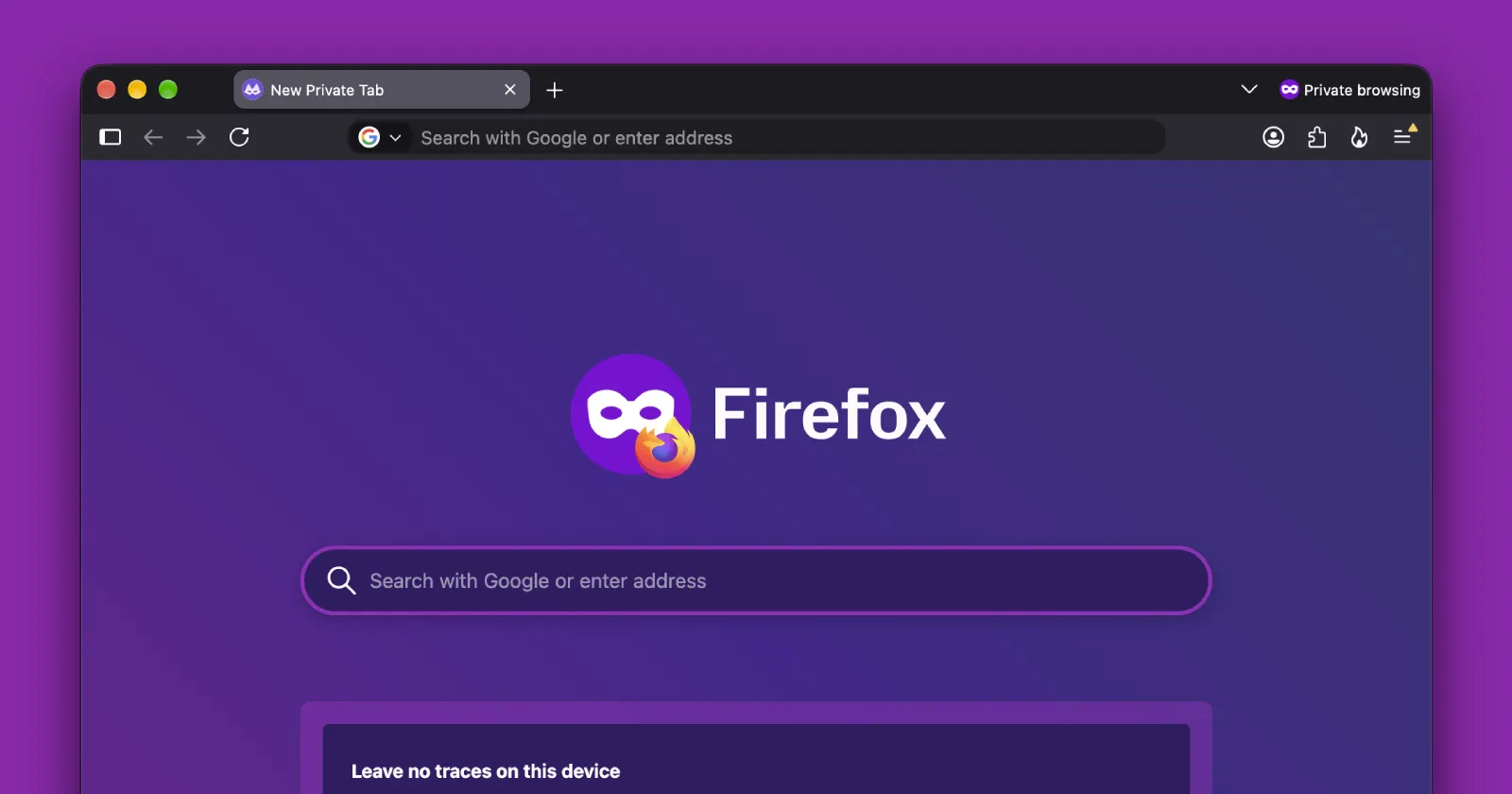
Mozilla is building a new feature for desktop Firefox that locks your private browsing windows behind a password or fingerprint when you step away from your computer.
This upcoming feature was recently spotted by Neowin, and it comes from a new Bugzilla tracking ticket opened by Firefox developer Martin Raiber. In the ticket, Raiber points out that “users often leave private browsing windows open while stepping away from their devices, exposing sensitive sessions to nearby individuals on shared or family computers.”
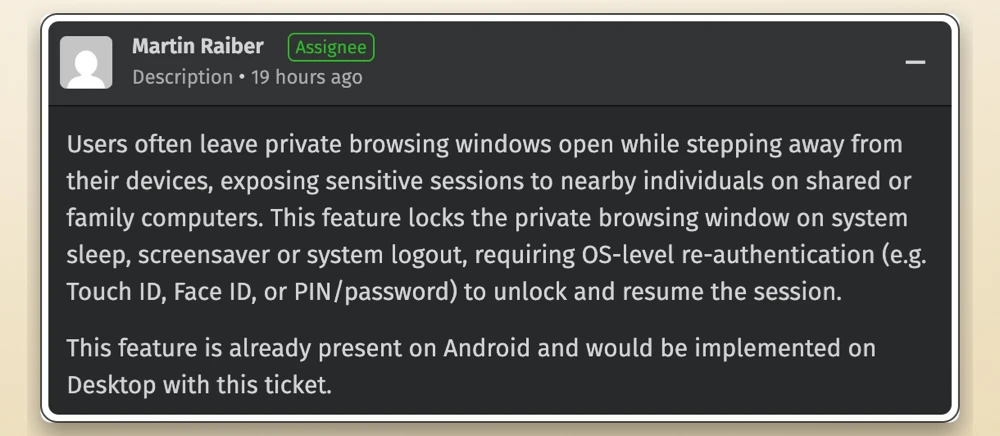
To fix this, Firefox will automatically lock any open private windows whenever your computer goes to sleep, kicks on the screensaver, or logs out. When you sit back down, you will have to verify it is really you using your system’s built-in security, like Touch ID, Face ID, a Windows PIN, or your regular account password.
This is a smart move, since private browsing only clears your history once you close the window. If you leave it open on the kitchen table while you grab a coffee, someone passing by could see what you’ve been doing. Mozilla has been keeping busy on desktop lately with the Firefox 157 Nova design rollout, and this feels like an especially practical upgrade for everyday users.
If you use Firefox on Android, you probably already have this exact feature. Mobile browsers have let you lock private tabs behind a fingerprint scan for a while now, and Safari also does it on Mac.
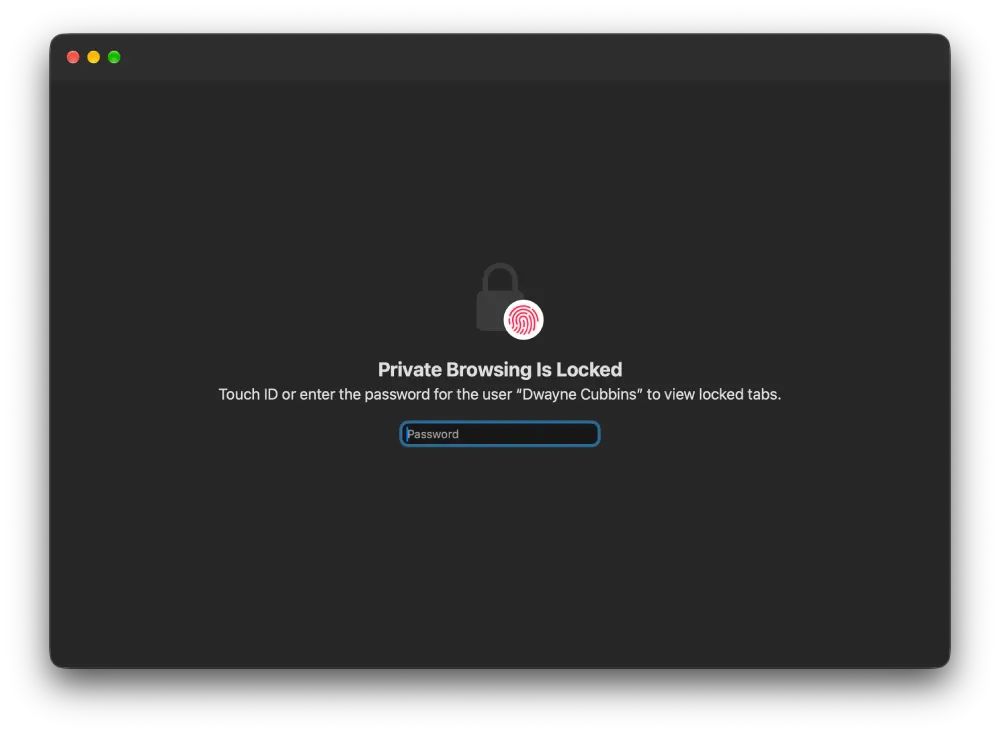
On Windows, though, neither Google Chrome nor Microsoft Edge lets you lock Incognito or InPrivate windows out of the box without installing clunky third-party extensions. While Mozilla is busy trying to challenge Chrome and Edge in the corporate world, beating them to a basic privacy tool on Windows is a nice win for regular folks at home.
Right now, the feature is still in the early stages with several open tasks attached to the main ticket, so it did not make the cut for the recent Firefox v159 beta release. There is no word yet on when it will actually hit Nightly or stable builds.


Dwayne Cubbins
3121 Posts
I cover fast-moving stories across apps, online platforms, and everyday tech — phones, wearables, consoles, and whatever else people are fighting with this week. Bugs, rollouts, scams, policy enforcement, and the occasional internet-culture rabbit hole are all fair game. My goal is simple — make confusing tech news readable. When I'm not working, I'm working out or chilling with my dog. Got a tip? You can find me on X @dcubbins.