






Firefox v159 has entered the beta testing channel, and it comes with some user-facing features and overall fixes. It brings improvements to saved passwords, a new keyboard shortcut, bookmark-related features, better sharing, and more.
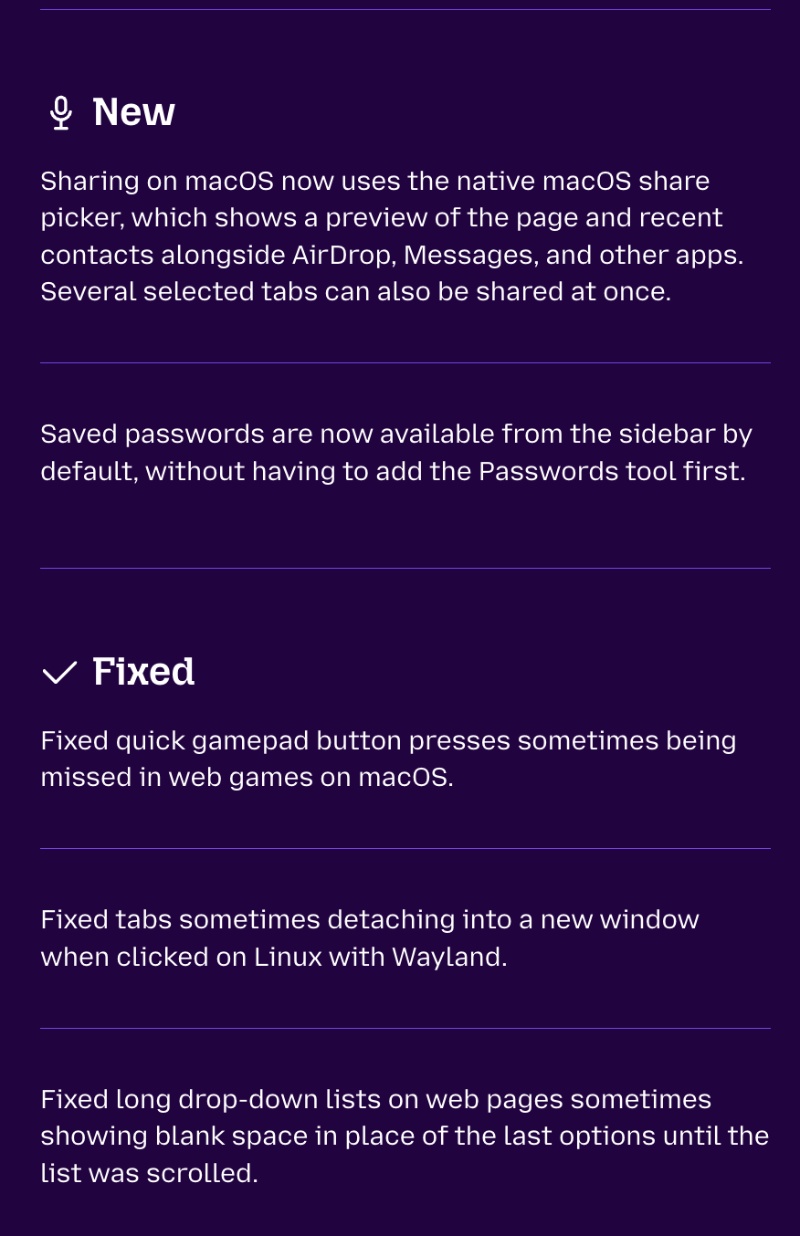
Firefox officially published the changes on the Release Notes page, and we have attached a snippet below. The list is quite long this time around, and it’s a big update.
As expected, the v159 beta was available for download. You can find it under “About Firefox.”
Here’s a list of some important new features and fixes:
- Saved passwords now show up in the sidebar by default: You don’t have to manually add passwords to the sidebar. It’s going to show up directly.
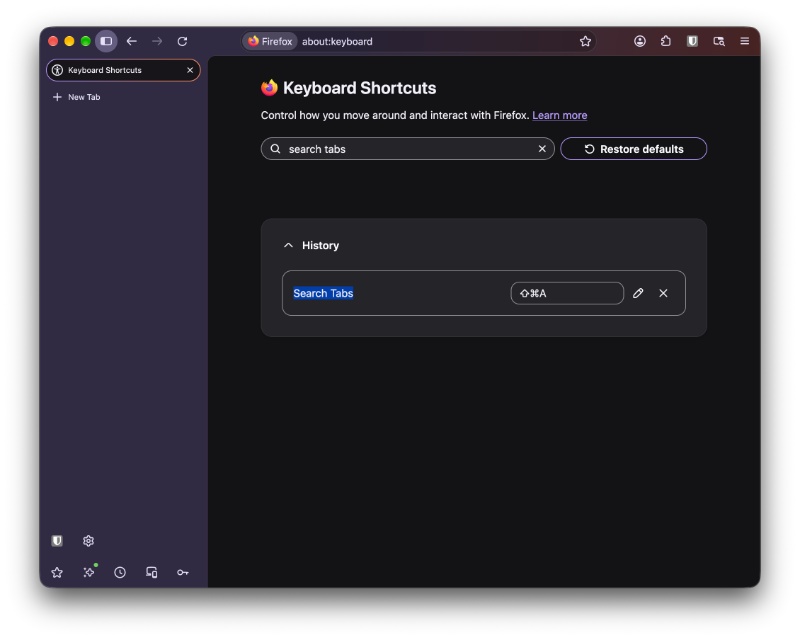
- New keyboard shortcut to search your open tabs: It’s Control + Shift + A for Windows/Linux, and Command + Shift + A on macOS. This lets you quickly search through all your open tabs. The “Extensions & Themes” shortcut has moved to “Control + Shift + F” on Windows/Linux, and “Command + Shift + E” on macOS. However, you can customize these by heading over to “about:keyboard”
- Bookmarks: You can now import bookmarks from Chrome profiles that are signed into a Google account.
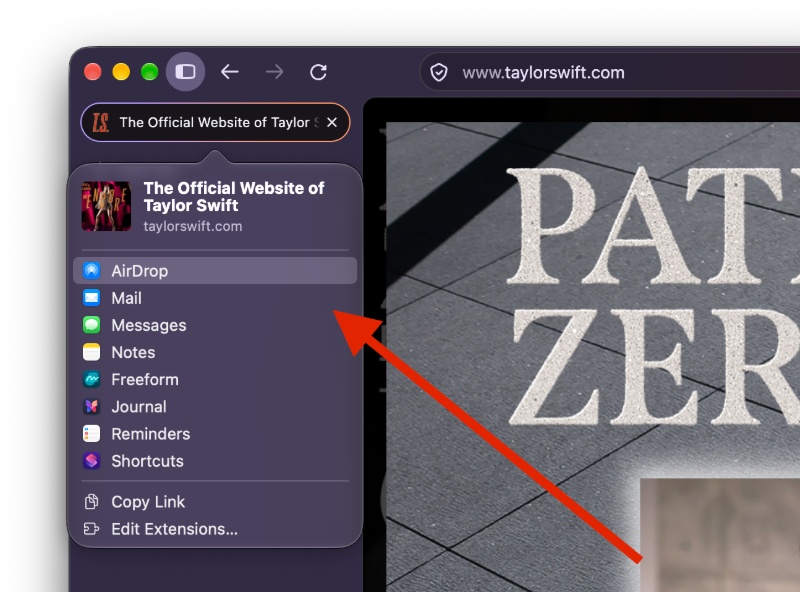
- Better sharing on macOS: Sharing a page on macOS now uses the regular macOS share sheet. It includes the page preview, recent contacts, AirDrop, and more. You also have the option to pick several tabs and share them all at once.
- File upload dialog remembers the correct folder: When you upload a file, the dialog opens in the last folder that you used.
- Fixed memory issues when Zoom (and other video conference-based sites) stay open but are minimized.
- Tabs no longer randomly detach into a new window on Linux with Wayland.
- Long dropdown menus won’t show a blank space at the bottom.
- Menus and panels won’t fade in when system animations are disabled.
- Sites that have trouble with HTTP/3 can now reload after falling back to HTTP/2.
- macOS apps that sign in through the system browser now open in Firefox
- On Android, alarms are no longer silenced just because a video is playing.
Note: Firefox Beta 159 drops support for Windows 8.1 and older, and also macOS 10.14 and older. Furthermore, this list only includes some changes that I found important from the Release Notes. The entire list of improvements/fixes is available here.
While Firefox v159 is gearing up to be a big update, v158 just landed on the stable channel, and the list of changes is actually quite modest. More on that here.


Sudhanshu K
326 Posts
I have been a consumer technology enthusiast for over 5 years. Thanks to my experience in software beta testing and product reviews, I've understood and learnt a lot about what bugs and issues bother people, and I spend time trying to simplify their solutions. I cover smartphones, software, social media, apps, AI, and most consumer tech gadgets. Actively pursuing a Computer Science bachelor’s degree. I'm mostly active on Twitter/X (@TechWhirlUlt), drop a DM or tag me if you want to share info or connect!