





After testing the new image format for a while, Mozilla has finally released Firefox v158 that includes support for JPEG XL straight out of the box. You don’t have to enable any flags to view JPEG XL images (the extension for these images is .jxl).
Not sure what this format is? JPEG XL is an open-source graphics standard developed by the JPEG committee to replace old/legacy image formats such as JPEG, PNG, and even GIF. There are several benefits to this new format, including better compression (smaller file sizes) and lossless transcoding. It’s also technically superior, supporting a wider color gamut, more bits per range, and also HDR.
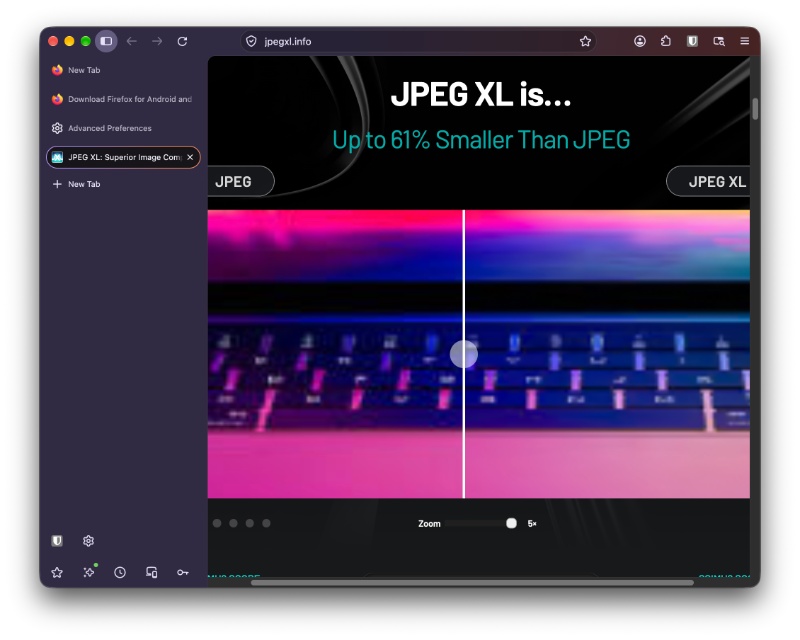
I have attached an image below (sourced via JPEG XL Info), and as you can see, it maintains higher quality at a smaller image size. The amount of noise/grain is notably lower, and the overall clarity of the JPEG XL image is much higher. Firefox supports this format directly now.
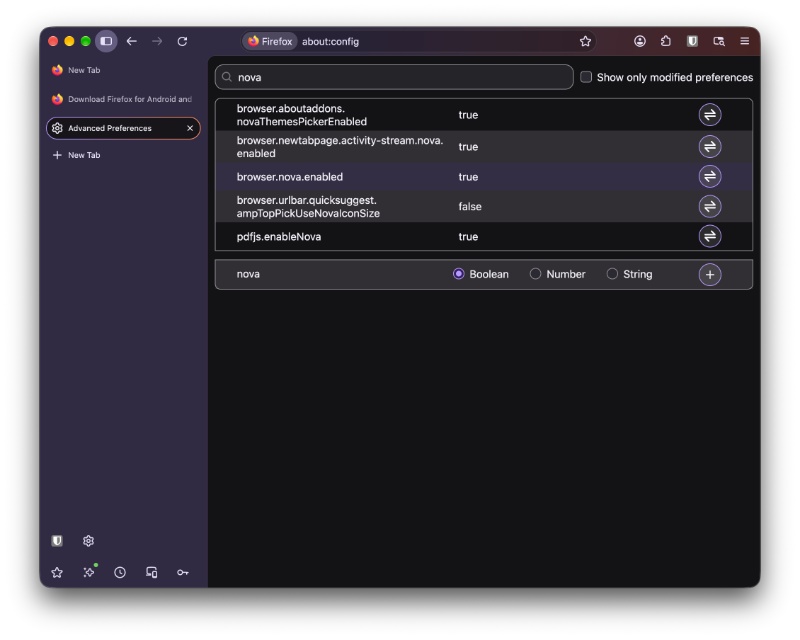
So, what else is new with Firefox v158? I’ll get one thing out of the way: The option to disable the Nova redesign from about:config has not been removed yet. Mozilla is going to get rid of it soon, as we detailed in previous coverage. However, this isn’t the version where the removal is happening.
The official Release Notes page has not yet been updated with the changelog for v158 at the time of writing. It might take a while before they include the list of additions. However, taking a look at the Release Notes of the Firefox beta does give us a pretty good idea of what has been added.
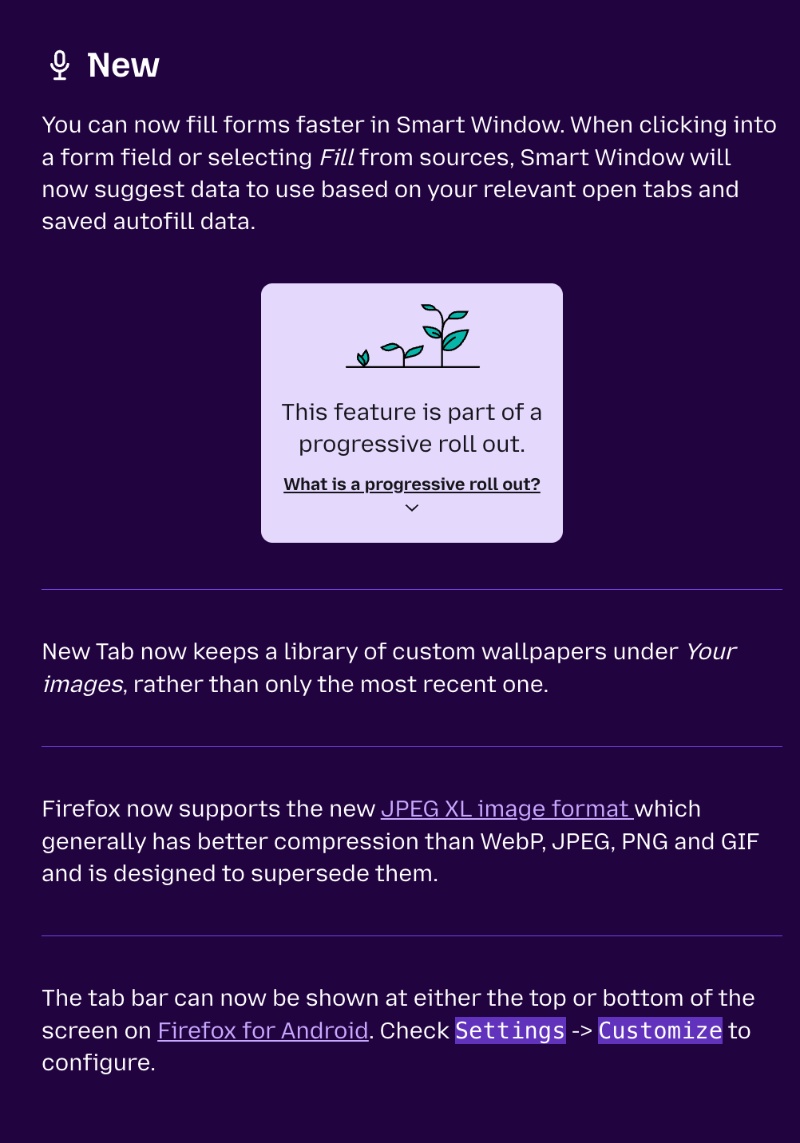
- Form filling in Smart Window is better now. When you click into a form field, Smart Window can suggest data from your relevant open tabs and saved autofill data.
- The New Tab page now keeps a library of your custom wallpapers under the “Your images” section instead of just the most recent one.
- This change is Android-specific: You can now choose between top and bottom appearance for the tab bar.
- On Windows, various menus and submenus are more consistent visually. Users can also customize menu background color and text color.
- Generation of PDFs uses “SkPDF,” which fixes rendering issues.
- Better scrolling: Scrolling is now smoother and more precise on high-resolution displays or when a page is zoomed.
- The “Translations” feature gets support for Albanian, Belarusian, and Filipino.
- An Ubuntu theme fix.
- Some fixes for developers have been included in this version as well.
In other Firefox news, Mozilla has launched “Firefox Enterprise” to challenge Chrome and Edge in corporate IT. More on that here.


Sudhanshu K
324 Posts
I have been a consumer technology enthusiast for over 5 years. Thanks to my experience in software beta testing and product reviews, I've understood and learnt a lot about what bugs and issues bother people, and I spend time trying to simplify their solutions. I cover smartphones, software, social media, apps, AI, and most consumer tech gadgets. Actively pursuing a Computer Science bachelor’s degree. I'm mostly active on Twitter/X (@TechWhirlUlt), drop a DM or tag me if you want to share info or connect!