





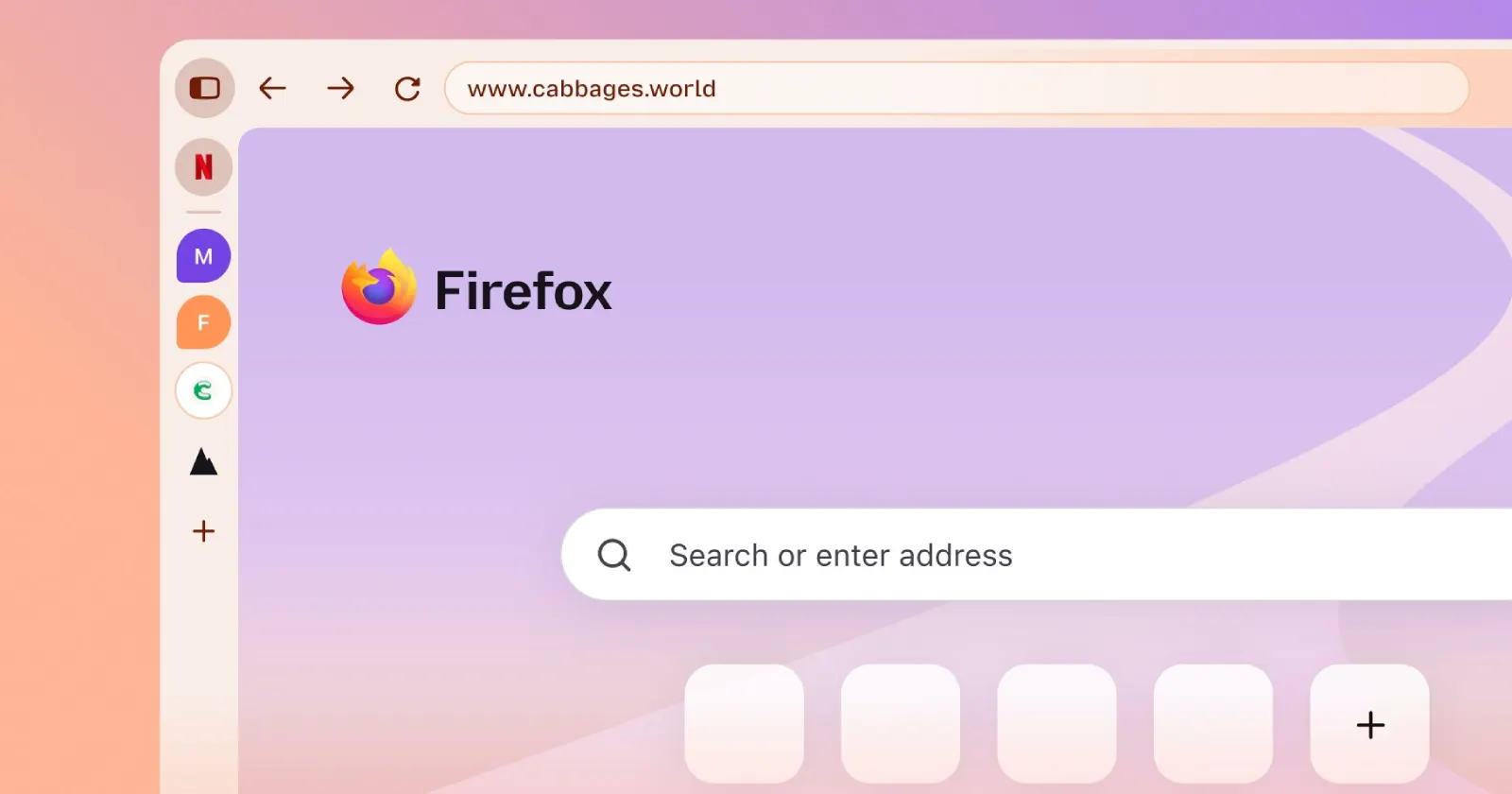
Mozilla’s Firefox 157 update is probably one of the most talked-about releases in recent years. The update brought a redesigned user interface, which Mozilla says is its way of modernizing the browser. But like any other UI change, many long-time Firefox users have voiced their displeasure with the new look.
The main frustration with Nova is the chunky padding, floating tabs, and rounded buttons. Basically, users feel like much of the interface is designed to waste space.
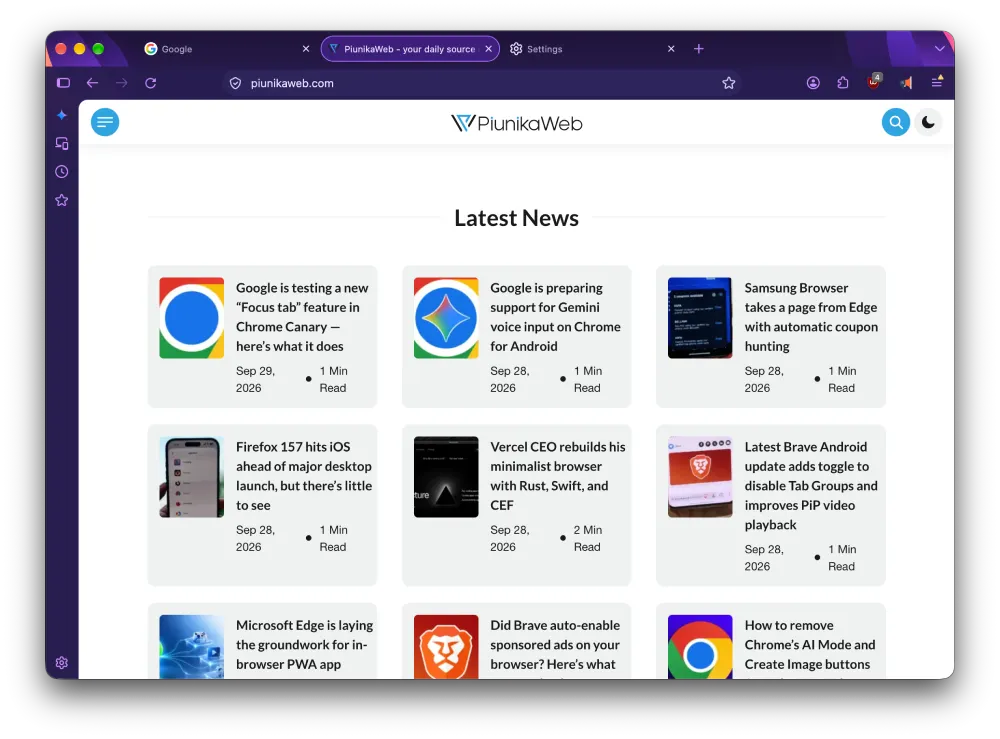
If you’re one of the many with the same thoughts, you’ve probably followed our guide to disable the Nova design through the advanced config editor. It’s a simple workaround, but it works like a charm to bring back the classic look.
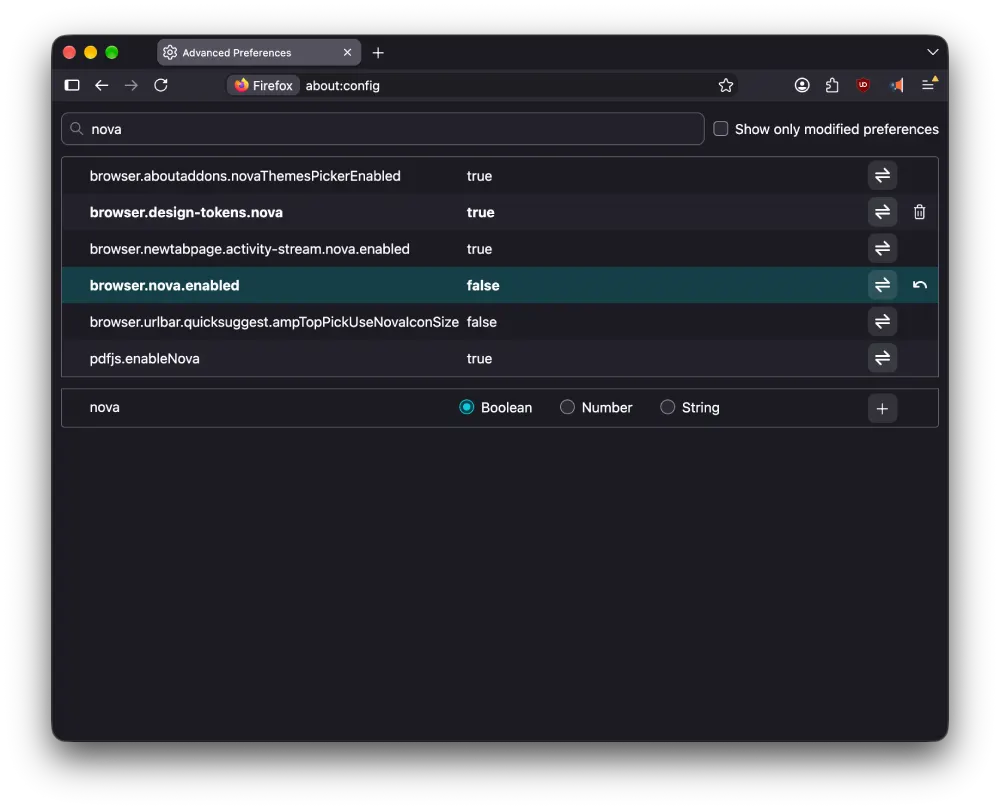
Well, enjoy it while it lasts, because that little escape hatch was never going to survive for very long.
We spotted a Bugzilla ticket that shows Mozilla developers are already preparing to get rid of the old UI code entirely.
Mozilla engineer Chris Peterson noted in the report that the team can start removing Nova preference checks alongside older icons, styles, and strings in Nightly 161 on October 22.
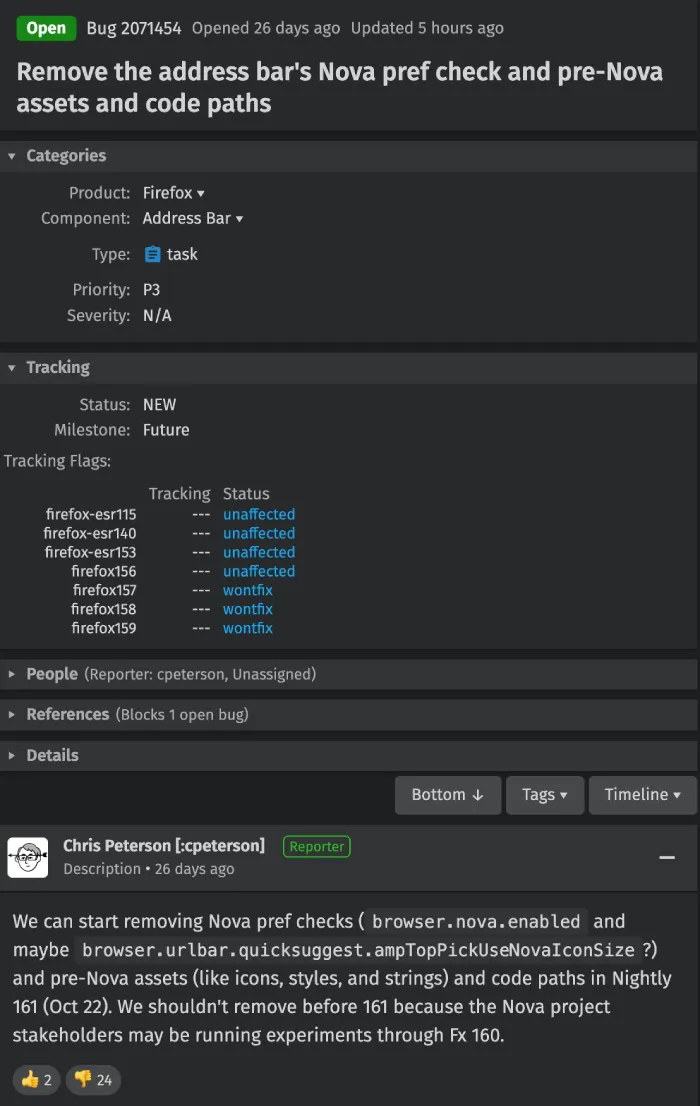
Peterson explained that they “shouldn’t remove before 161 because the Nova project stakeholders may be running experiments through Fx 160.”
This means that the toggles will stick around for a few more weeks until Mozilla finishes running experiments and gathering telemetry across the next few releases. Once Nightly 161 kicks off, the broom comes out, and the old UI assets will be stripped clean from the browser.
This is going to sting especially for folks dealing with visual issues. We recently covered how Nova’s pastel palette made container tabs harder to see for color-blind users, where flipping the toggle was the only real workaround while waiting on contrast improvements. So let’s hope the team addresses the accessibility issues before the old code is removed.


Dwayne Cubbins
3094 Posts
I cover fast-moving stories across apps, online platforms, and everyday tech — phones, wearables, consoles, and whatever else people are fighting with this week. Bugs, rollouts, scams, policy enforcement, and the occasional internet-culture rabbit hole are all fair game. My goal is simple — make confusing tech news readable. When I'm not working, I'm working out or chilling with my dog. Got a tip? You can find me on X @dcubbins.