






The web has changed a lot over the last few years, and we've been changing with it. Our new Firefox design ships September 29 with FX 157. If you haven’t tried it out on Nightly yet, here’s what you can expect 🔽 1/4
— Firefox 🔥 (@firefox) September 23, 2026
The Nova redesign will officially land for the public with Firefox v157. Ahead of the release (which will happen a few days from now), Mozilla has published a post that explains all of the major changes that will ship with this redesign.
The official Firefox account posted a thread on X, which we’ve attached below. It goes through the modernization of the look and feel, and the account also answers some queries from users.
The thread kicks off with what hasn’t changed. The extensions, shortcuts, and menus are still similar. The overall aesthetic is just cleaner and tidier. The visual noise has been reduced now.
We’ve attached two images below, which show the difference in the UI.
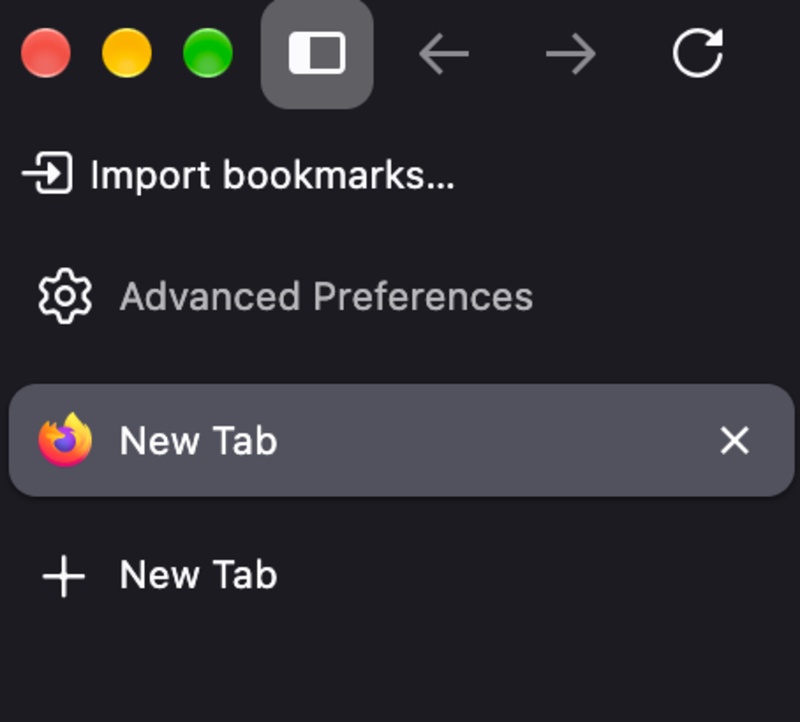
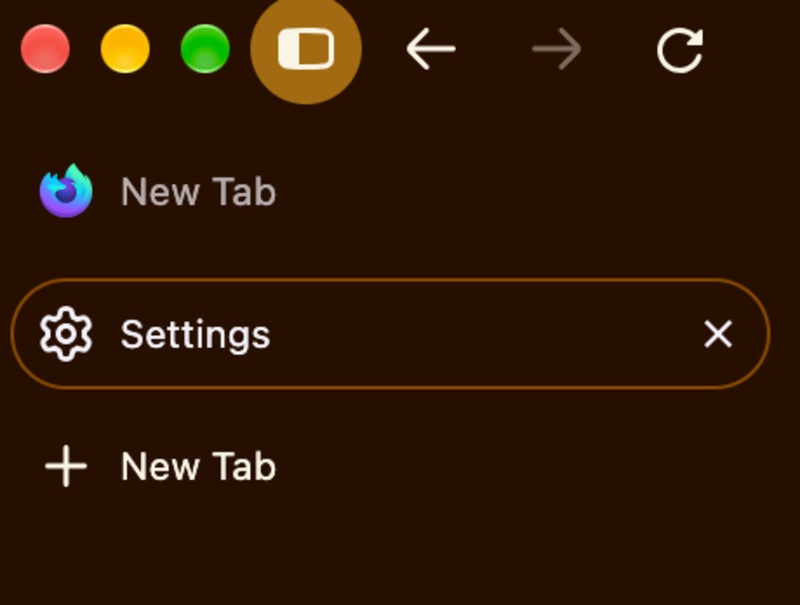
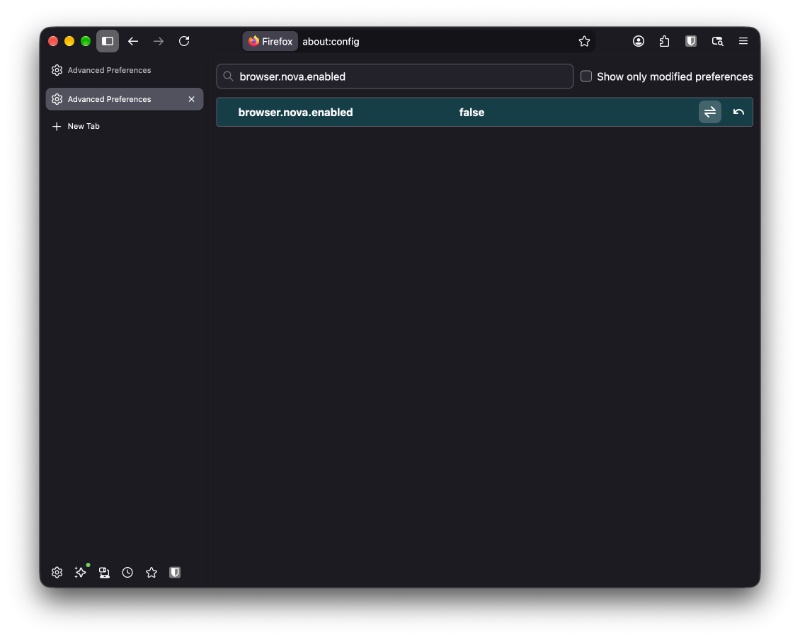
If you want to try out the Nova redesign right now, it’s available via a toggle. Head over to about:config (type this in the address bar) and then type browser.nova.enabled in the search bar. Set that value to true, and the browser’s design should change immediately.
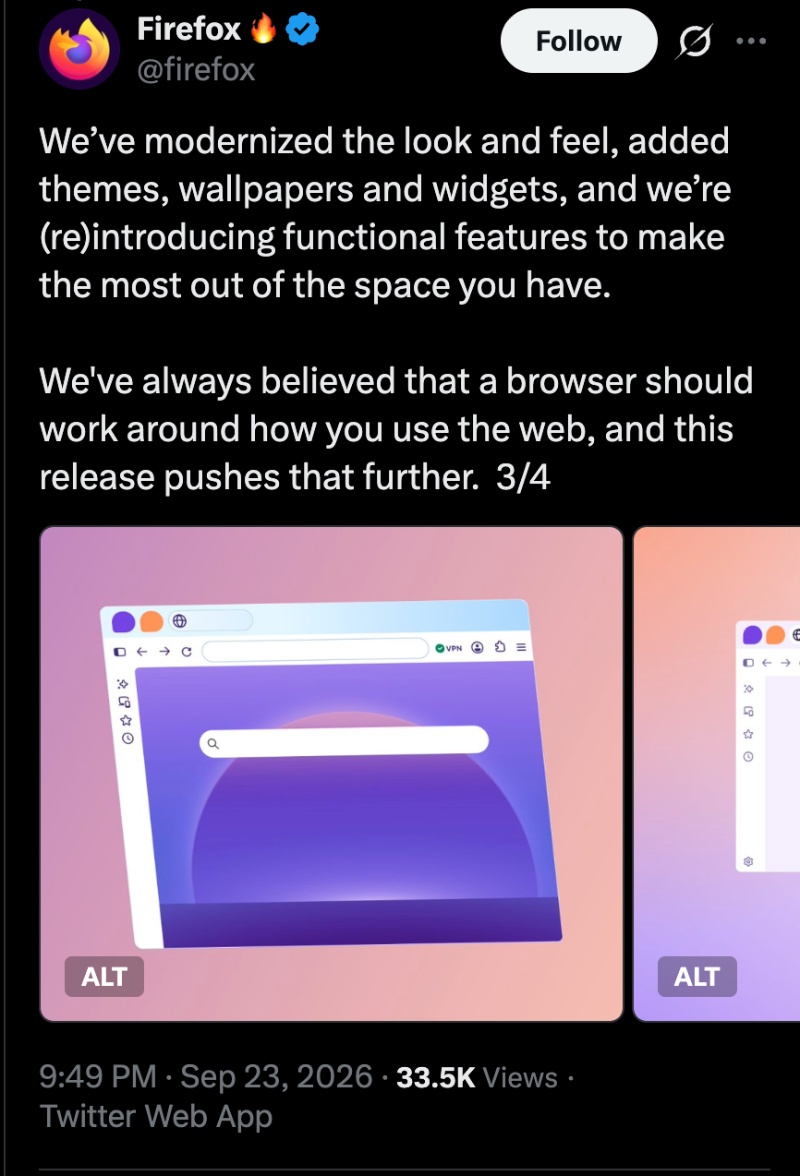
The thread continues to talk about how various features were reintroduced. Themes, wallpapers, and widgets were added as well. It ends with Firefox saying they’ve worked with the community to gather feedback and have implemented some changes before the broader rollout.
I think, despite the design landing with mixed opinions in an earlier testing phase, it does modernize the look and feel of the browser.
In case you missed it, the release date for Firefox v157 is September 29. With that version, the Nova redesign will finally be enabled by default for the public, instead of needing to access it via a flag. The latest stable version that’s available is v156.0.1, which brought some bug fixes.
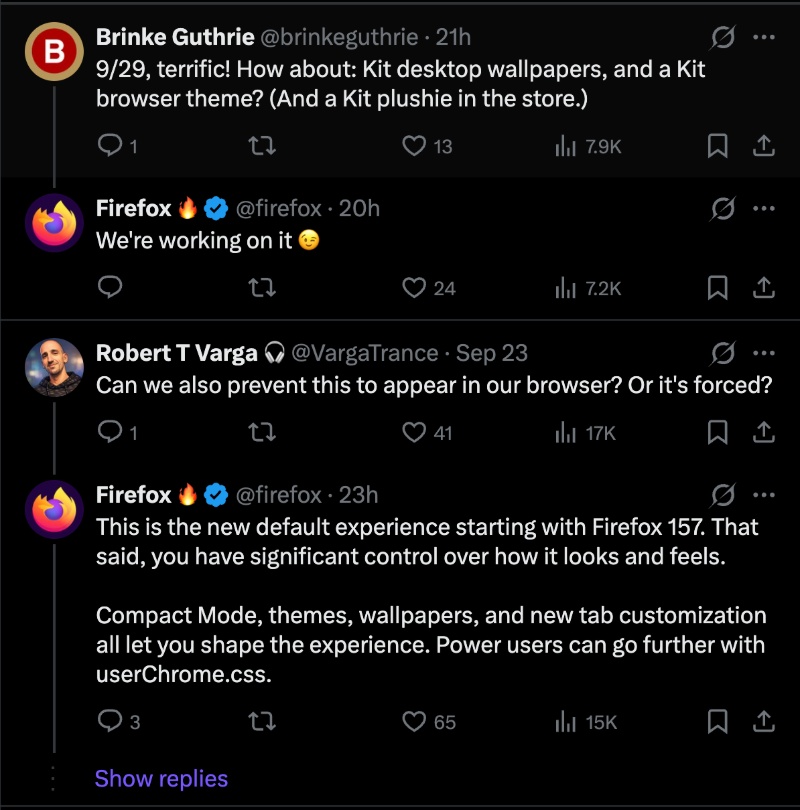
Moving to the Q&A, here’s what’s important:
- The company is working on Kit desktop wallpapers, a Kit browser theme, and a Kit plushie in the store.
- Firefox’s new default look and feel is Nova. You can customize a lot of its aspects, but you can’t revert the redesign.
- Workspace and Container management are here to stay.
In other Firefox news, an extension recently went rogue. More on that here.

We stand out from the tech-media crowd because we break news stories; we mainly bring you stuff that you won’t find anywhere in the mainstream tech media. Our stories have been picked up by some of the world’s most popular websites and media outlets—more info is available here.

Sudhanshu K
290 Posts
I have been a consumer technology enthusiast for over 5 years. Thanks to my experience in software beta testing and product reviews, I've understood and learnt a lot about what bugs and issues bother people, and I spend time trying to simplify their solutions. I cover smartphones, software, social media, apps, AI, and most consumer tech gadgets. Actively pursuing a Computer Science bachelor’s degree. I'm mostly active on Twitter/X (@TechWhirlUlt), drop a DM or tag me if you want to share info or connect!