





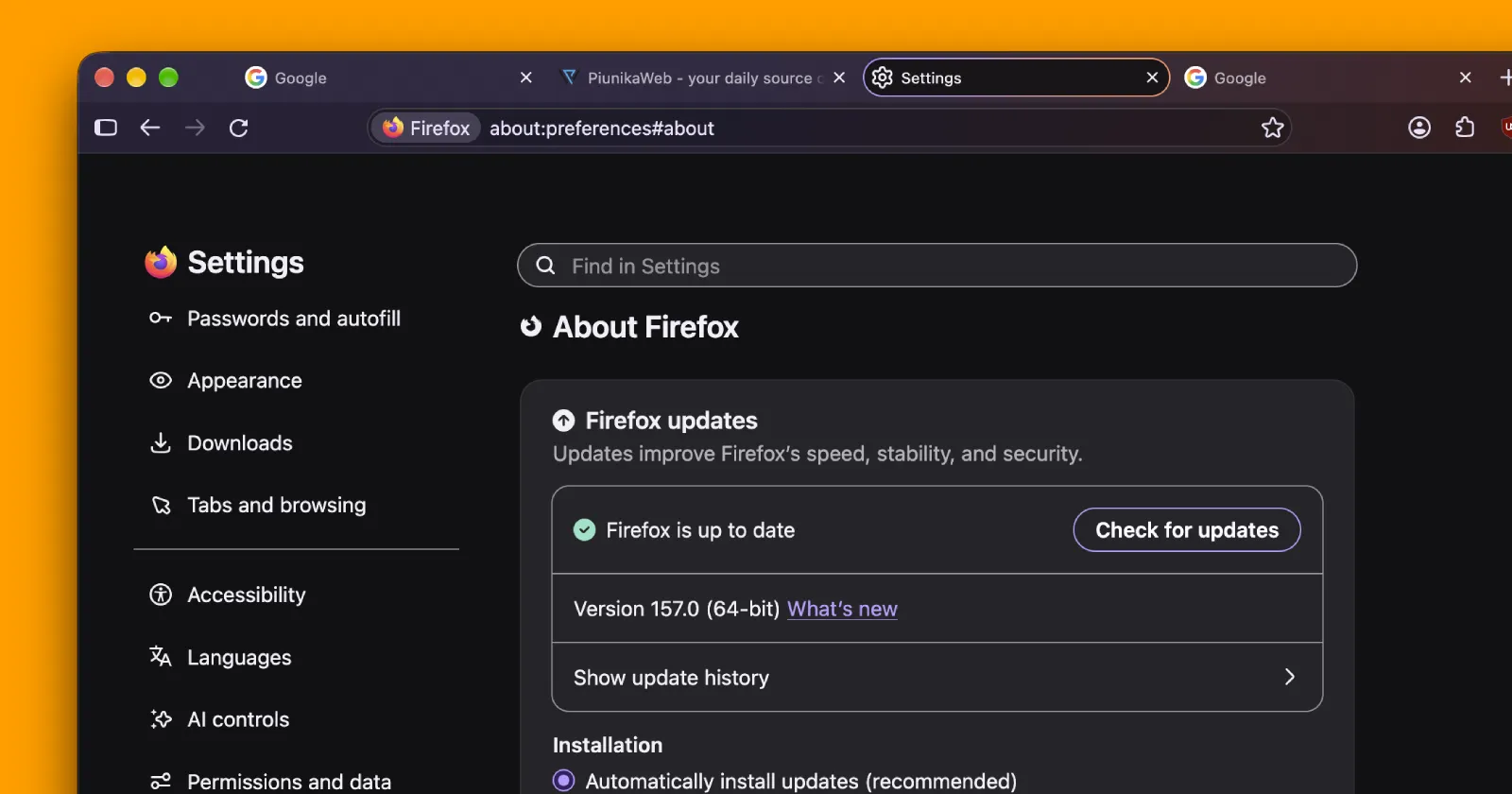
Mozilla is getting ready to roll out Firefox 157 for everyone, and it looks like one of the biggest desktop updates this year. The in-app updater does not have it yet, but the official release should happen in a few hours.
If you do not want to wait, you can download the files yourself. I grabbed the .dmg for my Mac from Mozilla’s FTP directory to see what had changed and whether the excitement was worth it.
The official changelog is not out yet, but we already know most of the fixes included in this update thanks to release notes from the Nightly and Beta builds.
We recently reported on the Firefox 157 iOS update, but that version did not have many exciting changes. The desktop version is where most of the big updates are.
For many people, the biggest change is the new look. If you have used the Firefox 157 Nova design by manually enabling it before, this will feel familiar. But if you did not try the Nova theme, the new design might be a surprise.
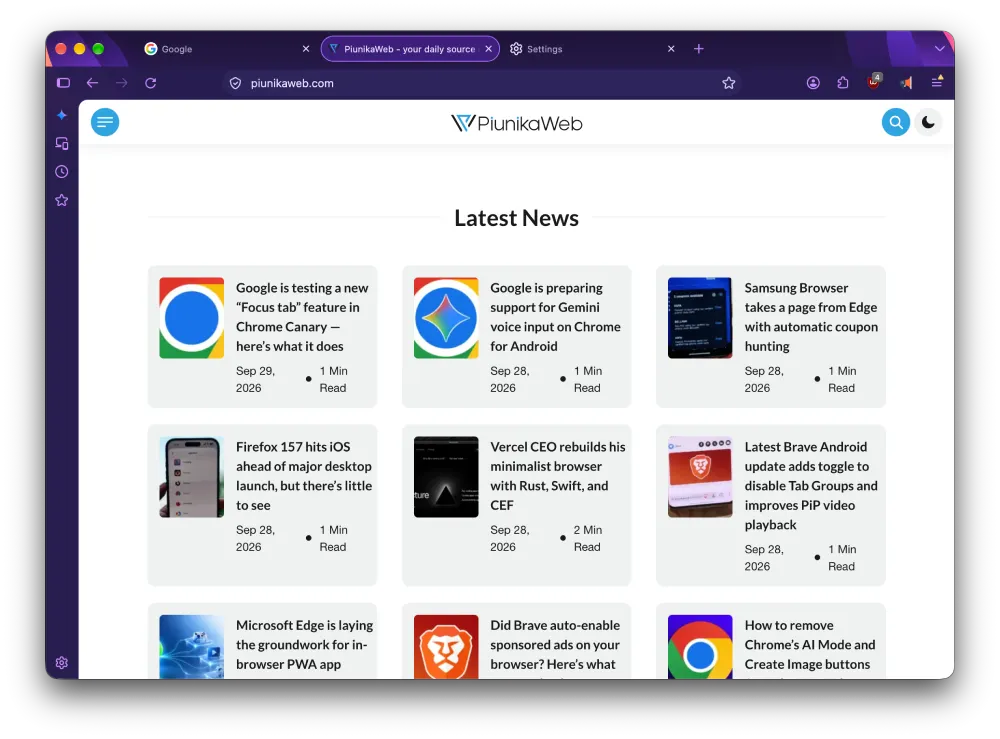
Some people will like this change, while others might not. I am somewhere in the middle. I do not hate the new look, but I do not love it either. The rounded corners around buttons feel a bit odd and take up more space overall.
That said, if you prefer things tighter, you can turn on Compact mode in the Appearance settings to shrink the browser’s frame and borders. In the end, it comes down to what you like best.
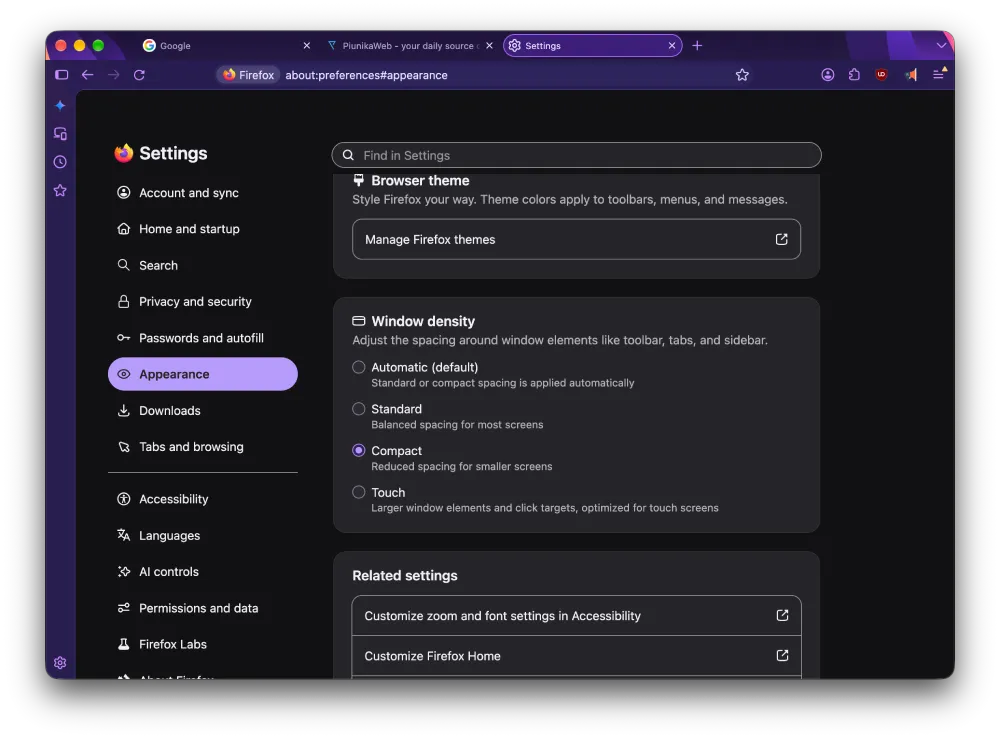
Mozilla calls this update “Firefox’s biggest visual refresh in years,” aiming to modernize the browser’s look and menus. The developers said during the Nova redesign that this new style is here to stay. So it’s unlikely that Mozilla will turn around and go back to the old look, even if there’s more backlash.
Apart from the visual changes, there are also several great improvements in Firefox 157. For the first time on Firefox, WebRTC video calls now use hardware AV1 decoding, so your computer will not heat up and drain the battery trying to decode the video during calls.
Video playback itself receives a much-needed improvement, as Firefox has fixed a long-standing issue where videos with HDR content encoded in 8-bit would appear dull, flat gray, and lose their dynamic range. Those videos should now look as bright and colorful as they are supposed to.
Finally, audio and video synchronization has also been improved while adjusting the playback speed, which should be a big hit for those who watch lectures or tutorials at 1.5x speed without the audio being out of sync.
Windows users will be glad to hear that full-screen videos no longer make the taskbar stay stuck at the bottom of the screen. Mozilla worked on this annoying bug in the Firefox 157 beta, so it should be fixed in the stable version too.
To sum up, Amazon is no longer a built-in search engine, vertical tabs now work better near the edge of the screen, and native JPEG XL support is enabled by default.
If you want to try the early build, you can find the installer on Mozilla’s servers. Or, you can just wait for the update notification to show up later today.


Dwayne Cubbins
3061 Posts
I cover fast-moving stories across apps, online platforms, and everyday tech — phones, wearables, consoles, and whatever else people are fighting with this week. Bugs, rollouts, scams, policy enforcement, and the occasional internet-culture rabbit hole are all fair game. My goal is simple — make confusing tech news readable. When I'm not working, I'm working out or chilling with my dog. Got a tip? You can find me on X @dcubbins.