After several years of being tucked away in a hidden setting, JPEG XL is set to be a standard image format in Firefox. Mozilla announced plans for the image format to be enabled by default in Firefox 157, which is set to arrive for all users towards the end of September.
If the name sounds familiar, it should — we wrote about the format when Firefox 153 launched back in late July with a major Linux graphics upgrade. At the time, the format JPEG XL was available as an experimental feature in Firefox Labs for users who wanted to try it out.
Which brings us back to the question of what exactly is JPEG XL and how it benefits the everyday Firefox user? For the layman, JPEG XL is a new kind of image compression that allows for images to retain their quality while using less memory. This can make web pages that use lots of images load faster and consume less data.
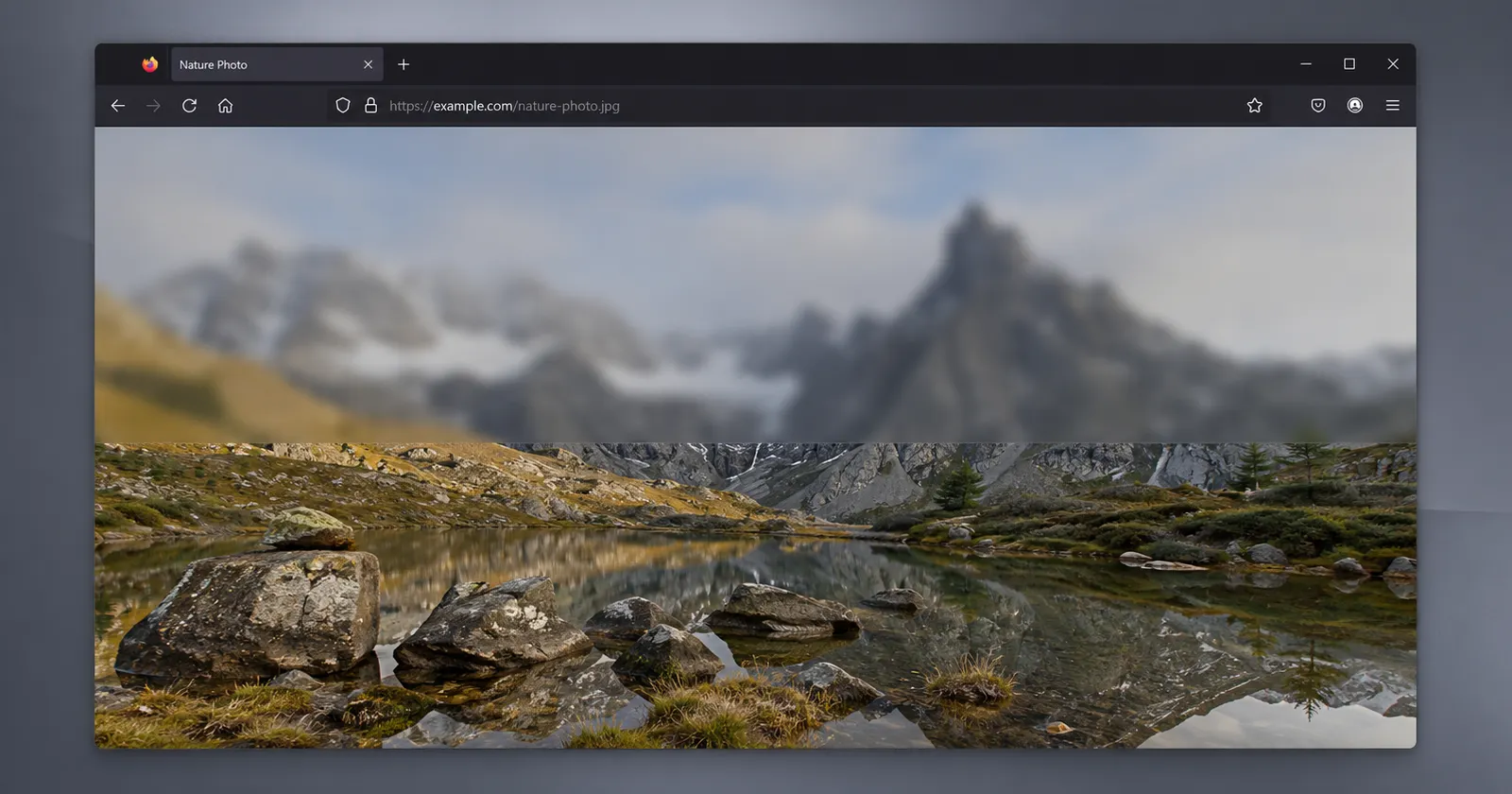
The reason Mozilla cared so much about the format was what is called progressive rendering – a method of displaying an image in increasing resolution as it downloads. This means that a user on a slow connection can see the image begin to appear on-screen after a few seconds of downloading. “Progressive rendering means the image can render as it’s downloading,” Mozilla wrote. “Users get a preview as the image becomes available.”
Here’s an example they shared of how an image will look at different stages:

The blog post mentions that Mozilla was hesitant to roll out the feature as it was a major security risk.
The original code for JPEG XL was written in C++, which is known to be challenging to write secure code in. Hence, Mozilla did something rather uncharacteristic and asked Google (via their researchers) to rewrite JPEG XL in Rust, another language, before considering it for inclusion in Firefox. That process is now complete, which is why JPEG XL is a part of Firefox.
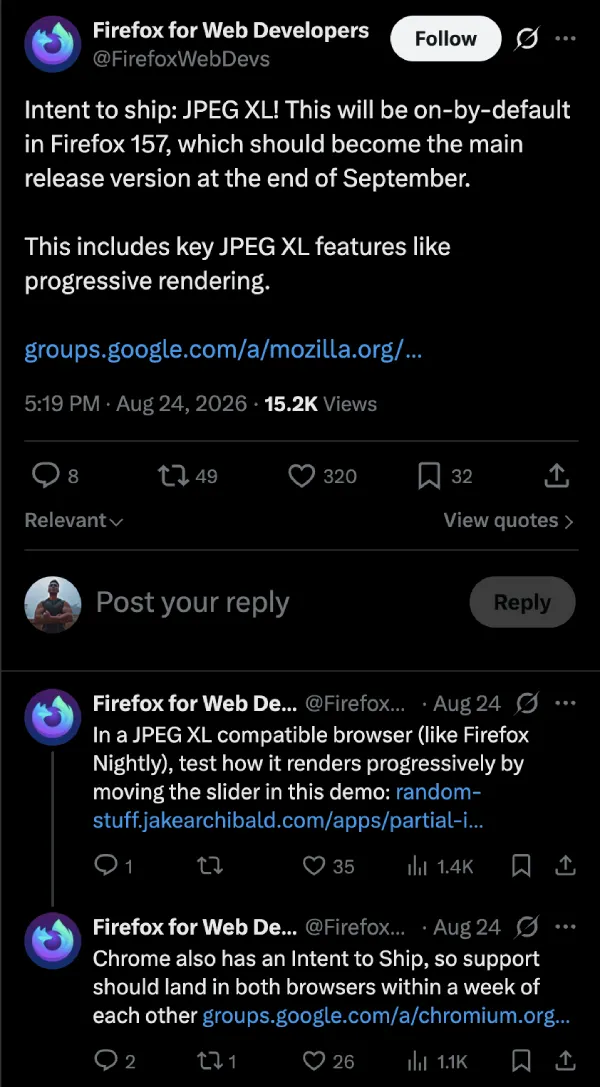
Firefox is not the only browser interested in the format either. In its post on X, Mozilla noted that Firefox 157 will have JPEG XL “on-by-default” and that Chrome has filed its own intent to ship the format. The post estimates that the two browsers should be roughly a week apart in landing the feature.
Safari, on the other hand, already implemented a version of JPEG XL in 2023, though it does not support progressive rendering.
It has been a busy month or so for Firefox. Earlier this month, we learned that Mozilla added support for a faster networking protocol, QUIC, to Firefox Nightly. More recently, Mozilla has been asking for user feedback on what features should be prioritized for the Firefox Sync service.
For the average user, however, none of these changes matter. All that needs to be done is to update Firefox to version 157 when it launches later this year to see JPEG XL images without extra effort.


Dwayne Cubbins
3147 Posts
I cover fast-moving stories across apps, online platforms, and everyday tech — phones, wearables, consoles, and whatever else people are fighting with this week. Bugs, rollouts, scams, policy enforcement, and the occasional internet-culture rabbit hole are all fair game. My goal is simple — make confusing tech news readable. When I'm not working, I'm working out or chilling with my dog. Got a tip? You can find me on X @dcubbins.
Next article View Article