






The latest update to the Waterfox browser lets you personalize your home feed further, adds more ways to open articles from feeds, and includes a truckload of bug fixes.
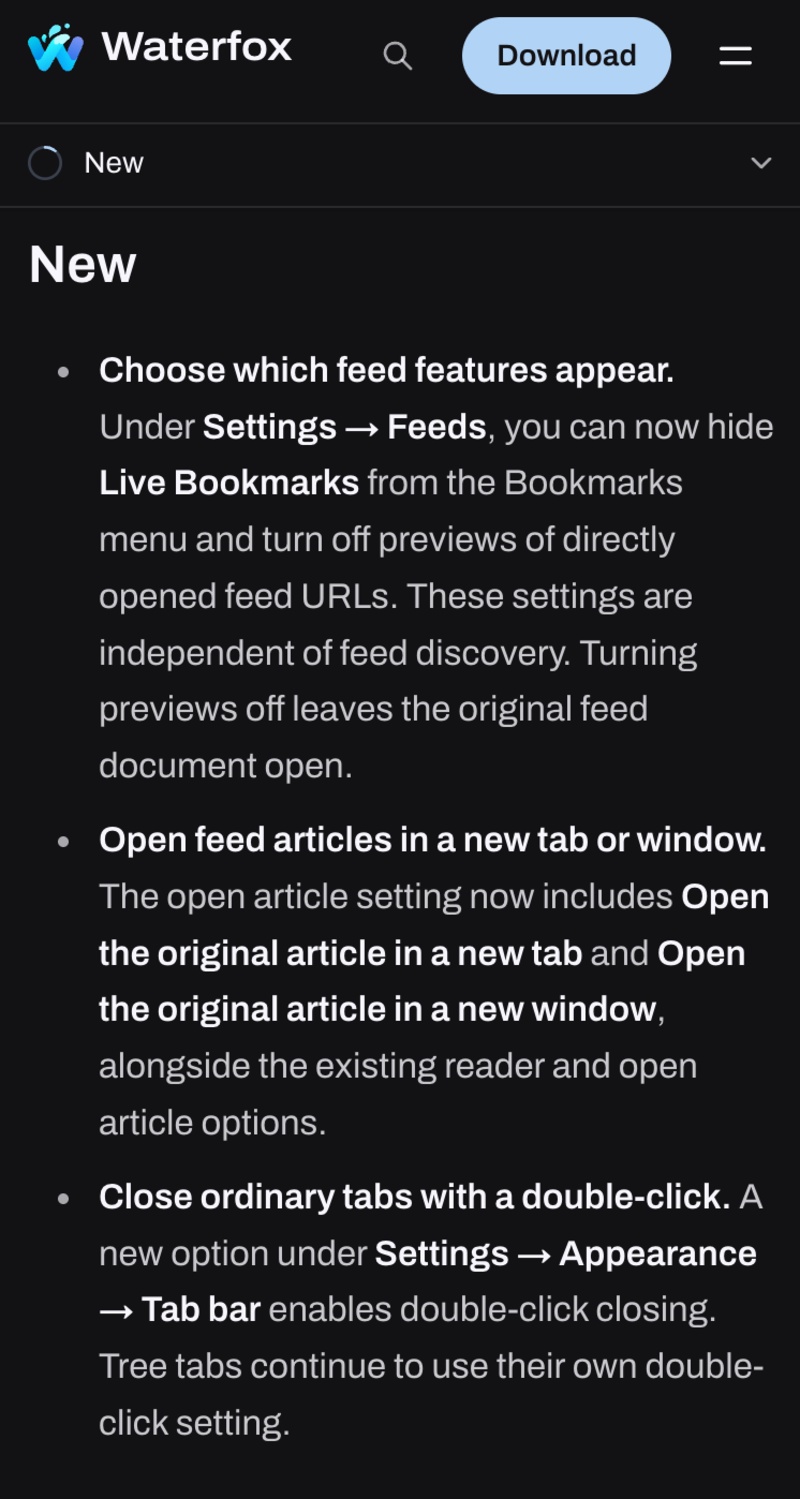
For your reference, a partial screenshot of the changelog has been attached below. The entire list from the official Release Notes is quite lengthy.
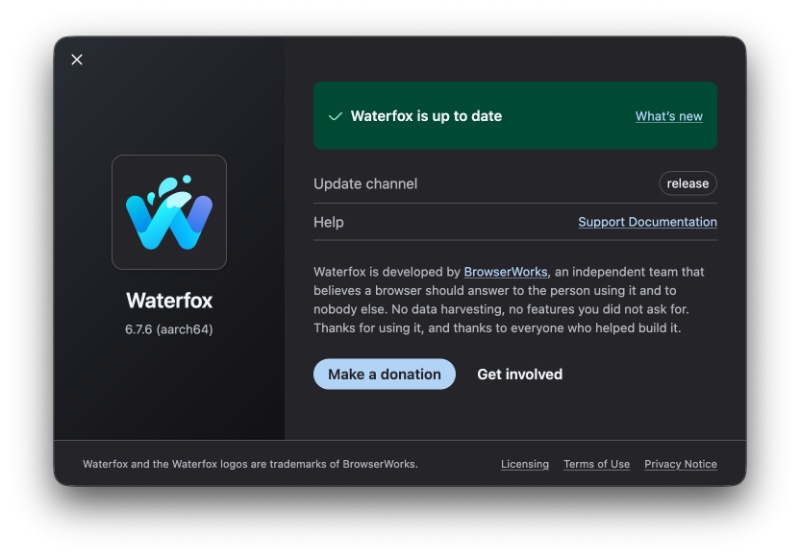
The v6.7.6 update had already been installed in the background when I opened Waterfox. All I had to do was restart the browser to apply it, and if you haven’t updated yet, you can do so from the “About” section, which checks for updates.
Here’s a list of some of the new features, changes, and important fixes introduced with this update:
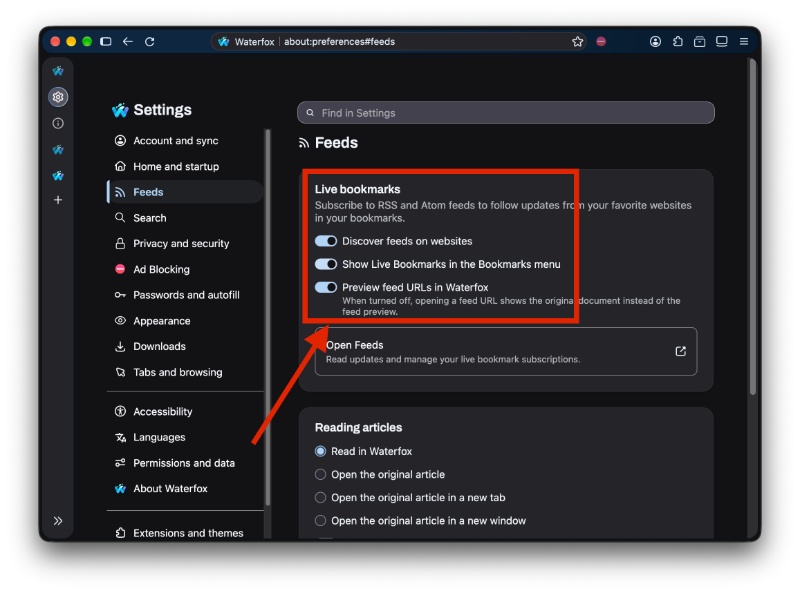
- You can hide some parts of the home feed now: Under Settings -> Feeds, there’s a toggle that lets you hide Live Bookmarks from the Bookmarks menu. This helps declutter the appearance. You can also turn off the preview page that appears when you open a feed URL directly.
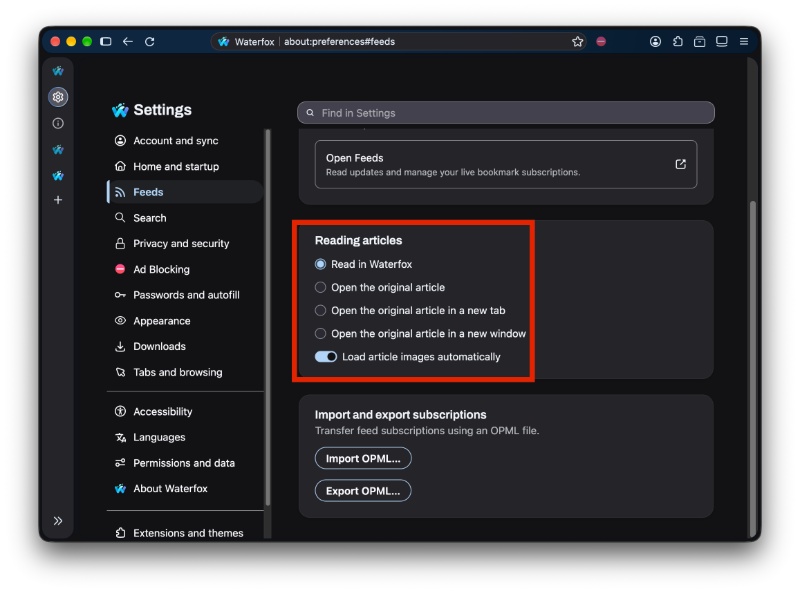
- There are more ways to open articles from feeds: Under Feeds settings, the “Open article…” options let you choose to open the original article in a new tab or new window.
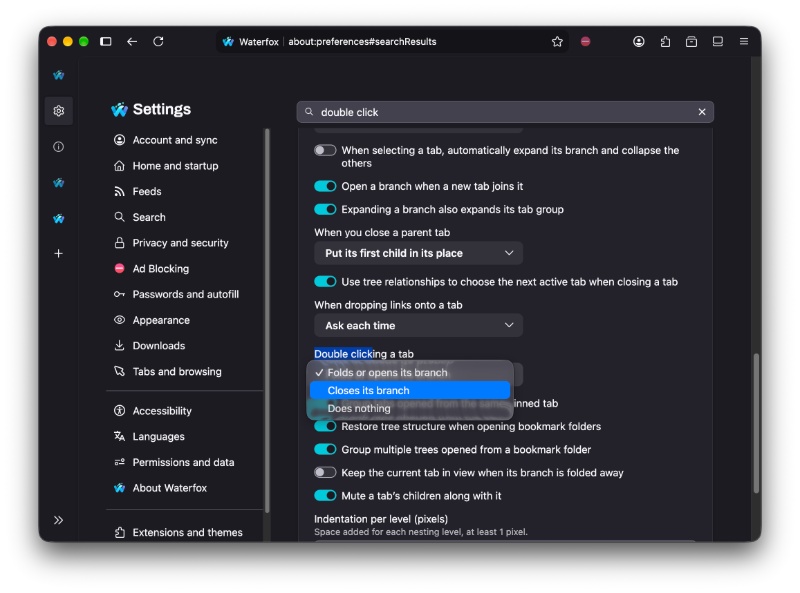
- Double-click to close regular tabs: Navigate to Settings -> Appearance, and then from the “Tab bar” options, you can enable the option to double-click a normal tab to close it. Tree-style tabs continue to use their separate double-click settings.
- Better emoji for some systems: On platforms that don’t have full native emoji support, Waterfox now uses “Noto Color Emoji” with Unicode 18.0 coverage so more emoji show up properly.
- Compact Mode is better: When you set the browser density to Compact, Waterfox’s own custom menus now use less spacing too. This would be interesting to look into, since Mozilla recently acknowledged a bug with Compact Mode on the Firefox browser, which Waterfox is sort of based on.
- Startup hang has been fixed: If Waterfox Ultra Protection was enabled, there were issues with freezing due to DNS prefetching.
- Your custom DNS-over-HTTPS options will stick instead of the custom URL disappearing.
- Middle-clicking a feed no longer opens duplicates.
- Spellcheck dictionaries stay selected: If you had several dictionaries enabled, they would sometimes drop after visiting different sites or restarting.
- Third-party themes keep their colors.
Note: This list only includes the major user-facing features and improvements. The entire list of changes hasn’t been mentioned in this article. If you want to read the entire list of changes in this update, you can find them here.
Curious about what the previous update added? The v6.7.5 update added a native feed manager and a built-in Reader. More on that here.


Sudhanshu K
328 Posts
I have been a consumer technology enthusiast for over 5 years. Thanks to my experience in software beta testing and product reviews, I've understood and learnt a lot about what bugs and issues bother people, and I spend time trying to simplify their solutions. I cover smartphones, software, social media, apps, AI, and most consumer tech gadgets. Actively pursuing a Computer Science bachelor’s degree. I'm mostly active on Twitter/X (@TechWhirlUlt), drop a DM or tag me if you want to share info or connect!