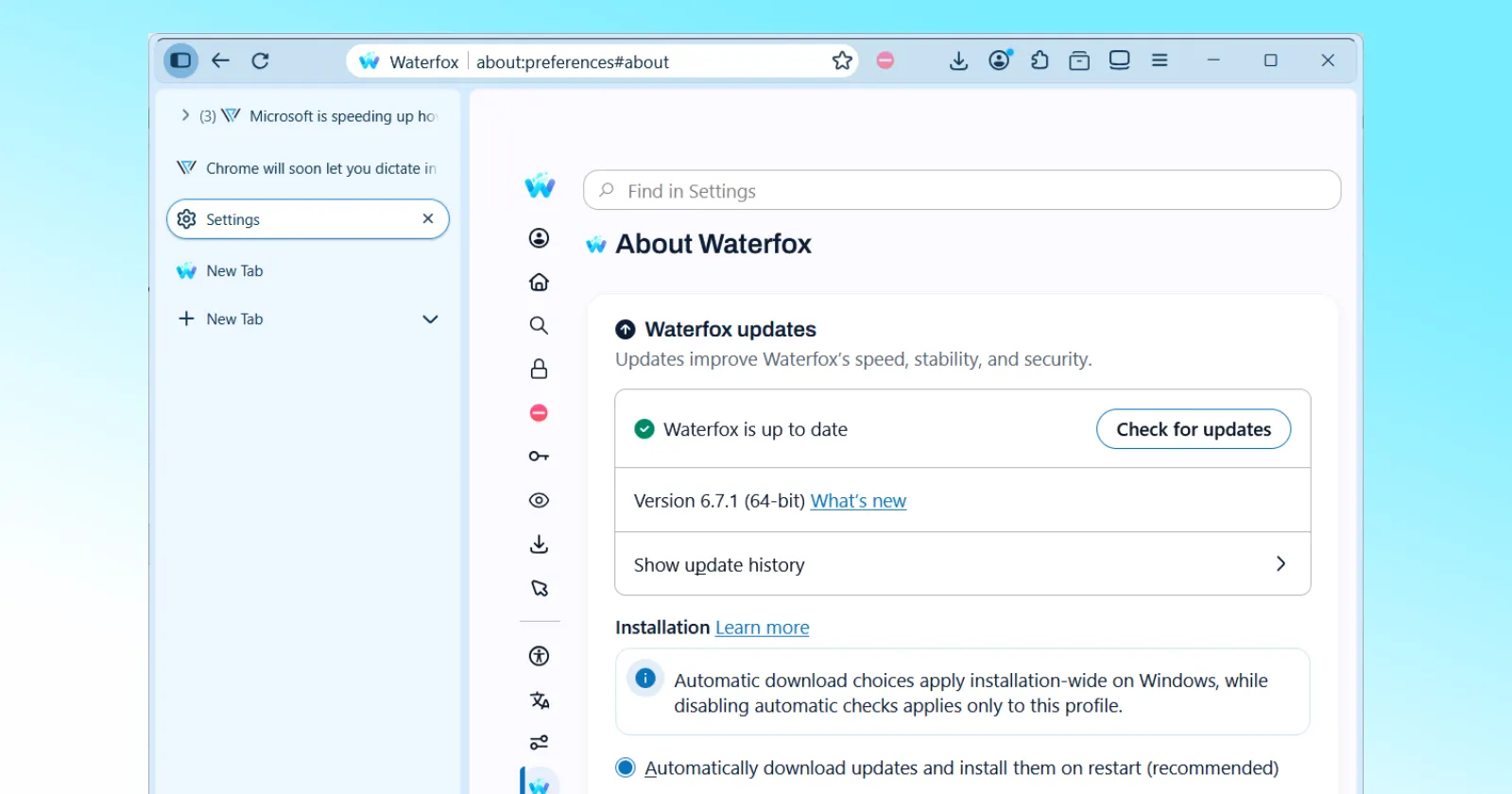
Waterfox is rolling out version 6.7.1, appropriately named “Fine Tuning,” just days after users complained about the browser’s major upgrade, Supernova, that ditched a long list of popular customization options.
When the update launched, many users were stunned that the Look and Feel menu contained only a handful of options, with most visual customizations moved to advanced configuration flags.
Since this wasn’t just a handful of users being picky, the developer had to publicly respond to the backlash. As he explained in his Reddit post when defending the controversial decision to kill themes, the upgrade touched upon the browser’s core, and there was not enough time to fix every UI option.
It would sacrifice crucial security updates for the sake of customization, so the new UI settings would come in a later update. And now, the wait is over as version 6.7.1 makes its debut, bringing back 121 interface controls organized in ten categories.
Users will be pleased to know that they can tweak tab sizes, choose between modern and legacy corner styles (Chrome or Edge style), hide toolbar buttons, and customize bookmark menus.
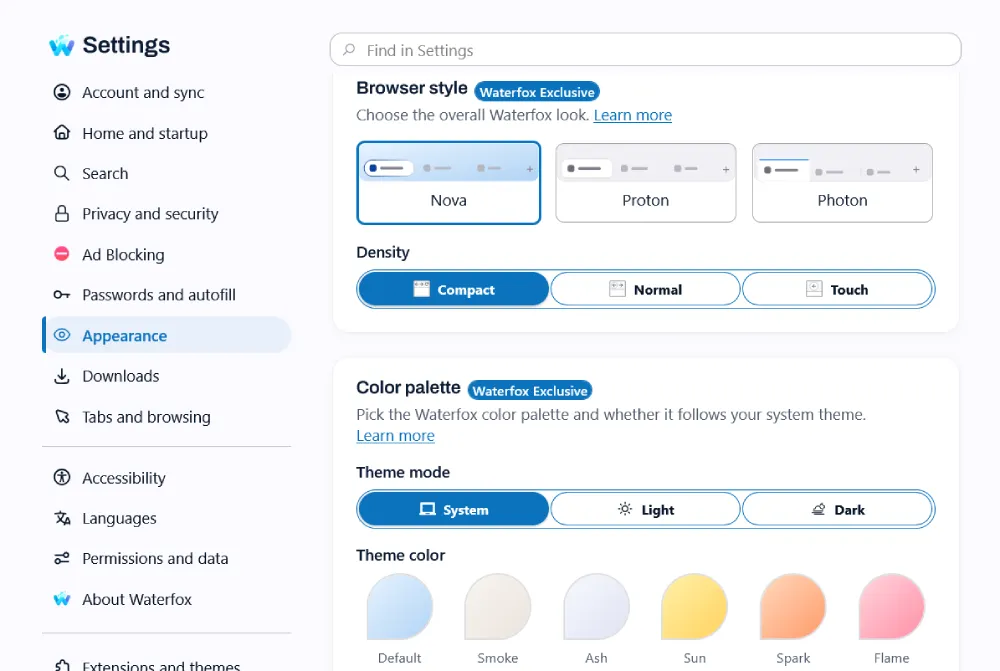
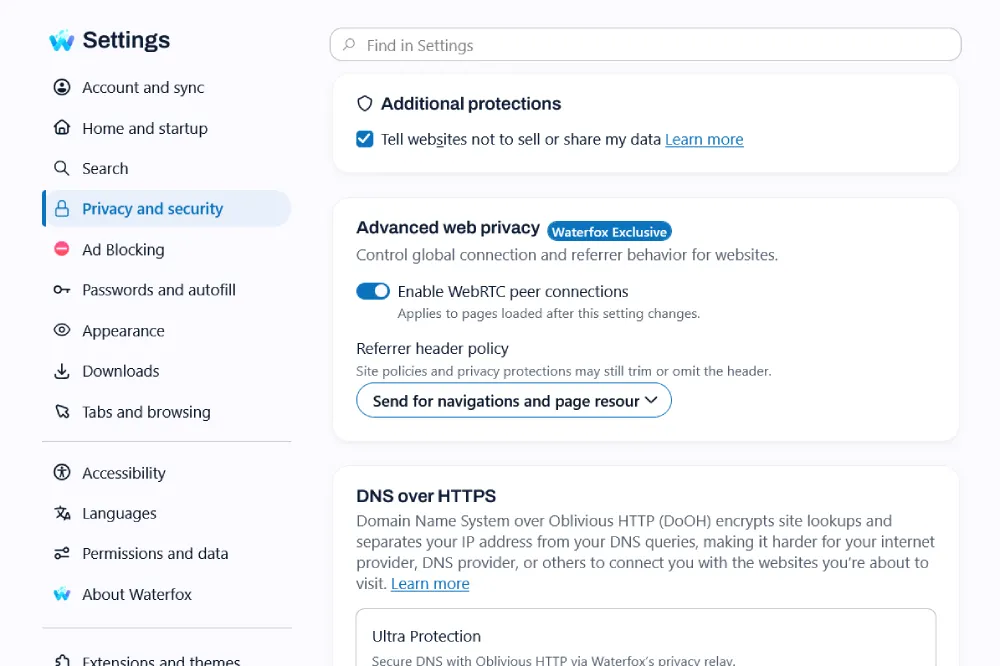
In addition, privacy-related options related to JavaScript, images, WebRTC, and referrers are back in the menu, and DRM components are turned off by default.
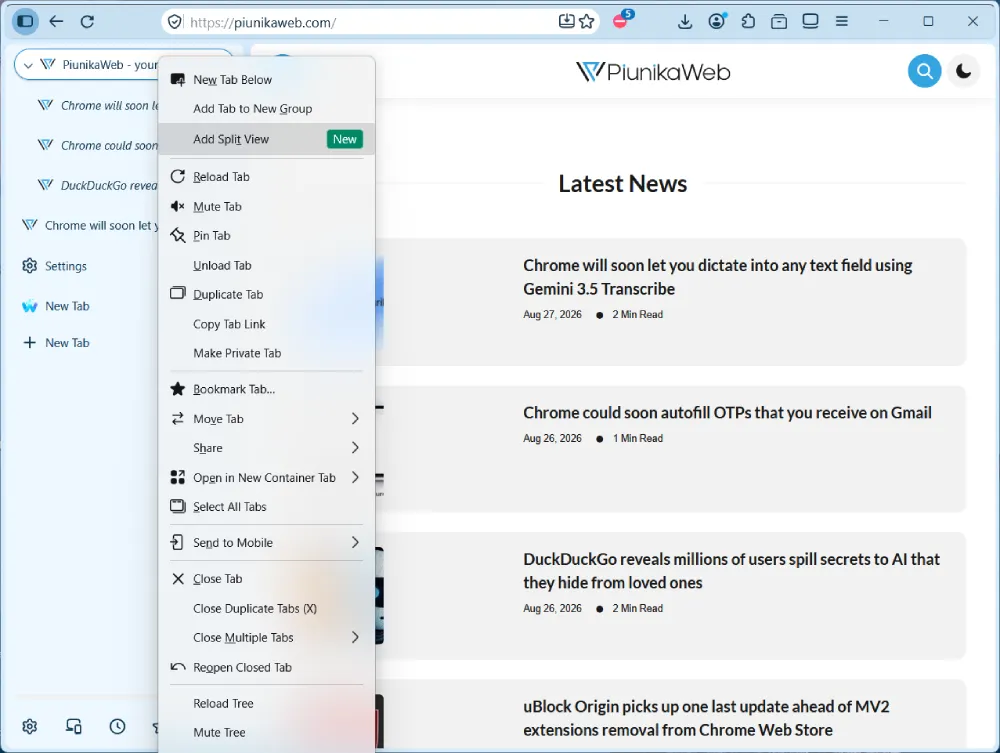
Tree tabs also got a major boost for anyone handling massive amounts of open pages. You can now use split view directly inside a tab branch to view two pages side by side without ruining your visual organization.
Apart from this, the update adds lightweight group tabs, which function as simple named containers to hold related tabs together and keep complex workspaces from turning into a chaotic mess.
As the developer wrote in the release notes, almost all the customisation options were no longer compatible with the updated codebase, requiring a thorough combing before being reintroduced.
If your browser has not prompted you to update yet, you are not alone. If you’re on a Mac, you might have to wait a bit longer to get the 6.7.1 update. Windows users, on the other hand, have already received the update. Plus, if you don’t see it in the browser’s built-in updater, you can manually download the latest version from the official website.


Dwayne Cubbins
3055 Posts
I cover fast-moving stories across apps, online platforms, and everyday tech — phones, wearables, consoles, and whatever else people are fighting with this week. Bugs, rollouts, scams, policy enforcement, and the occasional internet-culture rabbit hole are all fair game. My goal is simple — make confusing tech news readable. When I'm not working, I'm working out or chilling with my dog. Got a tip? You can find me on X @dcubbins.
Next article View Article