






Ever since the Nova redesign officially landed on Firefox, we’ve spotted a lot of complaints from users about the vertical tabs feature, specifically when using Compact mode.

Compact mode is a feature that shrinks the size of browser tabs, toolbars, etc to free up more screen space for web pages. If you use vertical tabs while having Compact mode enabled, you could run into spacing issues. We have attached some screenshots of the complaints below.
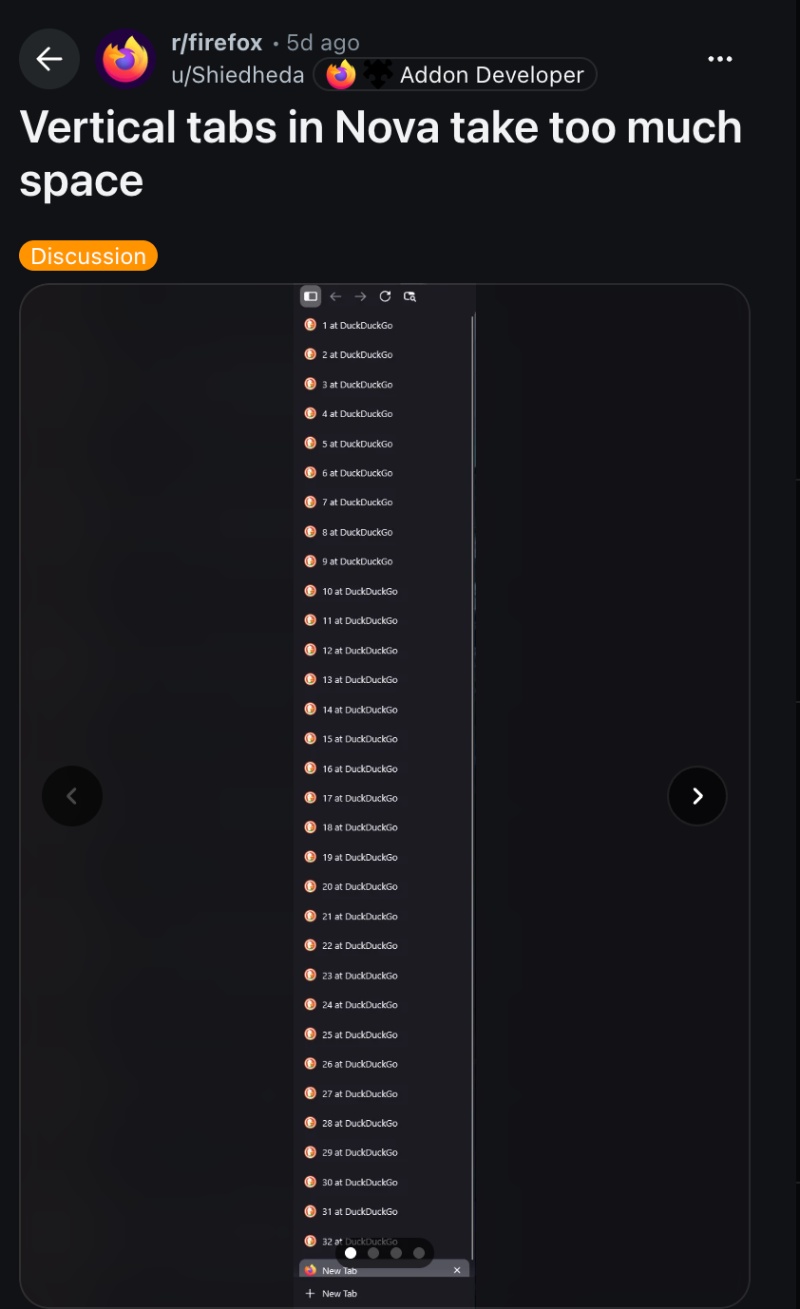
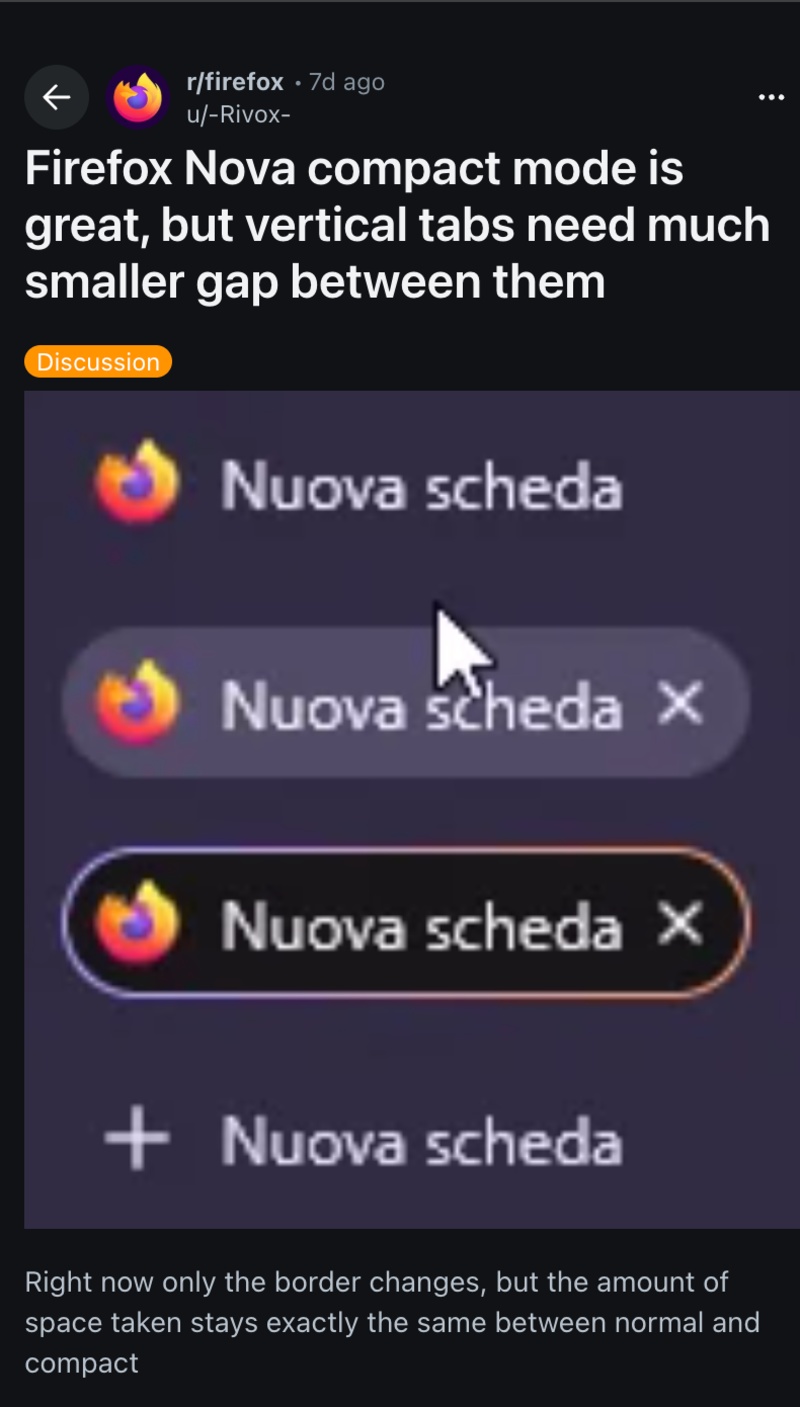
People claim that group titles take up a lot of space, and if using Compact mode doesn’t help in actually saving screen space, that makes the feature less helpful. The amount of vertical space that it ends up saving has reduced drastically since the Nova redesign, since the padding around tabs is almost identical to the standard view.
Some comments online were demanding customizable padding entirely, so that the user can set their own preference, which isn’t a bad idea. Ideas suggested using custom CSS code or third-party extensions. However, a Mozilla employee has directly responded to the complaint on Reddit and also filed a Bugzilla report about the issue.

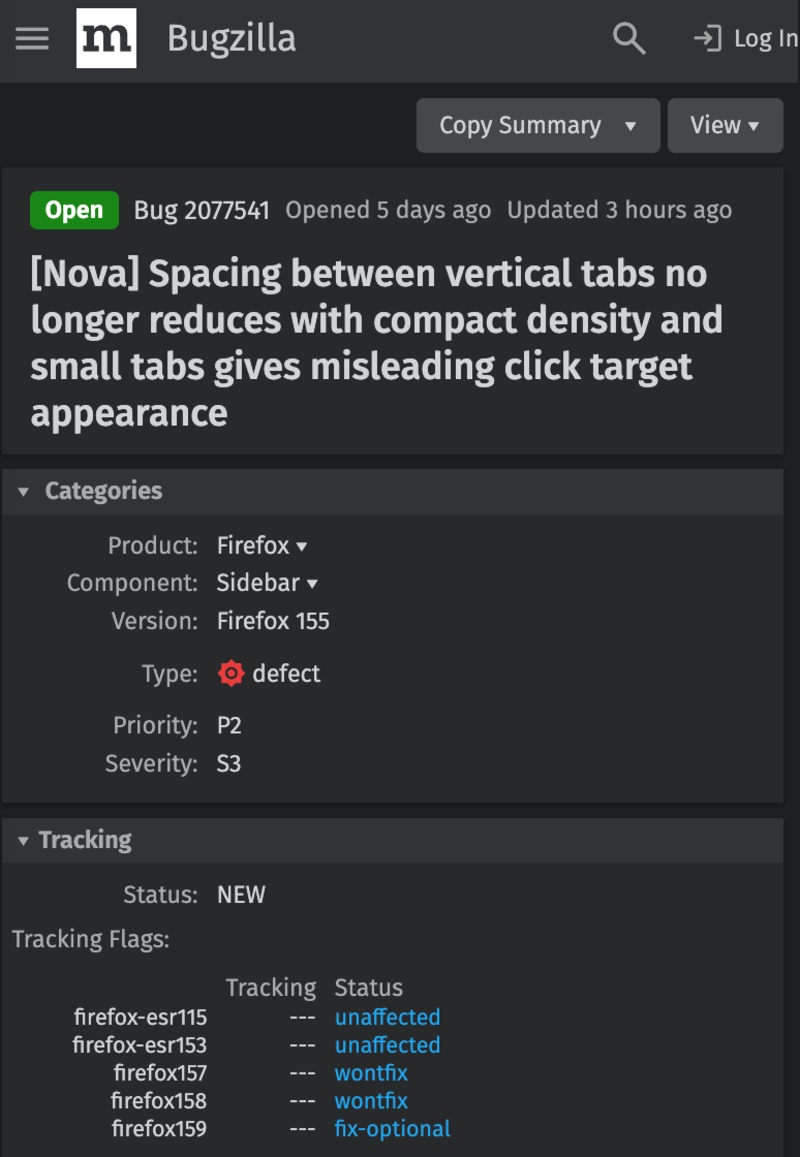
The employee also clarified that there’s an obvious spacing difference for the Bookmarks bar when comparing Compact mode on and off. It appears that people are comparing the pre-Nova UI of Compact mode on Firefox to the latest UI, which will obviously have some differences in the spacing.
So, what’s the bug exactly? It’s that each vertical tab isn’t as tall in Compact mode. However, they still don’t take up less space because each one is in a fixed-height container. Once this is resolved, the tabs should appear more compact, so you’ll be able to see more of the webpage on the screen.
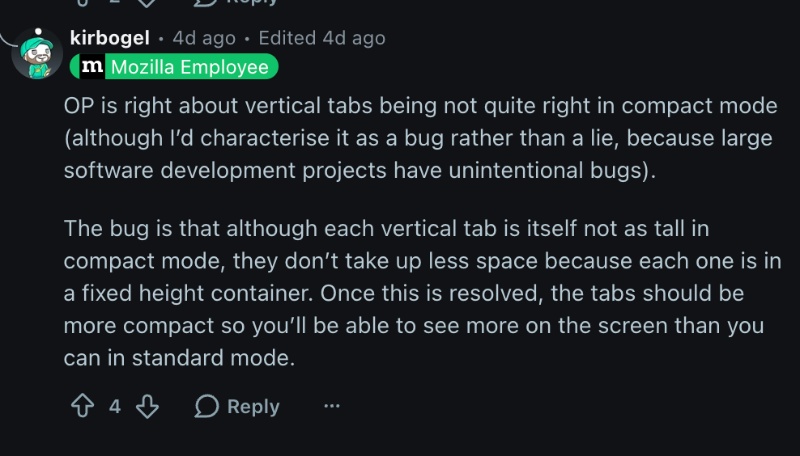
You can view the Bugzilla report here.
In other Firefox news, Mozilla recently highlighted the built-in protections in Firefox (since it’s cybersecurity month). More on that here. Furthermore, the latest v157.0.1 update fixes sidebar glitches and other bugs. We covered that here.


Sudhanshu K
315 Posts
I have been a consumer technology enthusiast for over 5 years. Thanks to my experience in software beta testing and product reviews, I've understood and learnt a lot about what bugs and issues bother people, and I spend time trying to simplify their solutions. I cover smartphones, software, social media, apps, AI, and most consumer tech gadgets. Actively pursuing a Computer Science bachelor’s degree. I'm mostly active on Twitter/X (@TechWhirlUlt), drop a DM or tag me if you want to share info or connect!