





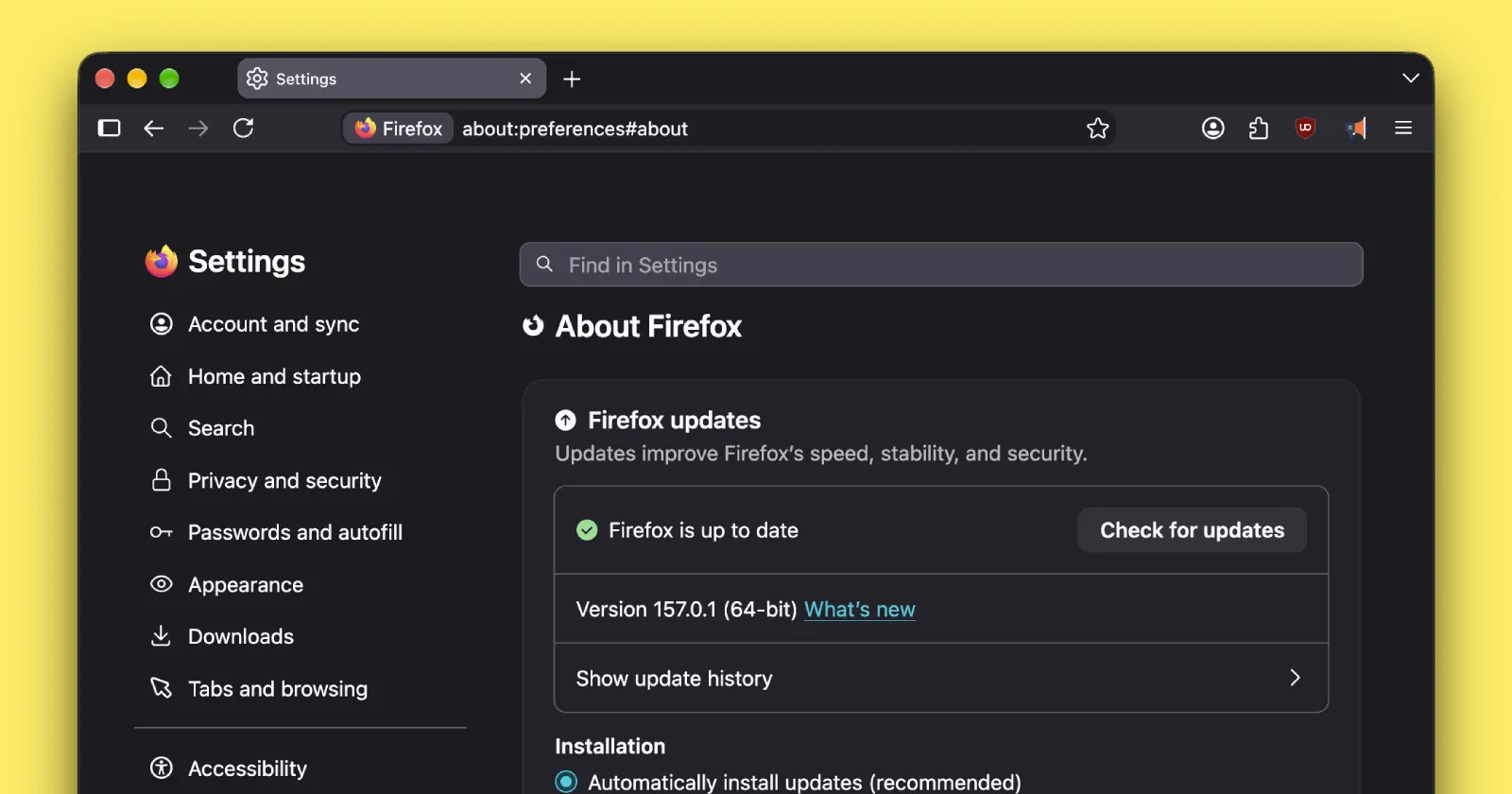
Mozilla pushed a quick bug-fixing update for Firefox to desktop users as version 157.0.1. This comes barely a week after the browser received its biggest visual makeover in years.
The massive Firefox 157 update brought hardware AV1 decoding alongside the fresh Nova interface, but big overhauls usually invite a few day-one headaches. This first point release exists to quietly patch up those rough edges.
One of those rough edges involved downloading files on Mac. If you configured the browser to ask where to download files instead of saving them automatically, downloads would silently fail whenever Firefox lacked direct permission to touch your main Downloads folder.
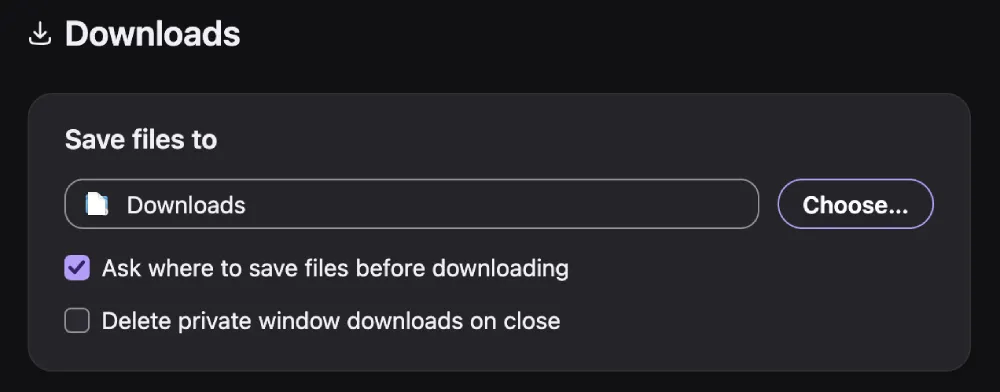
Mozilla acknowledged the permission quirk in its official release notes, stating it fixed an issue where downloads failed on macOS when Firefox is set to “ask where to save files but doesn’t have permission to access the Downloads folder.”
That said, Mac wasn’t the only platform with issues. Multiple users reported that the new collapsible sidebar kept locking up completely, getting stubborn whenever they tried switching between their Bookmarks and the AI Chatbot panel.
Another Windows bug caused users to notice that the “Restore from Backup” option went missing entirely during the initial onboarding screen. The new update fixes that.
Of course, this minor release does not alter the underlying design changes. If the extra padding and rounded tabs still feel jarring to you, you can still check our guide on how to disable the Nova UI to get the previous layout back.
We also recently reported on how the softer pastel palette sparked accessibility complaints around container tabs. While Mozilla continues to work through the contrast adjustments internally, this update also includes a necessary security fix and bug cleanup.


Dwayne Cubbins
3091 Posts
I cover fast-moving stories across apps, online platforms, and everyday tech — phones, wearables, consoles, and whatever else people are fighting with this week. Bugs, rollouts, scams, policy enforcement, and the occasional internet-culture rabbit hole are all fair game. My goal is simple — make confusing tech news readable. When I'm not working, I'm working out or chilling with my dog. Got a tip? You can find me on X @dcubbins.