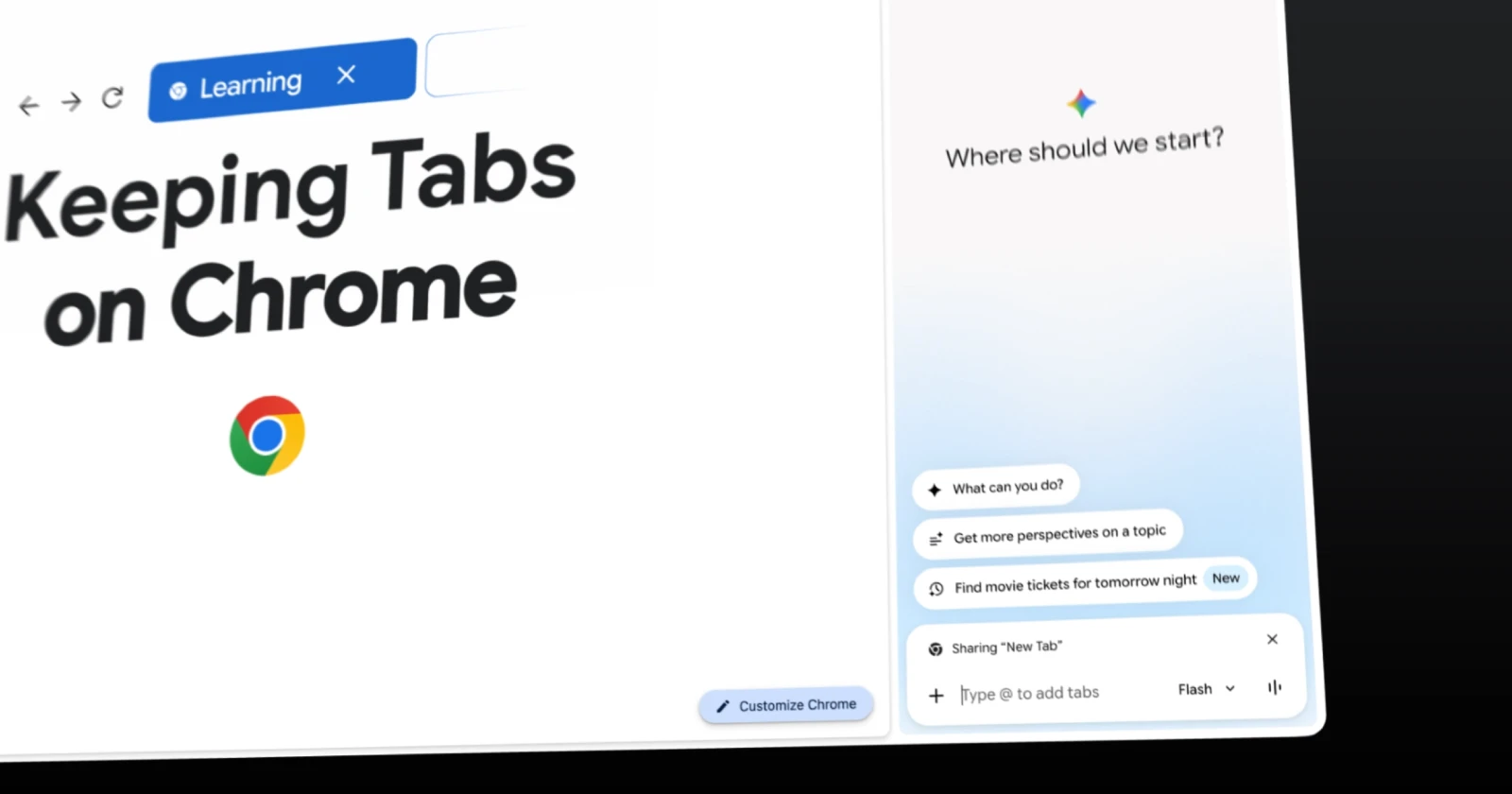
In a recent blog post, Google put the spotlight on a series of useful new features for Chrome that came to the browser with recent updates. While the company is marketing the features for the back-to-school season, we’d argue that some of them extend well beyond that.
One big new addition to Chrome is the ability to sync a page’s scroll position when you share the tab across devices. So let’s say you’re reading an article on your desktop, then move over and open the tab on your phone; instead of the page throwing you back to the beginning, it’ll land on the same spot you left off on the desktop.
This makes moving between devices a lot more seamless. Especially when you factor in the fact that the functionality applies to online forums too. That means whatever you enter in a forum thread also syncs across devices, saving you the time you’d spend entering the same information over and over again.
Then there’s the new Gemini-powered quick function that lets users generate interactive quizzes based on a page’s content. Gemini can pull information from Google Docs, research articles, and even videos to generate a quiz.
This is perfect for students who want to test their knowledge of a topic.
That said, it’s currently only available in English for desktop users in the US and India. Google says it’ll be available on the mobile version of Chrome in the future, but there’s no ETA for that.
Again, while this is a great addition for students, professionals can also use it to scan lengthy documents, technical guides, and presentations for self-assessments.
Also, Google is stepping up its game in Chrome when it comes to processing audio and video content with Gemini. If you’ve been using Chrome paired with Gemini for a while, you’d know that it could only process YouTube videos. It wouldn’t analyze videos on other platforms unless you downloaded those videos and then attached them to Gemini as a file.
Luckily, that’s changing now. The browser’s AI will now support additional media types, including podcasts and recorded lectures. Users can play the media in Chrome and then ask Gemini to summarize the content or extract key points. Basically, think of it like YouTube’s “Ask about this video” feature, but for media on other platforms too.
Keep in mind that you’ll need to play the full video or audio in your browser for Gemini to get full context.
Google also mentioned Chrome’s ability to generate a complete podcast based on a page’s content. However, this feature is only available on Android. But it’s also being tested on Chrome for desktop users, as we reported earlier.
But Google hasn’t focused only on Chrome features. We’ve also recently reported multiple updates that address security vulnerabilities. They fix several hundred every month. So this balance between features and security is a good one. But it also comes with a caveat: privacy. If you’re looking for privacy-focused alternatives to Chrome, check out our report on the best privacy-focused browsers.


Dwayne Cubbins
3054 Posts
I cover fast-moving stories across apps, online platforms, and everyday tech — phones, wearables, consoles, and whatever else people are fighting with this week. Bugs, rollouts, scams, policy enforcement, and the occasional internet-culture rabbit hole are all fair game. My goal is simple — make confusing tech news readable. When I'm not working, I'm working out or chilling with my dog. Got a tip? You can find me on X @dcubbins.
Next article View Article