





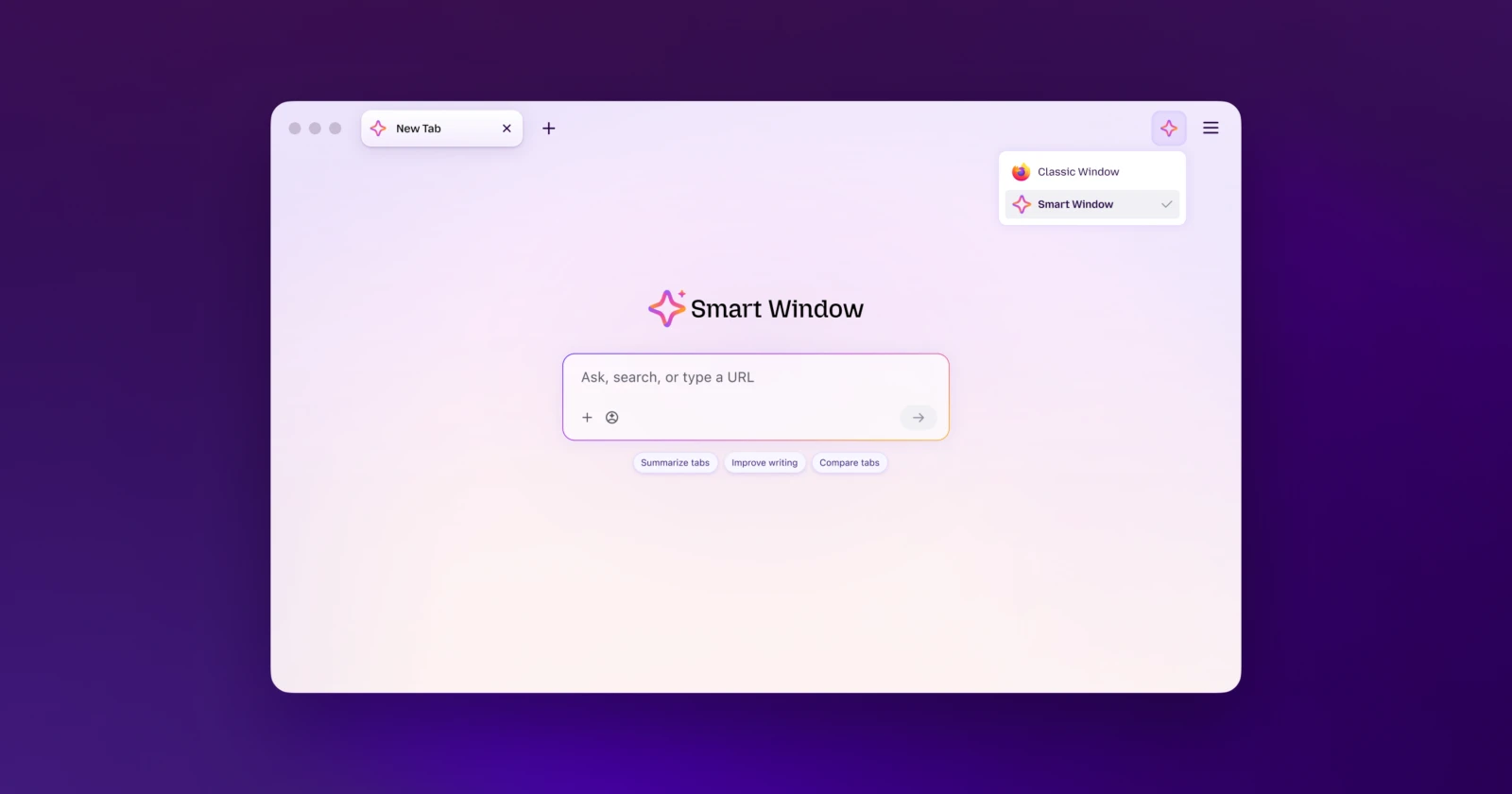
Mozilla has been sneaking more AI features into Firefox lately, and if you opened the browser and wondered what all this new window stuff is about, you’re not the only one. The company just expanded its Smart Window beta and finally released a simple guide showing where this new mode fits into your day-to-day browsing.
If you missed the earlier tests, Smart Window started showing up for more people in Firefox 155, right alongside those new tracker badges. But it’s still not everywhere yet. The beta is only open to folks in the US, Canada, and France. Users outside of those regions will still have to wait for a further expansion to check it out.
Rather than stuffing an AI sidebar into every tab, Mozilla is calling Smart Window an optional third workspace. It sits right next to the Classic and Private windows you already know. Mozilla even says, “None of these windows is ‘better’ than the others, they’re built for different moments.”
Classic Window is still your go-to for everyday browsing. All your add-ons work here, your synced tabs are safe, and you can browse without any AI assistant butting in.

Private Window still does what it’s always done best. It dumps your session cookies when you close it, never saves your history, and gives you a fresh start if you’re sharing a computer or just want to shop for gifts without leaving a trace.
Smart Window is made for those chaotic research sessions when you’re drowning in tabs. Mozilla says it’s supposed to “help finish what you started online” so you don’t have to backtrack or dig up lost tabs.
It scans your open tabs to pull out summaries, spot duplicate pages, and suggest tab groups to keep things tidy. It also works with Exa search to grab live web sources, so you don’t have to bounce between search engines. Mozilla recently teamed up with Mistral AI for these features, but if you’re a power user, you can still hook up your own local models.
There’s also an optional memory feature that builds little context snippets from your browsing, so the assistant remembers what you were working on. If that feels a bit too close for comfort, Mozilla says these memories stay local on your machine, and you can clear them out whenever you want.
Having a separate space for AI stuff is way cleaner than shoving bots into every page. Got a messy research project? Open a Smart Window. Just want to read in peace? Classic’s got you covered.
Let’s hope the new mode rolls out widely alongside the upcoming Nova redesign, which is set to arrive in Firefox 157 a few days from now.


Dwayne Cubbins
3052 Posts
I cover fast-moving stories across apps, online platforms, and everyday tech — phones, wearables, consoles, and whatever else people are fighting with this week. Bugs, rollouts, scams, policy enforcement, and the occasional internet-culture rabbit hole are all fair game. My goal is simple — make confusing tech news readable. When I'm not working, I'm working out or chilling with my dog. Got a tip? You can find me on X @dcubbins.