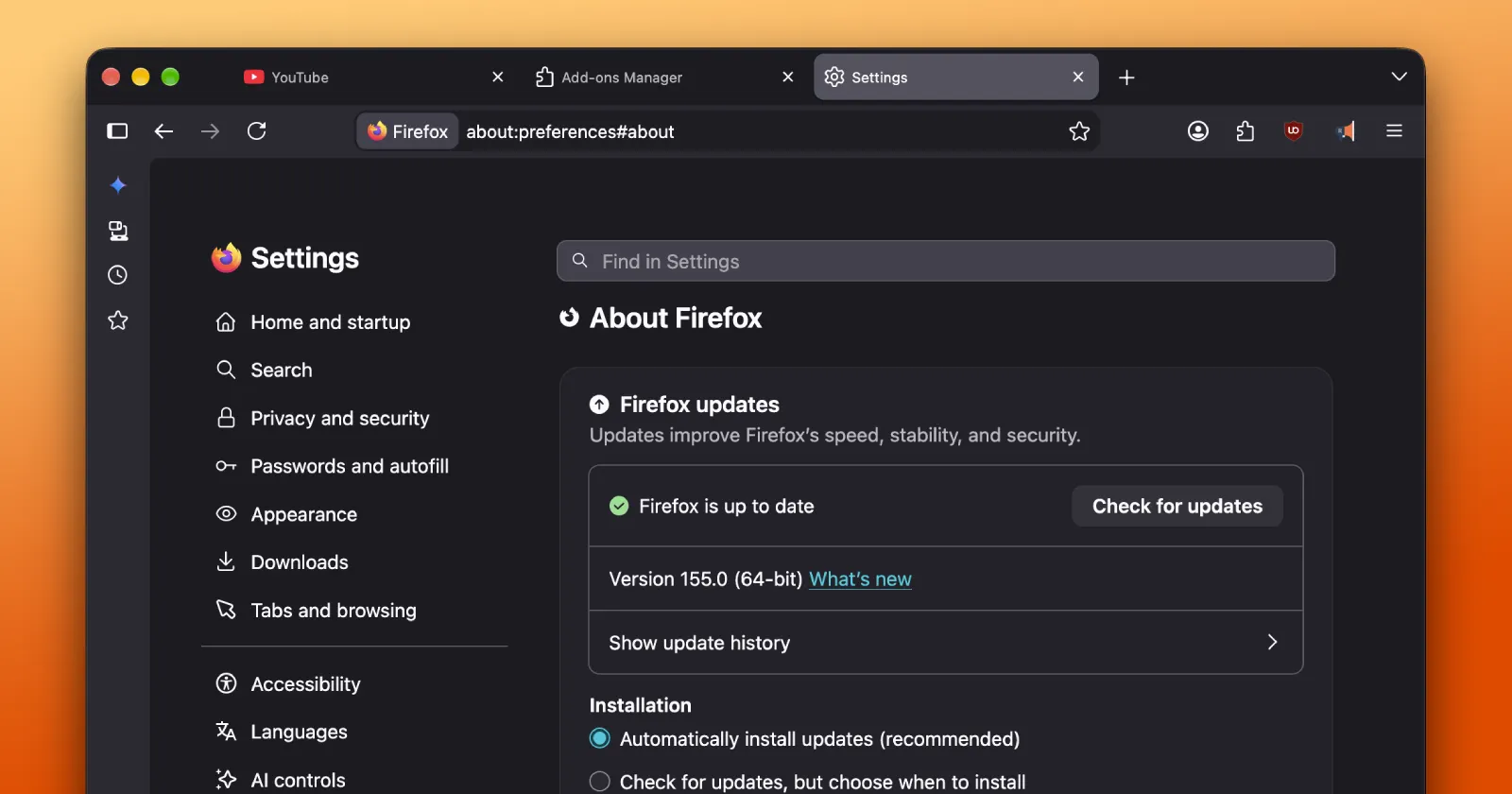
The Firefox 155 update is here, with a set of improvements and bug fixes to the browser on Windows, Linux, and macOS. However, if you’re still not seeing the update in the in-app updater, don’t fret. The rollout is still in its initial stages and should be hitting more users soon.
Furthermore, the official release notes aren’t yet live for this stable release. Even so, I managed to grab the latest .dmg installer directly from Mozilla’s FTP directory to take it for a quick spin on my Mac.
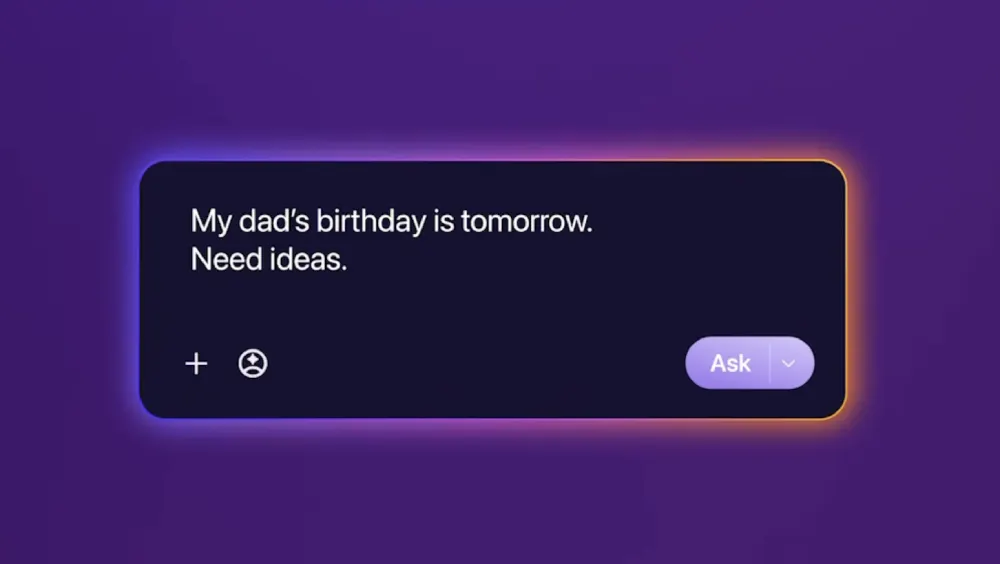
Firefox 155 reportedly expands Smart Window to more users in the US, Canada, and France. It’s the biggest highlight of the update, but it will sadly not be available for others outside of those regions. Smart Window is part of Mozilla’s private AI browsing experience that it laid out in its 2026 roadmap.
And on the subject of privacy, the browser now puts a live tracker counter badge right in the address bar. This lets you glance at the number of blocked tracking attempts when you visit a website without having to open a separate pop-up window or page. We highlighted this feature earlier this month when it showed up in the beta channel.
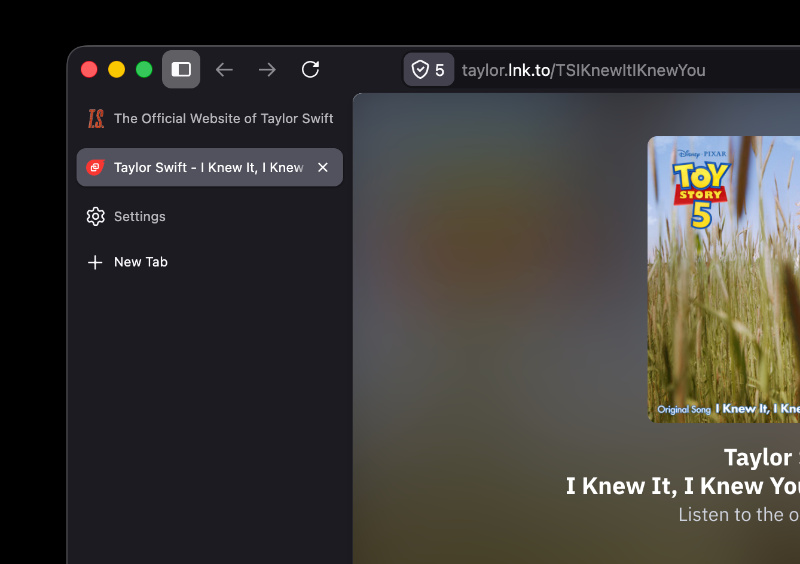
If you’re not seeing it yet, it’s because the feature is still rolling out in batches. I don’t see it either on the stable 155 build on my Mac.
This update also cleans up a few lingering issues that followed the Firefox 154 release and the subsequent 154.0.1 point update.
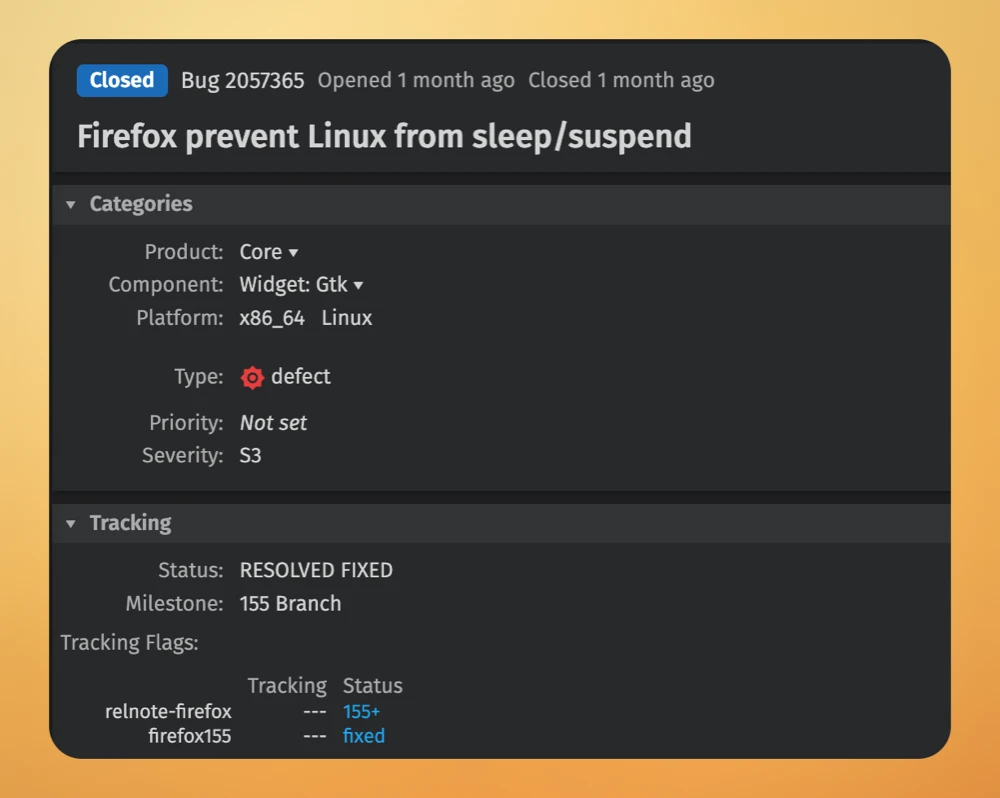
One big fix is aimed at Linux users. There was a frustrating bug where keeping the browser open for long sessions would prevent the laptop or desktop from going to sleep. Needless to say, that’s a major annoyance, especially for laptop users who might have been wondering why their battery was draining faster than usual. So if this is something you’ve been dealing with, the update should fix it.
Another fix is aimed at the bug where text would vanish when typing in web apps like Microsoft Word Online.
Windows users are also getting some love with Firefox 155 since it now supports Nintendo Switch Pro controllers in web games. You can also freely reorder your Multi- Account Containers in the settings menu.
If the update has not landed on your machine yet, give it a little time. It should show up automatically in the About Firefox menu over the next couple of days as the general rollout opens up.
Alternatively, you download the latest build from Mozilla’s FTP directory.


Dwayne Cubbins
3147 Posts
I cover fast-moving stories across apps, online platforms, and everyday tech — phones, wearables, consoles, and whatever else people are fighting with this week. Bugs, rollouts, scams, policy enforcement, and the occasional internet-culture rabbit hole are all fair game. My goal is simple — make confusing tech news readable. When I'm not working, I'm working out or chilling with my dog. Got a tip? You can find me on X @dcubbins.
Next article View Article