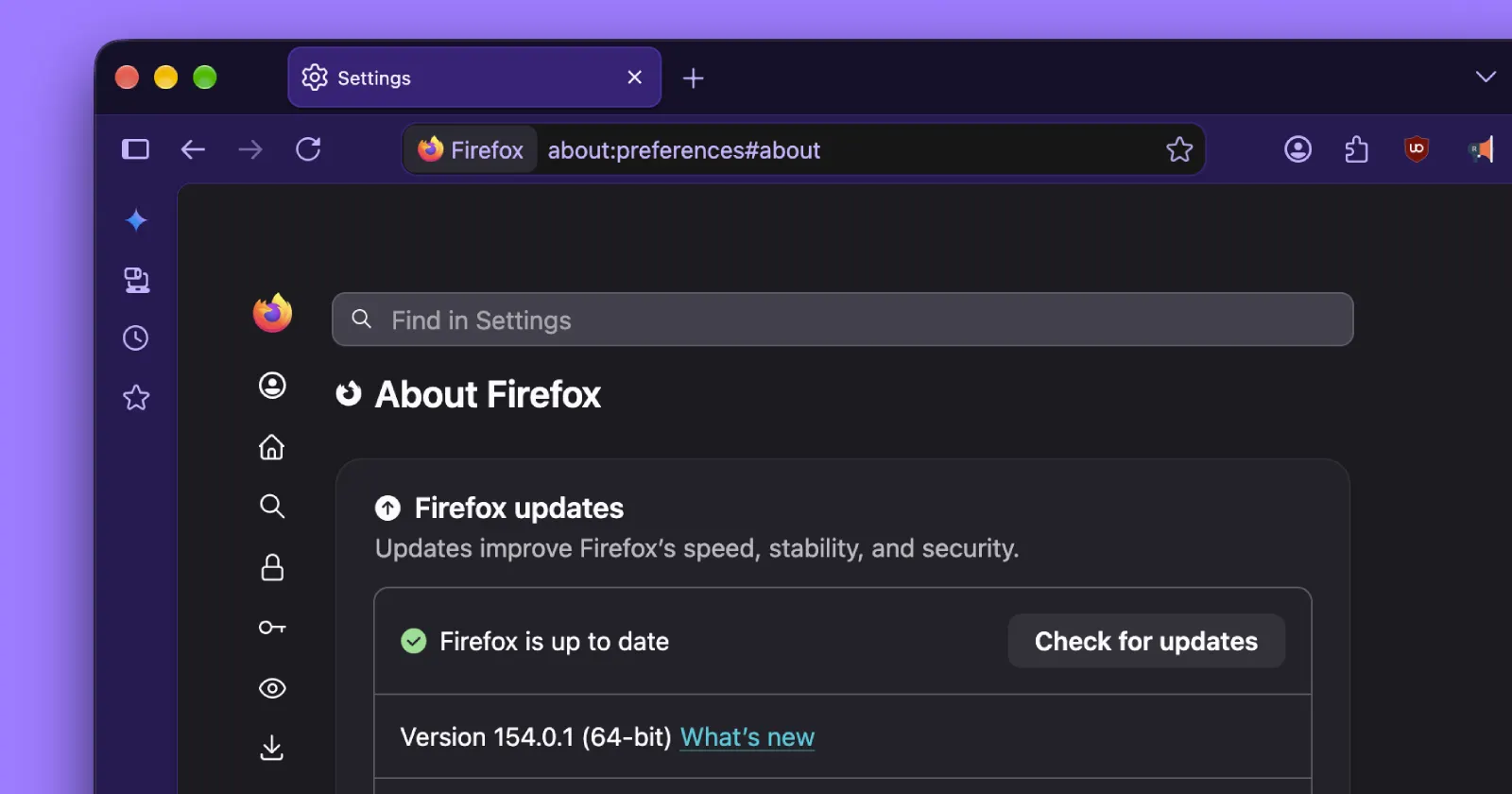
Mozilla has released a minor point update for Firefox 154, addressing several annoying issues in the latest versions. It appears users experienced a few issues with the browser after the larger 154 release.
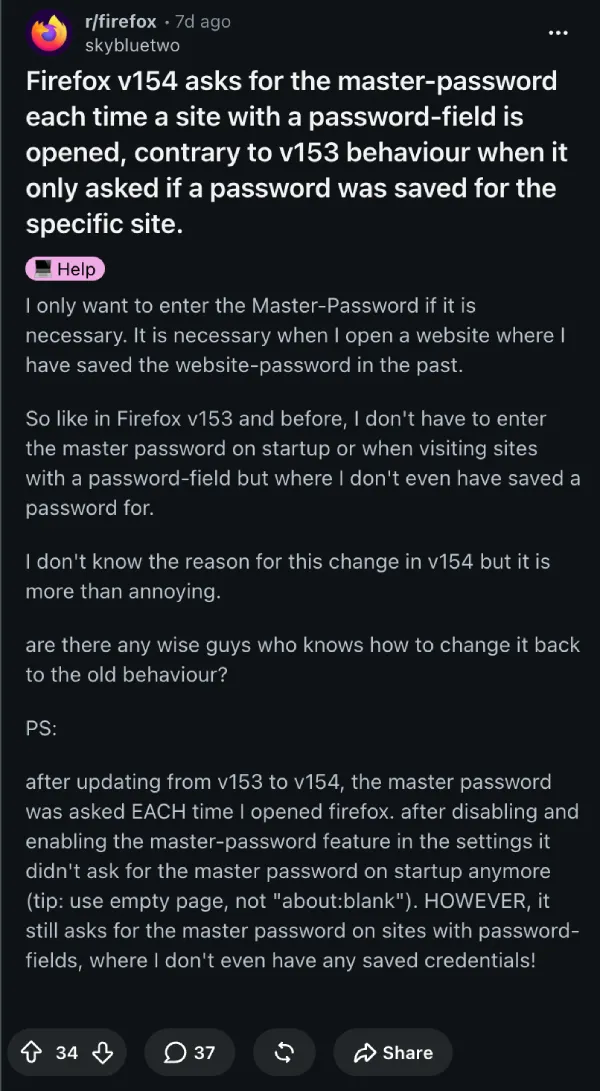
The reason for this maintenance update seems to come from users’ reports of credential-related inconsistencies. In particular, there were complaints about slow retrieval of stored passwords. Moreover, in cases when users set up a Primary Password (previously called Master Password), the browser would bother them with unexpected password prompts.
Here’s a screenshot of one such thread on Reddit discussing the issue:
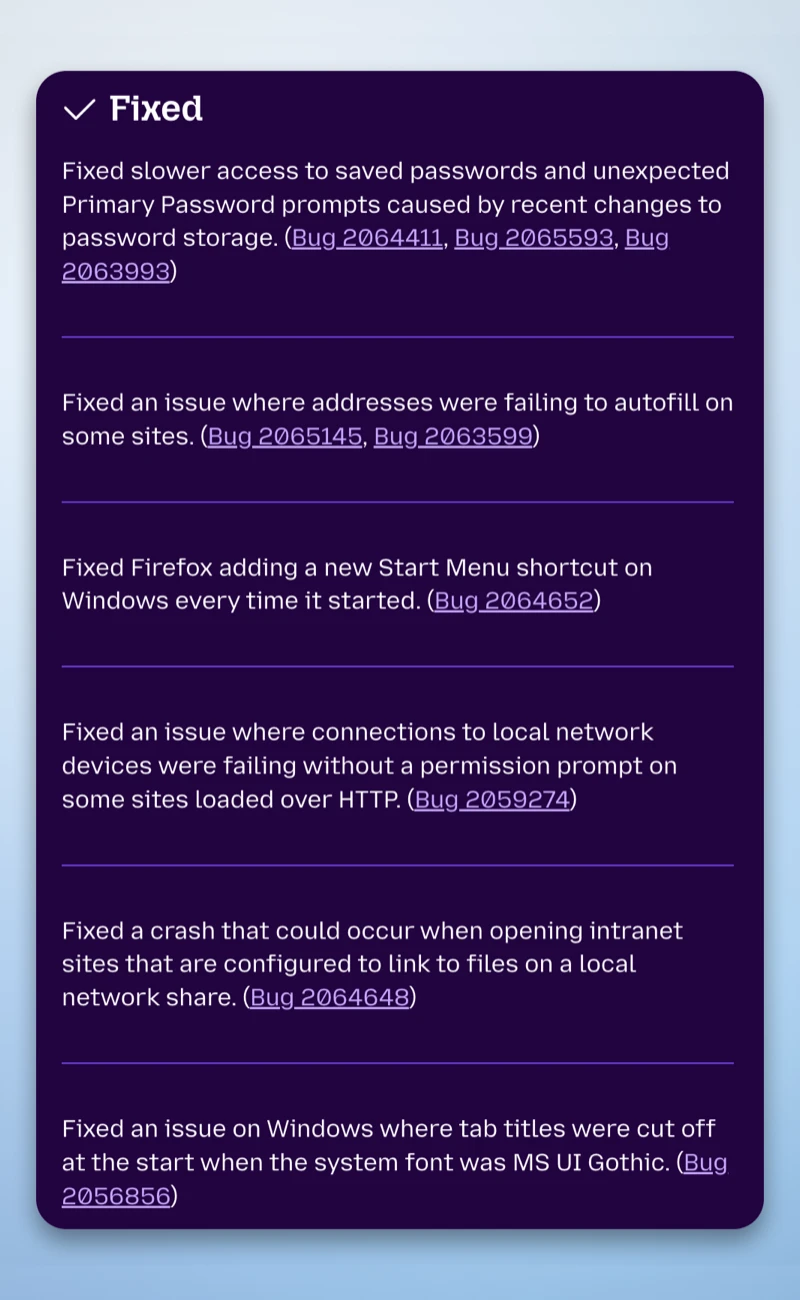
The official release notes for the update confirm that version 154.0.1 fixes “slower access to saved passwords and unexpected Primary Password prompts caused by recent changes to password storage.”
So if you were getting annoyed by constant login popups while trying to browse, you might want to install the update right away.
That said, password-related issues were not the only ones addressed in this release.
Some users experienced address autofill malfunctions too. Whenever they tried to purchase on websites that require additional billing address information, they would have to fill it in manually. That’s been fixed now.
Additionally, a bug caused the browser to create a new Start Menu shortcut every time it was launched on Windows OS.
Besides that, there were annoying local network-related issues that have also been resolved. The update notes state that “connections to local network devices were failing without a permission prompt on some HTTP sites.”
This means that browsing the internet locally on the same network required permission that Firefox did not request automatically. It appeared that Firefox failed to recognize local network addresses and blocked connections instead of allowing them. The update also fixed a crash occurring when Firefox users accessed intranet websites using local network folders.
Finally, there was also an annoying display issue affecting the Windows operating system. It was related to the system font MS UI Gothic, which caused the tab titles to be displayed incorrectly.
These are just a few issues that Firefox users have been dealing with in the last couple of weeks. The good news is that most of them are resolved with version 154.0.1.
On the other hand, Firefox users still have to wait for some innovative features. In particular, Firefox 157, due to be released this year, will include experimental support for JPEG XL images.
The Firefox 154.0.1 update is rolling out as a minor point release currently available for Windows, macOS, and Linux operating systems.


Dwayne Cubbins
3147 Posts
I cover fast-moving stories across apps, online platforms, and everyday tech — phones, wearables, consoles, and whatever else people are fighting with this week. Bugs, rollouts, scams, policy enforcement, and the occasional internet-culture rabbit hole are all fair game. My goal is simple — make confusing tech news readable. When I'm not working, I'm working out or chilling with my dog. Got a tip? You can find me on X @dcubbins.
Next article View Article