
The latest Firefox 155 beta has just arrived, and it brings various features. The address bar displays the number of blocked trackers, pages load faster, and more.
The official changelog for the beta was posted on Mozilla’s Release Notes. You can view a snippet of the changes below. The actual list of changes is extremely long and convoluted, since this looks like a huge update.
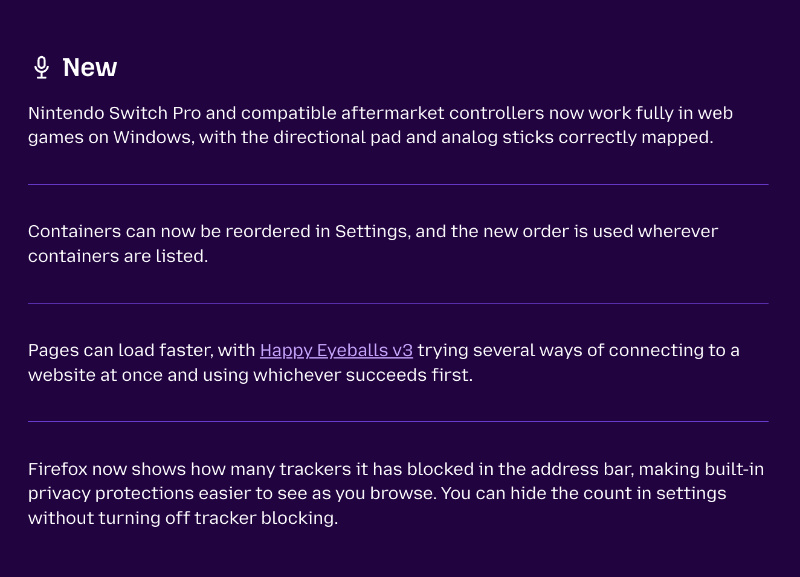
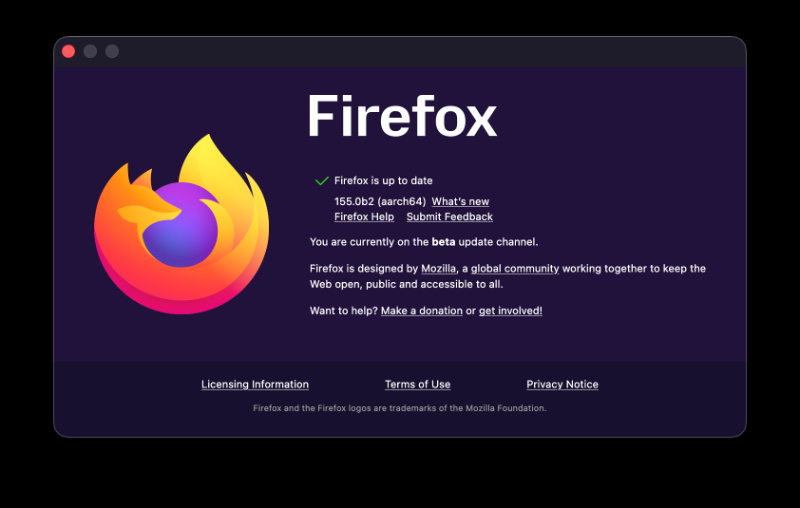
I’ve installed this beta to test the user-facing changes on macOS. For me, the latest version at the time of writing is v155.0b2.
After going through most of the changes, here’s a trimmed-down version of the important user-facing ones:
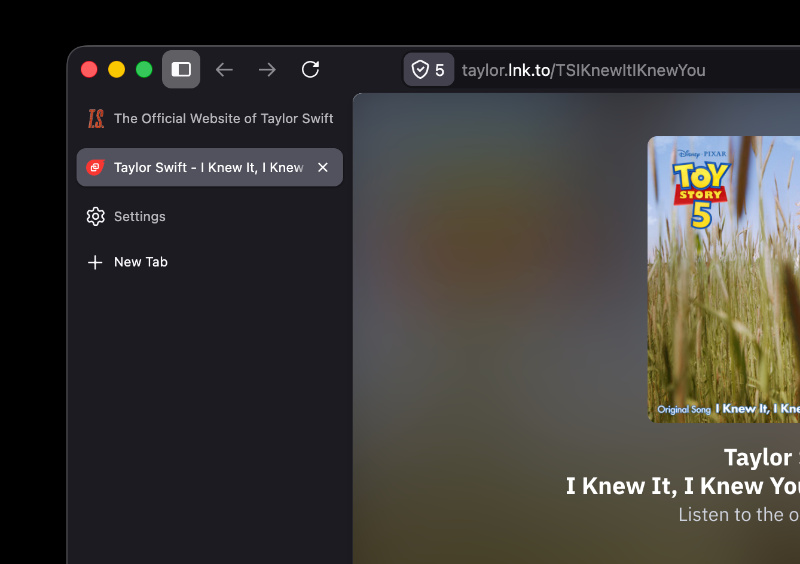
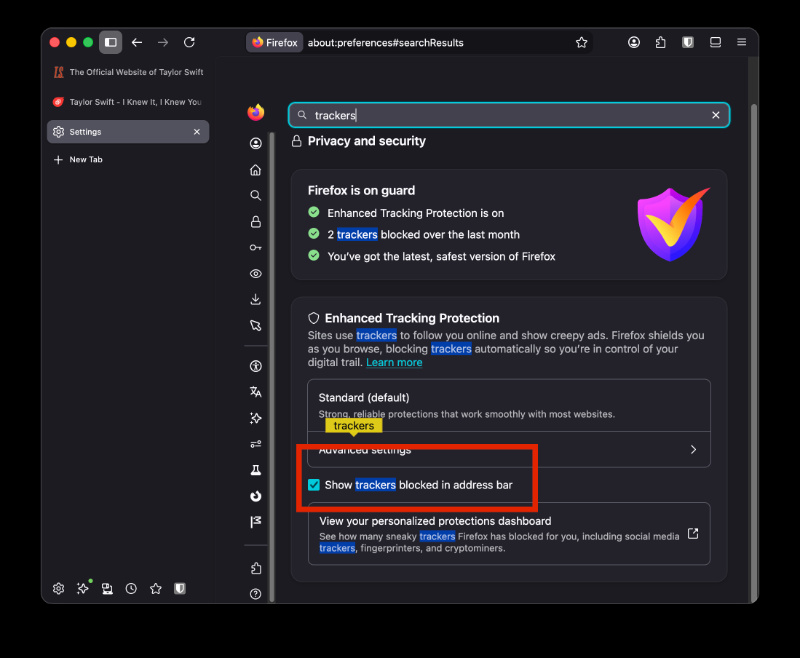
- The address bar now shows how many trackers Firefox has blocked while you’re browsing. If you don’t want to see the number all the time, you also have an option to hide it from Settings.
- Pages can now load faster because Firefox tries various ways of connecting at the same time.
- You can drag and reorder tab containers in Settings.
- Nintendo Switch Pro controllers now work properly in web-based games.
- Firefox no longer stops Linux computers from going to sleep after a long browsing session.
- Arrow keys and page up/down now scroll correctly on some pages.
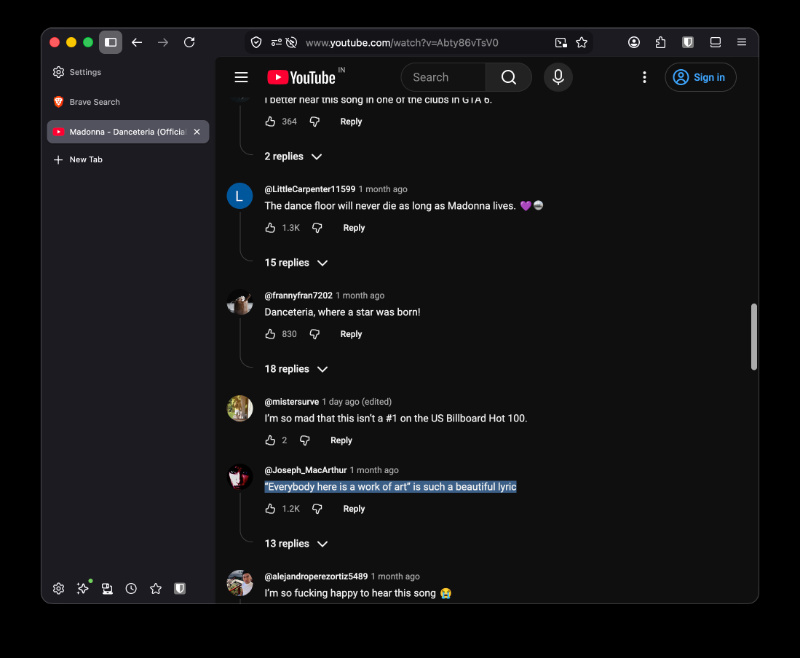
- You can select and copy text inside buttons properly, such as in YouTube comments. Earlier, this was broken.
- Live audio (example: internet radio) no longer stops when it is playing in the background.
- Websites can no longer open your email app on their own.
- When printing, you can now scale small PDFs above 100% so they fill the whole page.
In fact, the current stable v154 update brought several user-facing changes as well. If you don’t want to risk using a beta as your main, it includes a Manage AI button, PDF selection/highlighting tools, improvements to vertical tabs, and more. We covered that here. The same version introduced a native ad-blocker on iOS.
In other Firefox news, a feature that lets you block extensions on specific websites is in the works. More on that here.
Additionally, here’s how Firefox is planning to challenge Chrome with its latest privacy and AI upgrades.


Sudhanshu K
351 Posts
I have been a consumer technology enthusiast for over 5 years. Thanks to my experience in software beta testing and product reviews, I've understood and learnt a lot about what bugs and issues bother people, and I spend time trying to simplify their solutions. I cover smartphones, software, social media, apps, AI, and most consumer tech gadgets. Actively pursuing a Computer Science bachelor’s degree. I'm mostly active on Twitter/X (@TechWhirlUlt), drop a DM or tag me if you want to share info or connect!
Next article View Article