Ladybird keeps adding the kind of features people expect from a browser they actually use. In the latest newsletter, the team revealed that they’ve added private browsing, support for multiple profiles, and a big rewrite of the parts that do the heavy lifting behind the scenes.
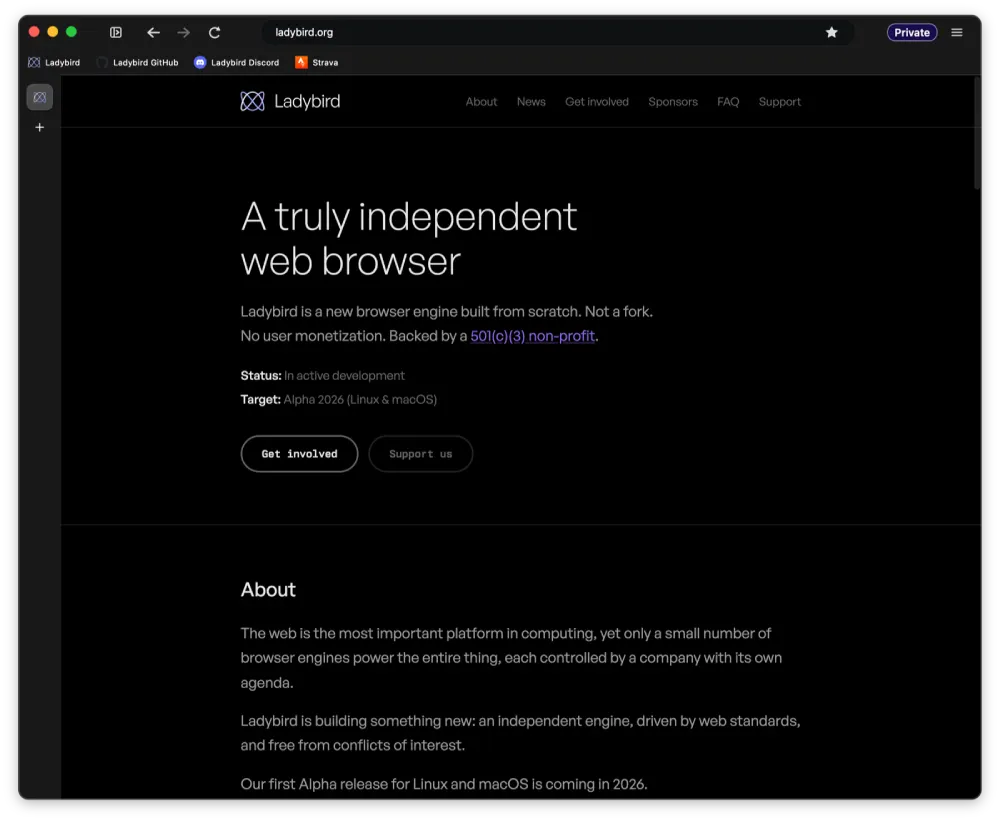
The big user-facing addition is private browsing in the browser. Ladybird now has proper private windows, and they behave the way you would want. Cookies, storage, history, caches, downloads, and even address bar suggestions all stay separate from your normal browsing, and a private window is marked with a badge in the toolbar so you always know where you are.
It builds nicely on the downloads and history features added in June, since now all of that can happen without leaving a trace.
Adding to that, everything that the browser saves now lives inside a profile, and each one keeps its own settings, bookmarks, history, cookies, and site data. So you can run a work profile and a personal profile side by side without them touching each other.
You can also spin up a temporary profile that gets wiped when you close it. On Mac, each profile even shows up with its own Dock badge so you can tell them apart at a glance.
There are other smaller changes that have been made. Ladybird finally handles undo and redo when you are typing into a web page, and copy and paste now keeps things like styled text, images, and lists intact. The browser can answer location requests too, though it is turned off by default until a real permissions system is ready. Audio also works properly now, enough to run games like a WebAssembly build of Doom 3.
Meanwhile, the address bar no longer trips over itself when suggestions change mid-typing, so pressing Enter now does what the bar is actually showing you, and it slowly learns which result you tend to pick. There is a new Paste and Go option, you can hit Esc to stop a page that is taking too long to load, and new tabs now open right next to the one you opened them from instead of jumping to the end. On Mac, your screen also stays awake while a video is playing.
That said, the biggest change is one most people will never see. The team moved a large chunk of the engine that handles styling and page layout over to Rust, a language that makes it much harder to write the kind of memory bugs that cause crashes and security holes.
As the developers put it, the move “unlocks some very tasty opportunities for parallelism,” which is a nerdy way of saying pages could render faster by spreading the work across your processor. It is the same push for efficiency that saw the team cut memory usage by nearly 80% a couple of months back.
On the security side, Ladybird also locked down a favorite trick of attackers. Almost every exploit shown against the browser so far relied on a feature called ArrayBuffer, and the team has now boxed it in so a bad website can no longer use it to read the rest of your memory.
All of this comes as the project tightens up for its first alpha, the same reason it recently closed off public code contributions. Step by step, that alpha is getting closer.


Dwayne Cubbins
3036 Posts
I cover fast-moving stories across apps, online platforms, and everyday tech — phones, wearables, consoles, and whatever else people are fighting with this week. Bugs, rollouts, scams, policy enforcement, and the occasional internet-culture rabbit hole are all fair game. My goal is simple — make confusing tech news readable. When I'm not working, I'm working out or chilling with my dog. Got a tip? You can find me on X @dcubbins.
Next article View Article