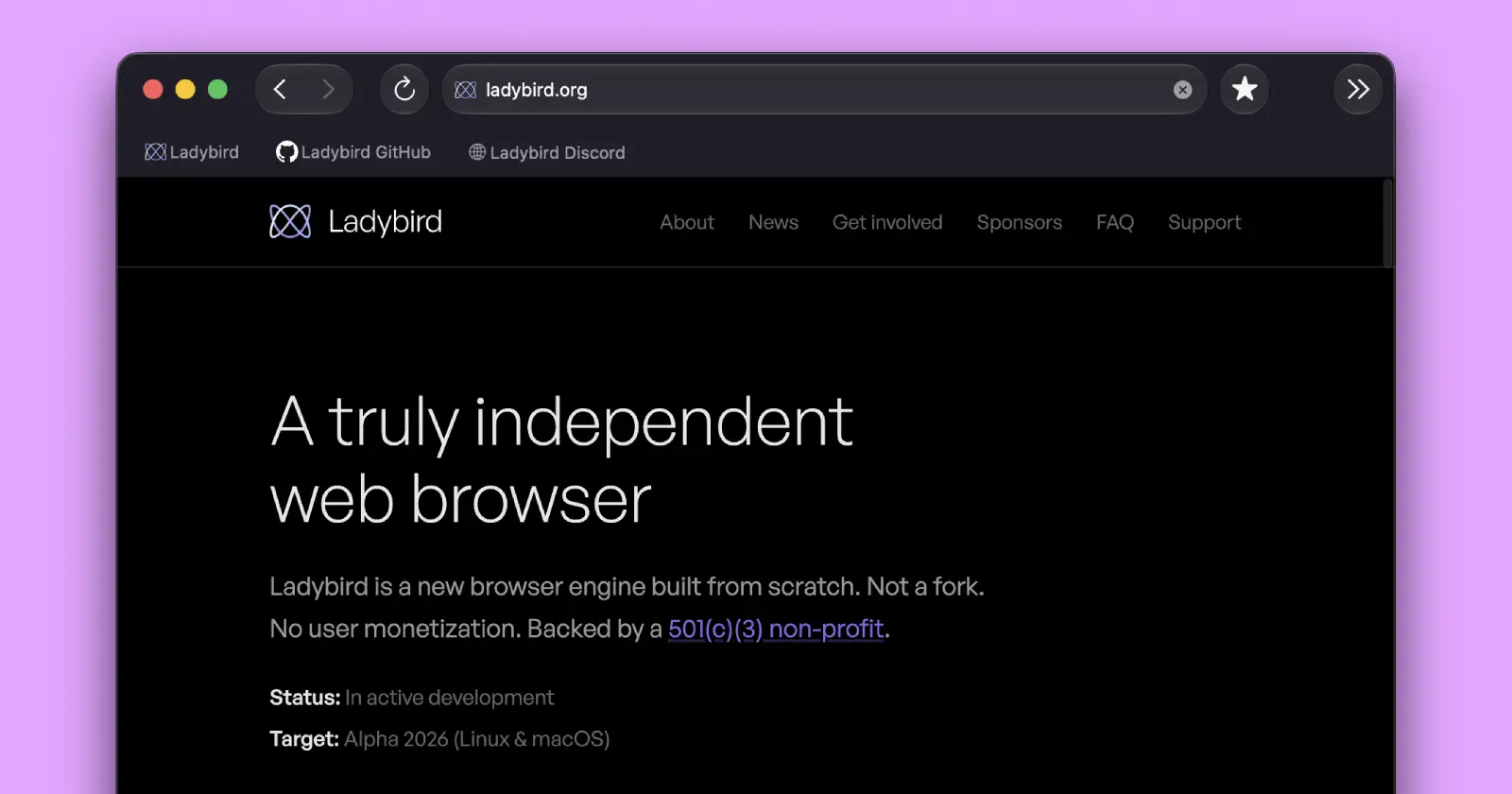
The Ladybird browser project had another busy month. Its June 2026 update adds several features that make the browser feel much closer to something people could use every day, while also bringing major improvements behind the scenes.
One of the biggest additions is support for file downloads. Until now, downloading files wasn’t possible in Ladybird. That’s no longer the case. The browser now includes a download manager with progress tracking, a dedicated downloads page, and the option to cancel downloads. If you accidentally try to close the browser while a download is still running, Ladybird will even warn you before quitting.
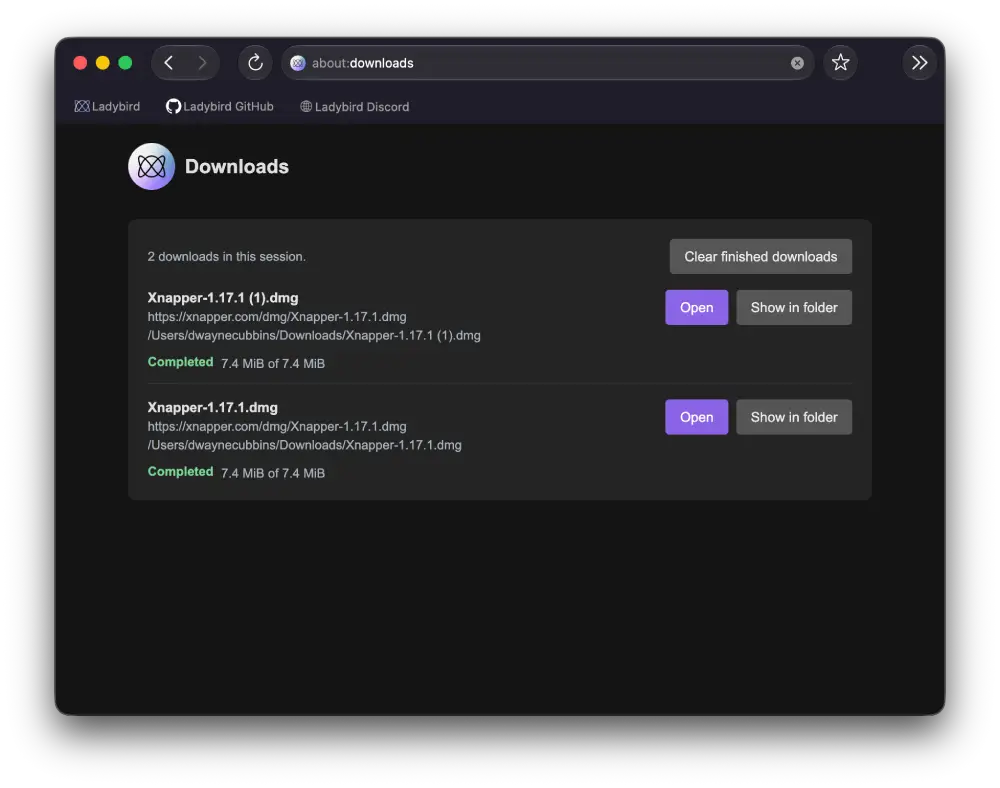
That said, the functionality of this is still a bit buggy. In our brief testing, the browser had no visual indication when a download started, which is why we accidentally downloaded the same file twice, as seen in the screenshot above. But this is most likely a bug since the official screenshot and notes suggest that users will see the download progress.
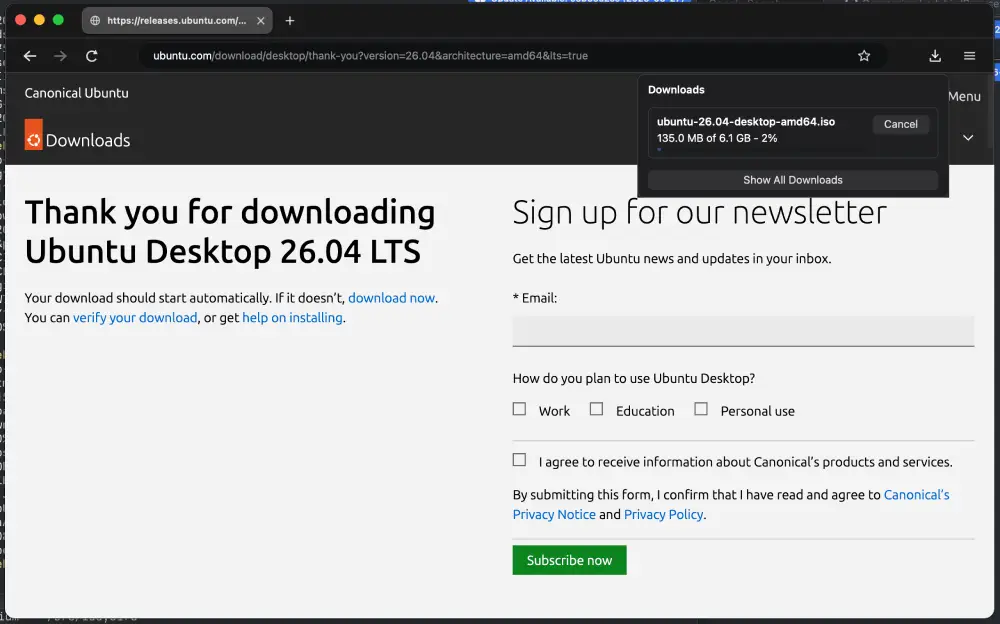
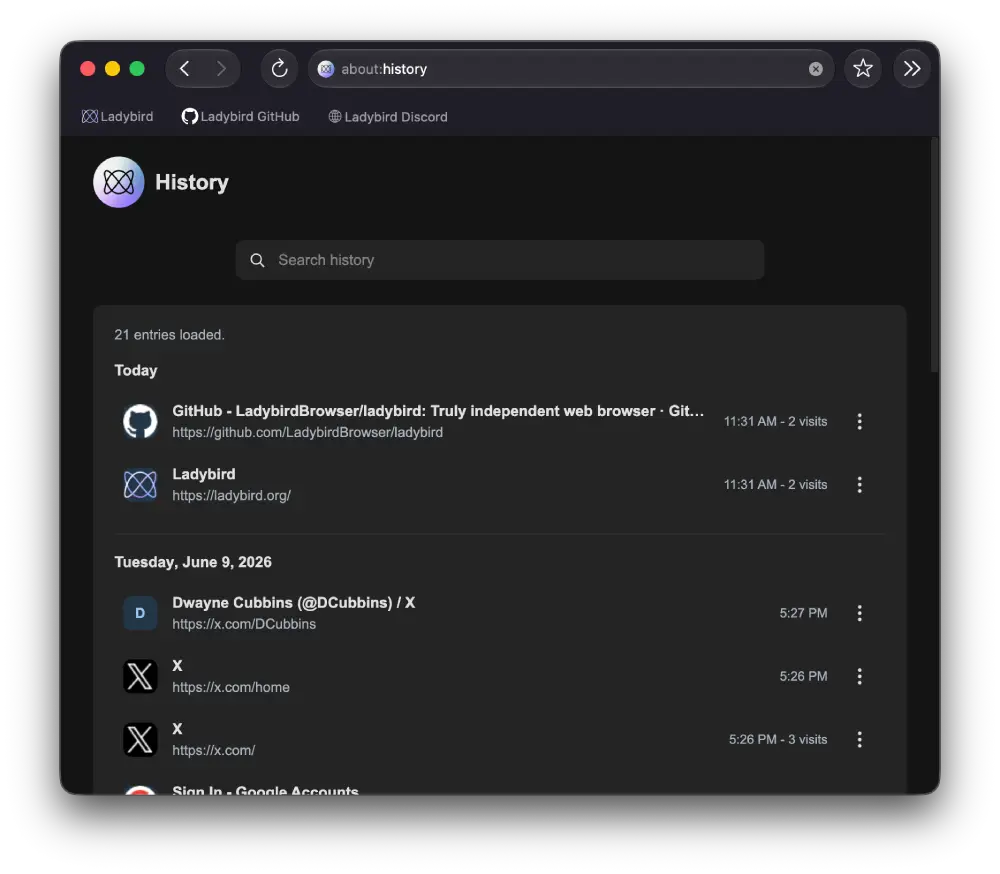
The browser also finally has a proper browsing history. Users can now open an ‘about:history‘ page to search through previously visited websites or delete individual entries. Right-clicking the back and forward buttons also brings up a history menu with saved page titles and favicons, making it easier to jump back to recently visited pages.
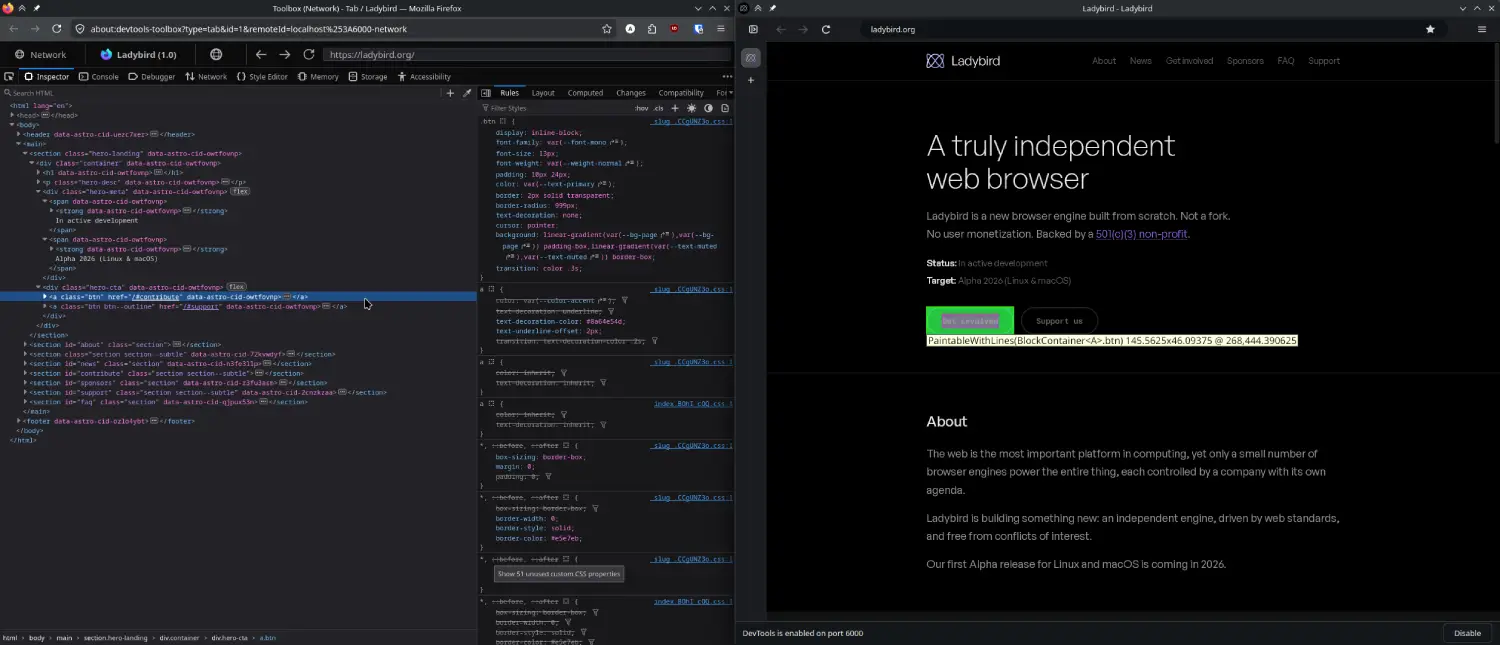
Developers haven’t been left out either. Ladybird’s DevTools now include a Storage tab where you can inspect cookies, localStorage, sessionStorage, and IndexedDB data. The update also adds a better script viewer with search, code folding, pretty-printing, and jump-to-definition support.
Media playback has received some attention as well. You can now change the playback speed of videos without making voices sound unnatural. The browser has also relaxed its autoplay behavior by allowing muted videos to start automatically while still blocking unexpected audio until the user interacts with the page.
A lot of work this month focused on security. Ladybird’s helper services now run inside real operating system sandboxes on Linux and macOS, with sandboxing enabled by default. The team also moved more browser components into isolated processes, including GPU-related work for canvas and WebGL rendering. That means web content no longer needs direct access to the GPU, reducing the attack surface if a website is compromised.
Alongside that, the developers introduced several other security improvements, including memory isolation changes, safer text and image decoding libraries, and fixes uncovered by fuzz testing.
Smaller additions are scattered throughout the release. The browser now supports tab hover previews, lets users place vertical tabs on the right side of the window, adds more modern CSS features, improves WebAssembly support, and fixes compatibility issues on websites including WhatsApp Web, GitHub, Transfermarkt, and ChatGPT.
The update arrives just weeks after the Ladybird team announced that only project maintainers will be able to merge new code into the browser going forward. Even so, development hasn’t slowed down. If anything, June’s progress suggests the team is steadily moving toward its first alpha release with a browser that’s becoming more capable every month.


Dwayne Cubbins
3101 Posts
I cover fast-moving stories across apps, online platforms, and everyday tech — phones, wearables, consoles, and whatever else people are fighting with this week. Bugs, rollouts, scams, policy enforcement, and the occasional internet-culture rabbit hole are all fair game. My goal is simple — make confusing tech news readable. When I'm not working, I'm working out or chilling with my dog. Got a tip? You can find me on X @dcubbins.
Next article View Article