Google has officially pushed Chrome 152 into the beta channel for desktop, Android, and iOS platforms. Build version 152.0.7977.8 is rolling out to Windows, Mac, Linux, and Android users, while iOS devices are getting version 152.0.7977.11 in the App Store over the coming days.
This release follows a wave of under-the-hood updates in recent weeks. Google recently detailed how Chrome is using AI to fix bugs at a faster pace, and version 152 brings a mix of practical web improvements along with developer tweaks.
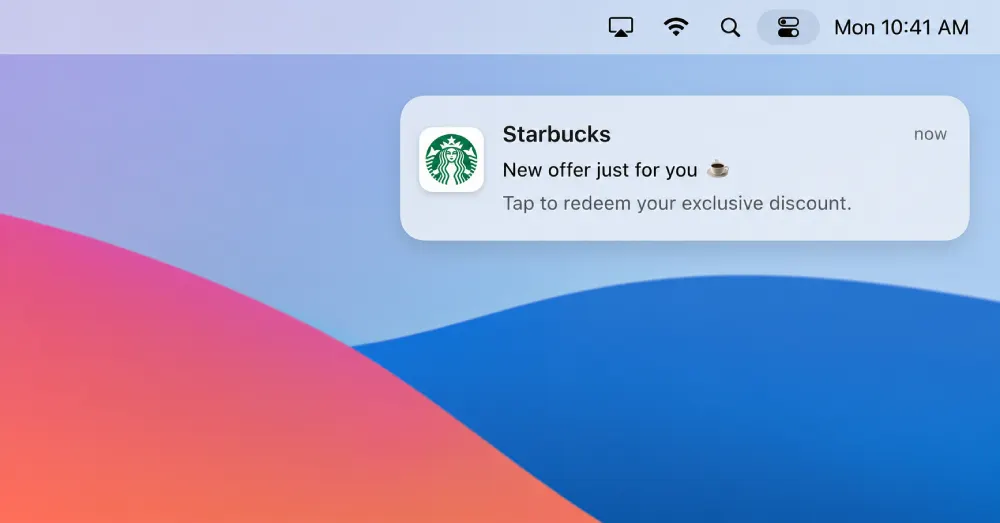
For everyday users on Mac, one of the nicer changes involves progressive web apps. When you install a web app on macOS, its notifications will now be attributed directly to the app itself rather than showing up under generic Google Chrome alerts. That means PWA notifications will show the actual app name and icon in your Mac Notification Center, making them look and feel like native desktop programs.
There are also several subtle tweaks to how websites behave when you interact with popups and forms. Chrome 152 introduces expanded support for backdrop pseudo elements, which solves a long-standing annoyance with web popups. As developer Rachel Andrew explained, this update “helps close a dialog when the backdrop is clicked without interfering with clicks inside the dialog content, eliminating the need for complex intersection logic.”
For laptop owners and low-power devices, Chrome is adding a CPU Performance API. Web developers can use this tool to automatically detect your computer hardware tier and dial back heavy animations or intensive background scripts if your processor is struggling.
Web applications on desktop also gain standard window drag controls. That means installed web apps can let you drag their top bar around like any other software on your PC.
On the privacy front, Google is removing the Private Aggregation API. The company originally built this API as part of its Privacy Sandbox, but pivoted away after deciding to keep third-party cookies around instead.
This follows other recent Chrome developments that we highlighted, including Global Privacy Control in Chrome Canary and expanded Gemini Spark Chrome integration for AI tasks.
If you are already running Chrome Beta, the update should download automatically. Desktop and mobile users can also grab the update manually through Google Play, the iOS App Store, or the Google web download page.


Dwayne Cubbins
3086 Posts
I cover fast-moving stories across apps, online platforms, and everyday tech — phones, wearables, consoles, and whatever else people are fighting with this week. Bugs, rollouts, scams, policy enforcement, and the occasional internet-culture rabbit hole are all fair game. My goal is simple — make confusing tech news readable. When I'm not working, I'm working out or chilling with my dog. Got a tip? You can find me on X @dcubbins.
Next article View Article