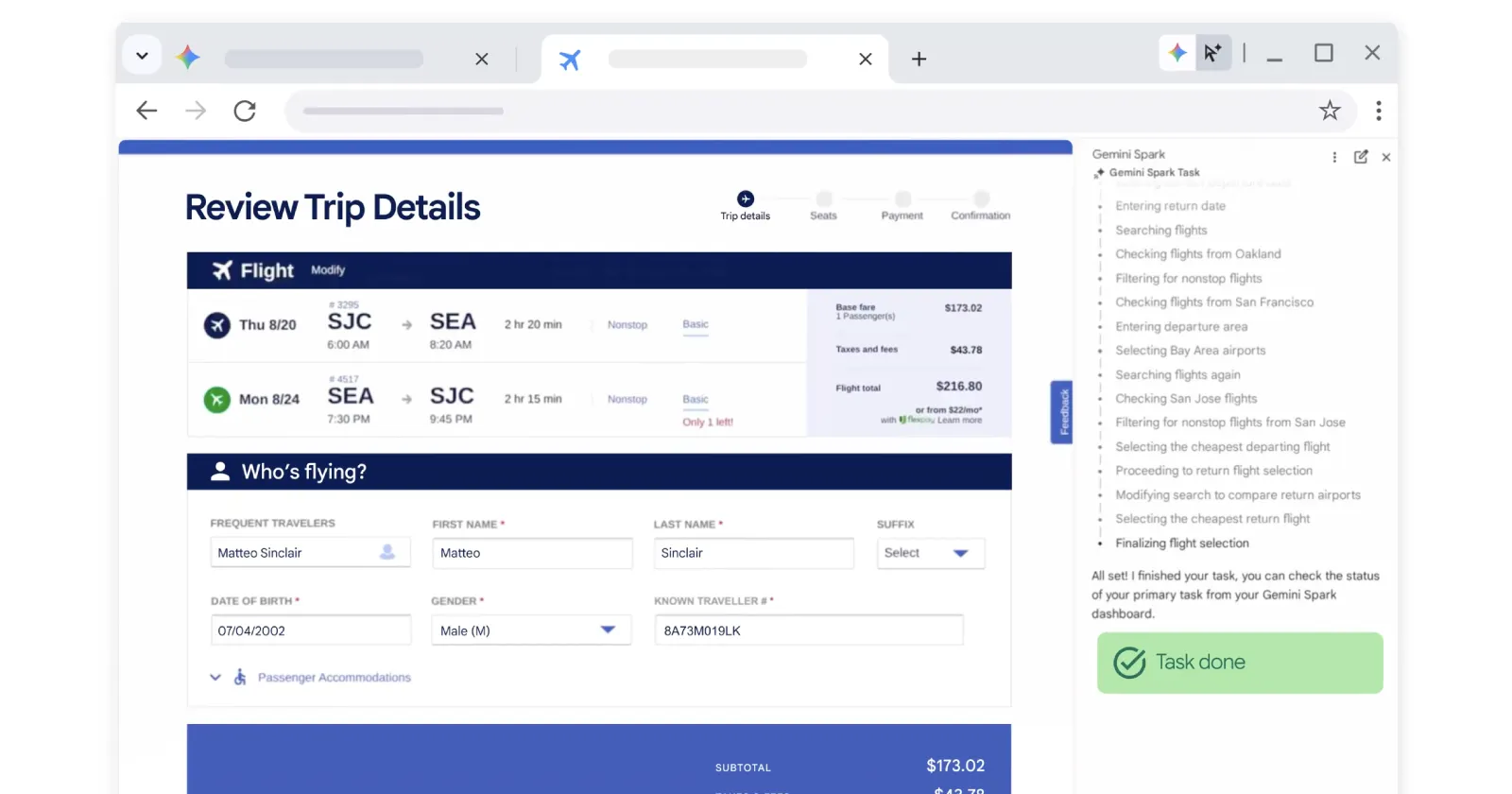
Google has detailed how it is leveraging advanced AI models to overhaul Chrome’s security infrastructure, using automated agents to discover, triage, and patch vulnerabilities at unprecedented speed.
By deploying LLM-powered agent workflows developed alongside Google DeepMind and Project Zero, Chrome is now generating candidate fixes and multi-platform test suites automatically. Across the recent Chrome 149 and 150 stable releases, Google fixed 1,072 security bugs, surpassing the total number of security vulnerabilities patched across the previous 23 milestones combined.
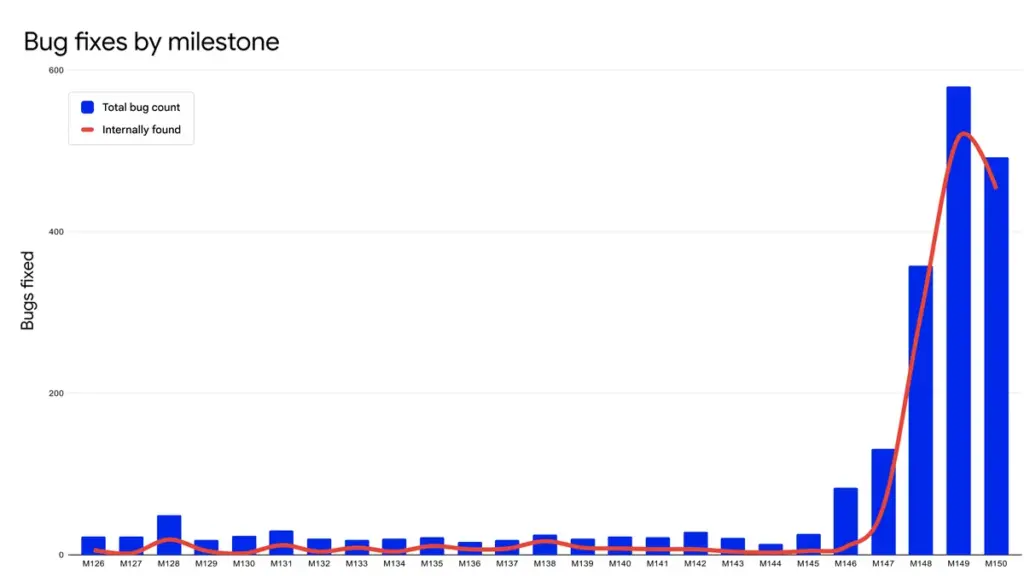
To ensure these fixes reach users before bad actors can exploit them, Google is accelerating its patch delivery. Chrome is now piloting a shift to two security releases per week, stepping up from its standard weekly patch cadence.
On the user-facing side, Google is working to eliminate the friction of applying these frequent updates. The team is actively developing a feature called dynamic patching, an architectural change designed to update Chrome on the fly without requiring a full browser restart.
Google explains that:
“Investing in ‘dynamic patching’ that will eliminate the need for a full browser restart in most cases. By leveraging Chrome’s multi-process architecture, dynamic patching sequentially replaces background child processes (like the Renderer and GPU) with updated binaries on the fly.”
Alongside dynamic patching, Google is rolling out smarter background updates during periods of minimal user disruption. Starting with Chrome 150 on macOS, the browser takes advantage of the operating system’s windowless state. If all Chrome windows are closed but the app remains running in the background, the browser will quietly auto-restart to apply pending updates.

For enterprise environments, IT admins can continue to manage fleet-wide deployments through Chrome Enterprise Core or enforce update prompts using the RelaunchNotification policy.
Google’s long-term vision is a browser that remains continuously protected in the background without interrupting your daily browsing session. In the meantime, you can manually trigger pending updates by clicking the update prompt in the top-right corner of Chrome.


Hillary Keverenge
2723 Posts
Tech has been my playground for over a decade. While the Android journey began early, it truly took flight with the revolutionary Lollipop update. Since then, it's been a parade of Android devices (with a sprinkle of iOS), culminating in a mostly happy marriage with Google's smart home ecosystem. Expect insightful articles and explorations of the ever-evolving world of Android and Google products coupled with occasional rants on the Nest smart home ecosystem.
Next article View Article