On Chrome, you can now report a website as “unsafe.” This feature was spotted in Canary a few months earlier, but it has now made its way to the stable version.
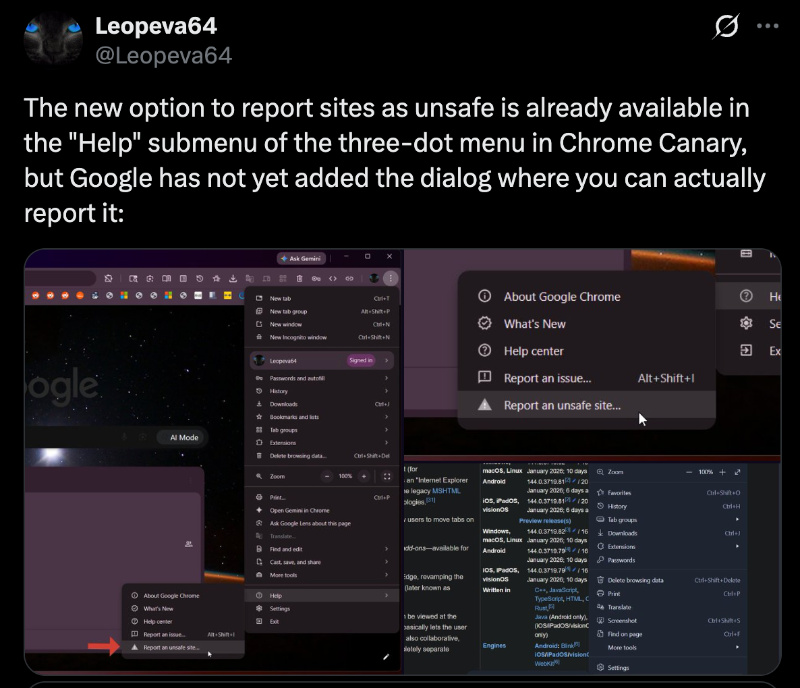
Early sightings of the “Report an Unsafe Site” option go as far back as February, and @Leopeva64 posted about it on X.
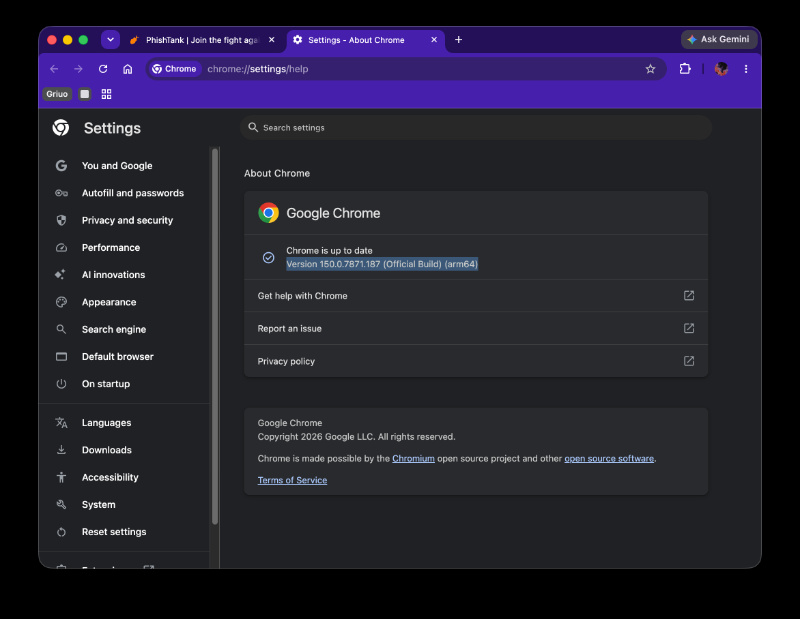
Now, BrenTech (via YouTube) has reported that the option is live in the latest stable version of Chrome. I’ve checked for this feature myself on the latest version of Chrome. Immediately after opening the browser, I got an update to v150.0.7871.187.
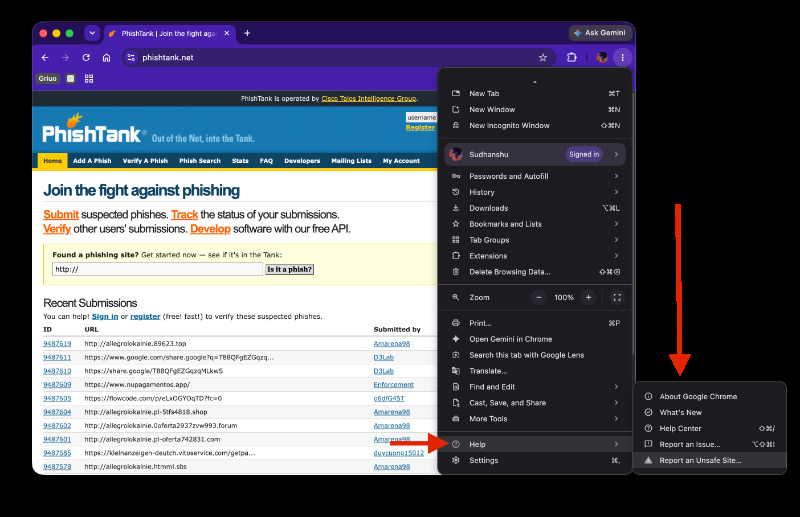
Sure enough, if you have any website open, Chrome does give you the option to report it as unsafe. Just click on the three-dot menu at the top right, and scroll down until you find the “Help” option. Under that, you’ll find the “Report an Unsafe Site” button at the end.
After clicking on the button, it opens a dialog box that includes a screenshot of the website by default. If you want to uncheck sharing the screenshot, there’s an option for that as well. The feature also copies the URL of the website by default, so you don’t have to enter it manually.
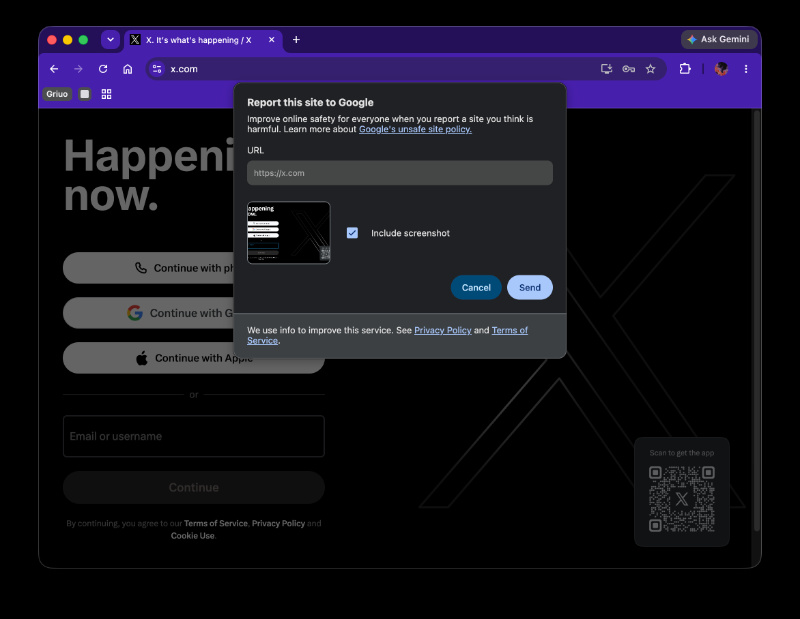
Once you hit send, it also gives you a tiny pop-up that confirms that the report has been sent to Google.
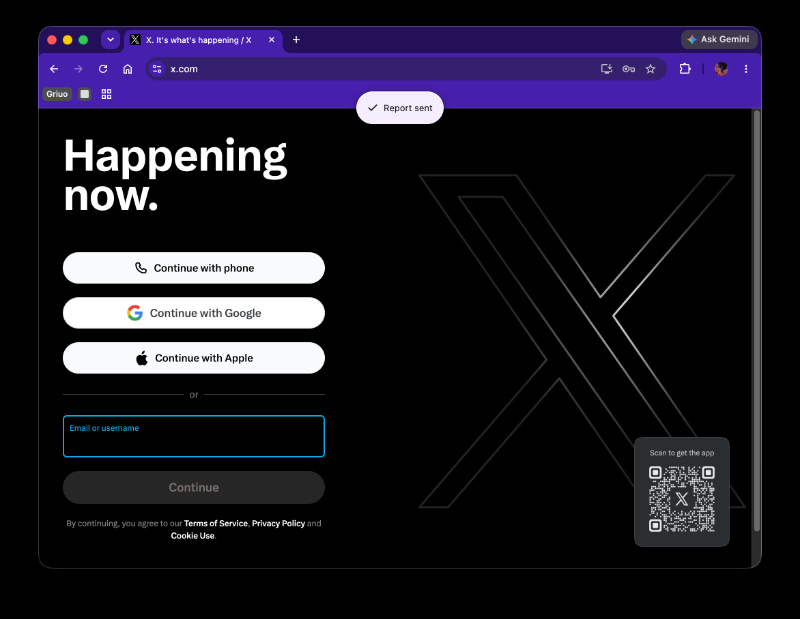
All in all, it’s a good addition that helps keep the internet safer if there are sufficient genuine reports of potentially malicious websites. How useful the feature would be: that depends on public participation. Edge users have already had the same feature for a while now, so it’s good that Google has added it to Chrome.
It’s not just the desktop version of Chrome getting new features (such as GPC control to Canary) lately, but the iOS version is testing Gemini support for multiple tabs. More on that here. For Android users, Google is making the text selection tools smarter. We covered that here.


Sudhanshu K
317 Posts
I have been a consumer technology enthusiast for over 5 years. Thanks to my experience in software beta testing and product reviews, I've understood and learnt a lot about what bugs and issues bother people, and I spend time trying to simplify their solutions. I cover smartphones, software, social media, apps, AI, and most consumer tech gadgets. Actively pursuing a Computer Science bachelor’s degree. I'm mostly active on Twitter/X (@TechWhirlUlt), drop a DM or tag me if you want to share info or connect!
Next article View Article