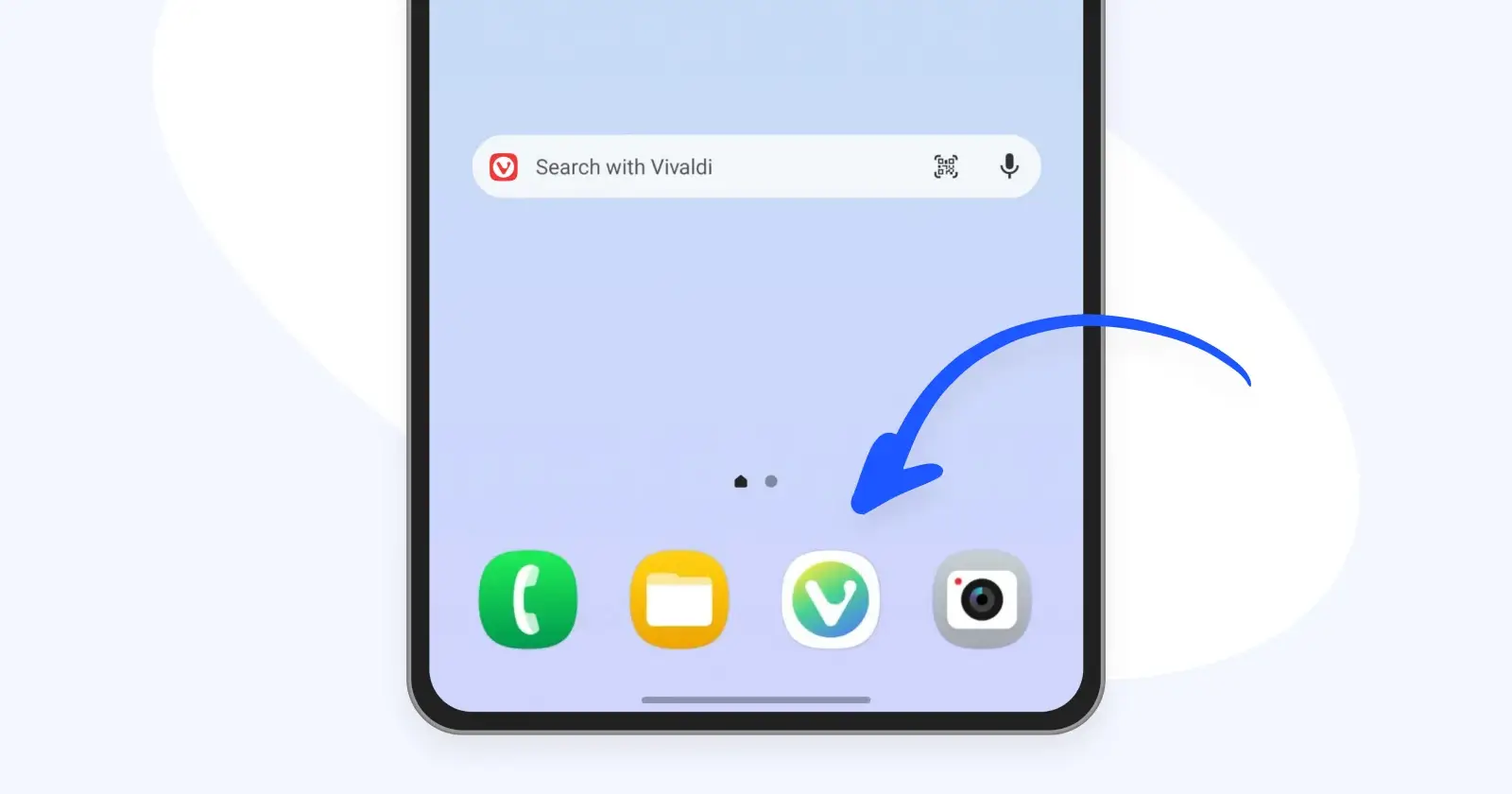
Roughly a week ago, Vivaldi released version 8.1 on desktops, and now it’s the turn of phones. The browser maker has rolled out the same version on Android and iOS. And while it’s not a massive overhaul, there’s one change that Android users will likely enjoy.
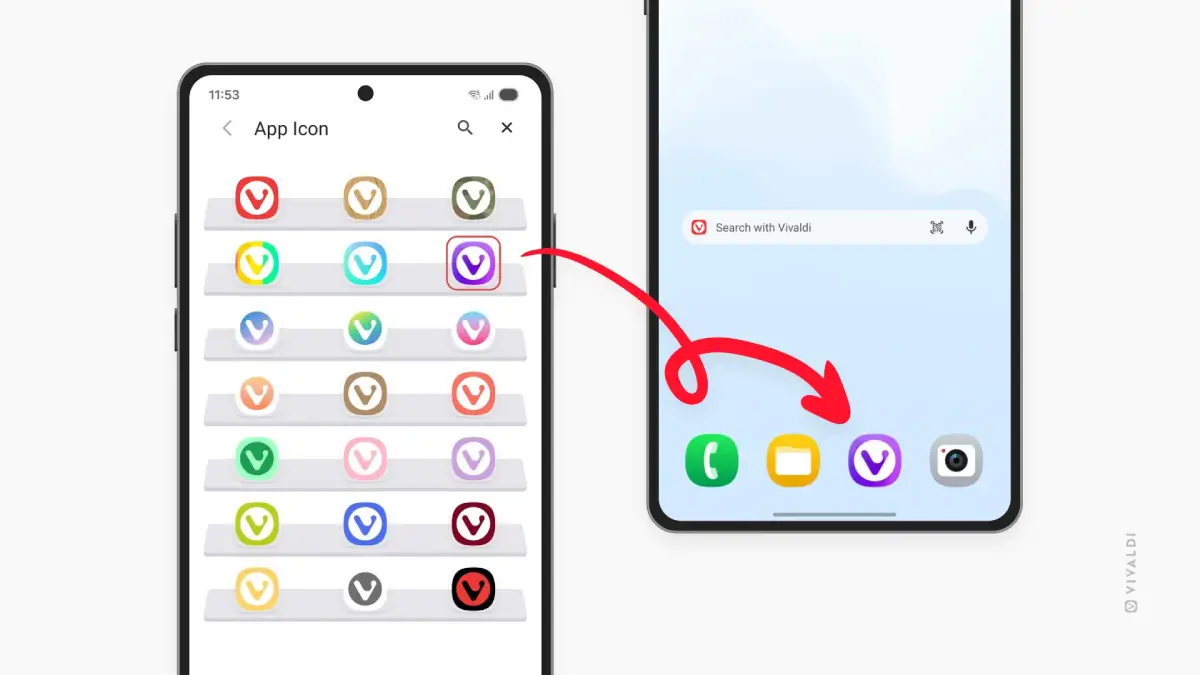
With the new 8.1 update, you can finally swap out the Vivaldi app icon on Android. The red icon has always been the default, and it can get boring really quickly. Now there are 20 other options to pick from, covering everything from plain pastel colors to camouflage, a wood-style look, and even a rainbow gradient.
If you’re wondering why iOS is left out? Well, they’ve already had this customization option for a while. So it’s Android that’s playing catch-up here.
If you want to try it, you head into Settings and then App Icon, and you can switch as often as you like. As Vivaldi put it, “if you change your mind (or your mood)…you can always change it back.”
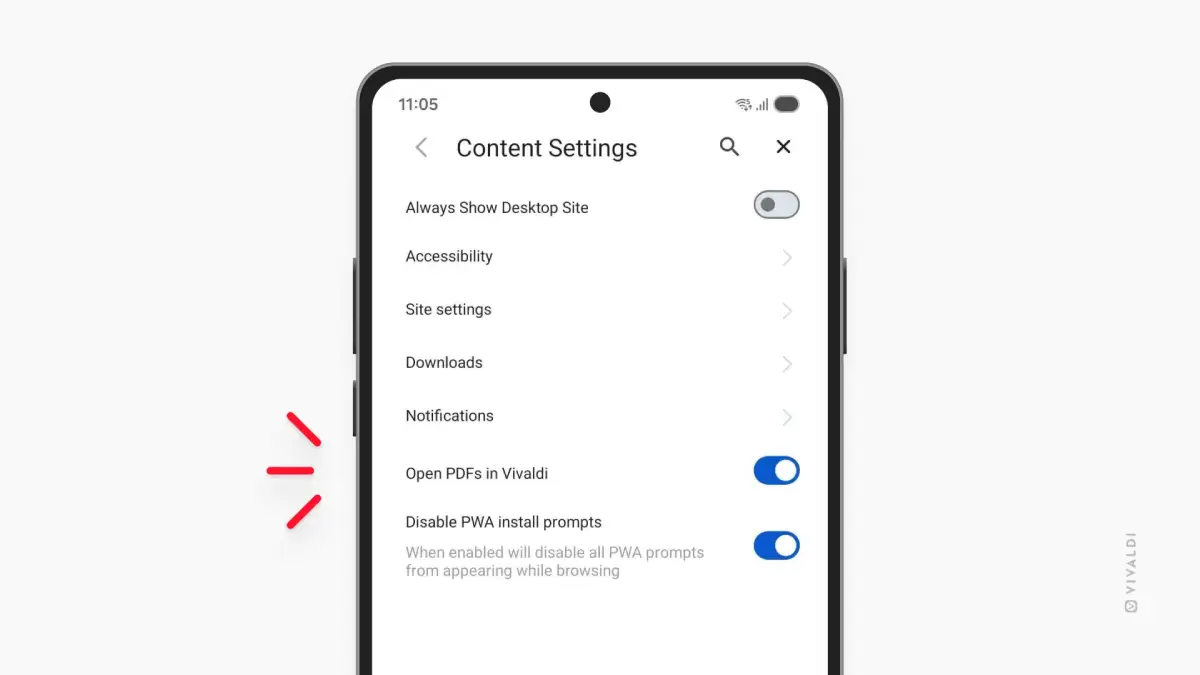
The other useful bit is around PDFs. Vivaldi added a built-in PDF reader in the previous mobile update, so you didn’t have to jump into a separate app just to read a menu or some manual. Some people liked that, and some didn’t. So now there’s a setting in Content Settings that lets you decide whether PDFs open inside Vivaldi or in another app on your phone.
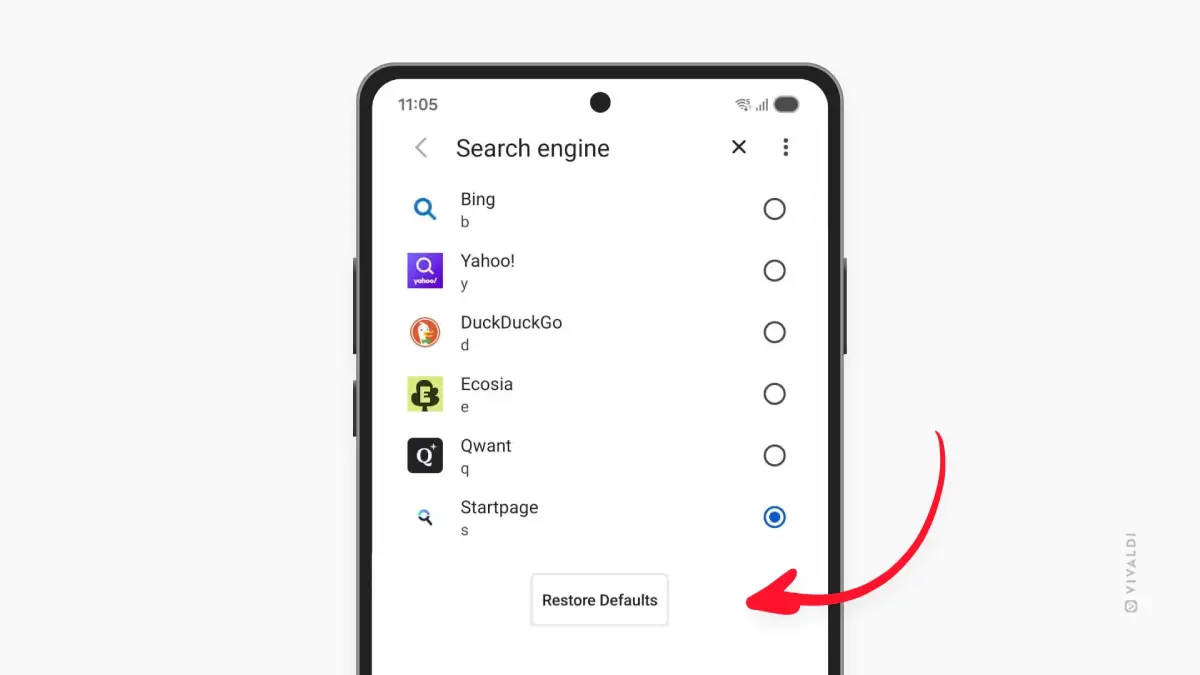
Android also gets a button to restore the default search engines in one tap, though be warned that doing this wipes any custom search engines you added.
On the iOS side, there isn’t much that’s brand new. Vivaldi says it polished the existing version, and it’s reminding people about the Safari import tool it added earlier this year, which pulls over your bookmarks, passwords, and history. Tab Stacks also get a mention, letting you keep a pile of tabs grouped instead of scattered everywhere.
This is very much a mobile companion to what we already saw on desktop. If you missed it, the desktop 8.1 release was mostly about cleanup, shipping close to 100 bug fixes and a bunch of tab tweaks. We covered that in detail here.
And if you’re curious about how Vivaldi actually builds all this customization, there was a fun discovery recently that the entire Vivaldi interface is basically a Chromium extension. Worth a read if you’ve ever wondered why it behaves the way it does.
The update is rolling out now through the Play Store and App Store.


Dwayne Cubbins
3101 Posts
I cover fast-moving stories across apps, online platforms, and everyday tech — phones, wearables, consoles, and whatever else people are fighting with this week. Bugs, rollouts, scams, policy enforcement, and the occasional internet-culture rabbit hole are all fair game. My goal is simple — make confusing tech news readable. When I'm not working, I'm working out or chilling with my dog. Got a tip? You can find me on X @dcubbins.
Next article View Article