





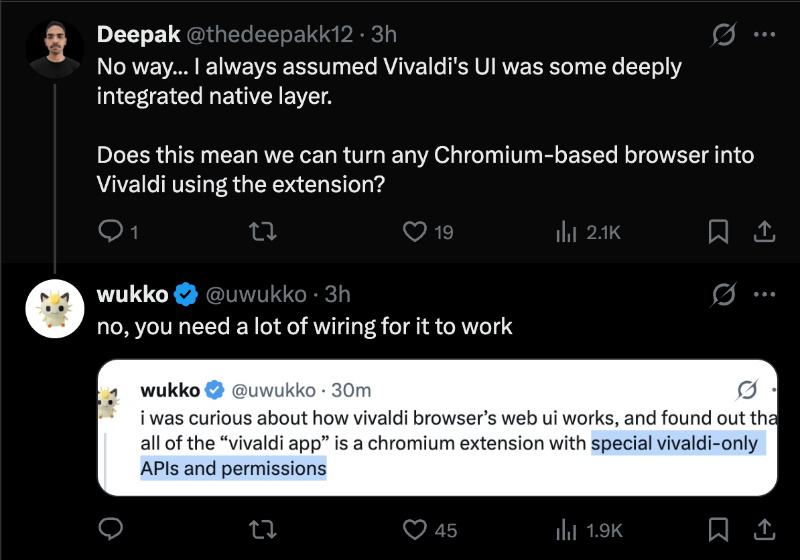
i was curious about how vivaldi browser’s web ui works, and found out that all of the “vivaldi app” is a chromium extension with special vivaldi-only APIs and permissions
— wukko (@uwukko) July 15, 2026
it's super cursed, but also somewhat genius, and explains how they're able to easily maintain it across…
One key reason why people use Vivaldi is the flexibility and customization. The Vivaldi User Interface lets you customize and move every part of its UI design. For example, you can move the address bar to the bottom, move tabs to the right, or even hide the entire UI if you choose to.
But where does all this customization come from? The developer of the Helium browser seems to have the answer. Vivaldi’s UI is basically a Chromium extension with special Vivaldi-only APIs and permissions. This discovery prompted a post on X, which you can view below.
The extension ID for the UI is… “mpognobbkildjkofajifpdfhcoklimli.” The developer also joked that the extension name could’ve been made “prettier.”
While some people called this clever, others were rather surprised that the entire UI is just an extension. That would explain the bugs, how slow it could sometimes get, and there were plenty of complaints about the performance.
The question of importing this extension over to other browsers, to “turn them into Vivaldi,” was also discussed, but that’s not possible. It requires a lot of wiring, since it runs with Vivaldi-only APIs, and potentially some proprietary technology that’s difficult to replicate.
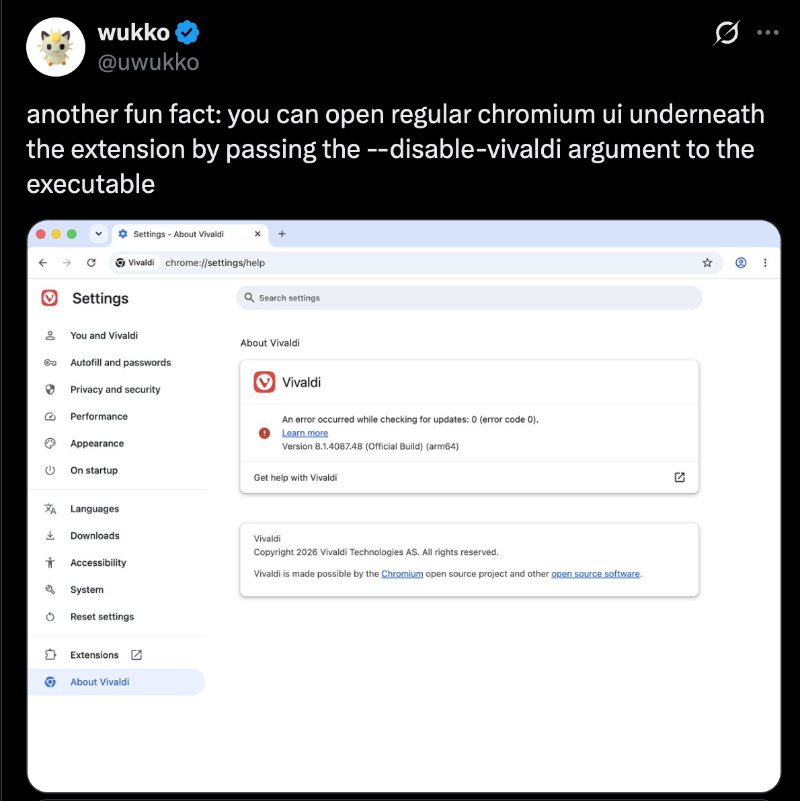
Following up on the original post, @uwukko also found that you could open the regular Chromium UI buried underneath the extension. Just pass the --disable-vivaldi argument (code), and it’ll just turn into a regular Google Chrome-style UI. You can view the image below for reference.
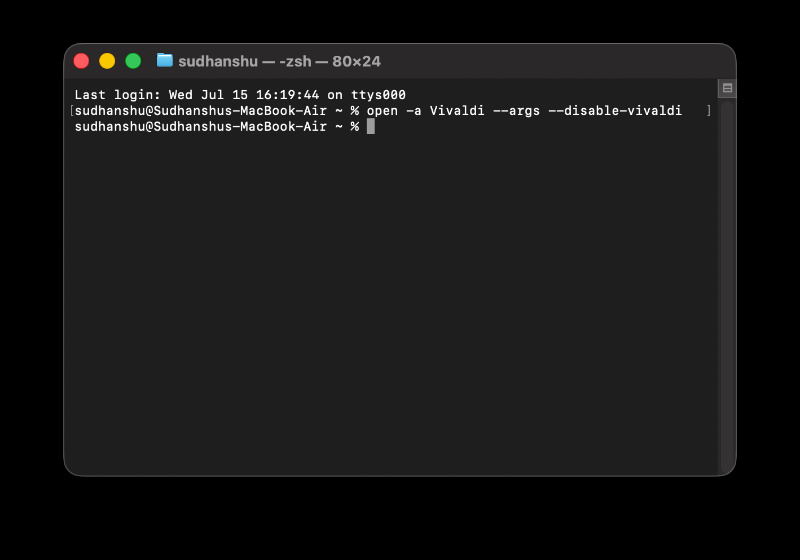
Since I’m on macOS, I ran the command below in the Terminal:
--disable-vivaldi
Sure enough, this completely disabled the custom UI and returned a basic Google Chrome look. The first image I’ve attached shows the usual design, and the second image shows the UI after disabling the extension.
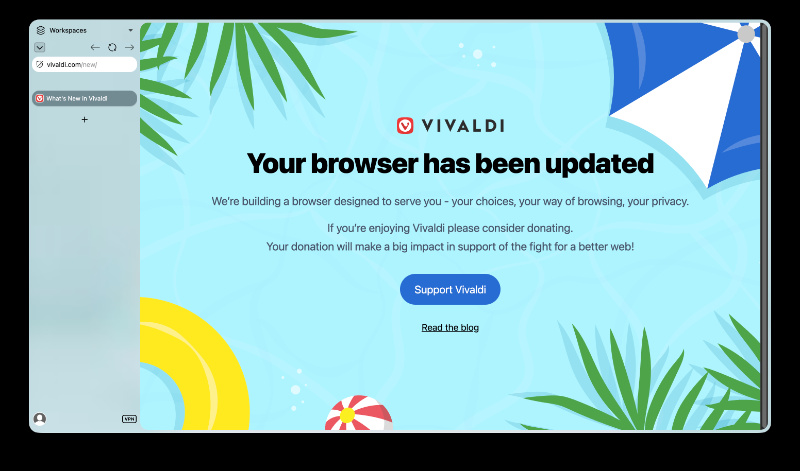
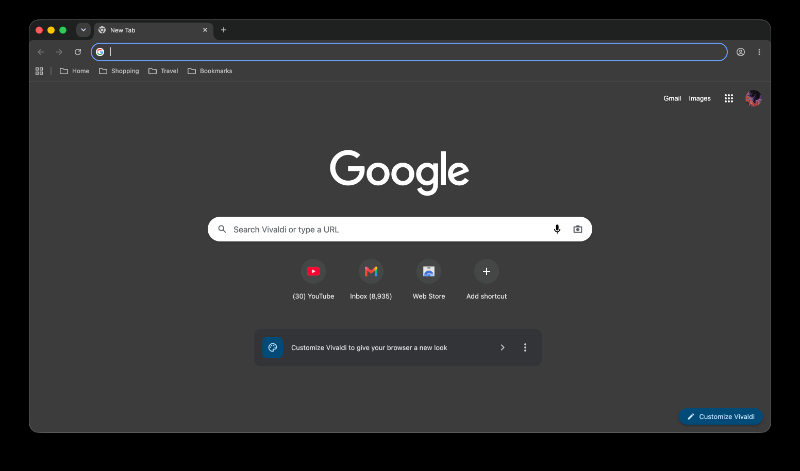
Note: We’re not claiming that Vivaldi is scamming users here, since using a custom Chromium extension actually simplifies the browser maintenance process. Vivaldi’s method makes it much easier for the team to add new features and keep the browser updated without breaking things.
So, if you’re a Vivaldi user, does this affect you? Not directly, at least. However, since most of the performance issues and bugs can be attributed to the extension, the browser does need optimization and refinement nonetheless.
In other Vivaldi news, we recently received clarification on what’s happening to uBlock Origin and other MV2 extensions. More on that here.

We stand out from the tech-media crowd because we break news stories; we mainly bring you stuff that you won’t find anywhere in the mainstream tech media. Our stories have been picked up by some of the world’s most popular websites and media outlets—more info is available here.

Sudhanshu K
308 Posts
I have been a consumer technology enthusiast for over 5 years. Thanks to my experience in software beta testing and product reviews, I've understood and learnt a lot about what bugs and issues bother people, and I spend time trying to simplify their solutions. I cover smartphones, software, social media, apps, AI, and most consumer tech gadgets. Actively pursuing a Computer Science bachelor’s degree. I'm mostly active on Twitter/X (@TechWhirlUlt), drop a DM or tag me if you want to share info or connect!
Next article View Article
Vivaldi hints at built-in adblocker improvements in next update
Vivaldi has offered a little more reassurance to users worried about losing uBlock Origin once Manifest V2 extensions stop working.
The discussion started after a user on X questioned why...
Jul 15, 2026 1 Min Read