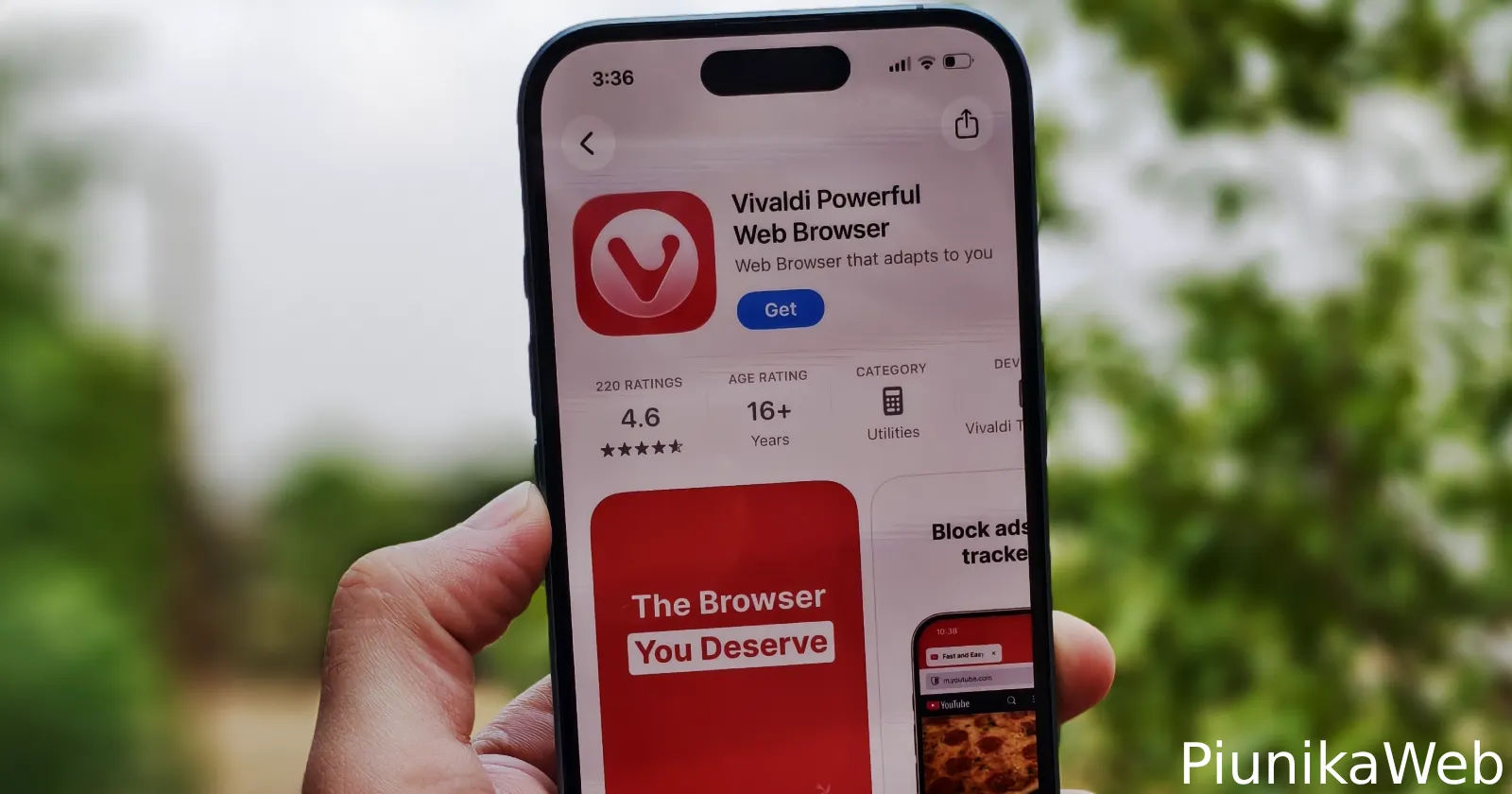
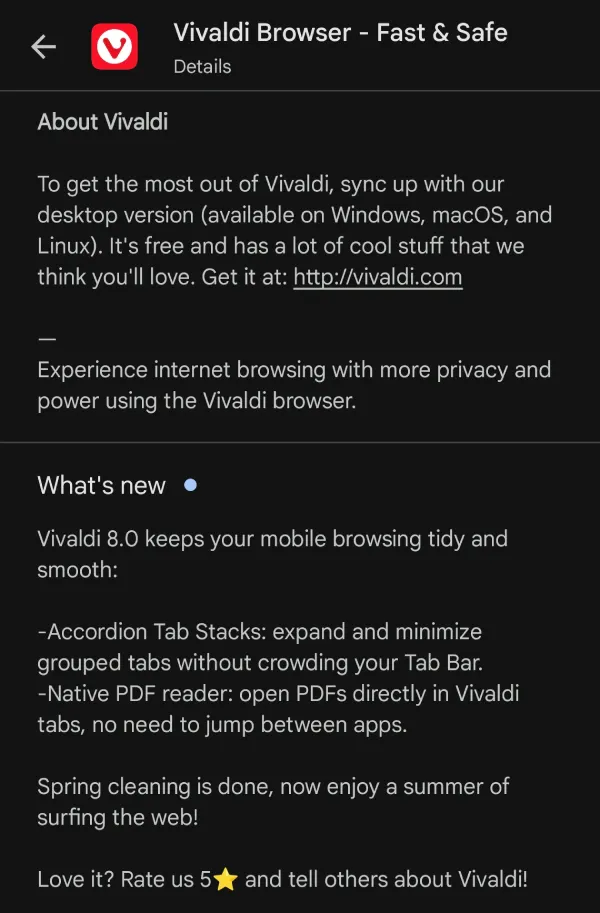
Vivaldi pushed version 8.0 of its mobile browser out today, moving its desktop-style tab grouping over to Android and stripping out some keyboard clutter on iOS. The update is live already on the App Store and Play Store.
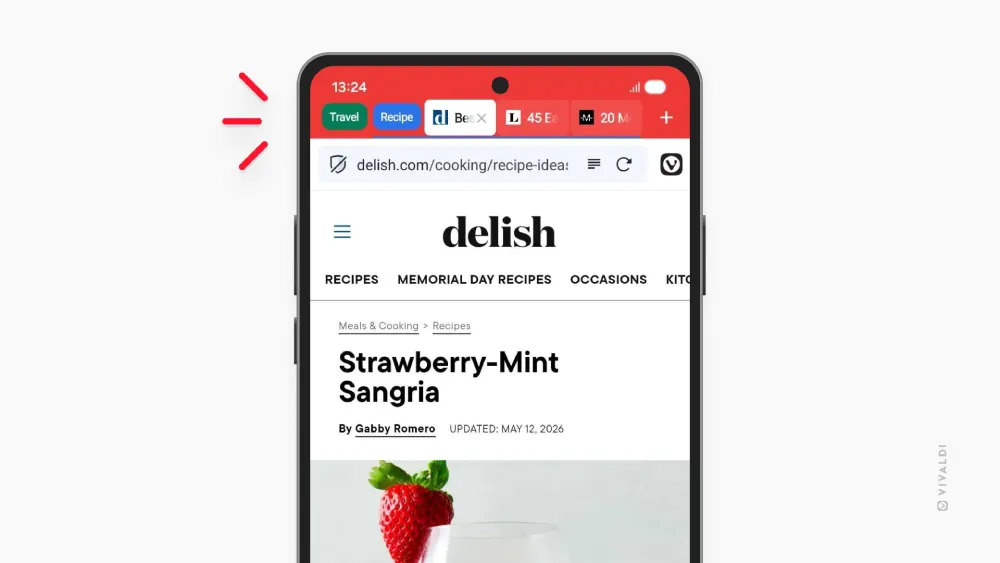
Android users are the main focus of this patch. Vivaldi ported over Accordion Tabs, a feature that power users on the desktop version have had for a while.
When you group tabs together now, the stack functions like a folder that expands when you are actively using it and minimizes back down when you are not. It solves the issue where keeping too many pages open simultaneously shrinks everything into an unreadable row of tiny icons.
You have to dig into Settings, select Tabs, and hit Tab Stacking to turn the accordion view on.
The other major Android addition is a built-in PDF viewer.
Until today, clicking a PDF link in Vivaldi on a phone meant getting kicked out to a separate system-level reader app. Sometimes it triggered the Android prompt, forcing you to choose between several different installed tools just to look at a menu or a form.
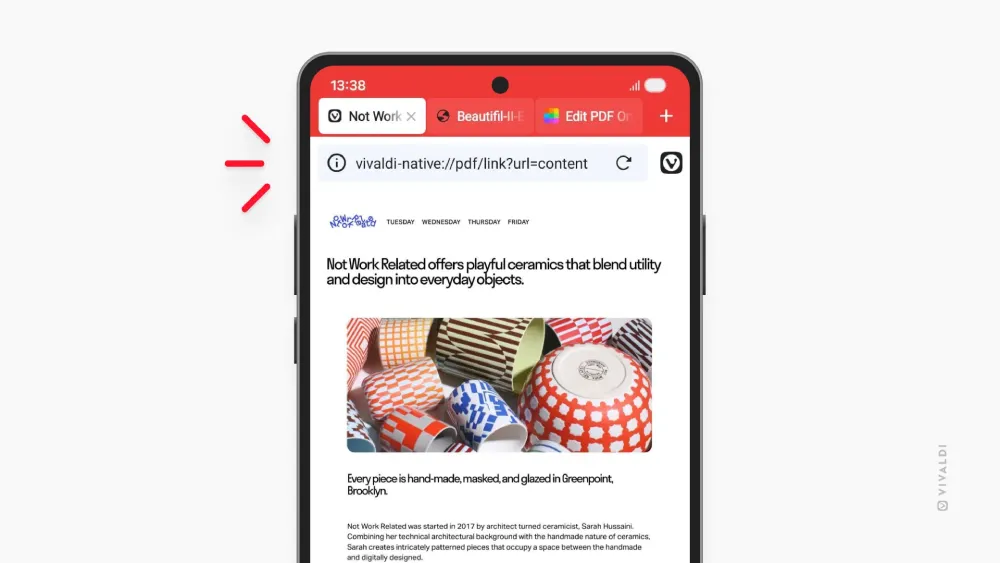
Now the files render instantly inside a standard browser tab. It works exactly like a desktop browser handles documents.
The iOS changes are entirely about clawing back screen real estate.
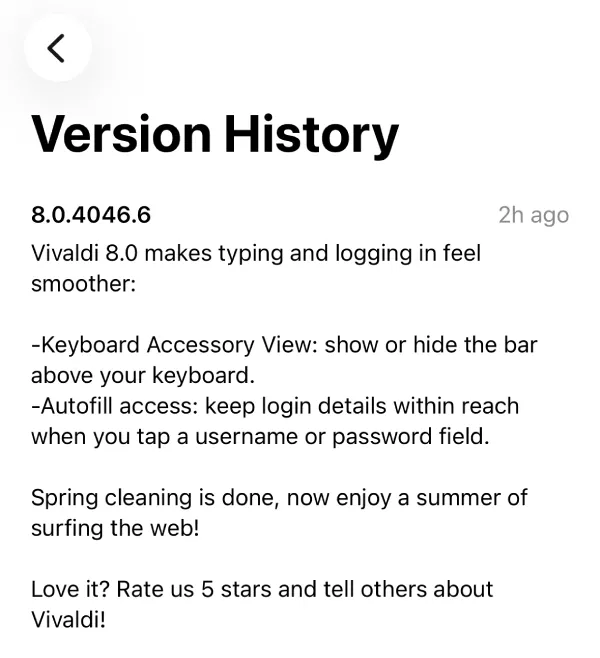
Apple devices usually force an accessory view bar right above the digital keyboard. It is the row that holds autofill suggestions, passwords, and clipboard items.
Vivaldi 8.0 adds a toggle to kill that bar entirely.
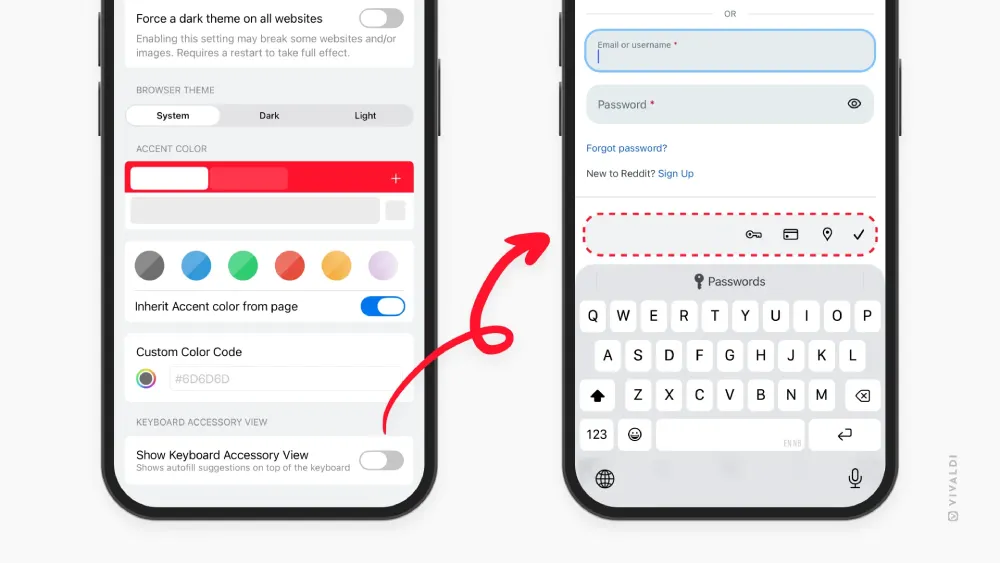
The setting is turned off by default. iOS users have to navigate to Appearance and Theme settings and manually disable the “Show Keyboard Accessory View” option to get the cleaner look.
Jon von Tetzchner, the company CEO, published the release notes and kept the messaging focused on daily efficiency. The company is also still leaning hard into its standard marketing angle about giving users an alternative to big tech defaults.
Looking past the headline features, the Android changelog shows the development team patching a specific UI spoofing vulnerability related to hiding the address bar at the bottom of the screen. They also fixed a bug where third-party password managers were refusing to autofill on IP or HTTP-based sites.
The iOS side includes a few highly specific regional fixes. Users dealing with Dutch DigID connections should have access restored, and a weird bug preventing BankID from working over WiFi has been squashed.
Both versions bump the underlying engine up to Chromium 148.0.7778.183.
A few users in the official forums are already testing the build. One of the first commenters pointed out that they are still waiting for Vivaldi to add automatic tab stacking by domain. That feature did not make the cut for 8.0.


Dwayne Cubbins
3055 Posts
I cover fast-moving stories across apps, online platforms, and everyday tech — phones, wearables, consoles, and whatever else people are fighting with this week. Bugs, rollouts, scams, policy enforcement, and the occasional internet-culture rabbit hole are all fair game. My goal is simple — make confusing tech news readable. When I'm not working, I'm working out or chilling with my dog. Got a tip? You can find me on X @dcubbins.
Next article View Article