While Vivaldi 8.0 was a feature-packed update with a design overhaul, the successor, Vivaldi 8.1, is an incremental refinement update. It packs a long list of bug fixes and stability improvements, though it’s feature-light.
Vivaldi officially published a blog explaining how v8.1 is aimed at polishing the experience. The post highlights fixes to tab behavior, and those who reported issues with it will notice the difference. UI auto-hide has also been polished.
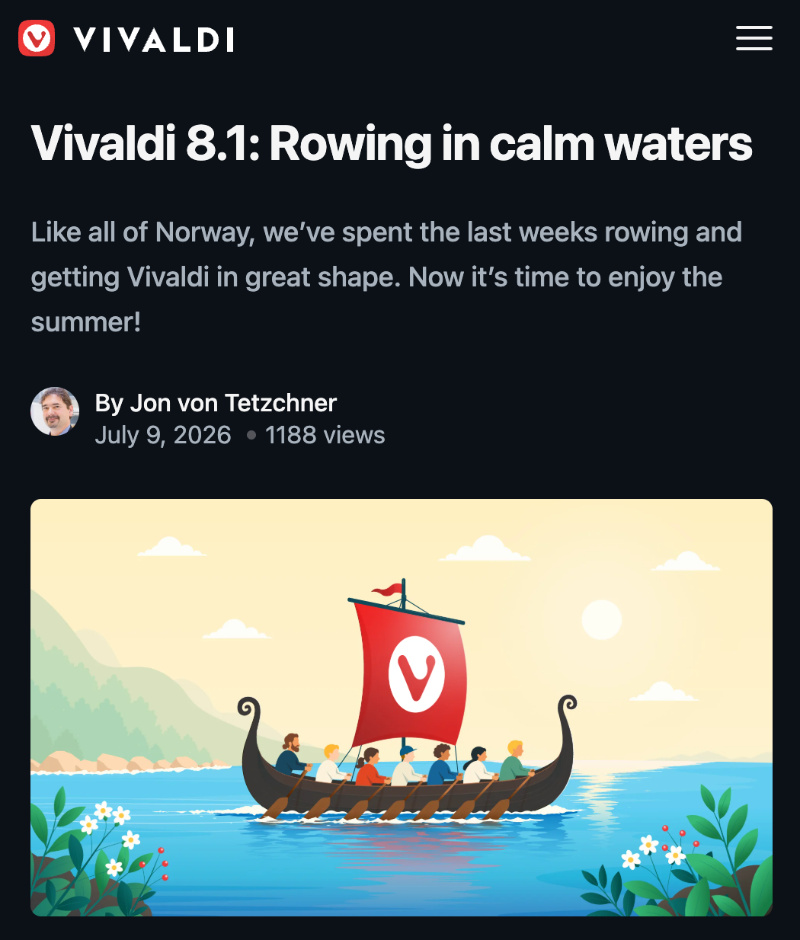
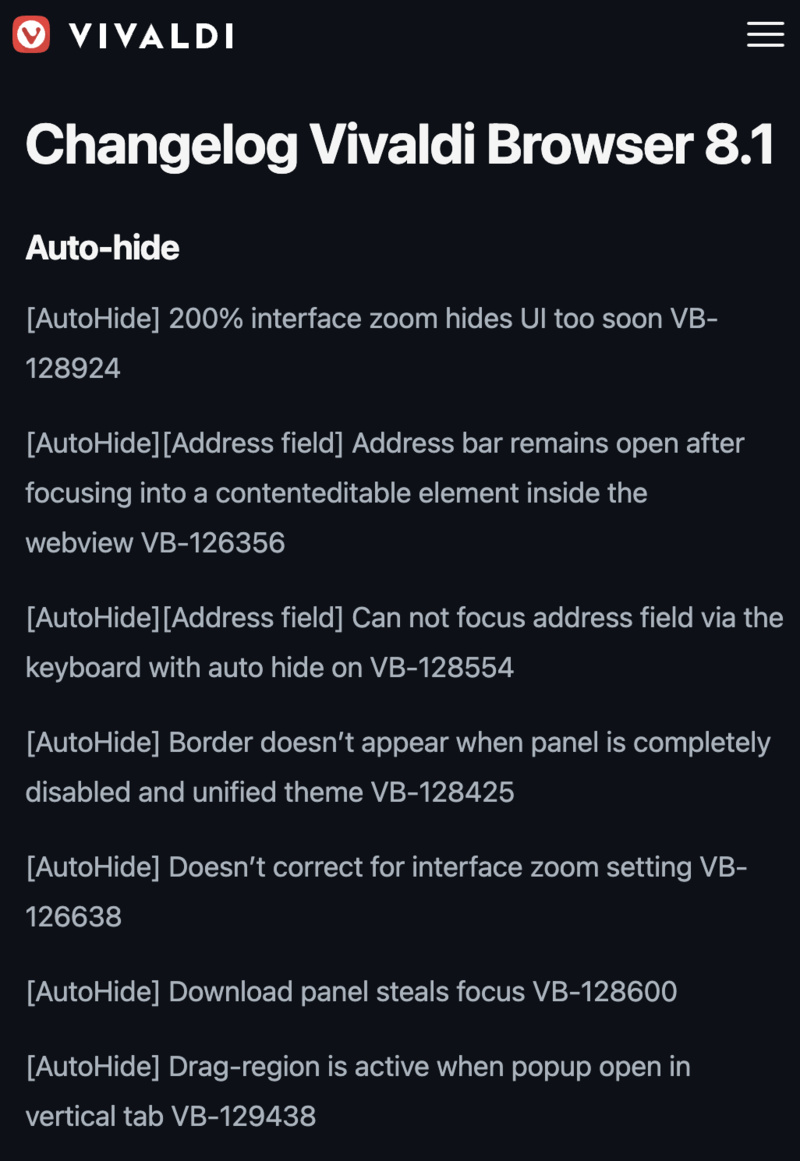
However, these aren’t the only refinements with this update; the official changelog for v8.1 consists of almost 100 bug fixes.
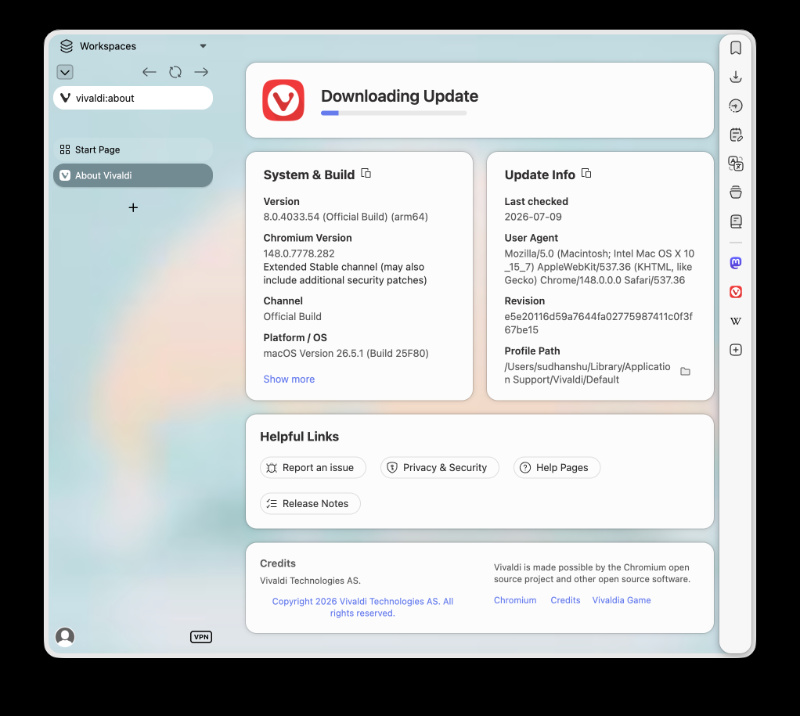
Earlier, we reported about an upcoming Vivaldi update that would address issues with Bookmarks, various crashing issues (including autofill), downloads of multiple files not issuing a prompt, and more. That “upcoming” update is now live, and all of these improvements are available on the stable version of Vivaldi.
I’ve checked for the update myself, and sure enough, the update shows up and begins downloading immediately after opening the “About Vivaldi” section of the browser.
There are several other patches as well:
- Fixes several issues with Auto Hide: Zoom interface & address bar bugs, button placements, border issues, and more.
- Bookmarks: Some bookmarks earlier didn’t open with the correct transition. They’ve fixed that and also fixed a sorting issue.
- Crash: Various crashing problems with PWAs and quick commands were addressed.
- Several Linux-specific improvements. Removes legacy source lists and keys, fetches a newer version of FFmpeg, fixes cropped buttons, resolves OS-based theme scheduling issues, and more.
- Mail: They’ve added an “Open Folder” button for attachments, preventing duplicate Mail tabs when composing new messages. Also, proper max-width styling, decluttered mail headers, and several minor refinements.
- Some refinements to the Panels and Panel Editor.
- Tabs: Includes the largest number of fixes. Tab Stacks and positioning have improved, Tab Stack behavior has improved, unwanted expansion of collapsed tabs during hibernation will no longer occur, improved implementation for various tab-related preferences, and more.
- Consistency improvements to Settings.
- Contrast and visual fixes for Themes.
- Usability improvements to Workspaces.
- Other miscellaneous changes.
Vivaldi is doing well right now, with a recent design overhaul and a follow-up stability update. However, the Brave PM called Vivaldi “terrible” and went on to highlight his reasoning for it. So, it doesn’t seem like everyone’s satisfied. Interested in this story? We covered that here.
In other Vivaldi news, the company has recently launched a “Dugnad” campaign, urging users to shift away from big tech companies. More on that here.


Sudhanshu K
346 Posts
I have been a consumer technology enthusiast for over 5 years. Thanks to my experience in software beta testing and product reviews, I've understood and learnt a lot about what bugs and issues bother people, and I spend time trying to simplify their solutions. I cover smartphones, software, social media, apps, AI, and most consumer tech gadgets. Actively pursuing a Computer Science bachelor’s degree. I'm mostly active on Twitter/X (@TechWhirlUlt), drop a DM or tag me if you want to share info or connect!
Next article View Article