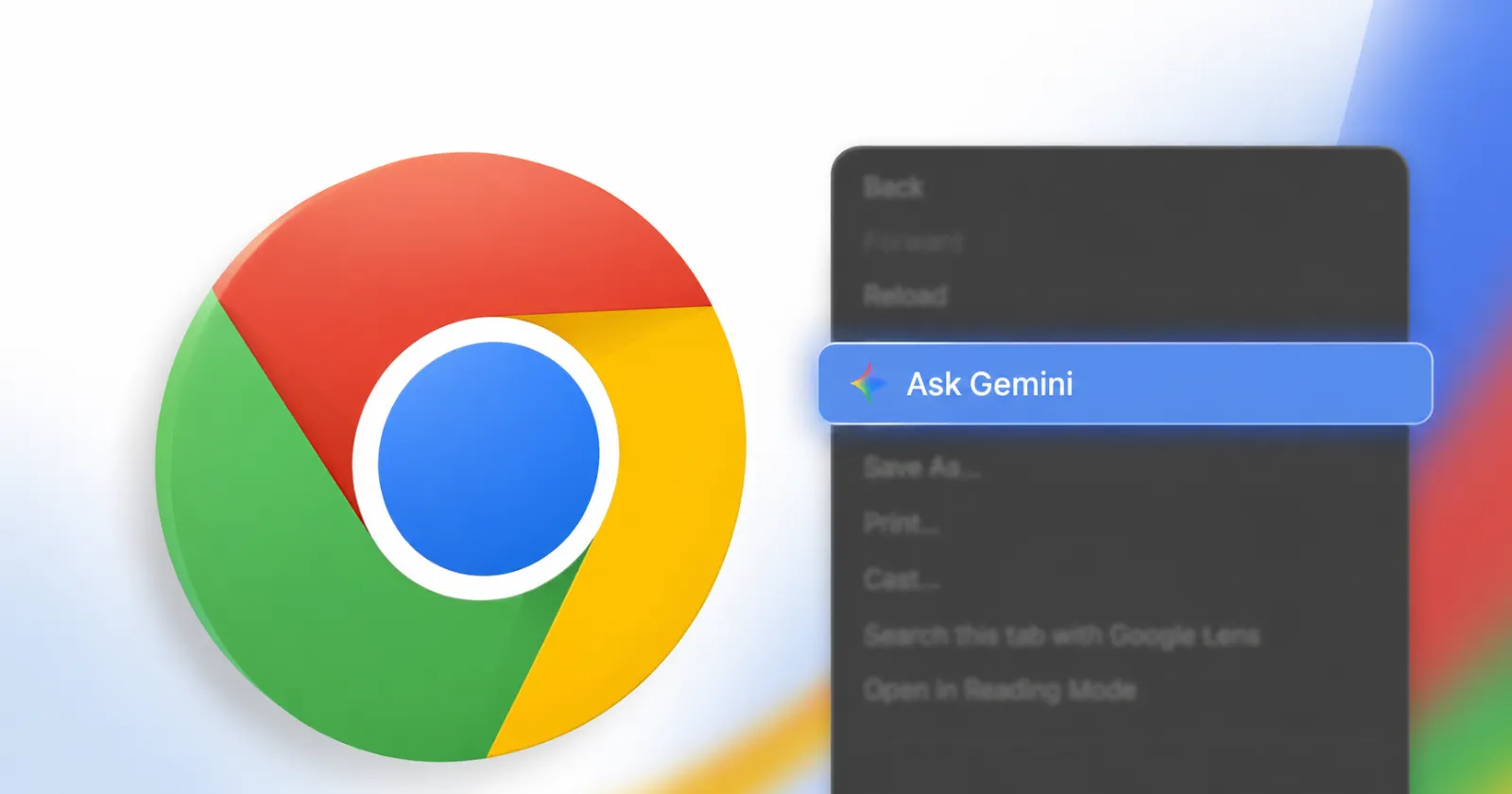
Google’s aggressive push to bake its AI into every corner of its ecosystem continues at full throttle. From Ask YouTube to widespread integration across Google Home, Gemini is rapidly becoming inescapable. Naturally, Google Chrome, the world’s most popular browser, is a primary vessel for this AI takeover. Following its initial rollout, Google is now supercharging the availability of Ask Gemini in Chrome, bringing the intelligent side panel to a staggering 172 locales across the globe, up from the previous 54.
Starting today, Chrome desktop and iOS users in Latin America, Africa, the Middle East, and beyond will finally gain access to the browser’s built-in personalized assistant. This is a massive leap from its initial US-only launch last year, and its subsequent, limited expansion to Canada, New Zealand, and India back in March.
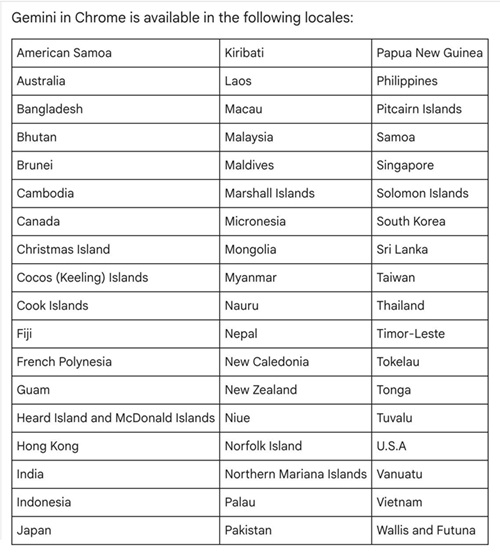
However, a glance at the newly updated 172-country availability list reveals one very glaring omission: the European Union. Much like other recent AI rollouts from major tech giants, complex regulatory landscapes likely mean EU users will have to wait a little longer before Gemini moves into their side panels.
What’s new with Gemini in Chrome?
For those in the newly supported regions, the update brings a wealth of powerful features. At its core, Gemini in Chrome allows users to summarize lengthy web pages and cross-compare information spanning multiple open tabs without missing a beat. But the real magic lies in its deep integration with the wider Google ecosystem. Without ever leaving your current web page, Ask Gemini lets you schedule meetings via Google Calendar, pull location details from Maps, draft emails in Gmail, and interact with YouTube videos.
In fact, Google has been eager to highlight these rich media integrations, recently showing off Ask Gemini’s capabilities in promotional videos that hinted at its expanding availability. The assistant is also getting significantly smarter; it can now remember context from past conversations, making continued research far less repetitive.
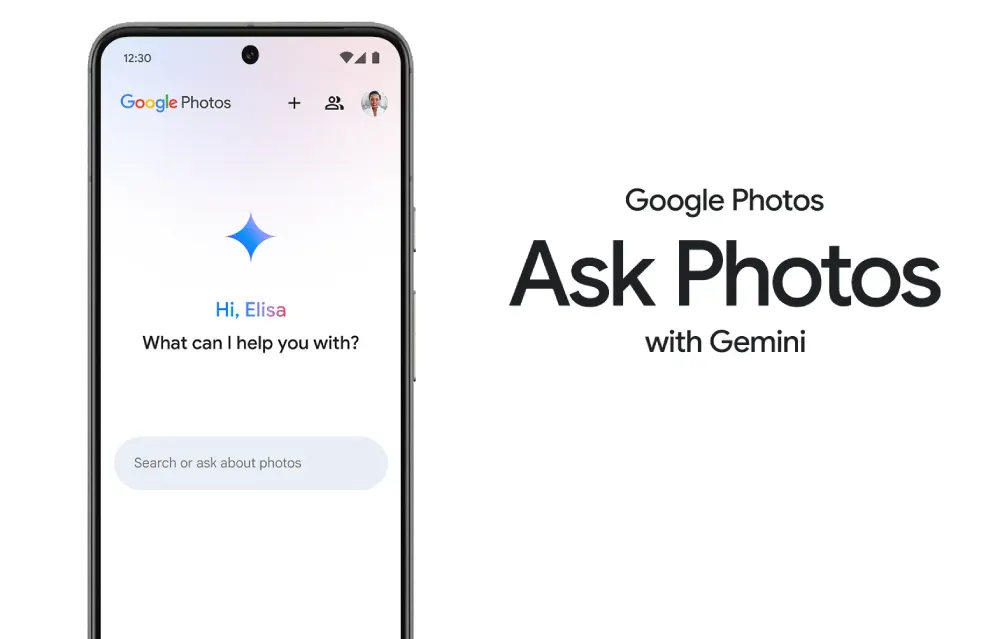
Furthermore, Google is introducing Nano Banana 2 capabilities, a playful codename for a powerful new feature that allows users to instantly transform online images using simple text prompts directly within the Gemini side panel. This is complemented by the rollout of Personal Intelligence 1, which acts as a connective tissue linking Gmail, Google Photos, YouTube, and Search to deliver highly tailored, context-aware answers to user queries.
This expansive functionality is also paving the way for intuitive visual lookups, such as the highly anticipated Circle to Search-style feature currently being developed for Ask Gemini in Chrome, bridging the gap between desktop browsing and mobile-first AI features.
On the security front, Google reassures users that they remain in the driver’s seat. The underlying models have been specifically trained to recognize known threats, including prompt injection attacks. Additionally, the system features built-in safeguards that require explicit user confirmation before executing any sensitive actions.
Not a fan? You have options
While millions of users will welcome an integrated AI assistant, we know that not everyone appreciates unprompted additions to their browser interface. If this massive global rollout has brought a feature you’d rather not see, you aren’t forced to use it.
If the new UI feels a bit too intrusive, you can easily turn off the new Ask Gemini button to reclaim your browser’s toolbar space. Alternatively, if your main gripe is a cluttered context menu when trying to copy and paste, you can specifically remove Ask Gemini from the Chrome right-click menu and go back to browsing exactly how you like it.


Hillary Keverenge
2723 Posts
Tech has been my playground for over a decade. While the Android journey began early, it truly took flight with the revolutionary Lollipop update. Since then, it's been a parade of Android devices (with a sprinkle of iOS), culminating in a mostly happy marriage with Google's smart home ecosystem. Expect insightful articles and explorations of the ever-evolving world of Android and Google products coupled with occasional rants on the Nest smart home ecosystem.
Next article View Article